Apple has released iOS 27 beta 3 to developers today, bringing more UI refinements and bug fixes. On top of that, Apple is preparing the iOS 27 Public Beta, confirmed to launch sometime in July.
In case you missed it, here’s everything added in beta 2: What’s New in iOS 27 Beta 2 →
iOS 27 Developer Beta 3
Build: 24A5380h
Released: July 6, 2026
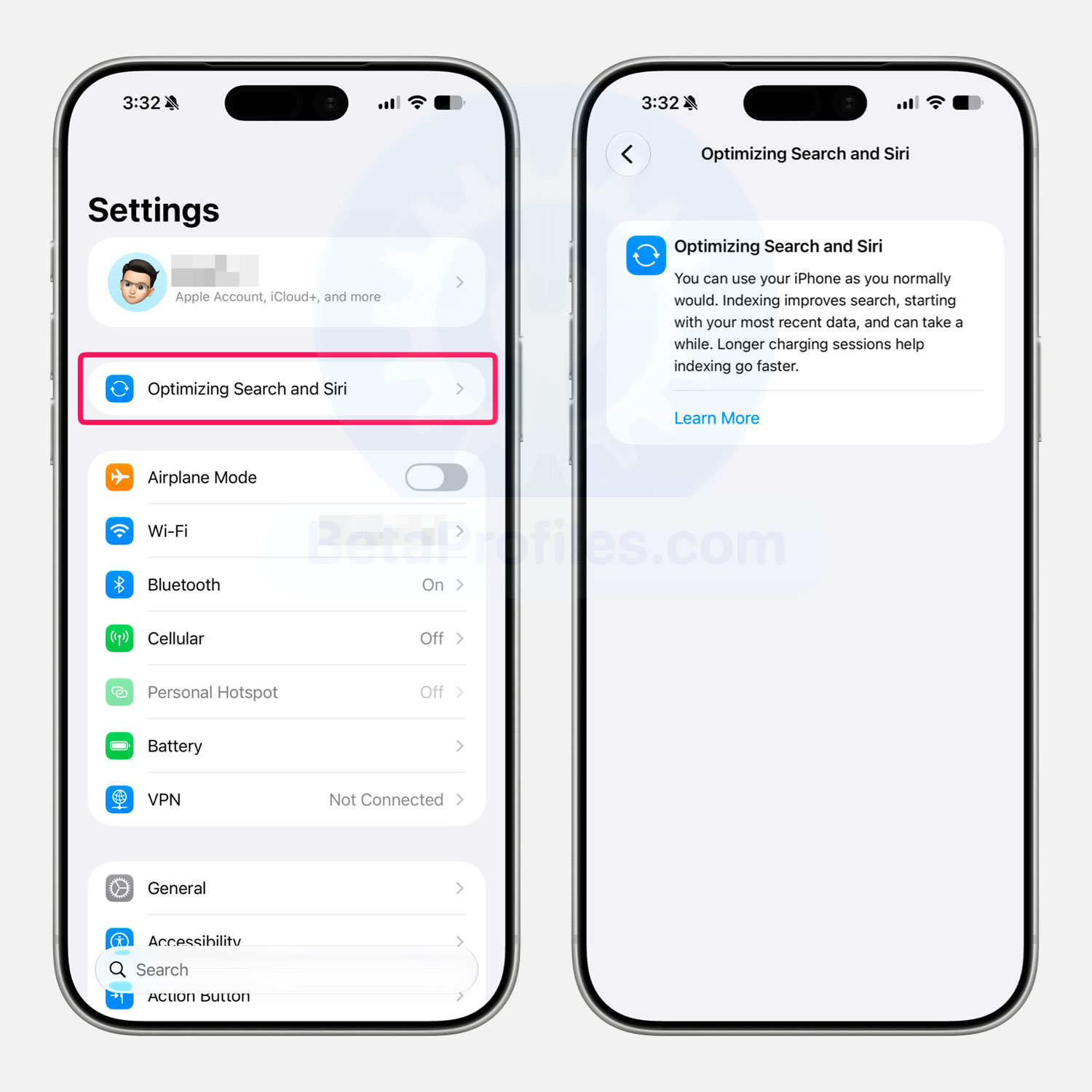
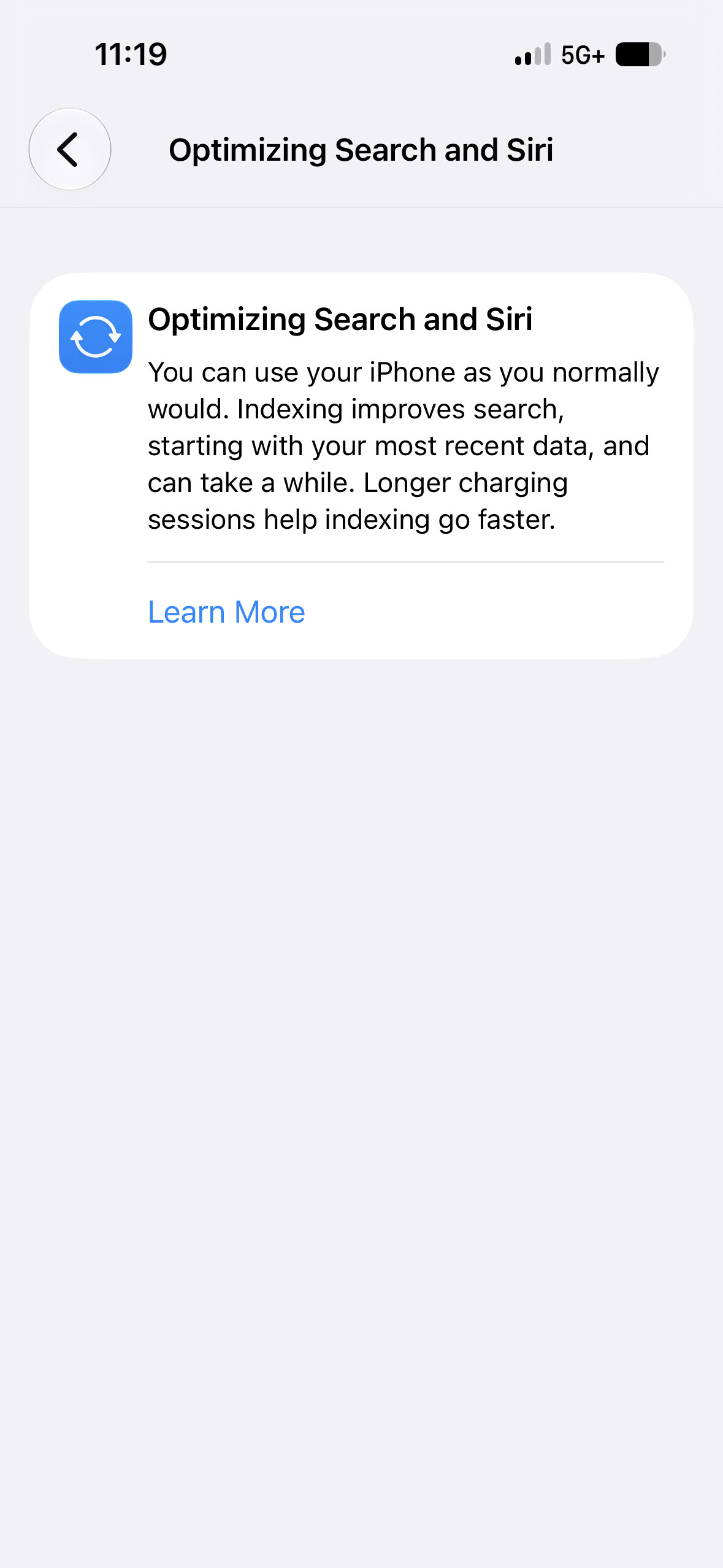
Optimizing Search and Siri
After updating to iOS 27 Beta 3, my iPhone showed an “Optimizing Search and Siri” banner at the top of Settings. This replaces the “Indexing in Progress” indicator from Beta 1. It appears that some Siri changes in iOS 27 Beta 3 require the iPhone to index content again.
However, this change is not new in Beta 3, as @iNekomac reported that a similar banner also appeared after resetting an iPhone running iOS 27 Beta 2.
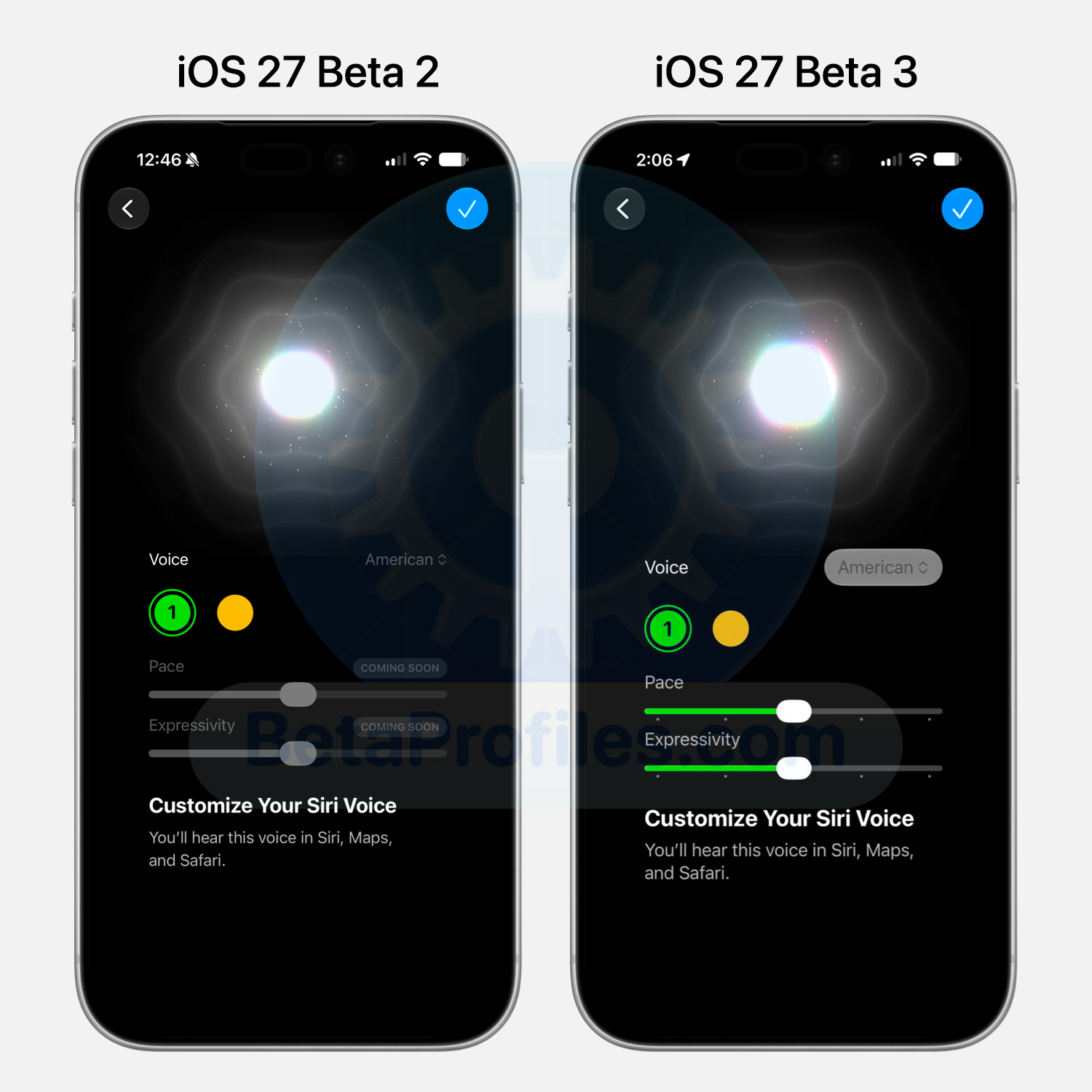
Customize Siri Voice
iOS 27 Beta 3 now lets you customize Siri voice.
This feature requires an iPhone 17 Pro, iPhone 17 Pro Max or iPhone Air.
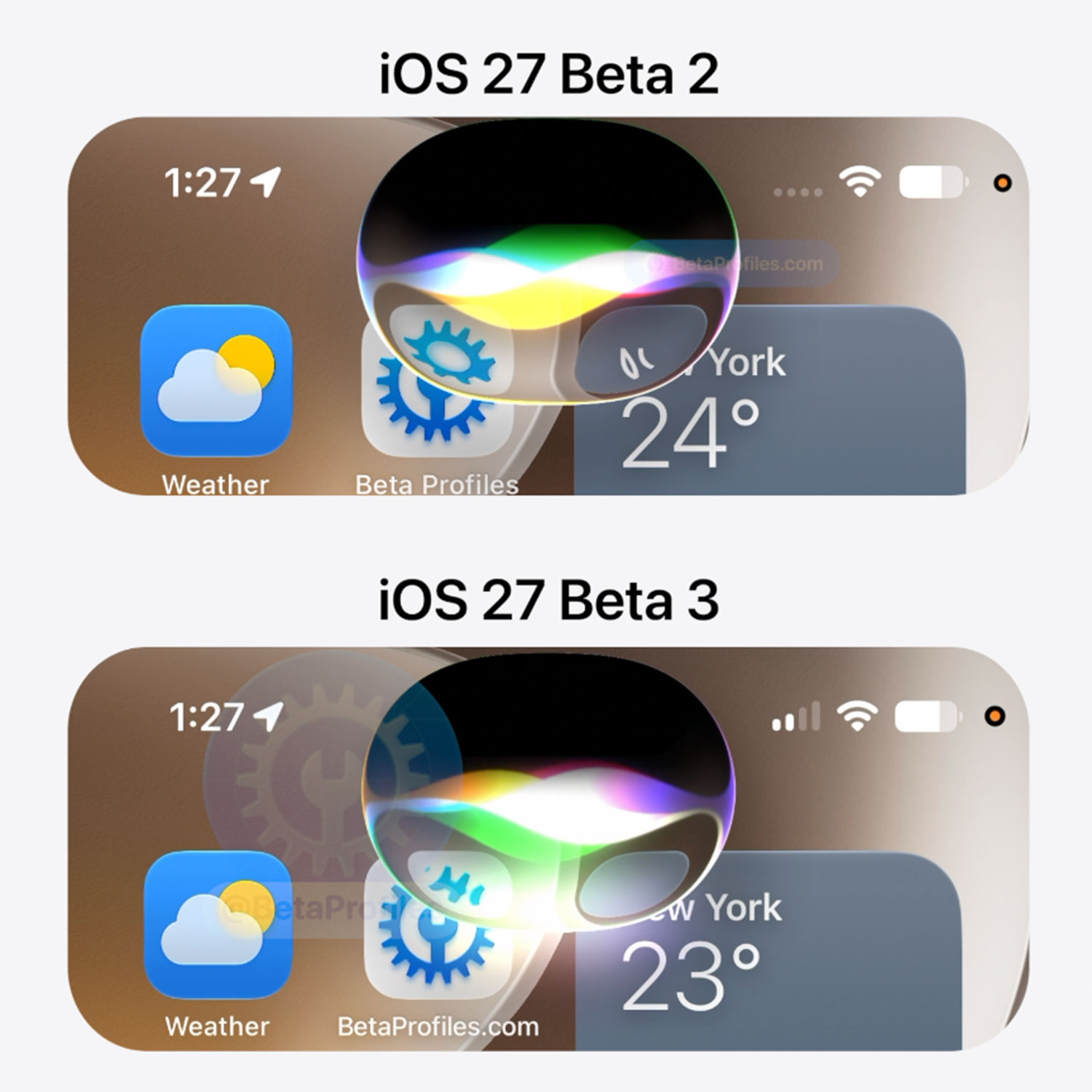
Siri AI
The new Siri AI has been slightly refined. Apple has added a colorful reflective layer that appears while Siri is listening to your request.
https://x.com/BetaProfiles/status/2074203724248121695
Siri AI can now access information from third-party apps as well. As Max Weinbach pointed out, he asked Siri about his Tesla’s current battery level, and Siri requested permission to access the Tessie app before displaying the battery level from the app.
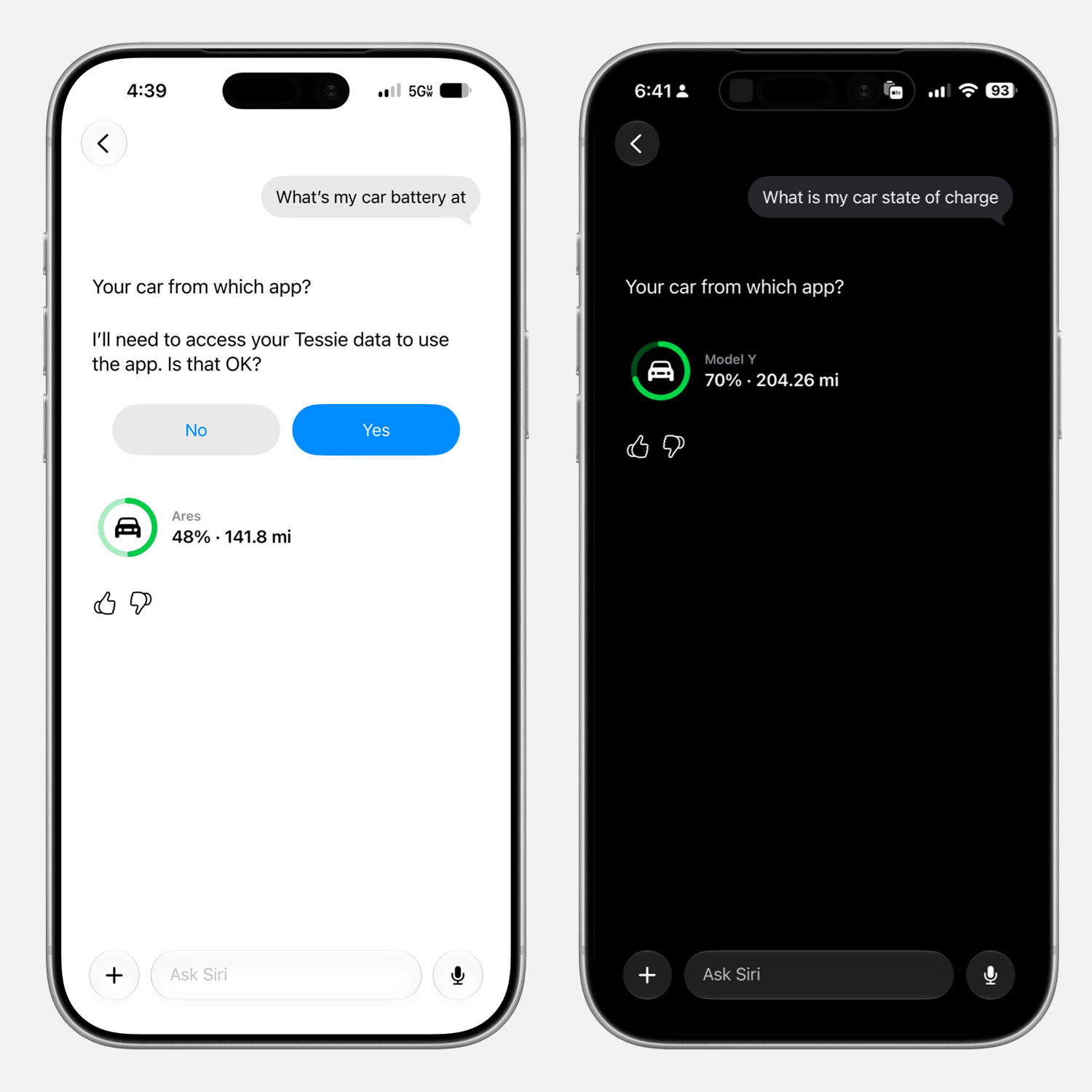
Image credit @mweinbach & @CamCovington
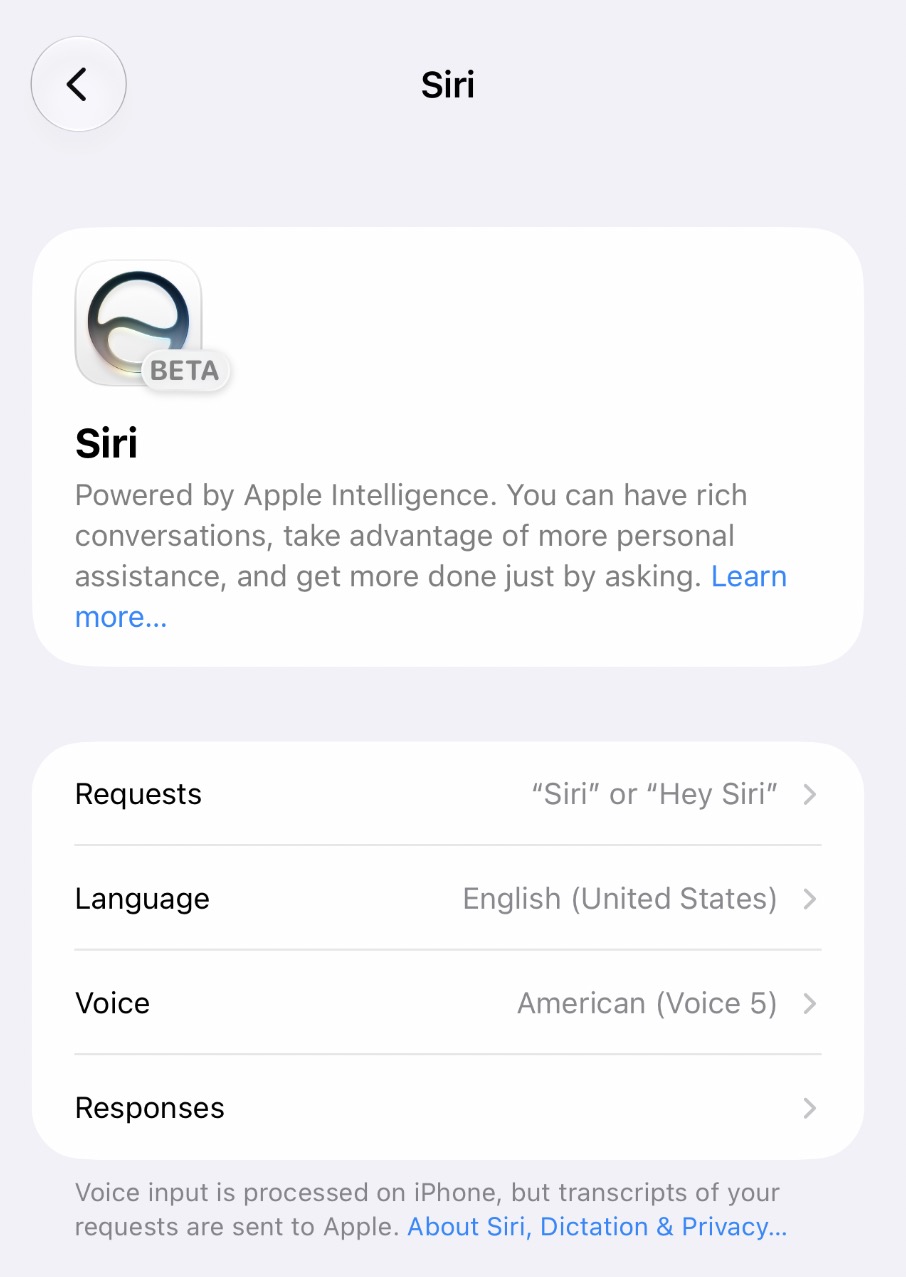
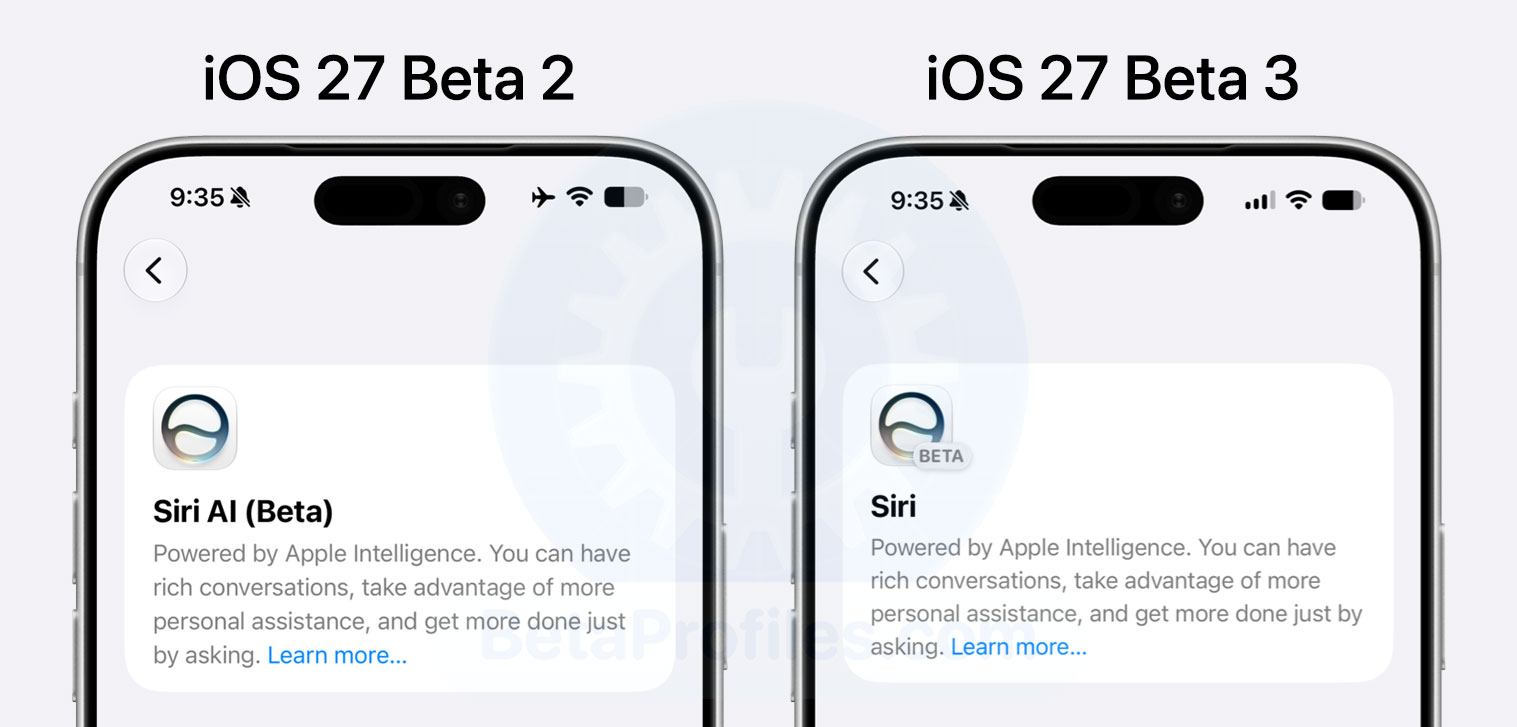
In Settings → Siri, Beta 3 renames Siri AI (Beta) to simply Siri, while also adding a BETA badge next to the Siri logo.
Specular Highlights
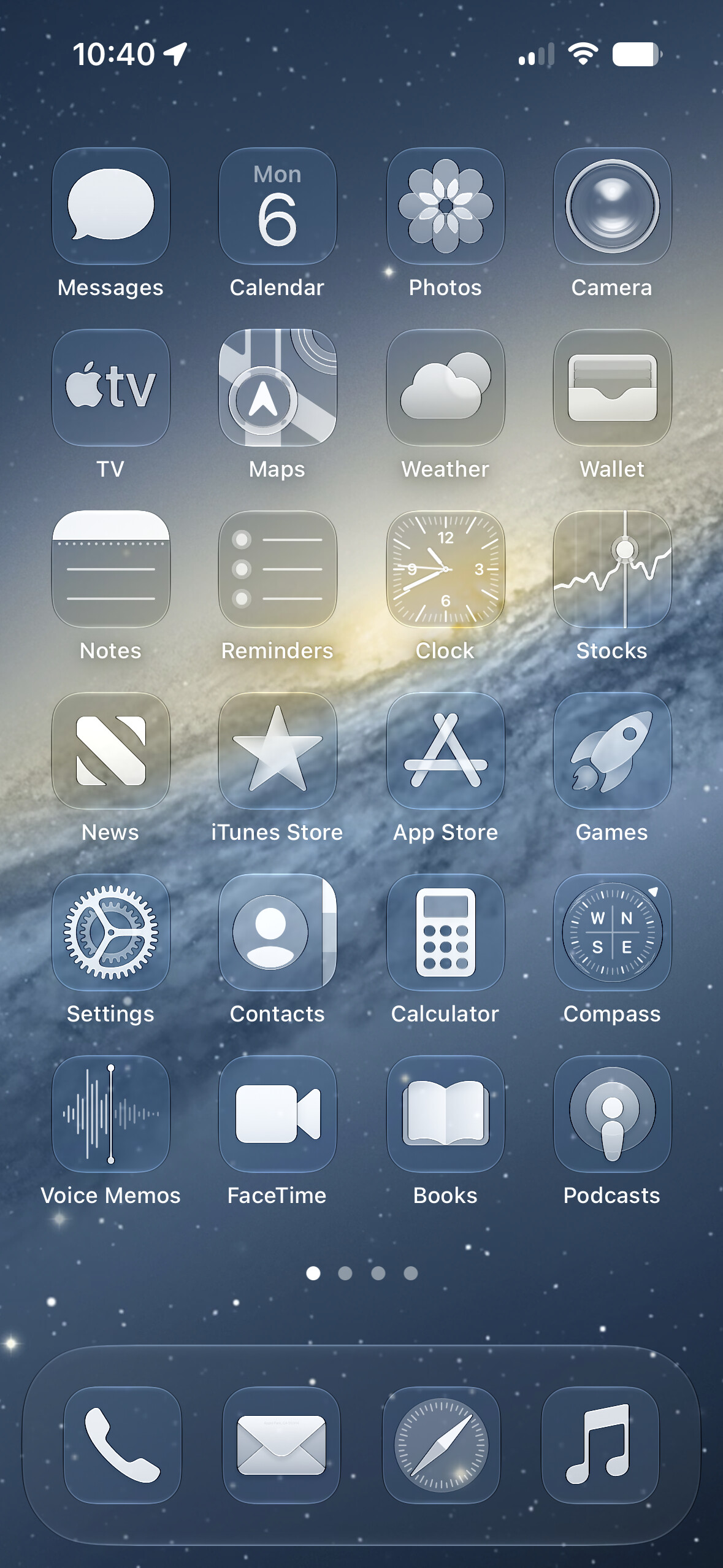
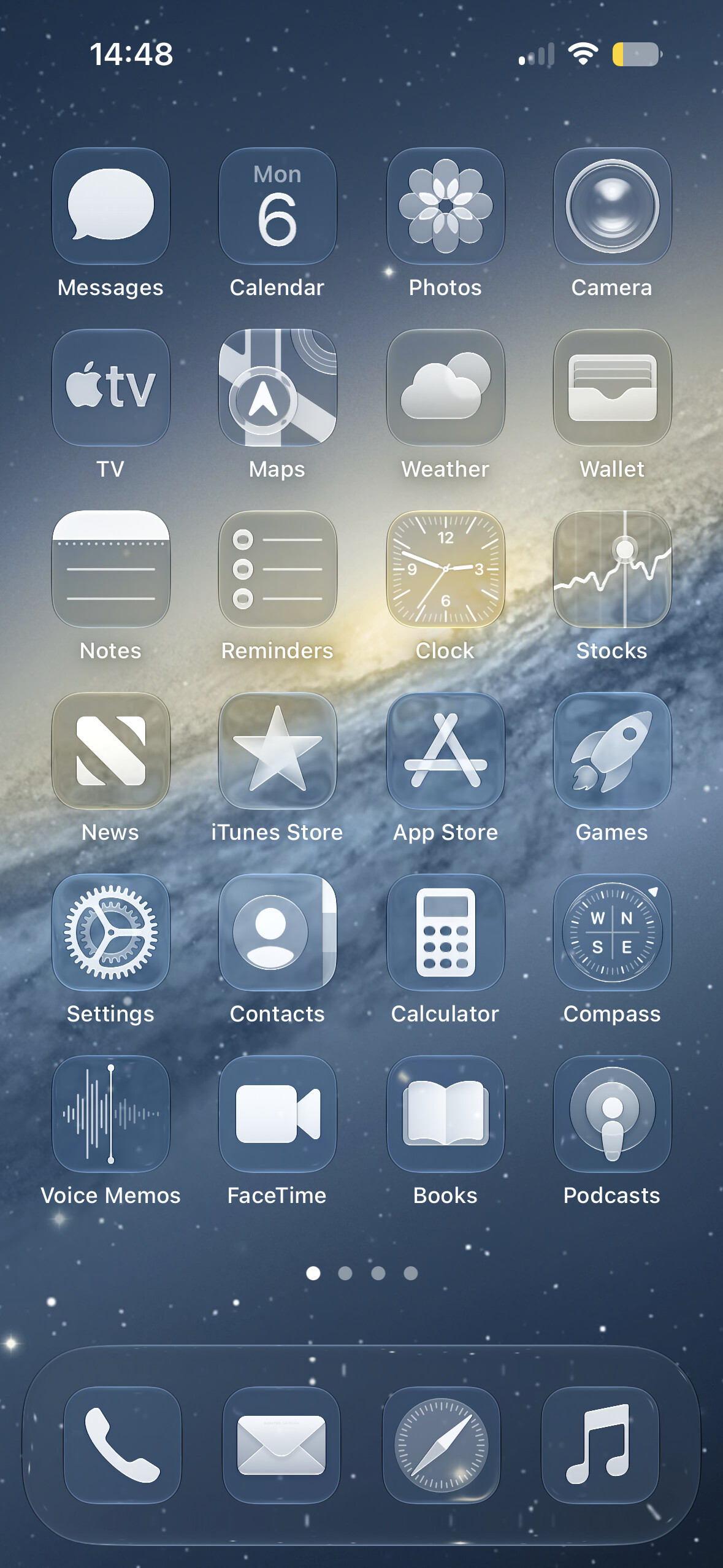
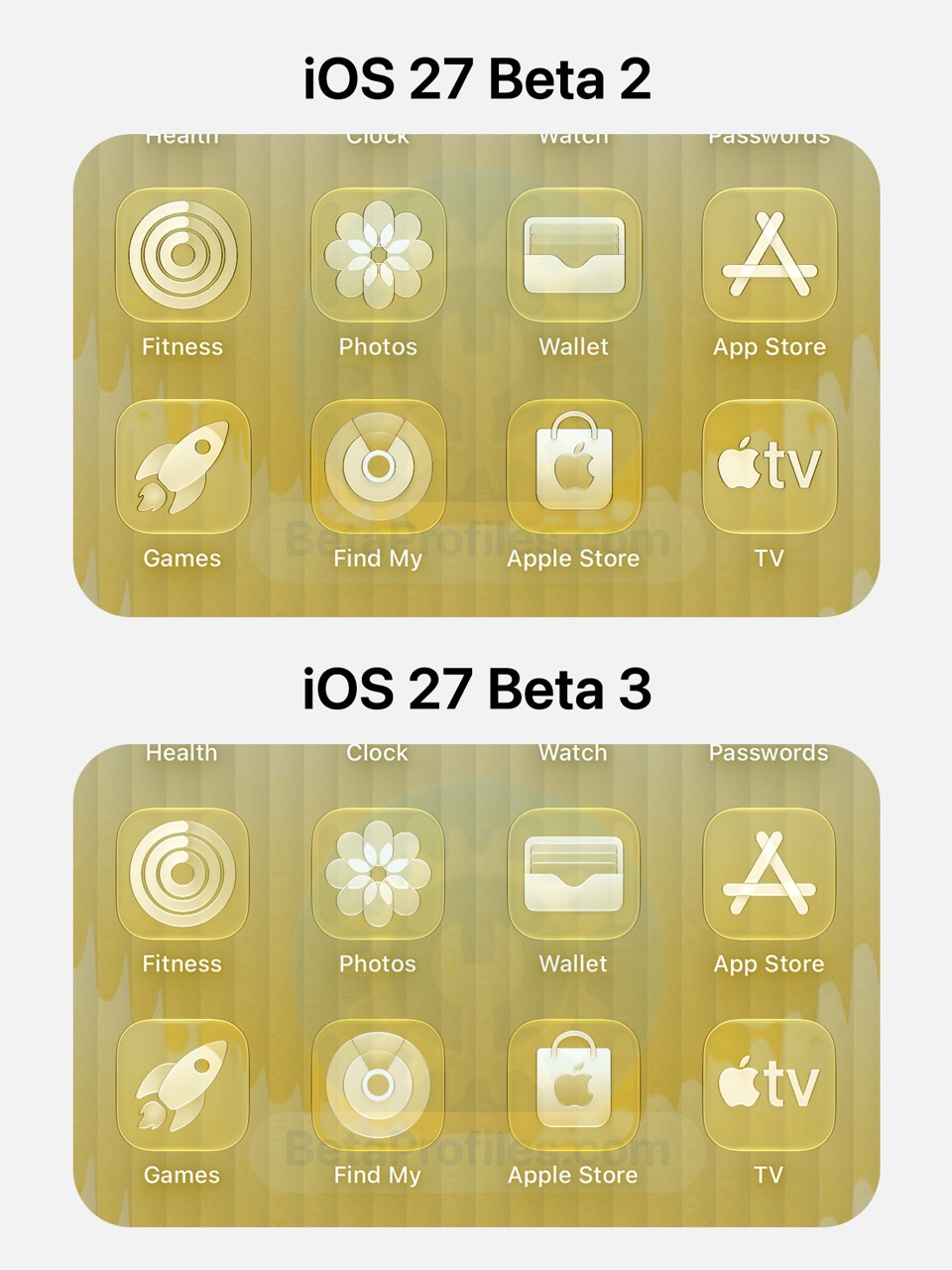
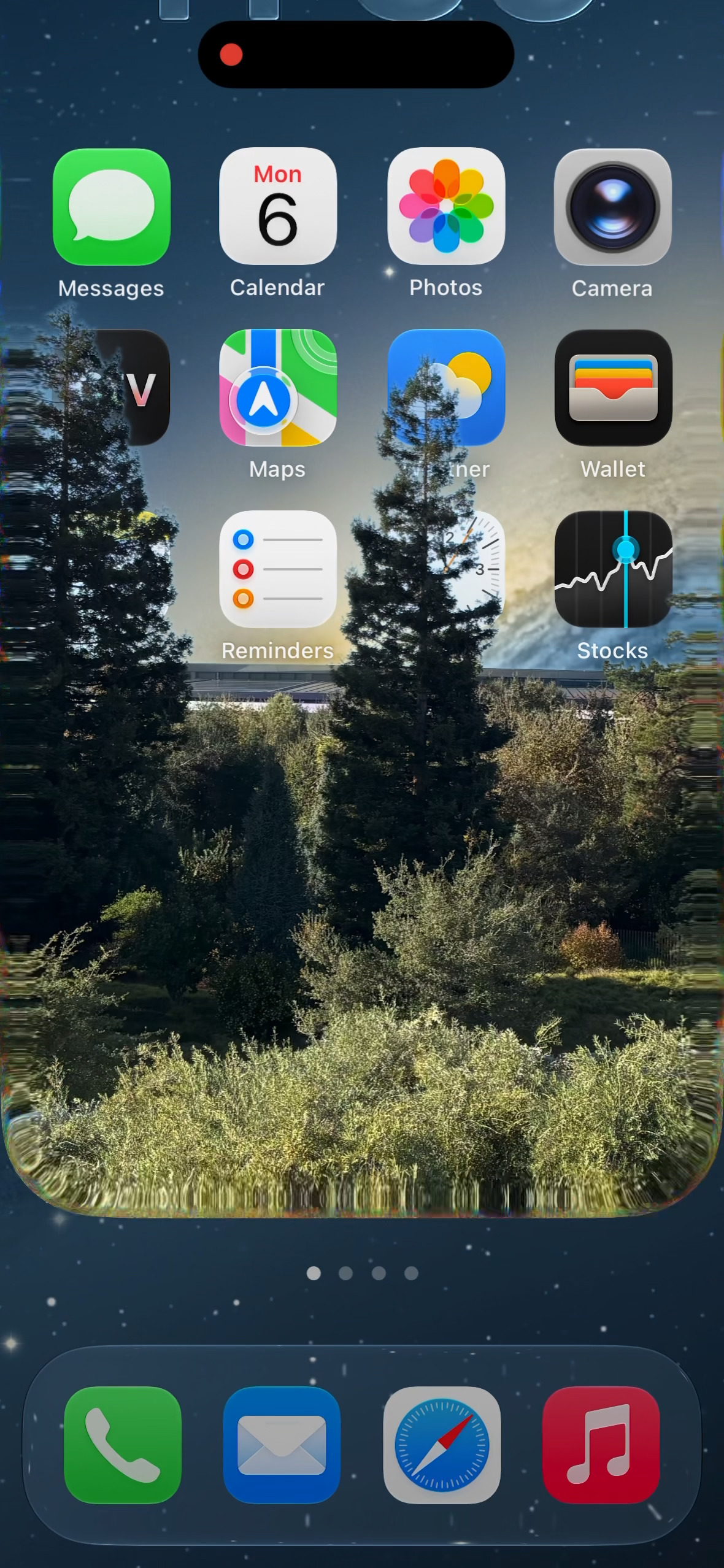
iOS 27 beta 3 has toned down the specular highlights on Home Screen icons, making them look softer and reducing the dark outlines. The change is most noticeable with the Clear or Tinted icon style.
Updated App Icons
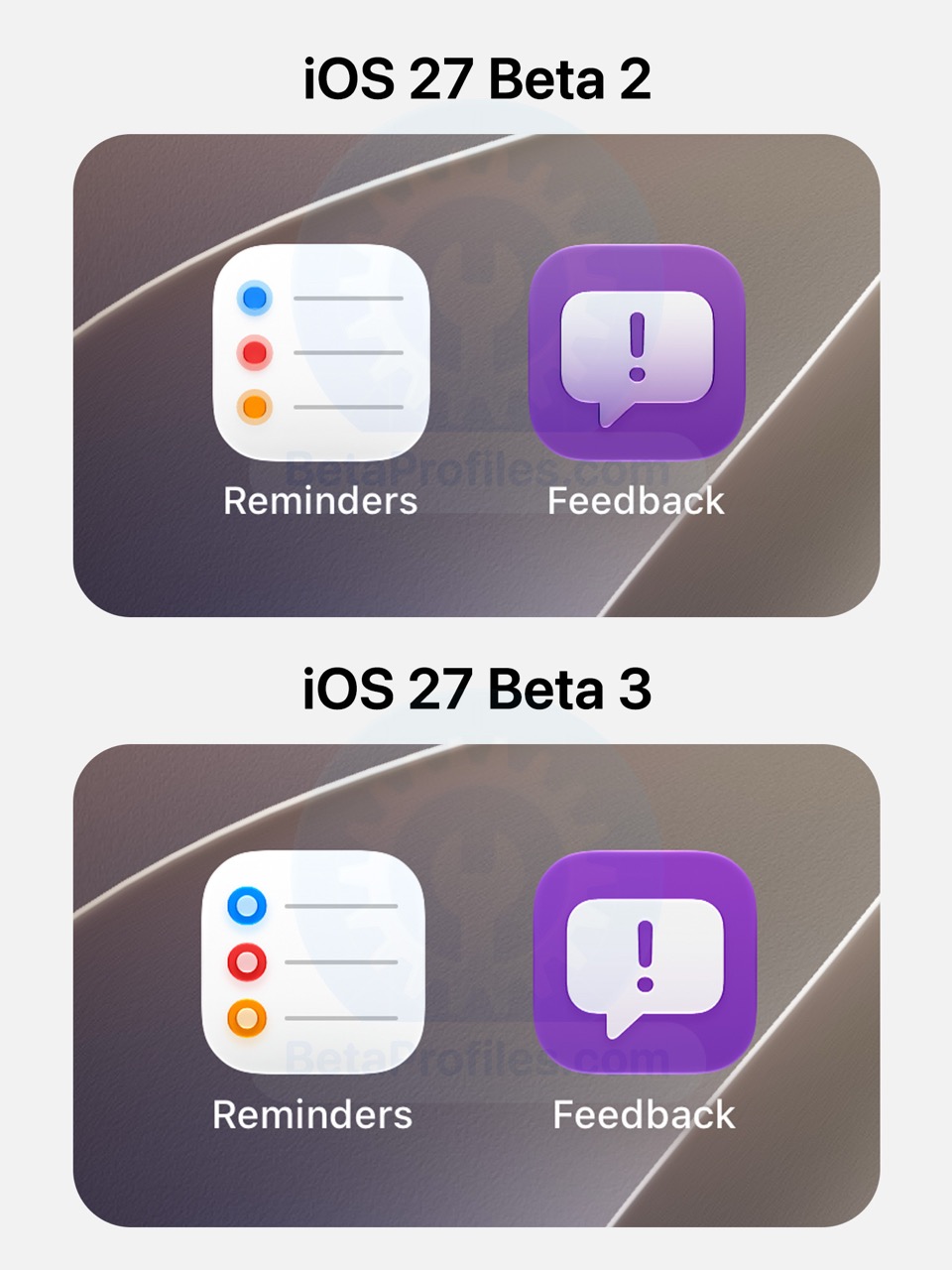
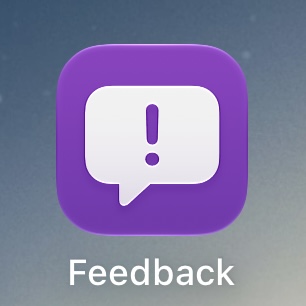
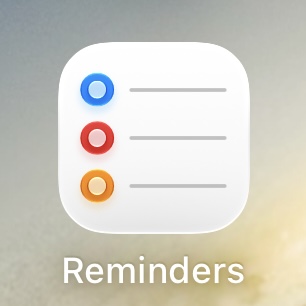
The Reminders and Feedback app icons have been updated in iOS 27 Beta 3.
Status Bar
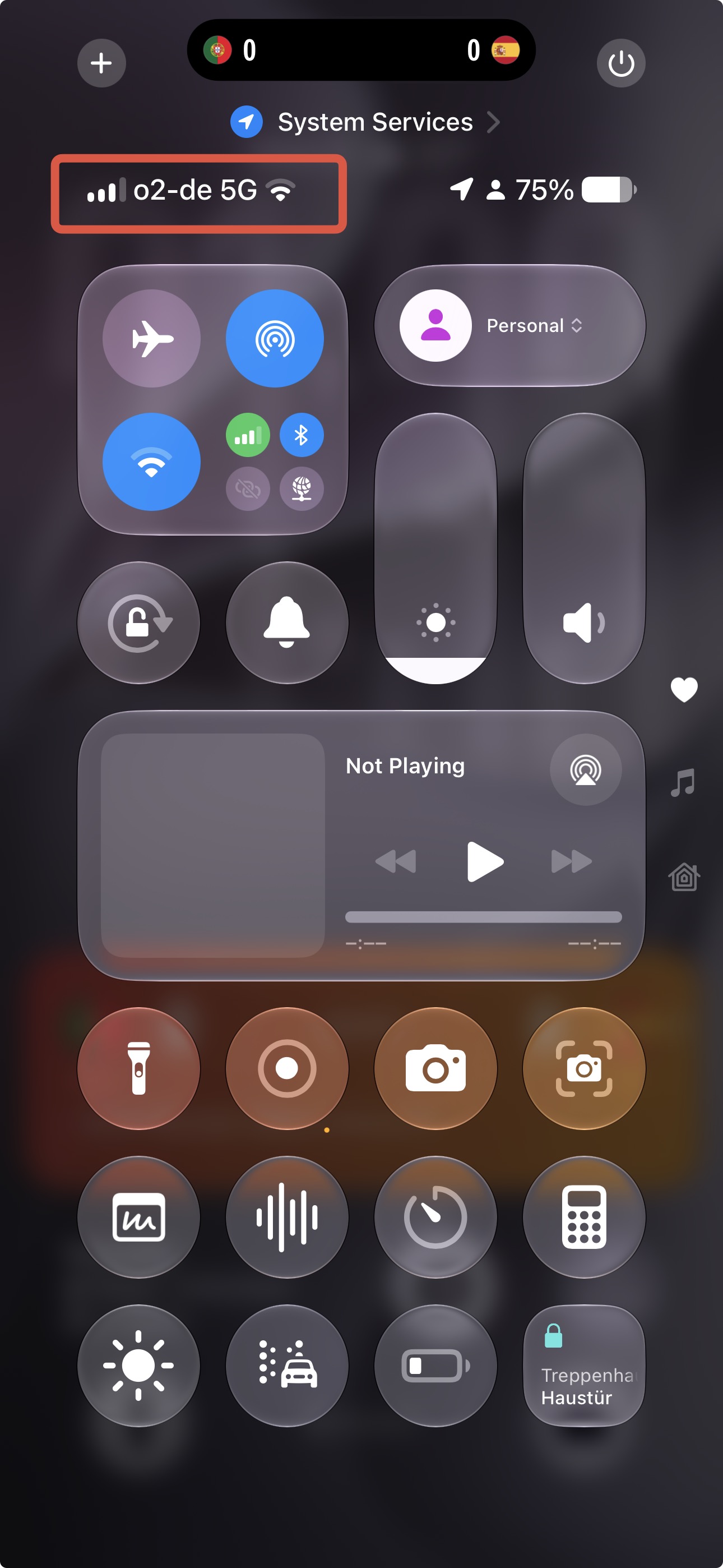
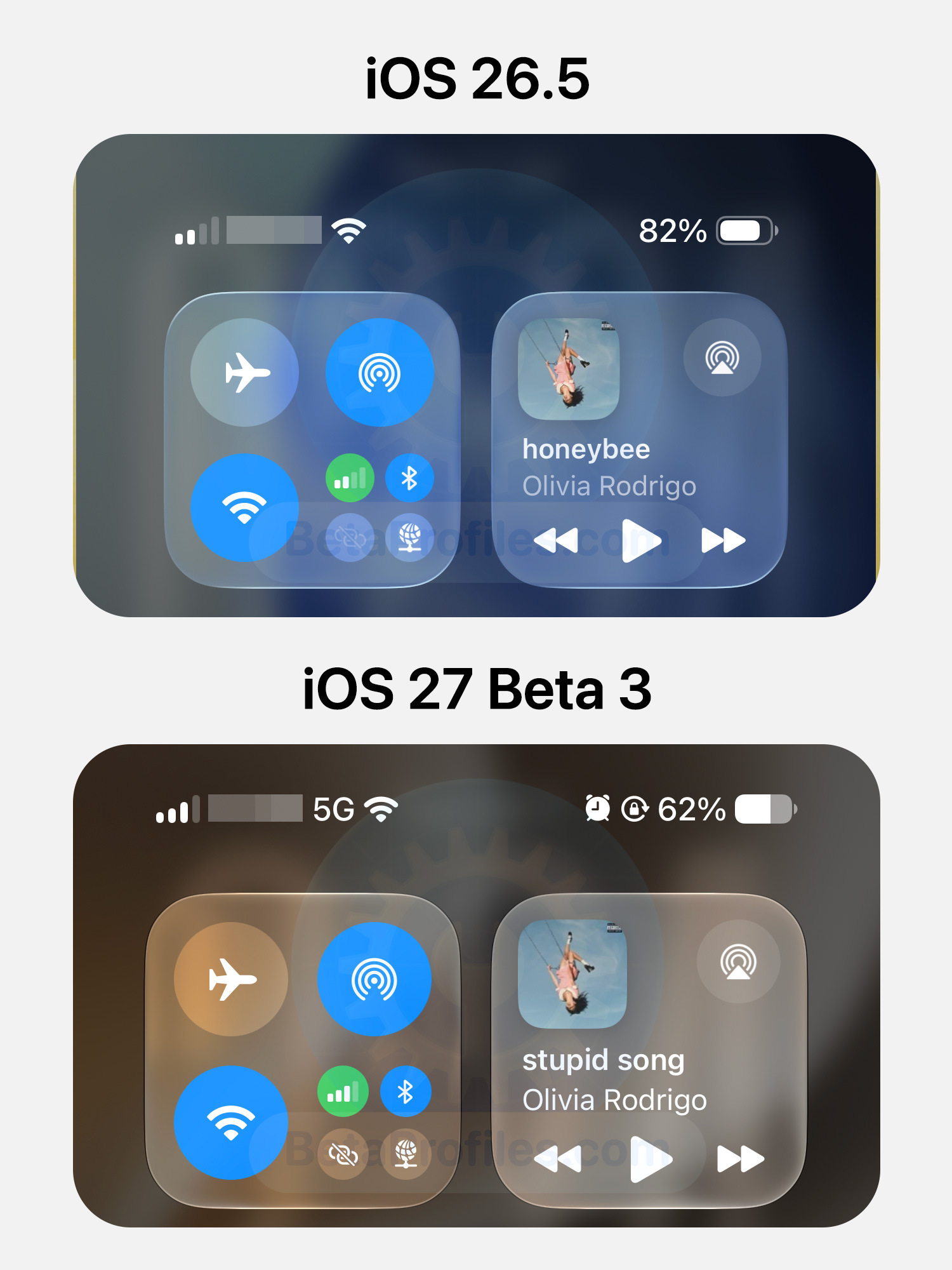
The 5G and Wi-Fi icons now appear together in the status bar when opening Control Center.
AirPods Adaptive Audio
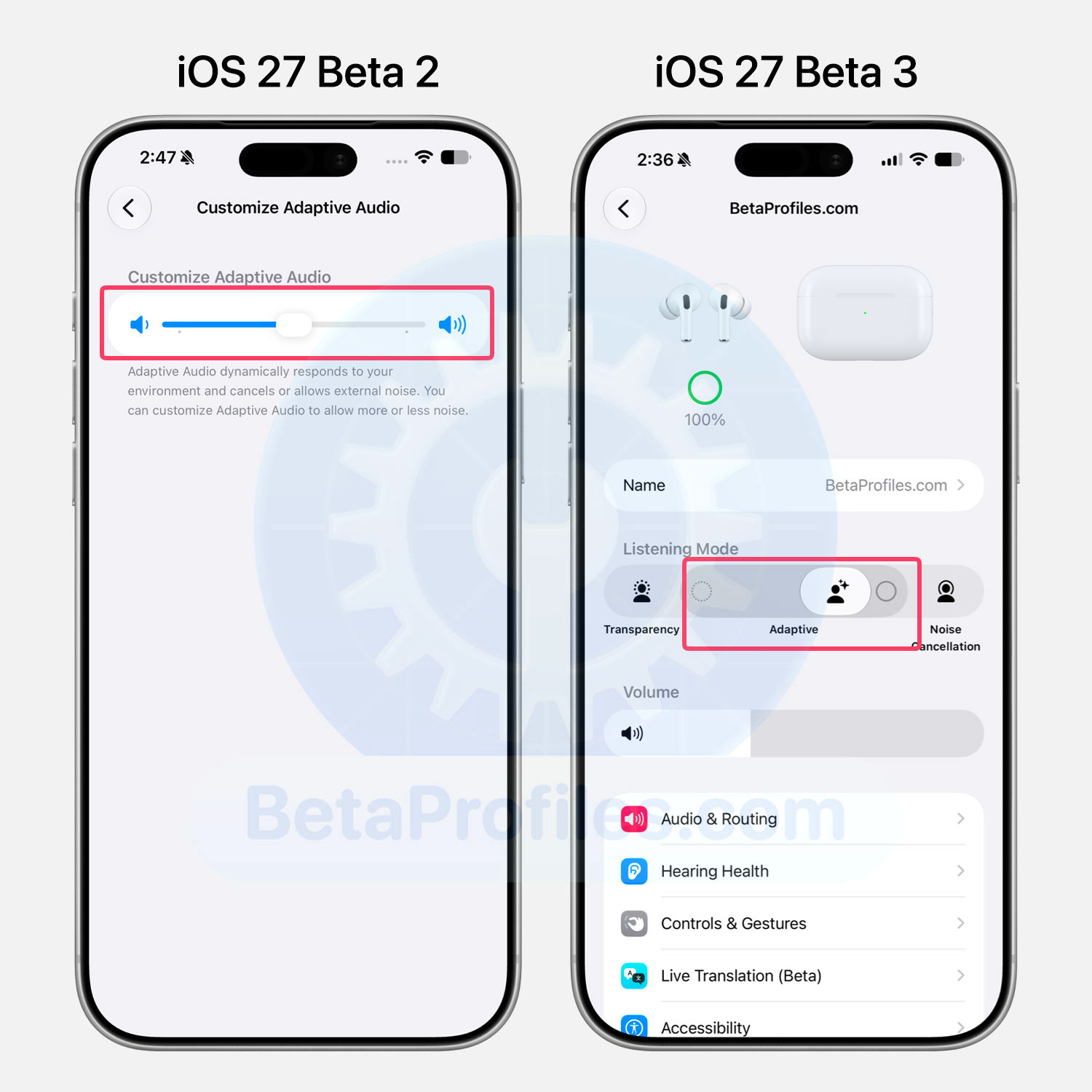
iOS 27 Beta 3 brings the Adaptive Audio adjustment slider directly into the Listening Mode interface in AirPods Settings.
Previously, this option was tucked away under Audio & Routing → Adaptive Audio. You can now fine-tune Adaptive Audio with more granular adjustment levels, rather than being limited to just three.
Shortcuts
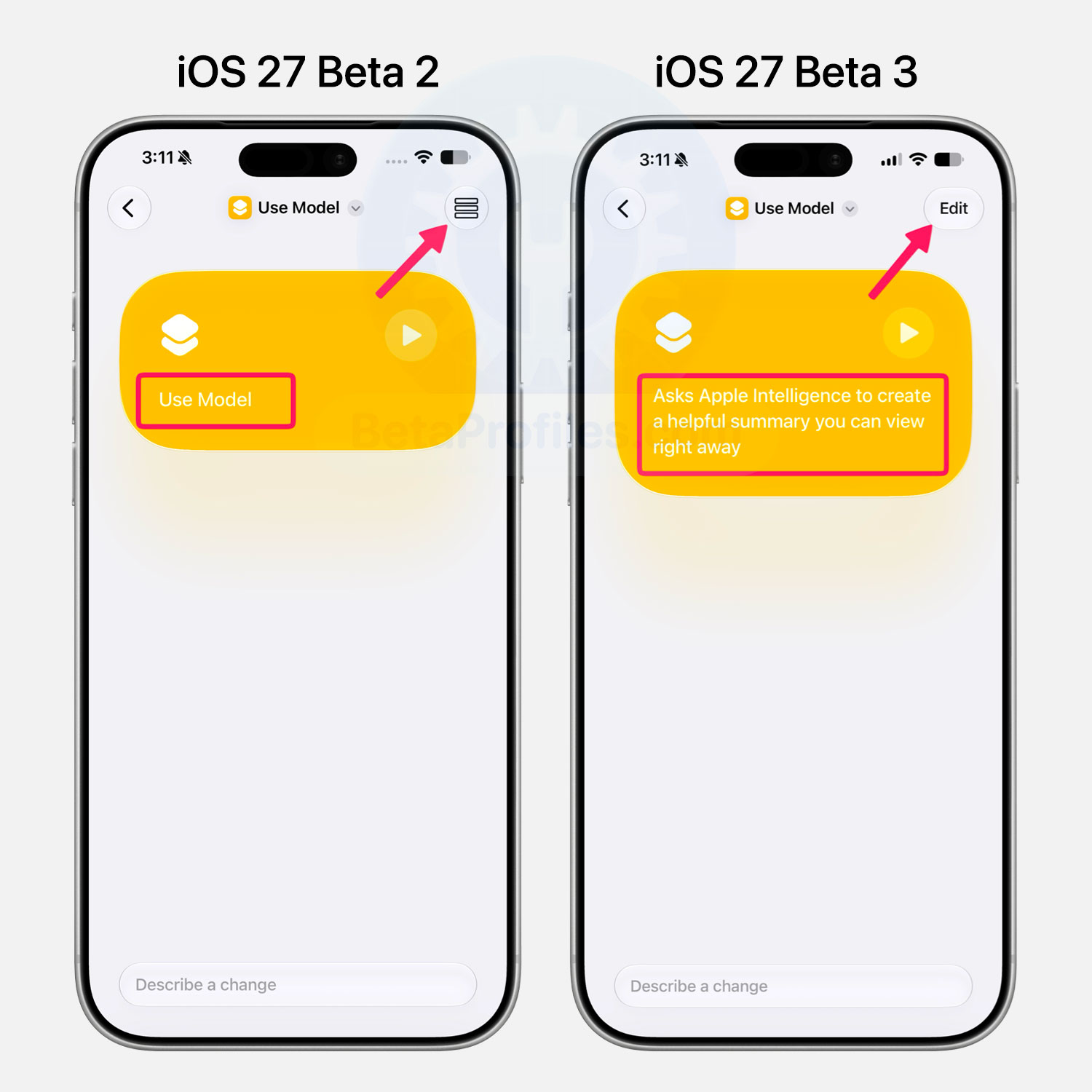
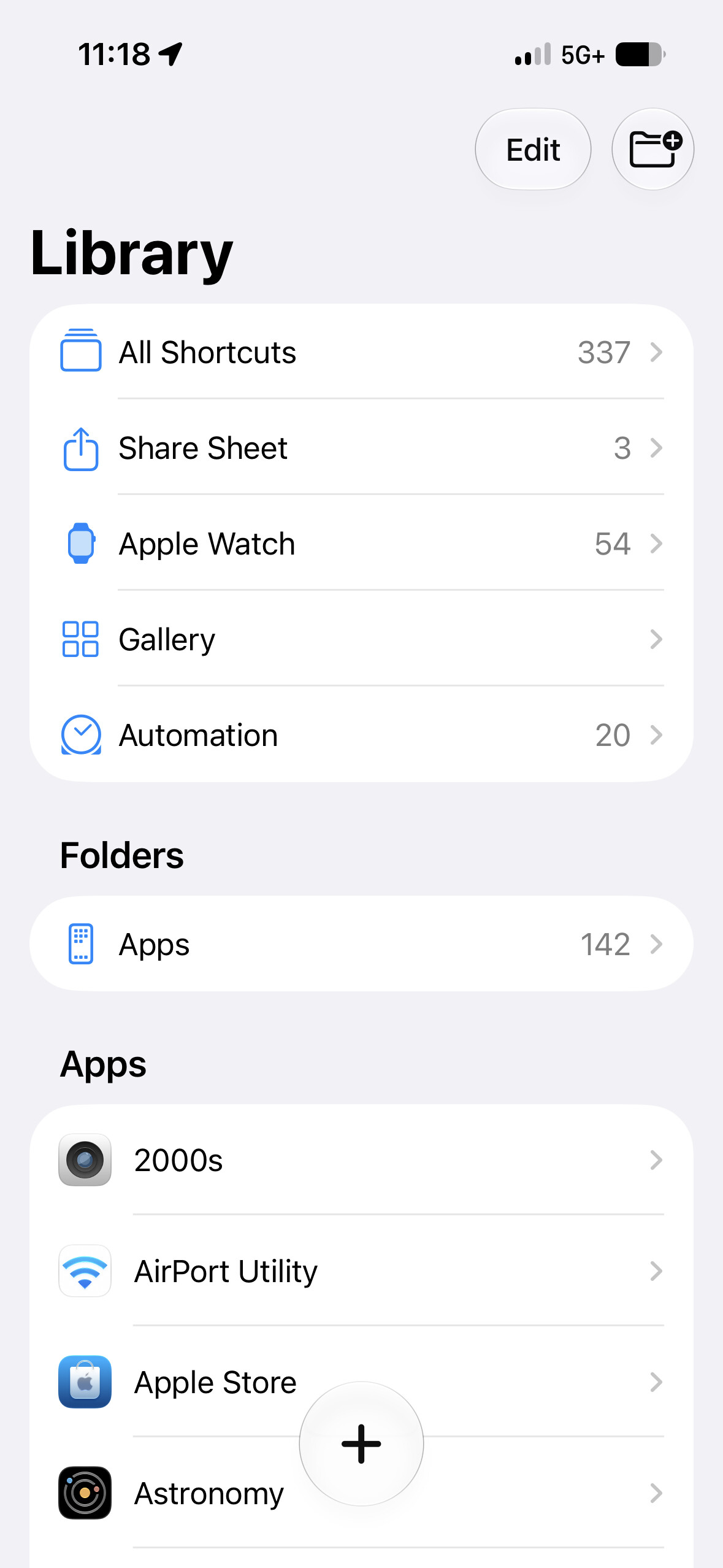
In the shortcut editor, the Edit button has been updated to make it more noticeable. Apple Intelligence can also generate a summary of the shortcut’s key actions.
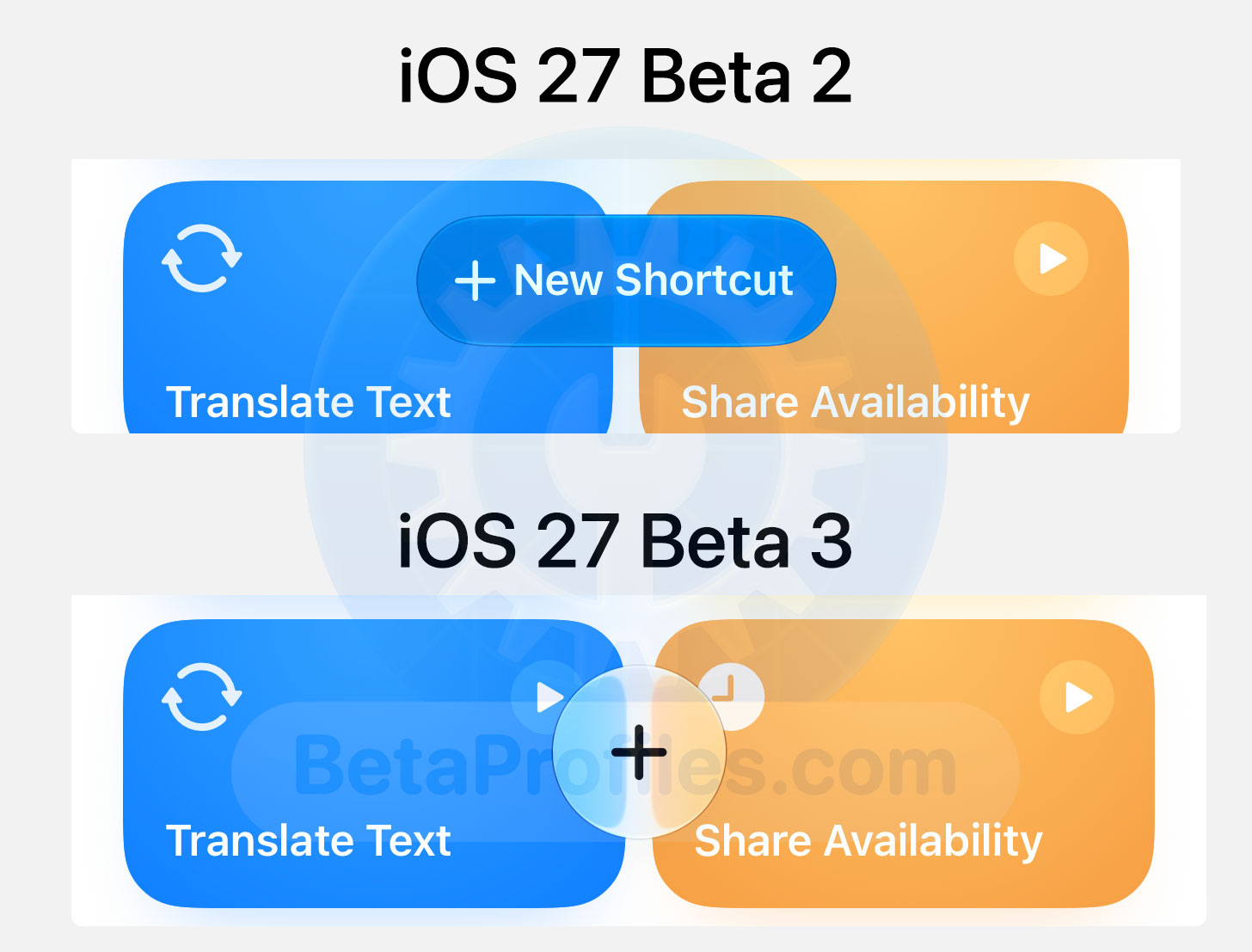
The “New Shortcut” button has been replaced by a simpler “+” button.
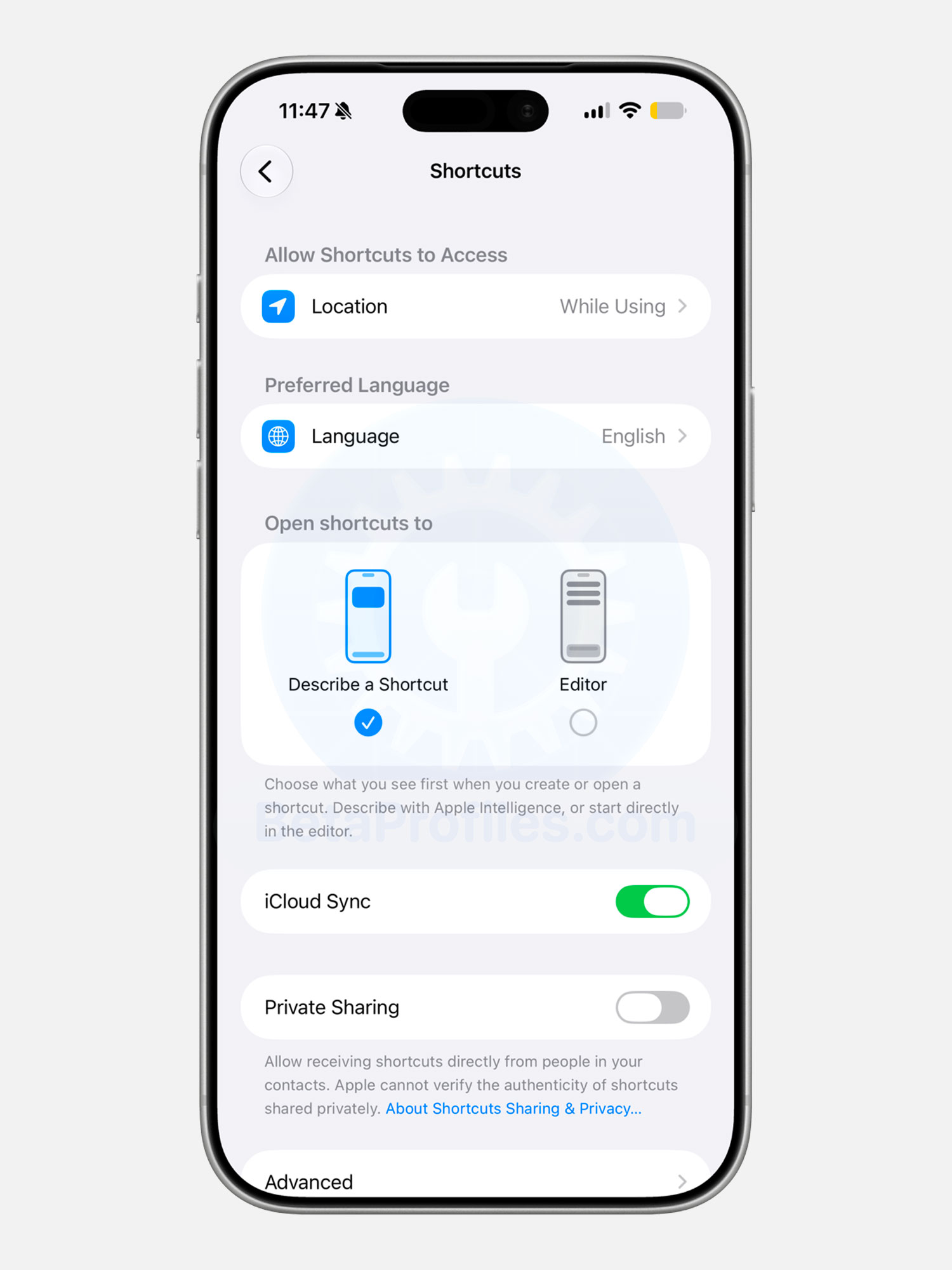
A new setting is available under Settings → Apps → Shortcuts, allowing you to choose between the “Describe a Shortcut” interface or the “Shortcuts Editor” when creating a new shortcut.
Find My
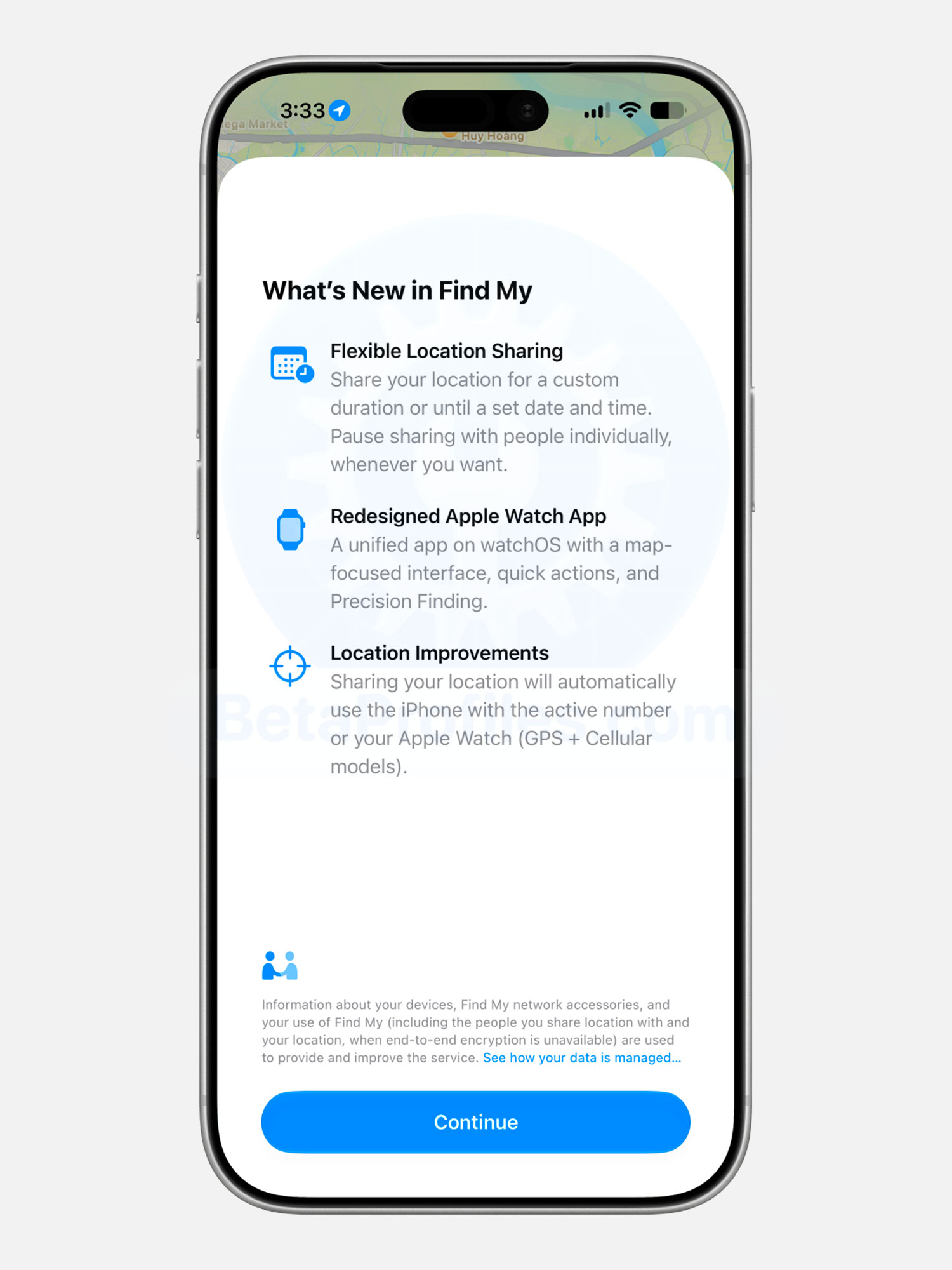
When you open the Find My app, you’ll now see a What’s New in Find My screen highlighting the latest changes.
- Flexible Location Sharing: Share your location for a custom duration or until a set date and time. Pause sharing with people individually, whenever you want.
- Redesigned Apple Watch App: A unified app on watchOS with a map-focused interface, quick actions, and Precision Finding.
- Location Improvements: Sharing your location will automatically use the iPhone with the active number or your Apple Watch (GPS + Cellular models).
Control Center
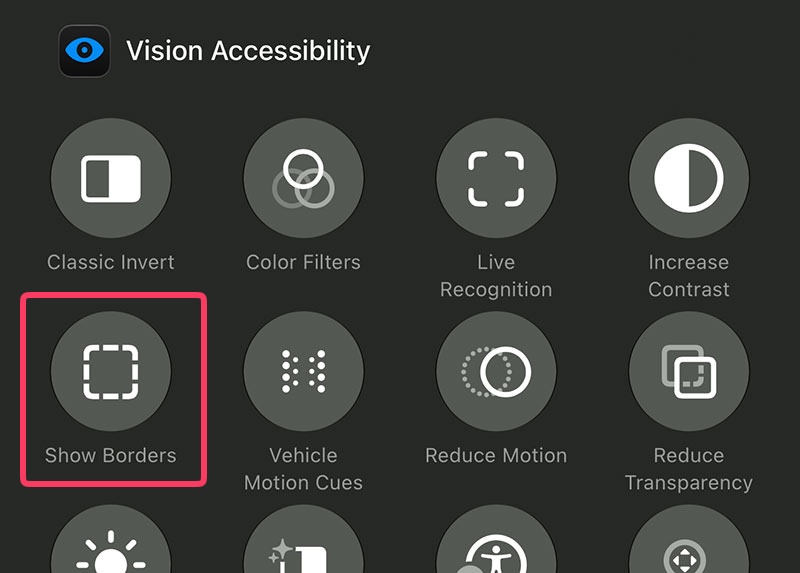
A new Show Borders control has been added under Vision Accessibility in Control Center.
Live Recognition
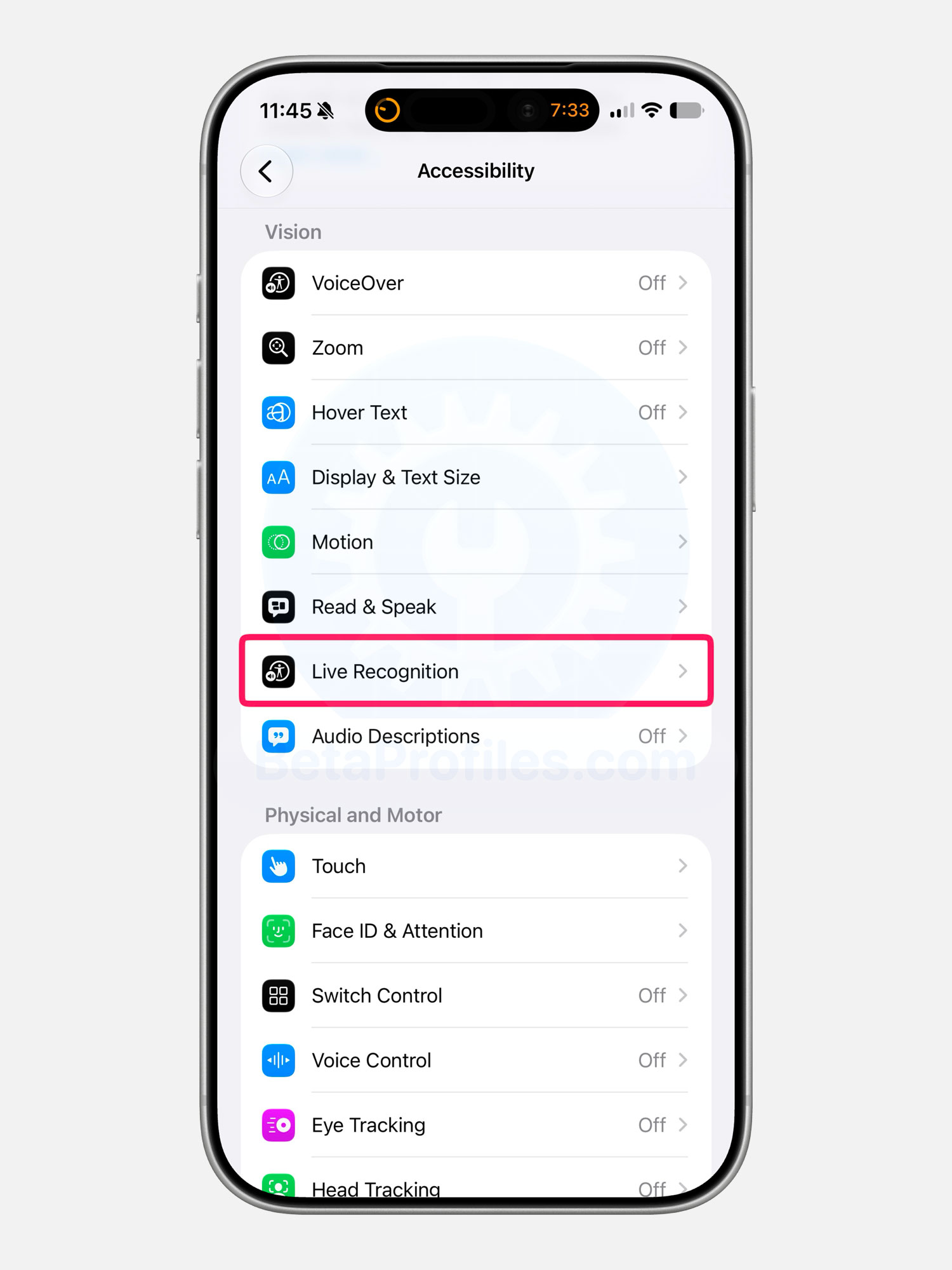
Live Recognition has been moved to the main Accessibility menu (Settings → Accessibility). Previously, it was tucked away under Settings → Accessibility → VoiceOver → VoiceOver Recognition.
Photos
Update: This was already added in Beta 2.
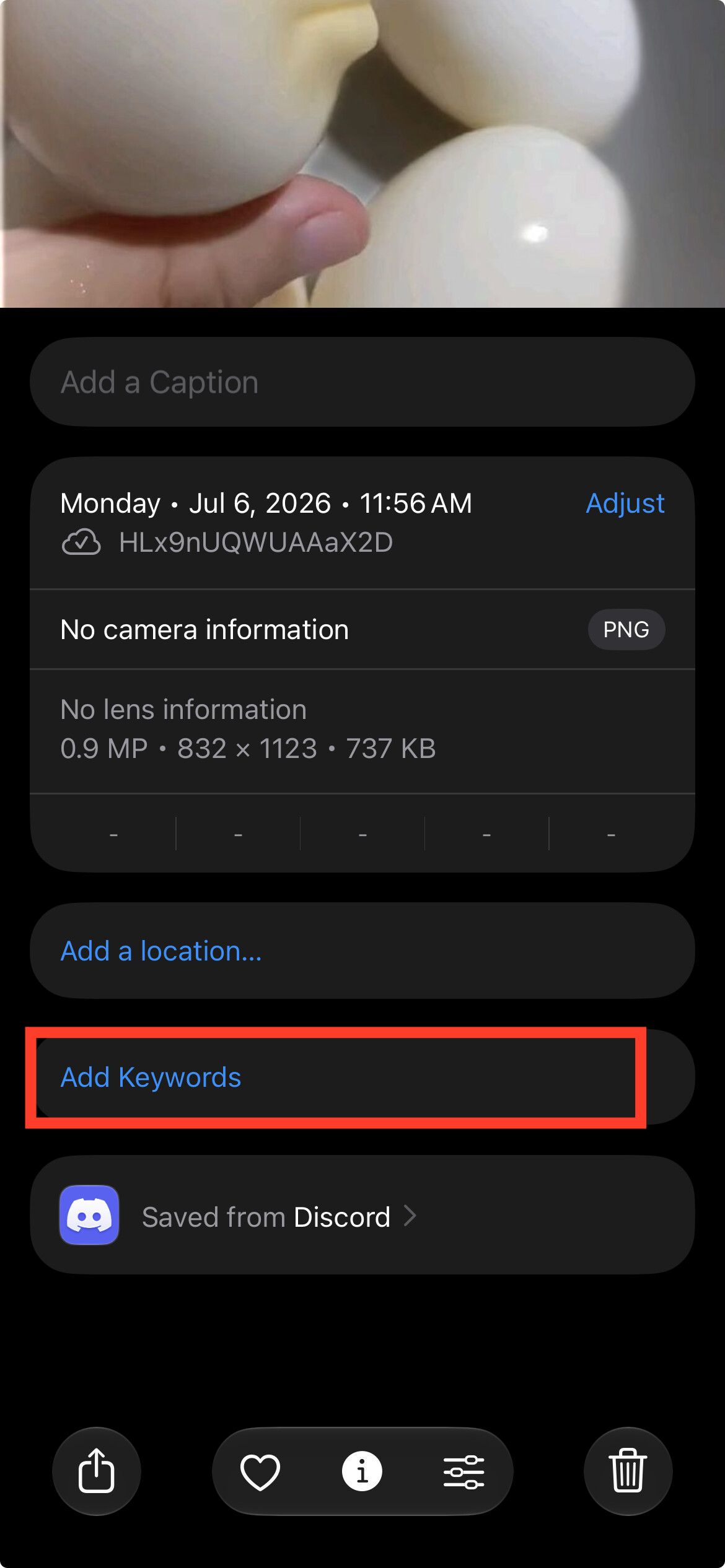
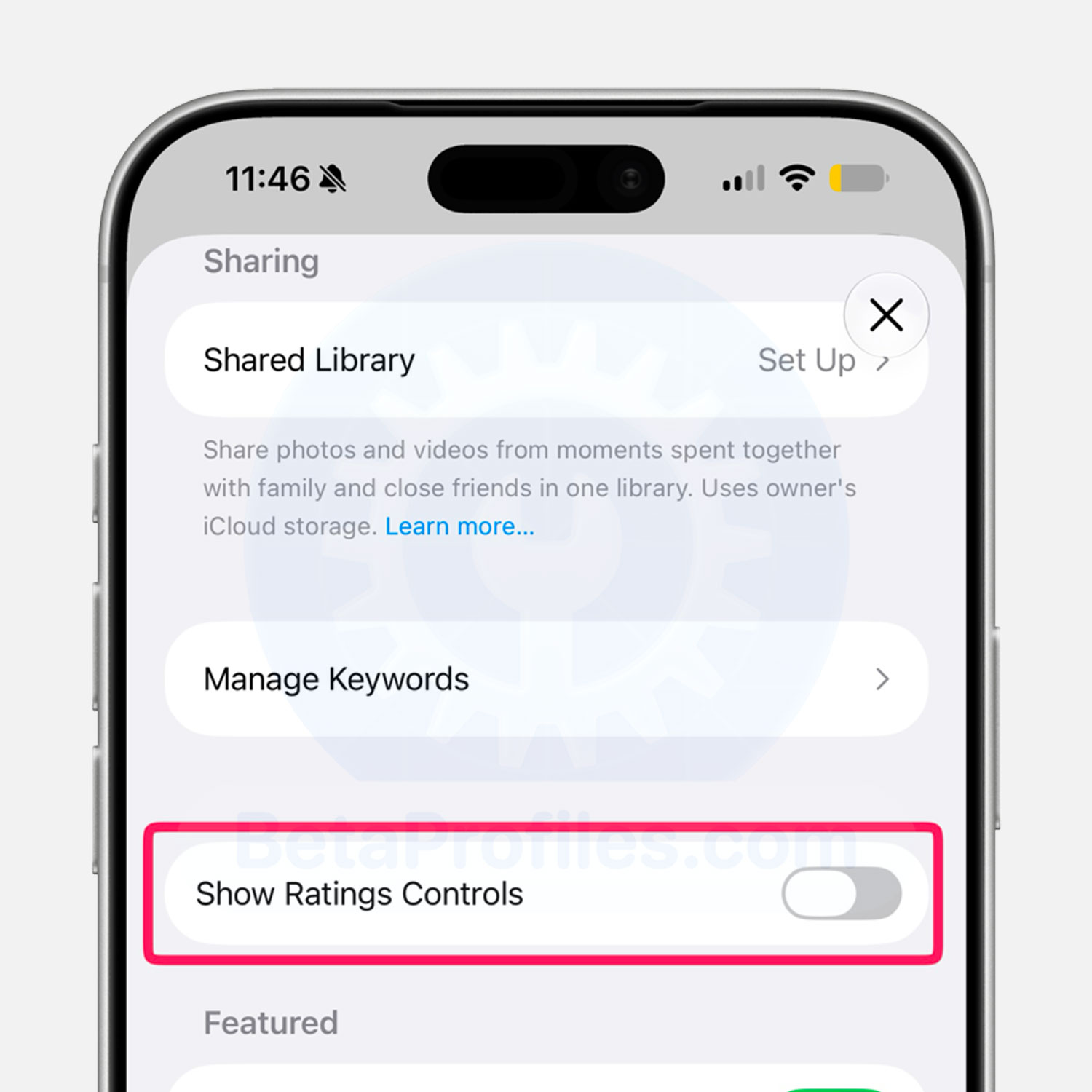
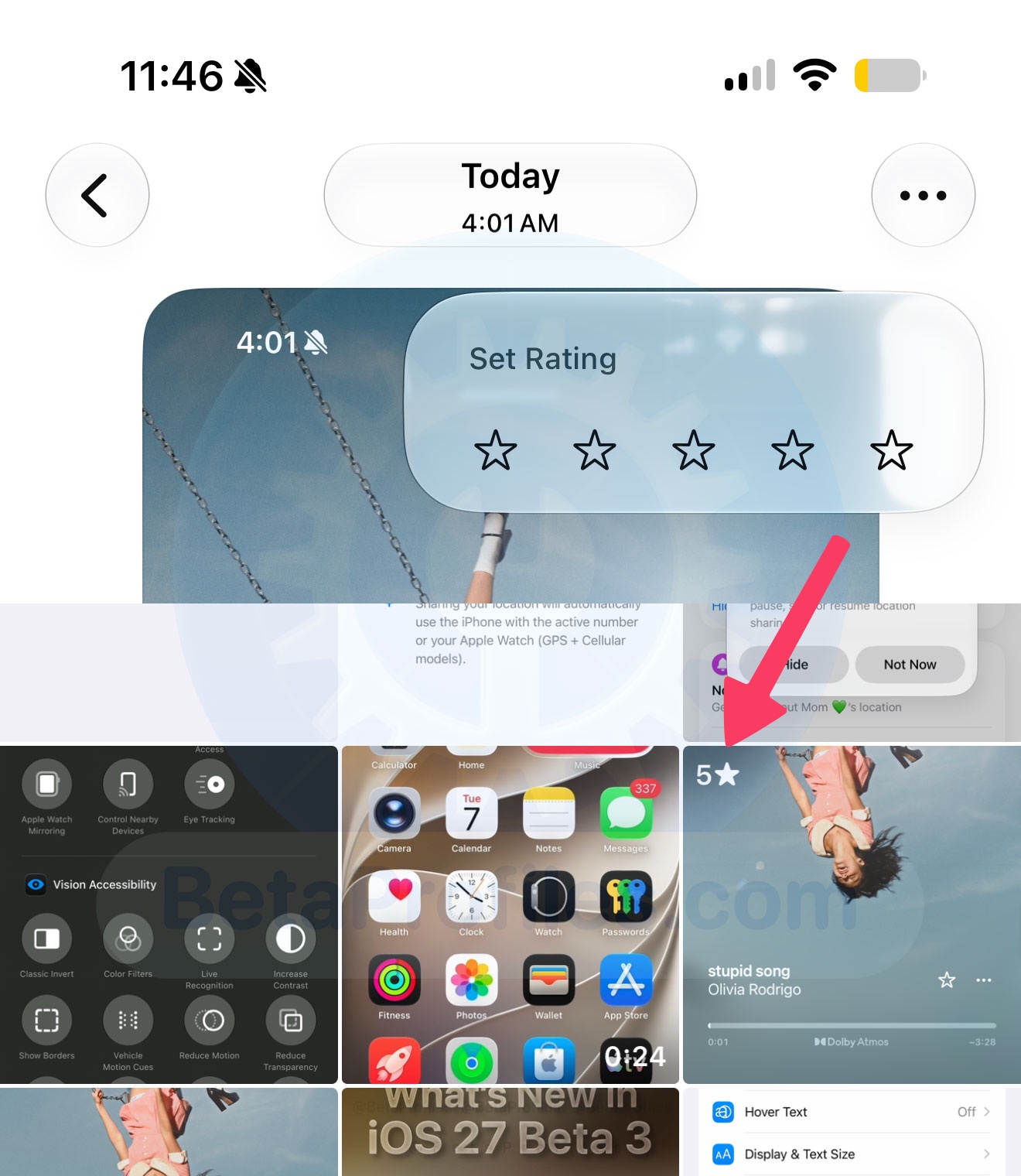
There’s a new ‘Show Ratings Controls’ option in the Photos settings. Once enabled, it adds a 5-star ‘Set Rating’ button for photos and videos, and you’ll see the rating icons right on the thumbnails.
Notifications
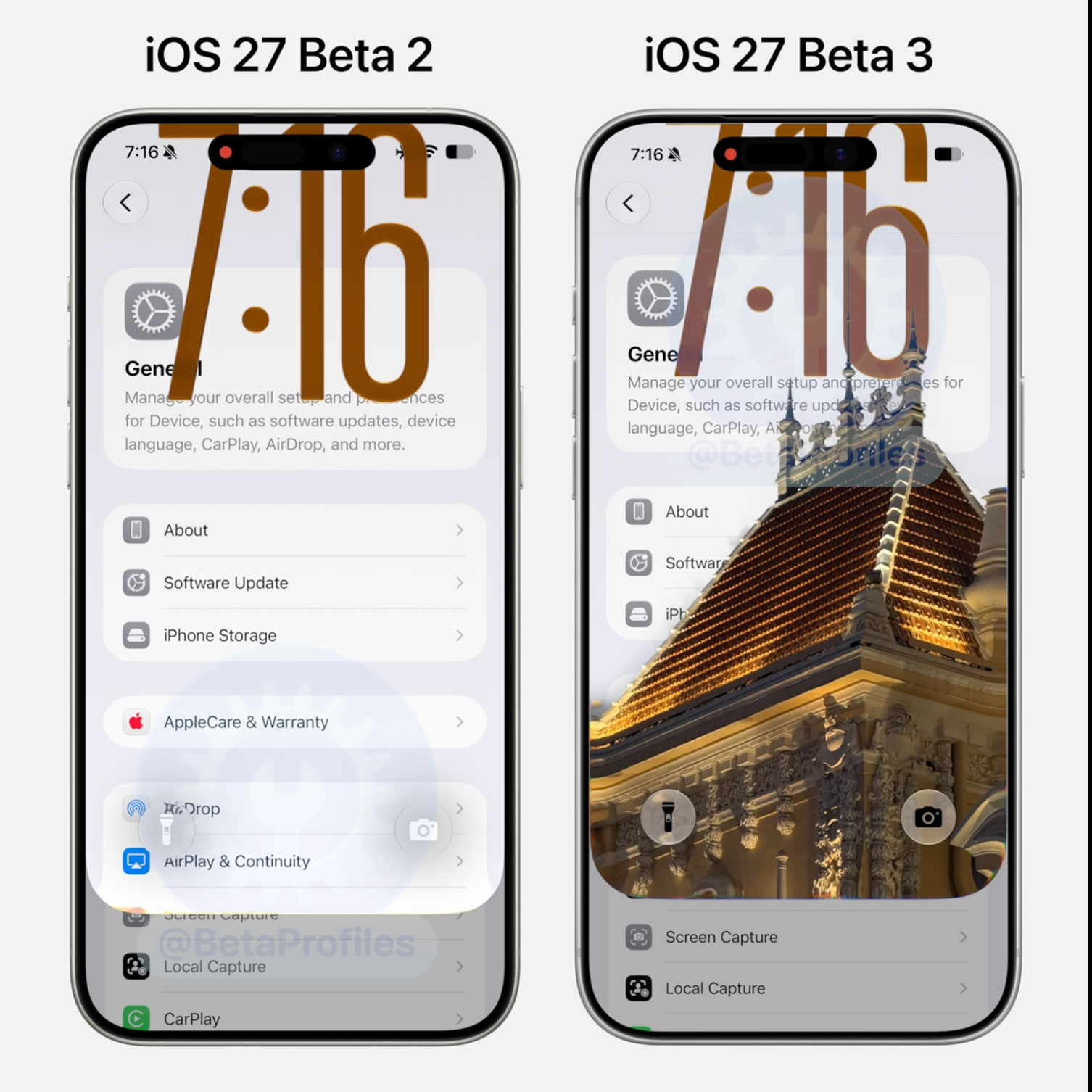
The wallpaper depth effect is now integrated into the Notification Center’s opening animation.
https://x.com/BetaProfiles/status/2074495062675955951
Lock Screen
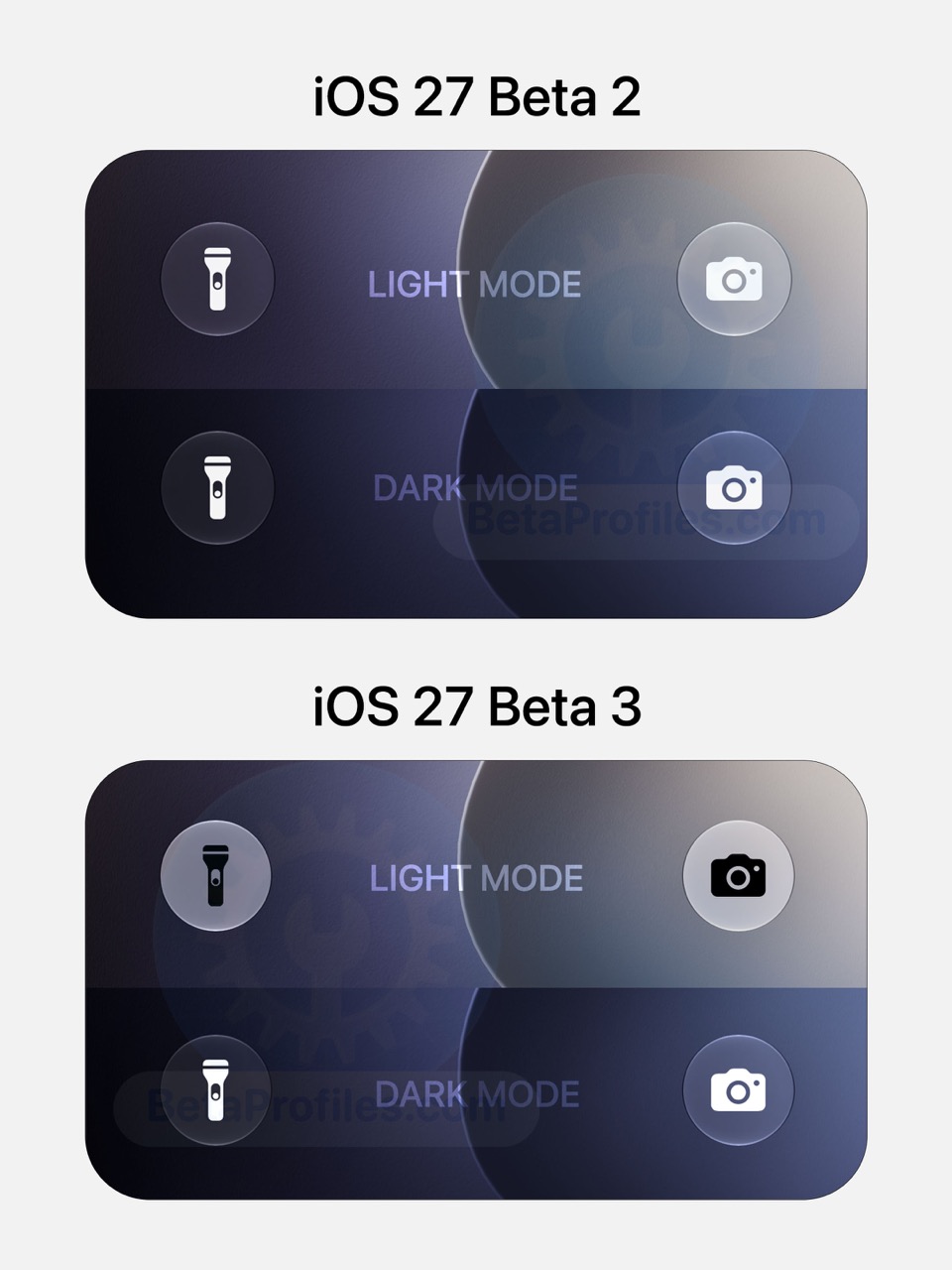
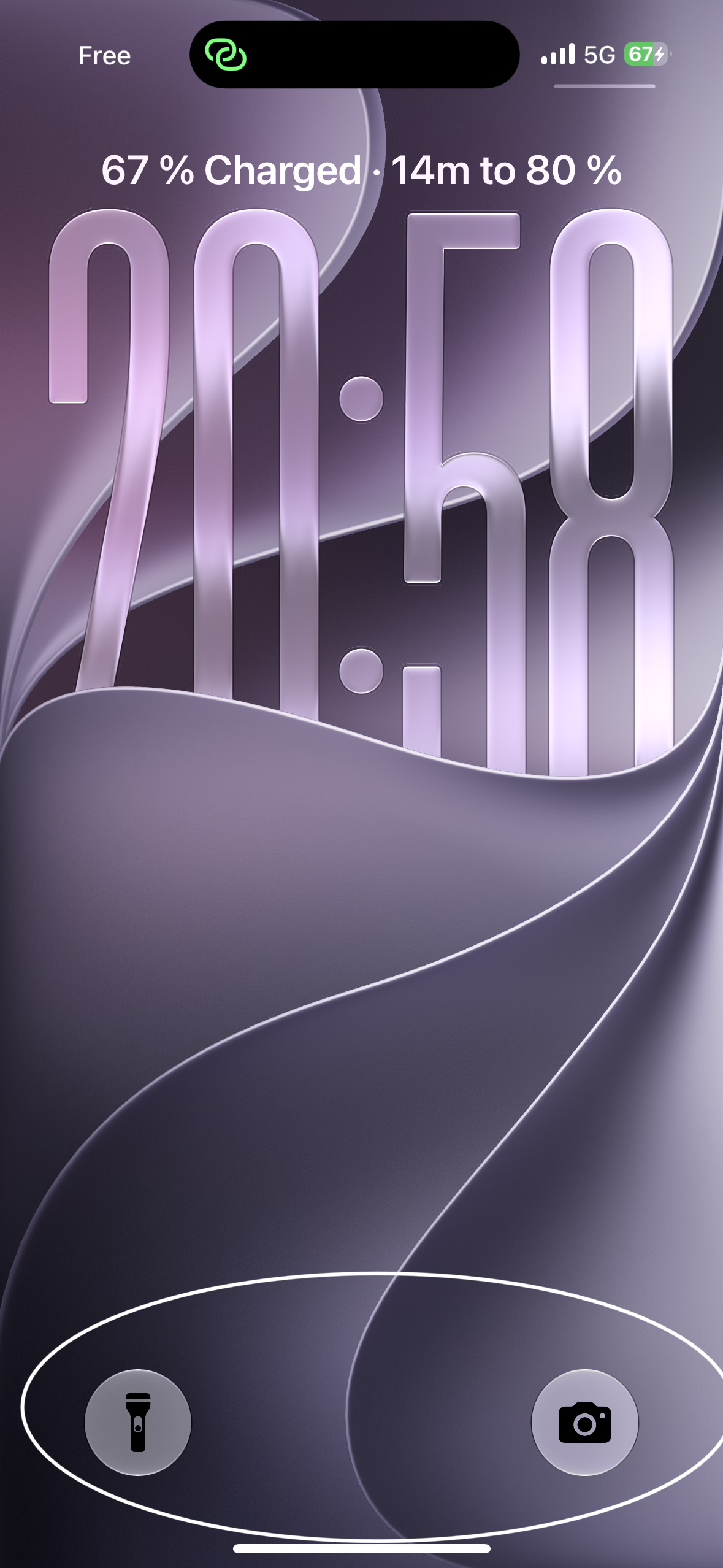
Bottom Lock Screen controls now adapt to Light and Dark Mode.
Combine Emojis
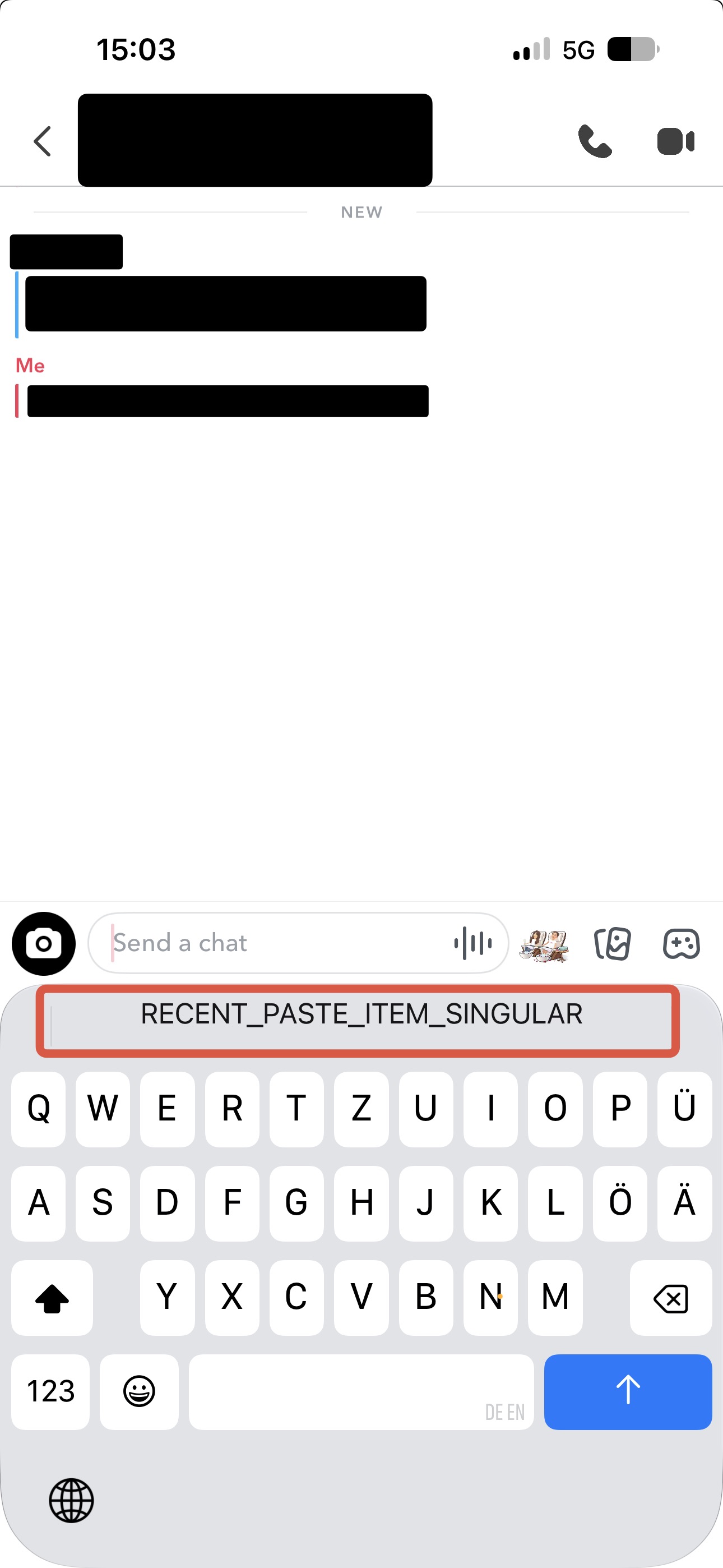
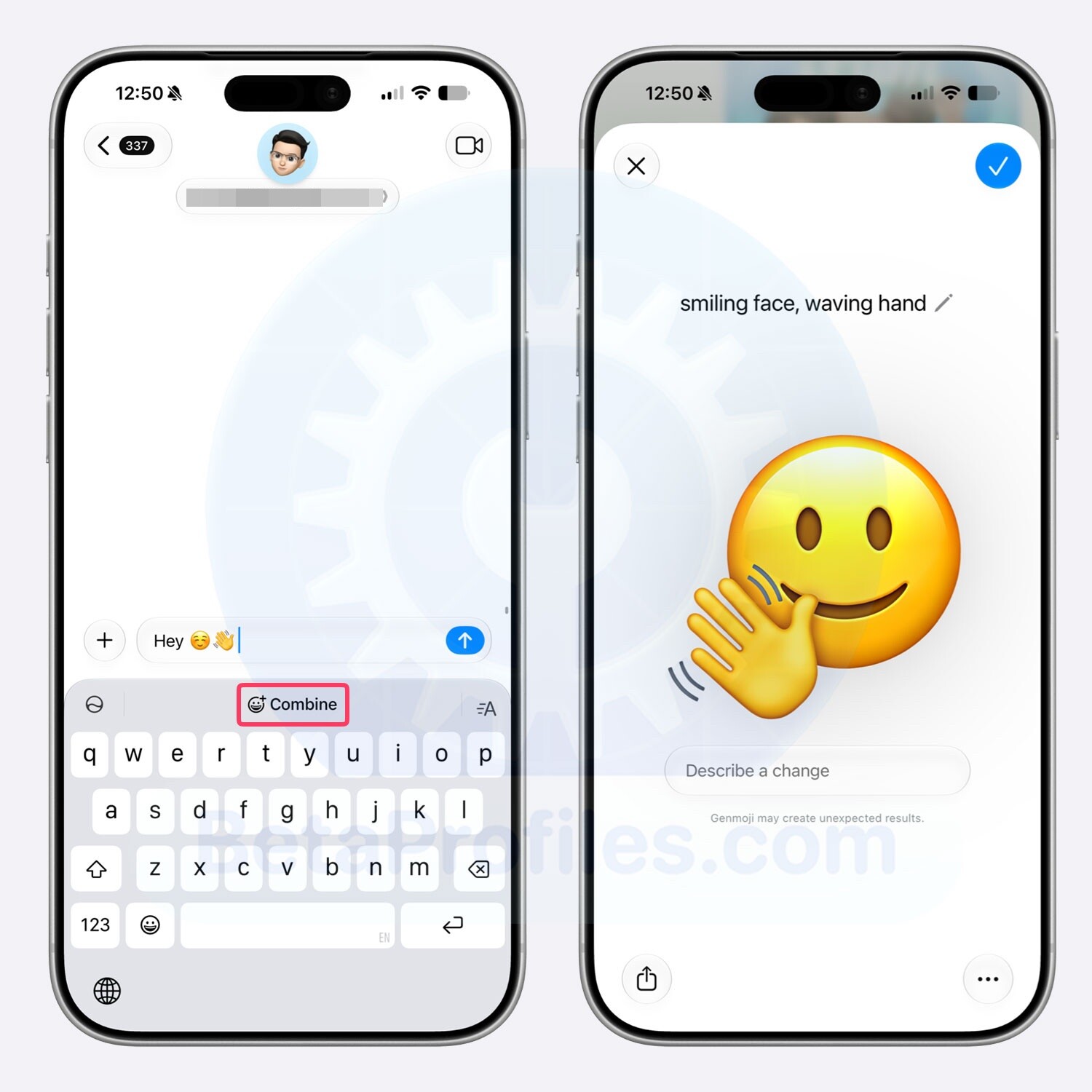
The keyboard now suggests Combine when you type two or more emojis. Although the button still appears when you enter up to five emojis, it can currently combine a maximum of three at a time.
This feature uses Genmoji to merge multiple emojis into a single inline emoji. Once the Genmoji interface opens, you can also enter a description to further customize the result.
To make the Combine suggestion appear, you’ll need to enable Predictive Text in Settings → General → Keyboard.
CarPlay Wi-Fi
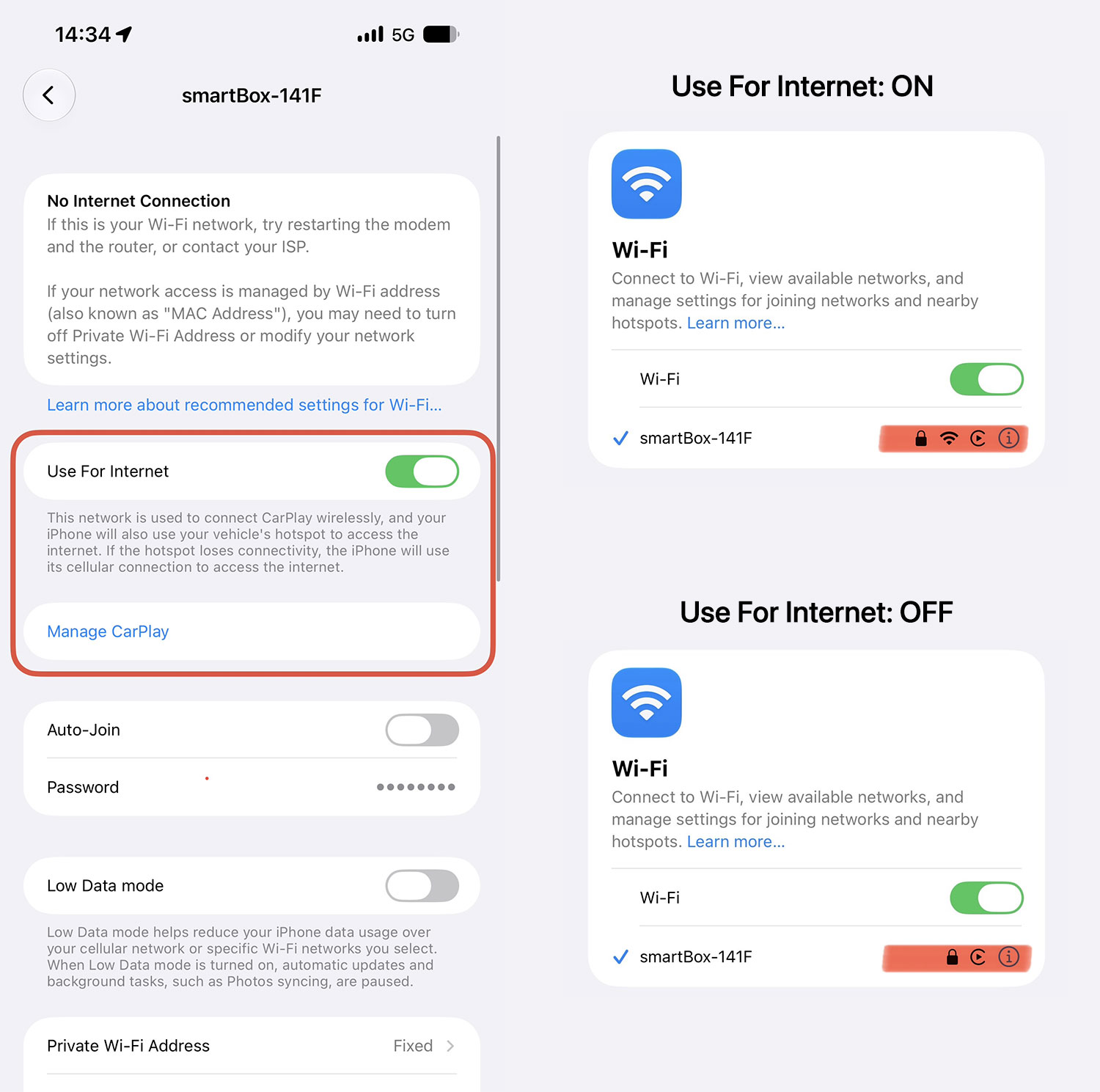
In CarPlay Wi-Fi settings, there’s a new Use for Internet option that lets your iPhone use your car’s hotspot for internet access. If that connection is lost, it automatically falls back to the iPhone’s cellular connection.
When Use for Internet is enabled, a Wi-Fi icon also appears next to the connection name.
Thanks to @KingDando
If you’ve come across any other changes, drop them in the comments below 
I’ll keep adding more iOS 27 Beta 3 changes and new features here as I discover them. Stay tuned and follow @BetaProfiles on X or Threads!

 “ or something like that