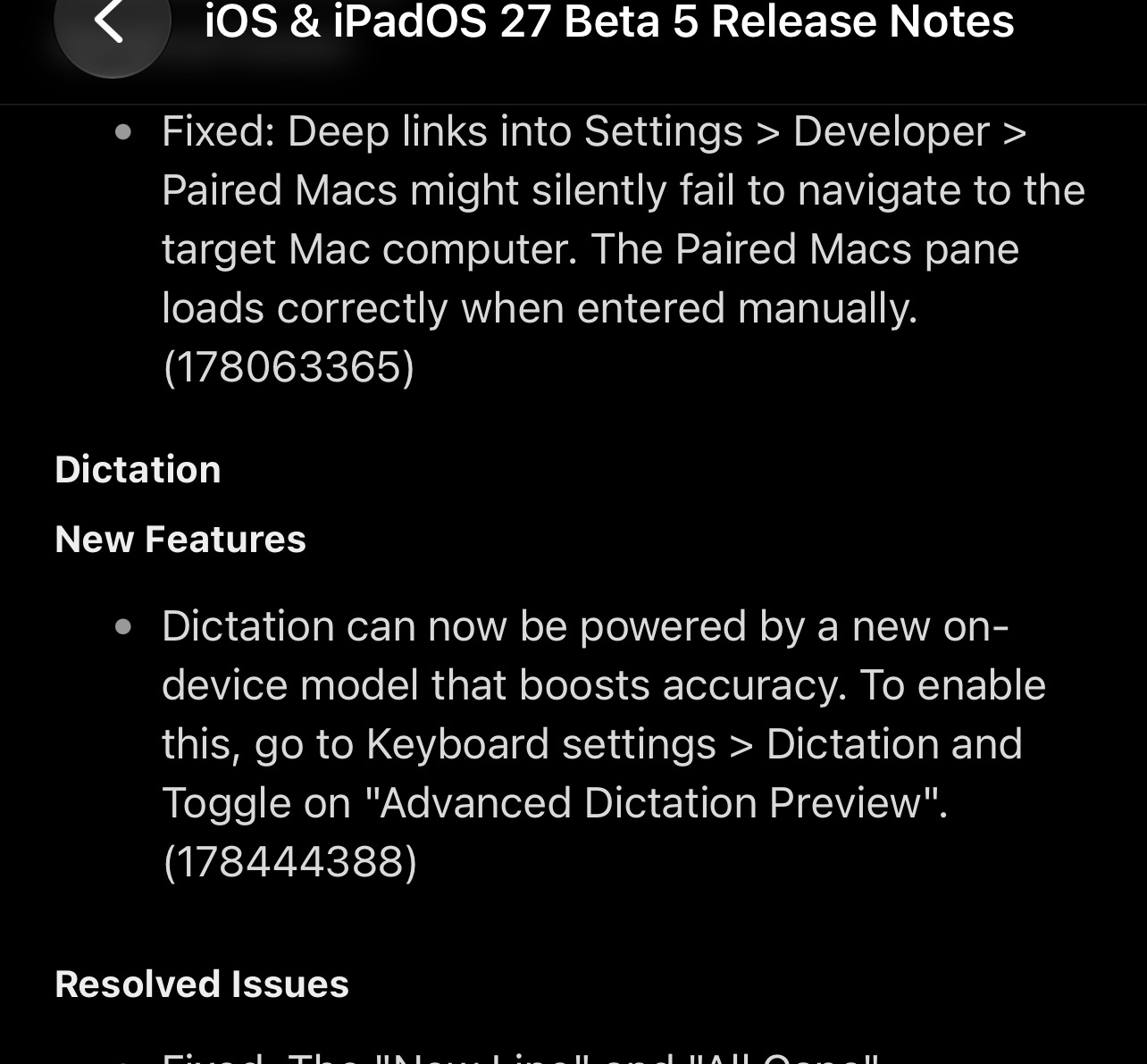
Apple has released iOS 27 Beta 5 for developers, marking the point where the focus begins to shift from major new features to polishing the overall experience. While there aren’t many headline changes this time around, you’ll find plenty of smaller tweaks throughout the system, and I’ll cover all of them below.
Beta 5 also marks the beginning of Apple’s weekly beta cycle, with new iOS 27 beta releases expected every week until the public launch in September.
In case you missed it, here’s everything added in beta 4: What’s New in iOS 27 Beta 4 →
iOS 27 Developer Beta 5
Build: 24A5408d
Released: August 10, 2026
App Icon Changes
Some app icons, including Preview and Siri, have been redesigned in iOS 27 Beta 5.
The Preview icon no longer shows the magnifying glass on its own. Instead, it’s now placed over a colorful background. The Siri icon now looks more like the glowing orb that appears when Siri is activated, rather than the simpler icon used before.
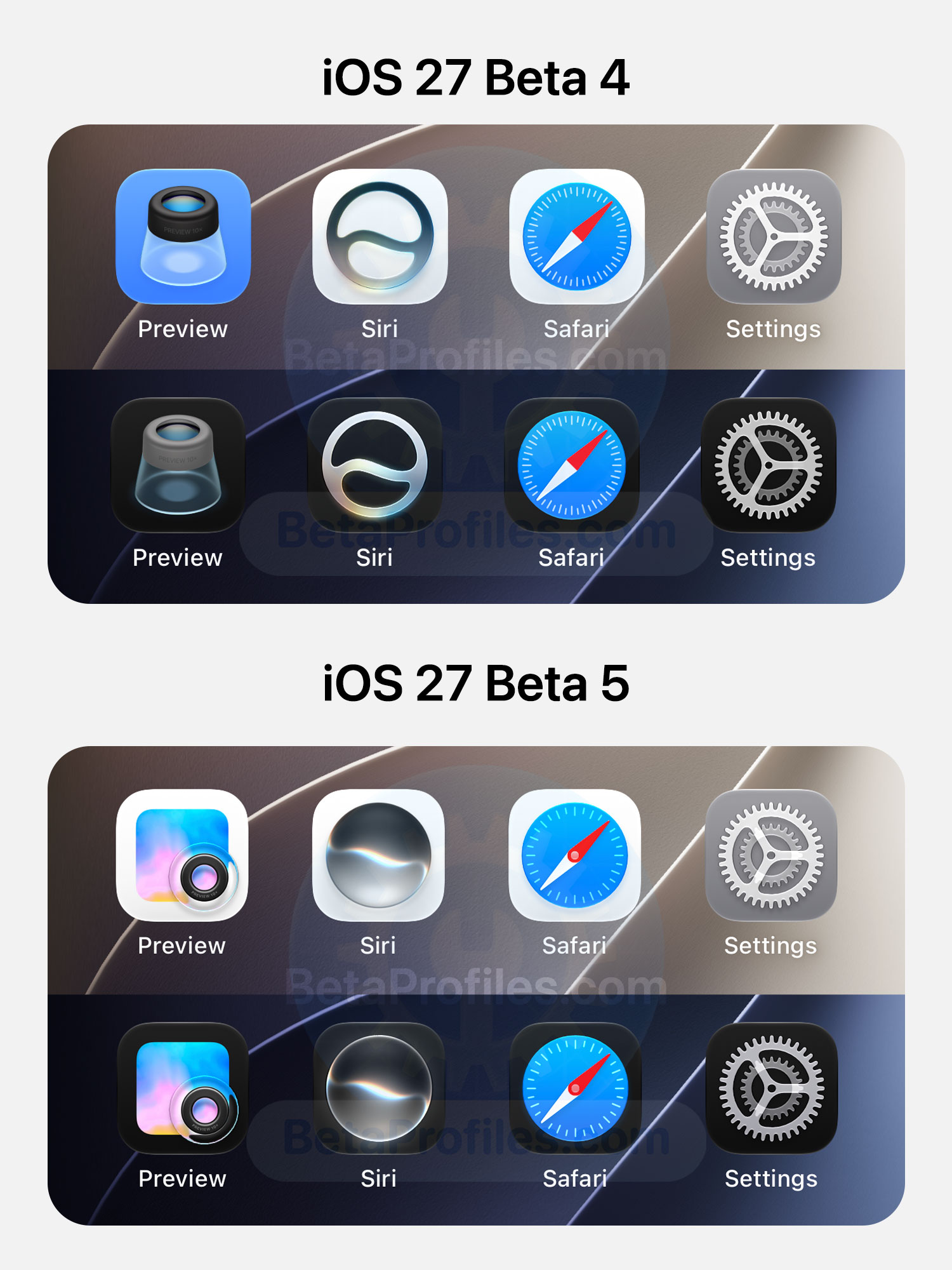
Safari now has a brighter blue background, with fewer compass markings and a more detailed arrow. The Settings and App Store icons are also more transparent, allowing you to see the layers underneath. The Remote icon has also been updated with a gray background instead of black.
https://x.com/avstorm/status/2086904281131622862
Spotlight Search
iOS 27 Beta 5 makes the background of Spotlight suggestions slightly brighter.
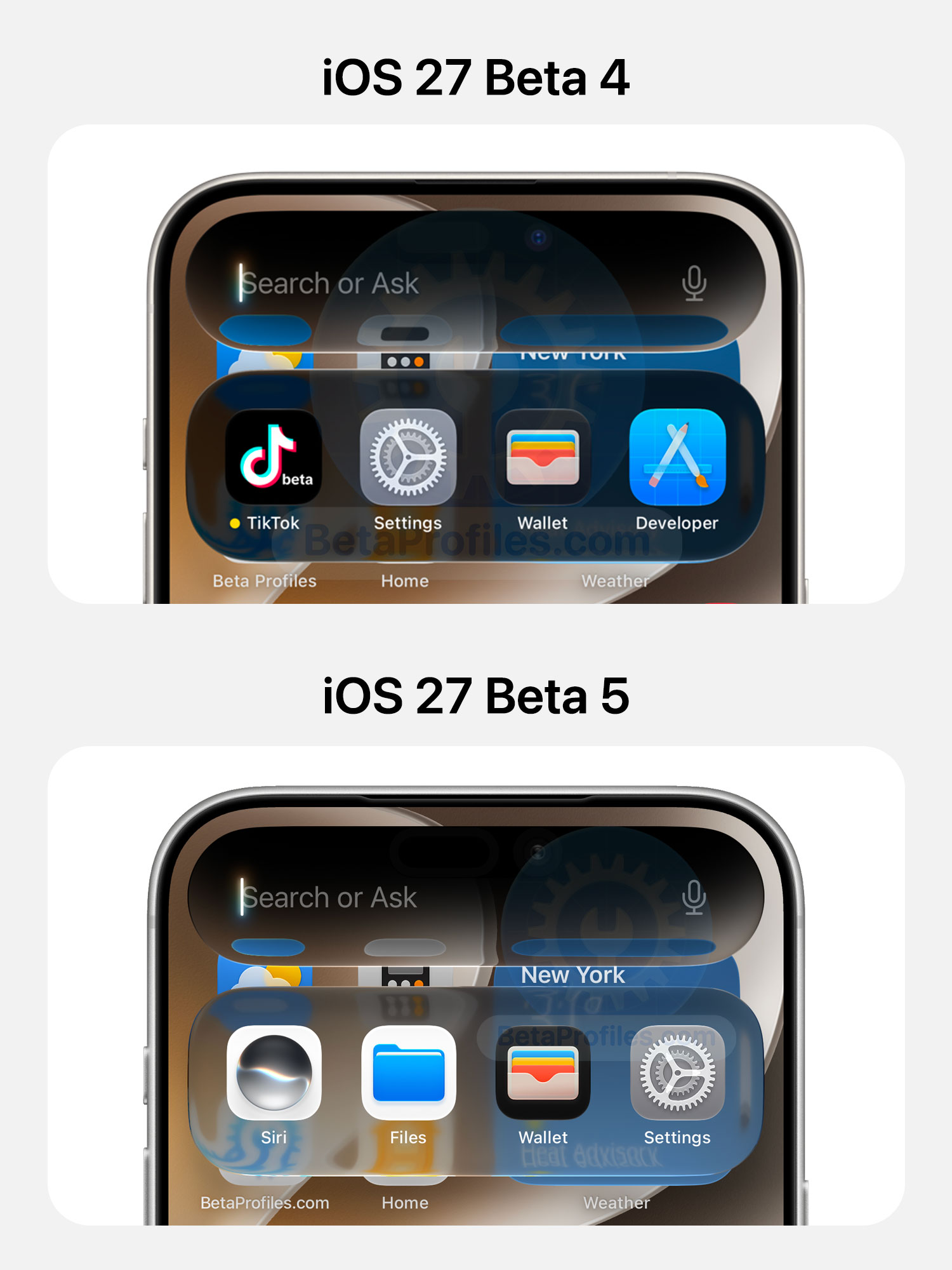
iOS 27 Beta 5 updates the opening and closing animations for Spotlight Search. They now feel much smoother, and the app icons no longer get pushed down or blurred during the transition.
https://x.com/BetaProfiles/status/2087182594932924535
“What’s New” Splash Screen
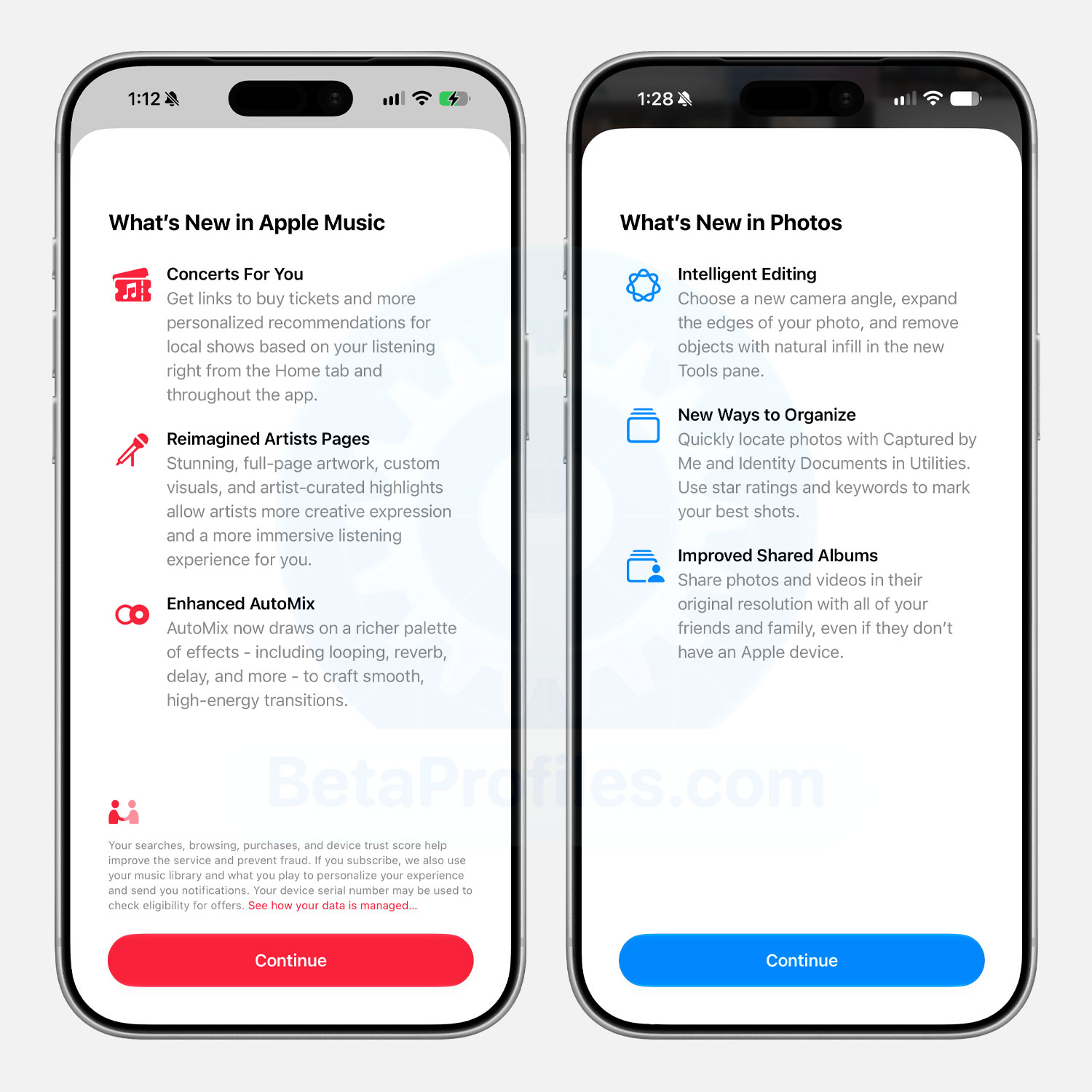
When you open Apple Music or Photos for the first time, you’ll now see a new “What’s New” splash screen. Here’s what it shows.
What's New in Apple Music
- Concerts For You: Get links to buy tickets and more personalized recommendations for local shows based on your listening right from the Home tab and throughout the app.
- Reimagined Artists Pages: Stunning, full-page artwork, custom visuals, and artist-curated highlights allow artists more creative expression and a more immersive listening experience for you.
- Enhanced AutoMix: AutoMix now draws on a richer palette of effects - including looping, reverb, delay, and more - to craft smooth, high-energy transitions.
What's New in Photos
- Intelligent Editing: Choose a new camera angle, expand the edges of your photo, and remove objects with natural infill in the new Tools pane.
- New Ways to Organize: Quickly locate photos with Captured by Me and Identity Documents in Utilities. Use star ratings and keywords to mark your best shots.
- Improved Shared Albums: Share photos and videos in their original resolution with all of your friends and family, even if they don’t have an Apple device.
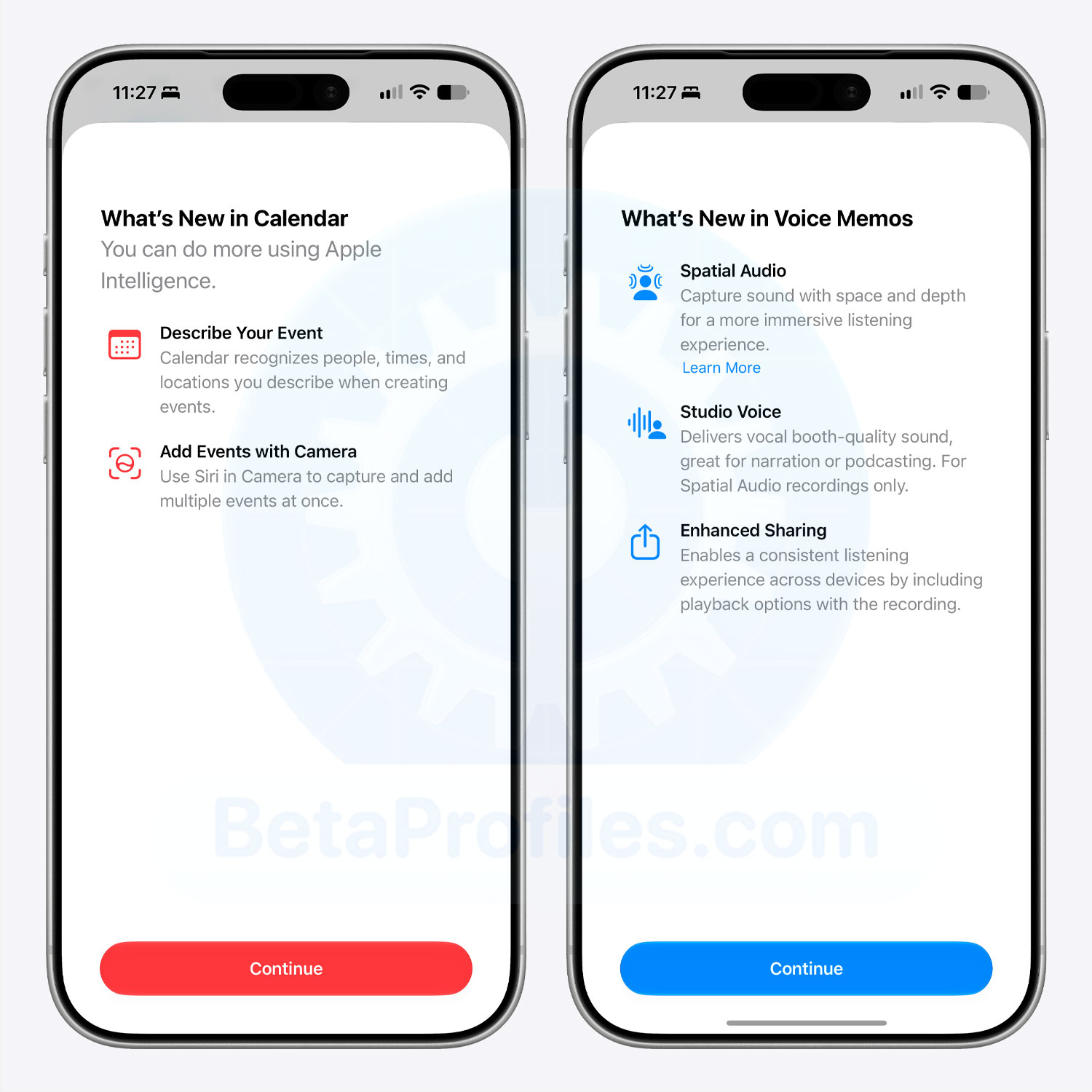
Calendar and Voice Memos also have new splash screens when opened for the first time.
Thanks to @KingDando
What's New in Calendar
- Describe Your Event: Calendar recognizes people, times, and locations you describe when creating events.
- Add Events with Camera: Use Siri in Camera to capture and add multiple events at once.
What's New in Voice Memos
- Spatial Audio: Capture sound with space and depth for a more immersive listening experience. Learn more
- Studio Voice: Delivers vocal booth-quality sound, great for narration or podcasting. For Spatial Audio recordings only.
- Enhanced Sharing: Enables a consistent listening experience across devices by including playback options with the recording.
Progressive Blur
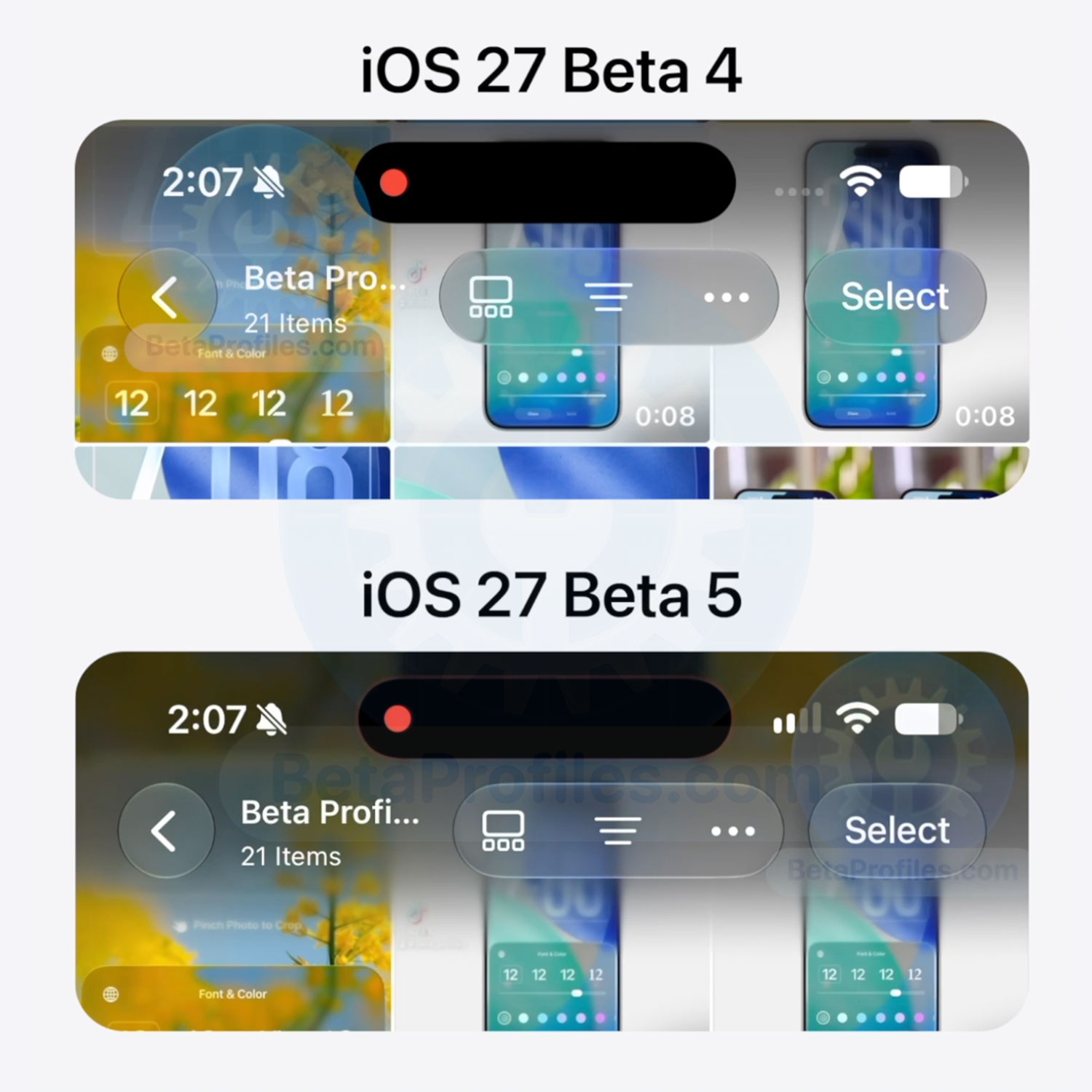
One of the more noticeable changes in iOS 27 was Apple removing the progressive blur effect along the top edge of the screen when scrolling through content. Instead, it was replaced with a standard blur, and a lot of people weren’t happy about the change.
With Beta 5, Apple has brought the progressive blur back, at least in the Photos app. Yes, just Photos for now, not across the system or in other apps.
https://x.com/BetaProfiles/status/2086896385996308815
Siri AI Voice
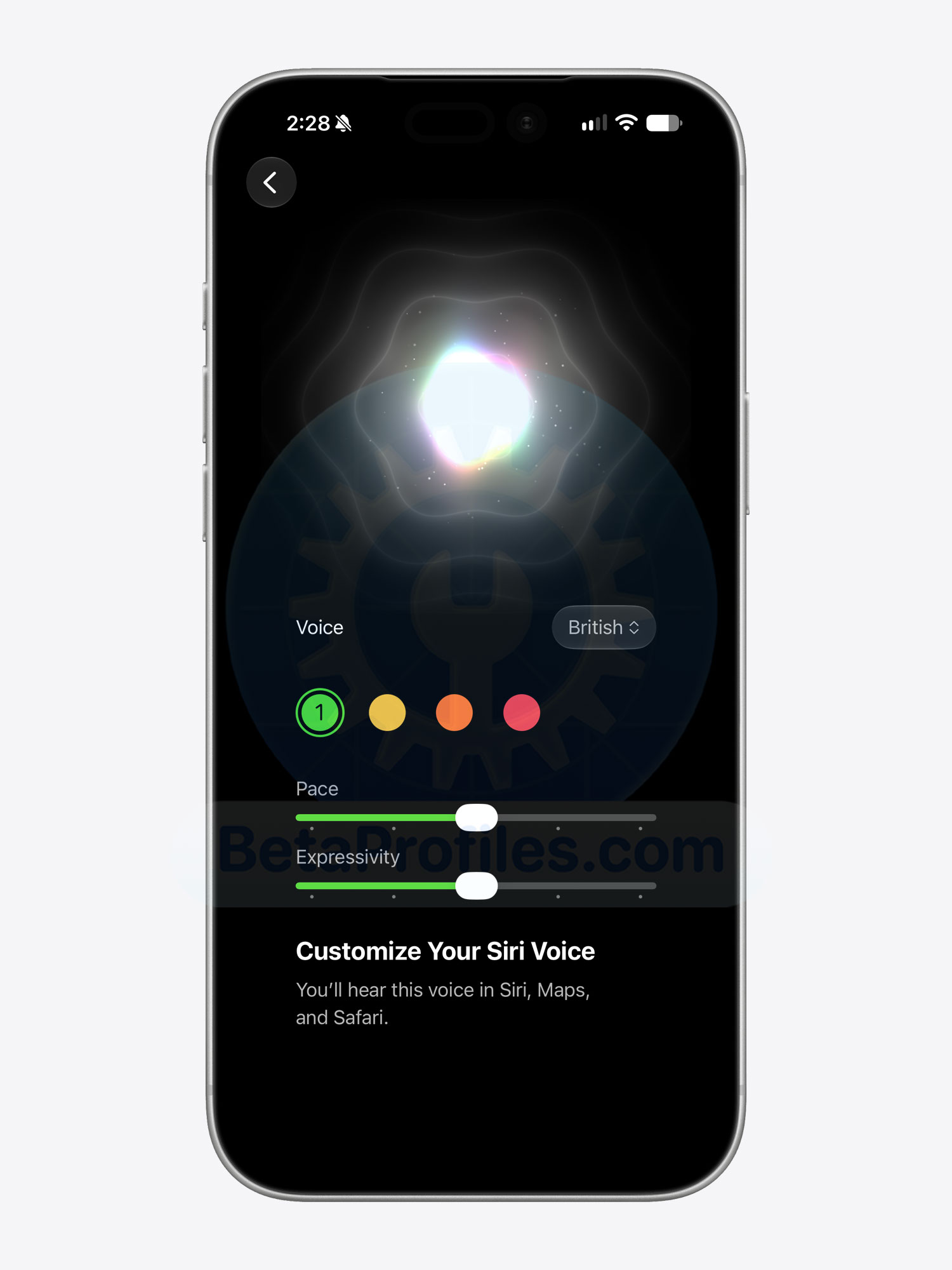
You can now adjust the Pace and Expressivity of Siri’s British English voice. Previously, these options were only available for the U.S. English voice.
Keep in mind that this feature requires an iPhone 17 Pro, iPhone 17 Air, or later, an iPad Pro (M4) or later, or a Mac with an M3 chip or later and at least 12 GB of RAM.
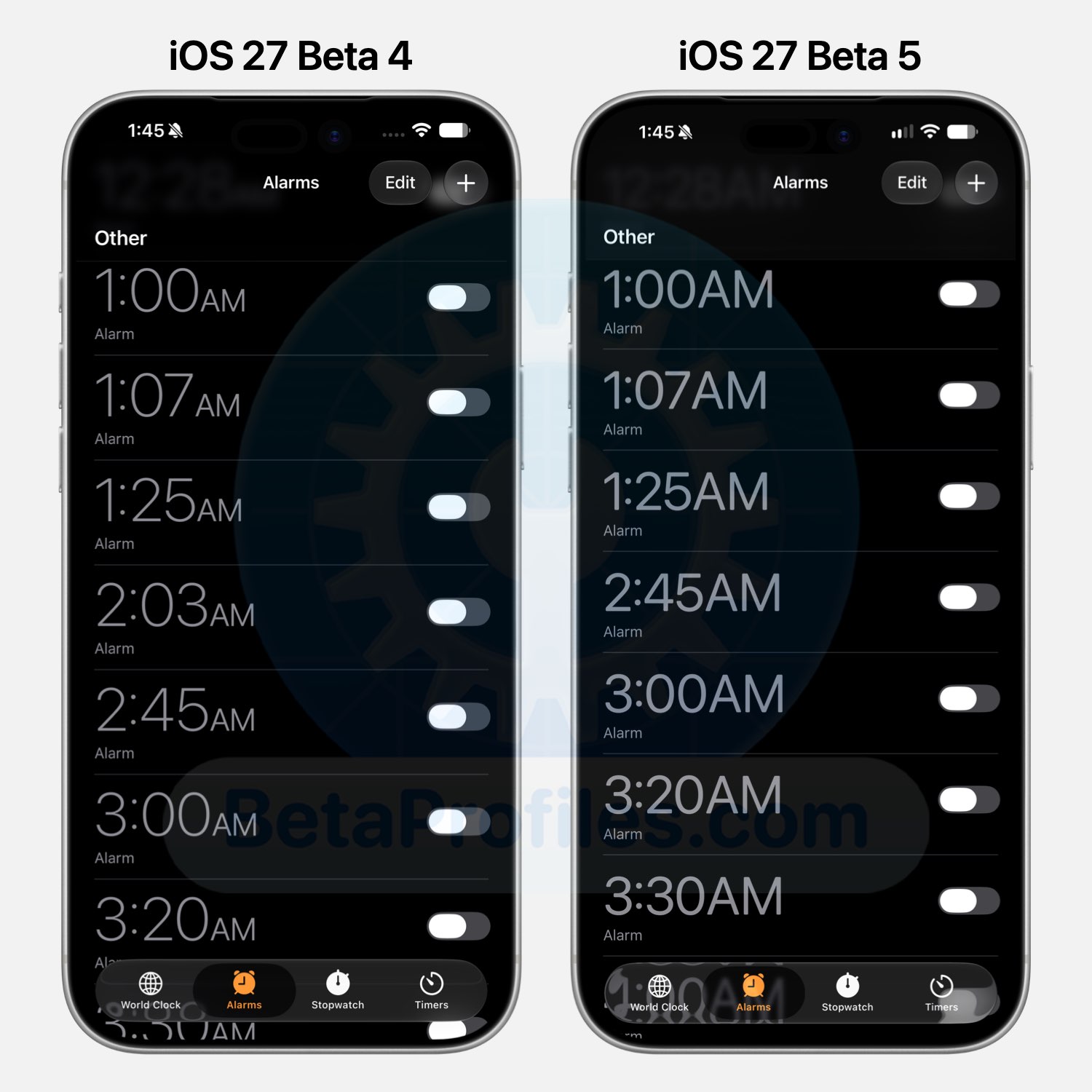
Clock
The time displayed in the Alarms and Timers tabs in Clock is now slightly bolder and brighter.
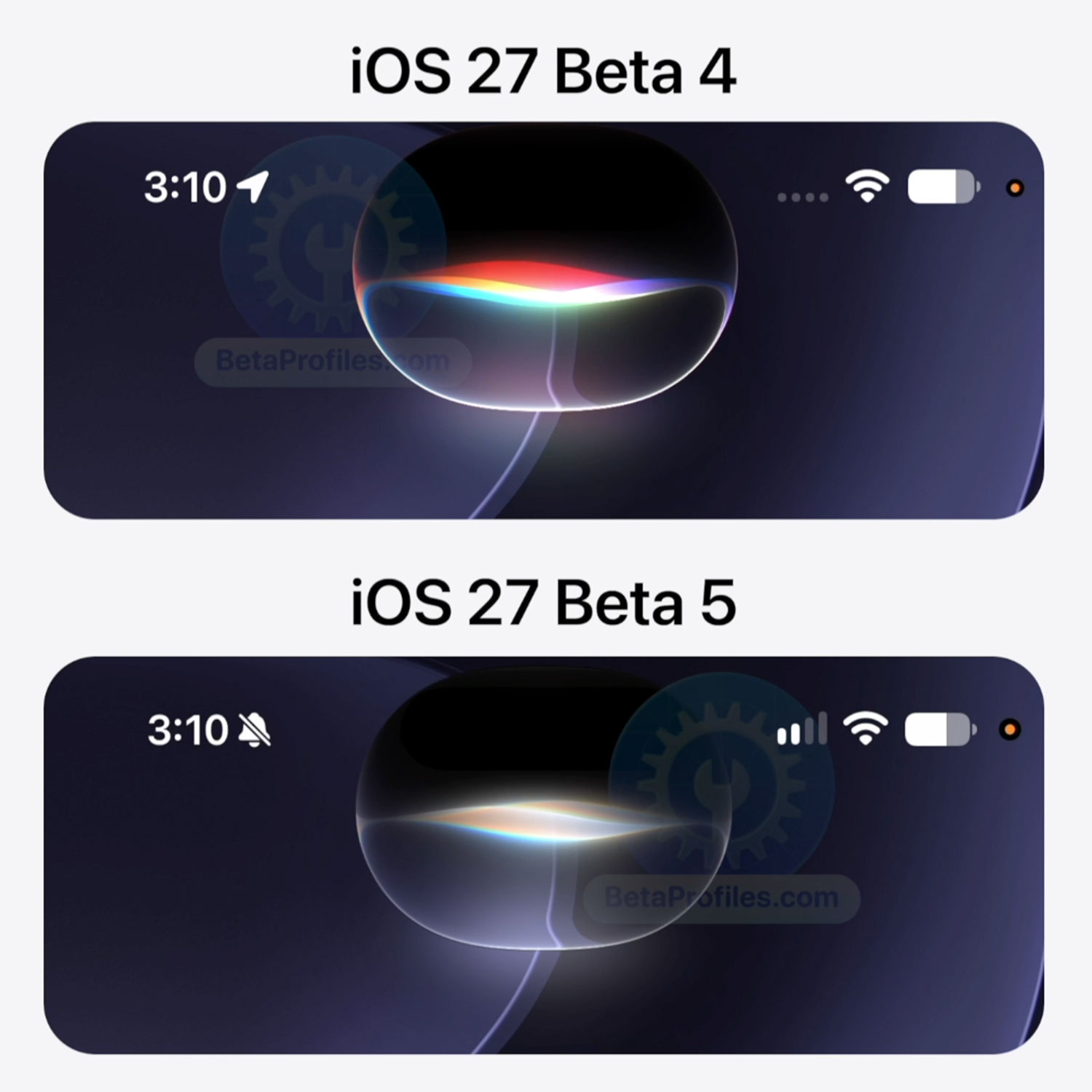
Siri AI
The Siri orb looks less colorful when activated, with the glowing effects around its edges toned down as well.
https://x.com/BetaProfiles/status/2086915516065825166
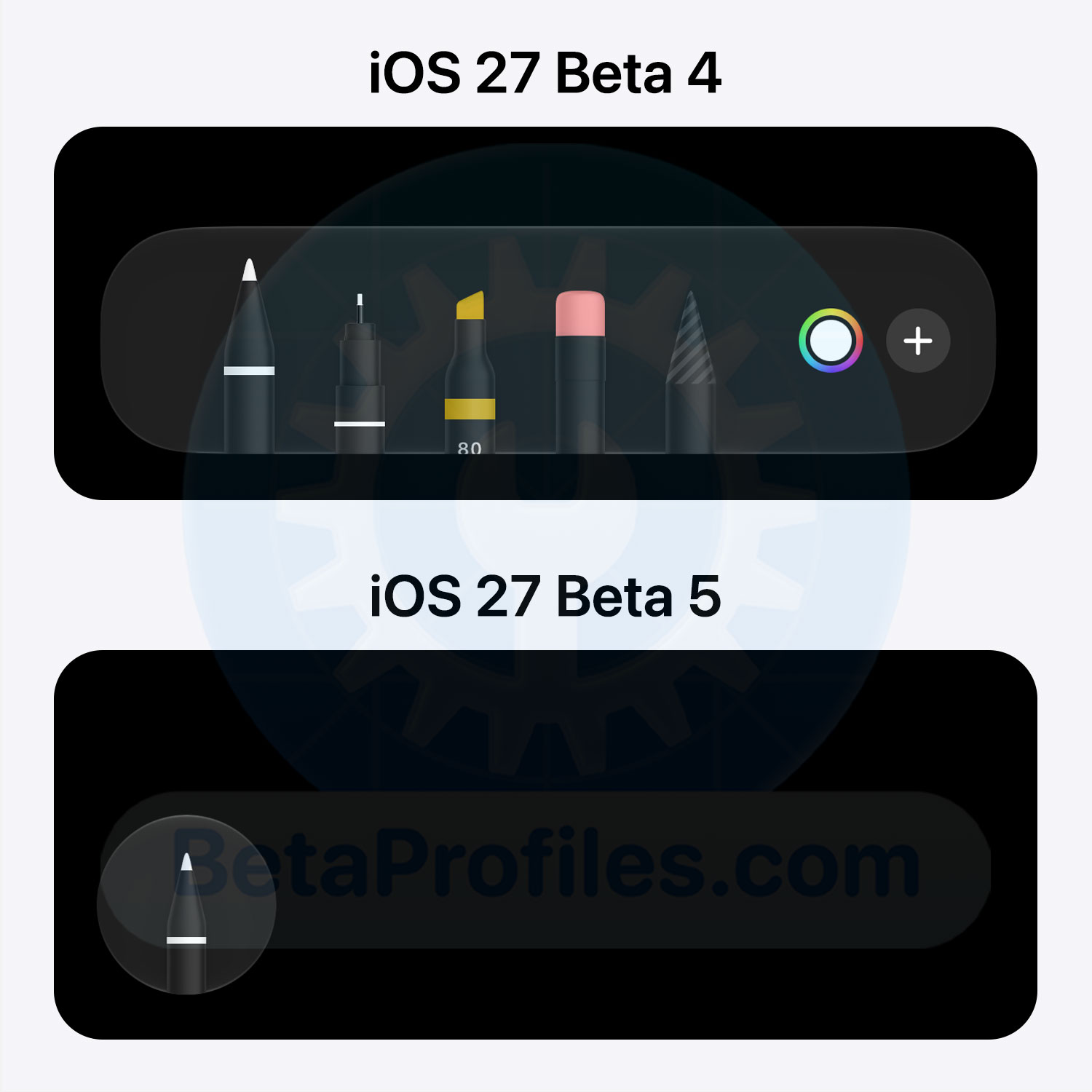
Drawing Tools
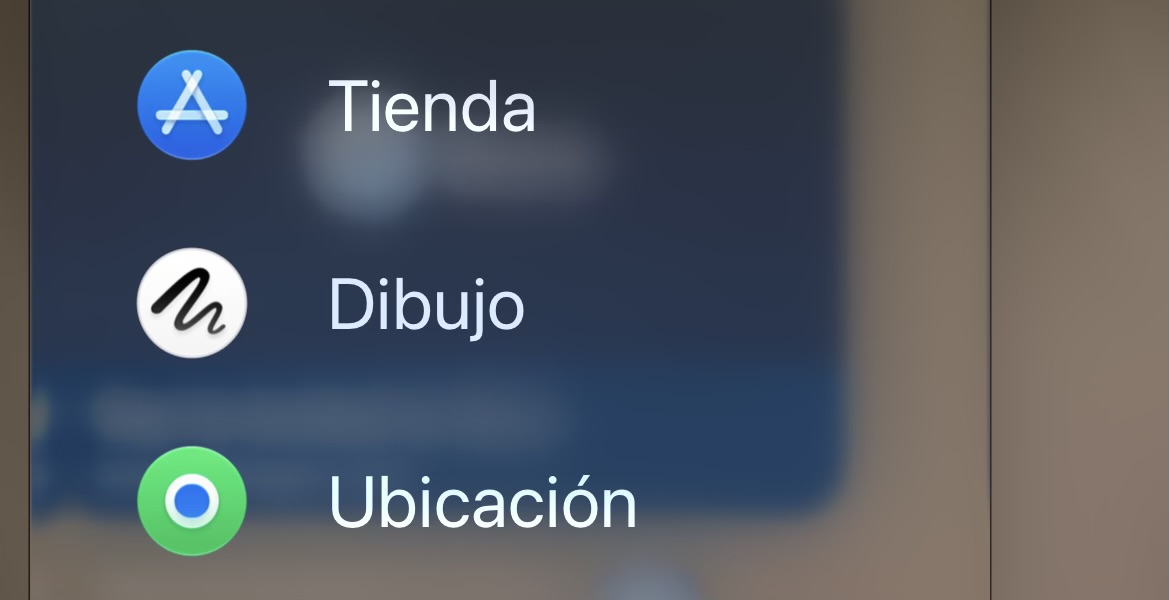
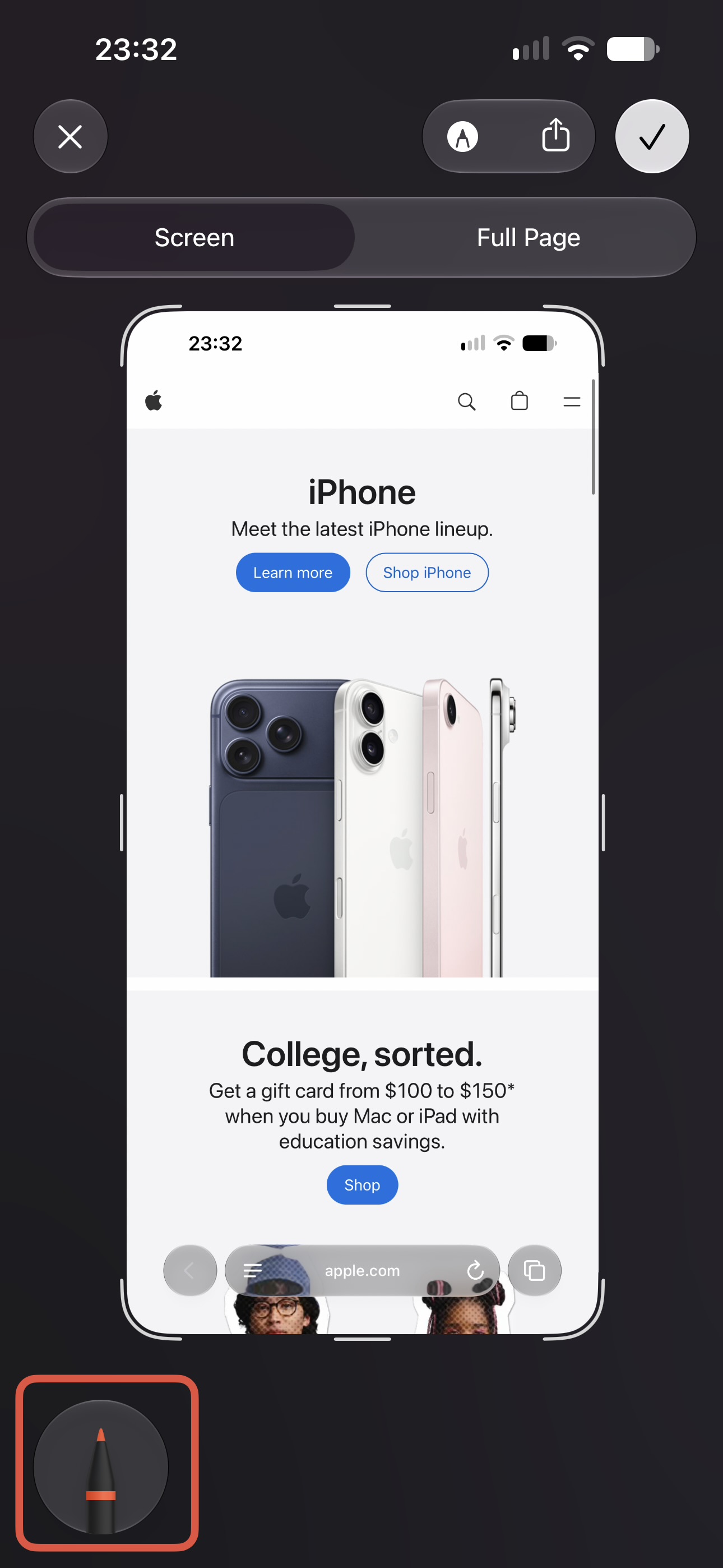
The drawing toolbar on iPhone can now be collapsed, just like on iPad.
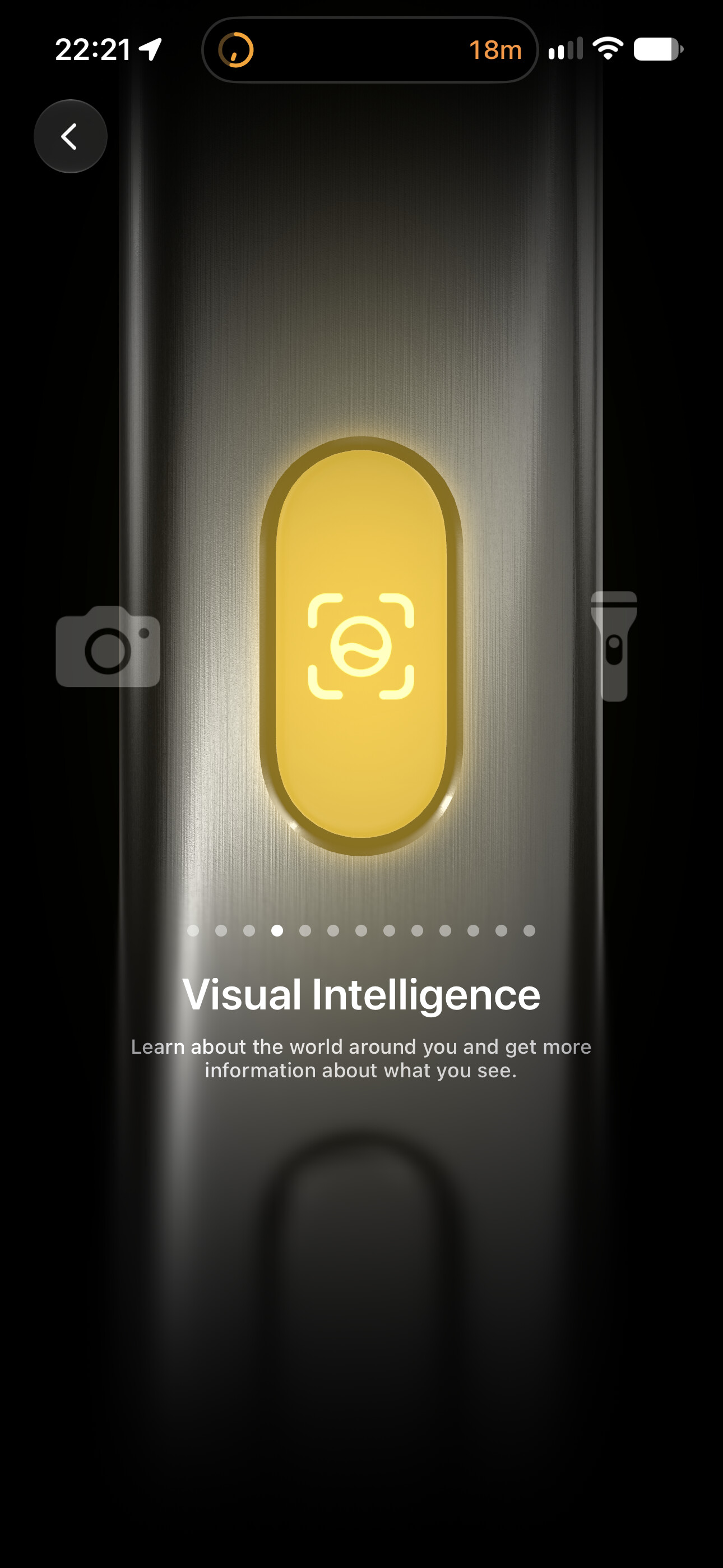
Visual Intelligence Icon
The new Siri icon has now replaced the old Apple Intelligence icon in Visual Intelligence.
Thanks to @KingDando
Wallet
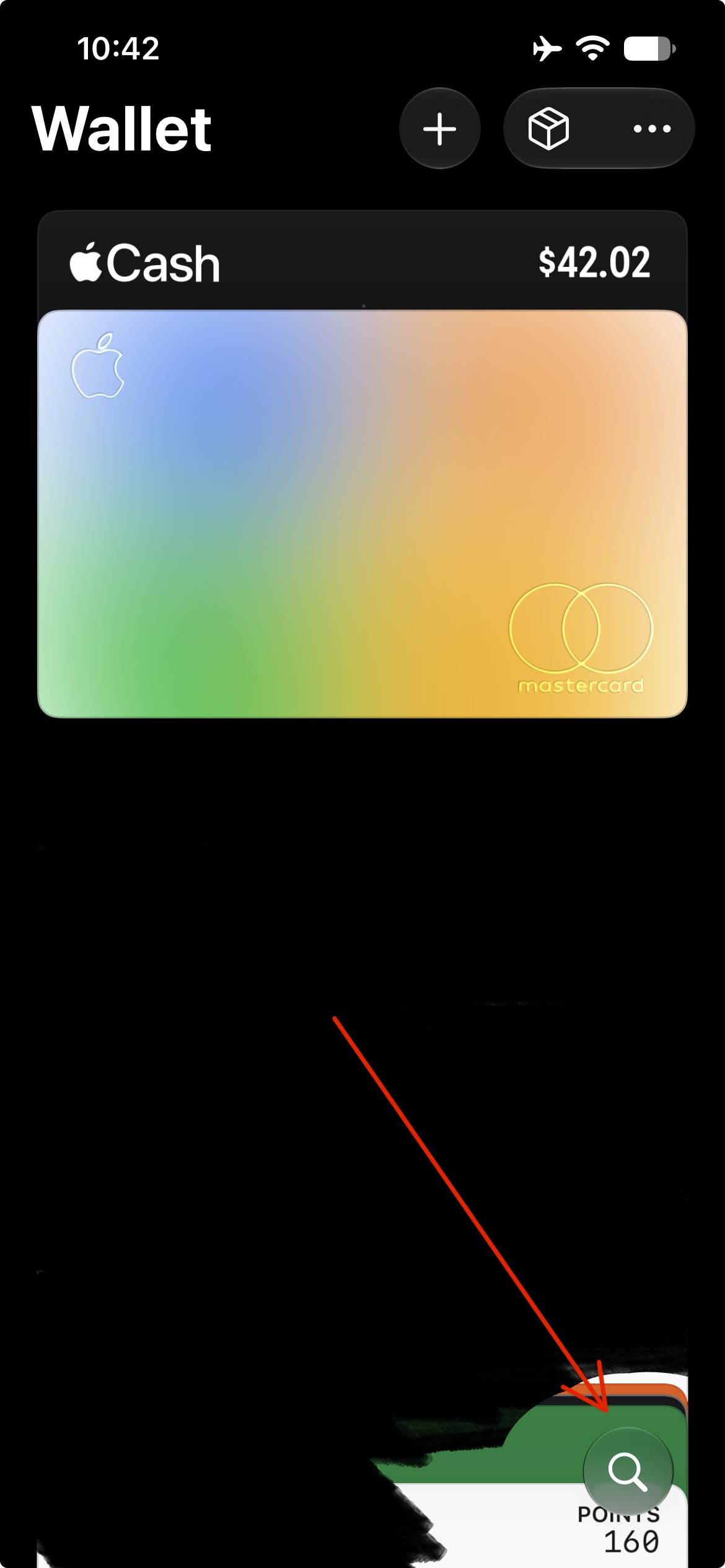
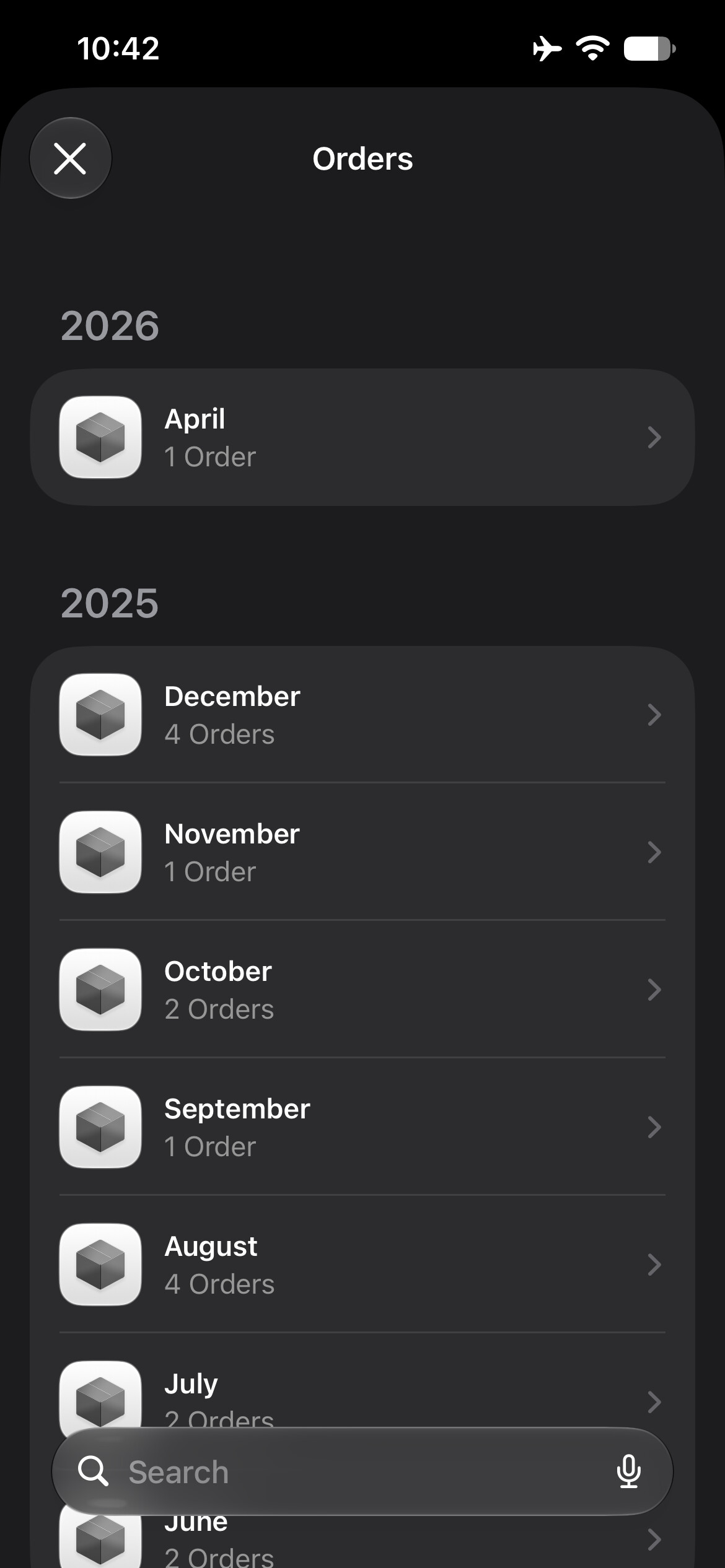
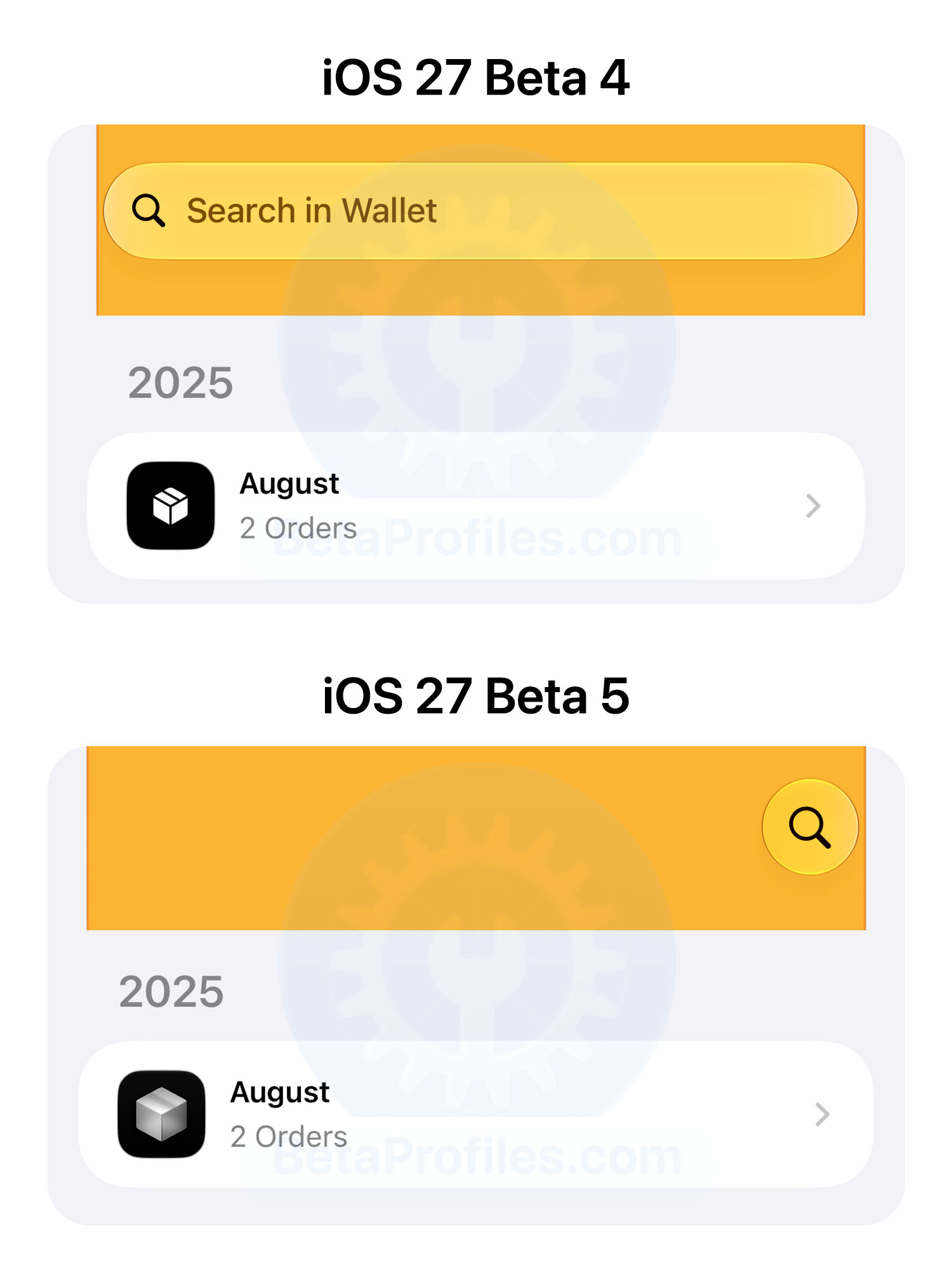
The search bar in Wallet has been replaced with a floating search button in the bottom-right corner. The Orders icon has also been redesigned with a more 3D look instead of the previous flat design.
Thanks to @Ricapple
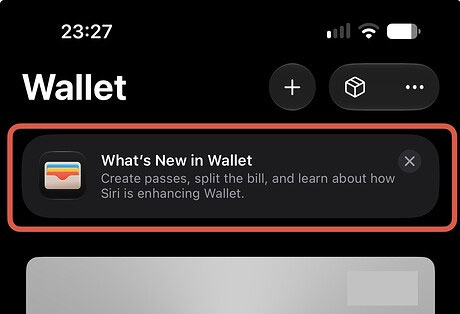
There’s also a new “What’s New in Wallet” banner at the top, which says: “Create passes, split the bill, and learn about how Siri is enhancing Wallet.”
Thanks to @KingDando
About iOS Version
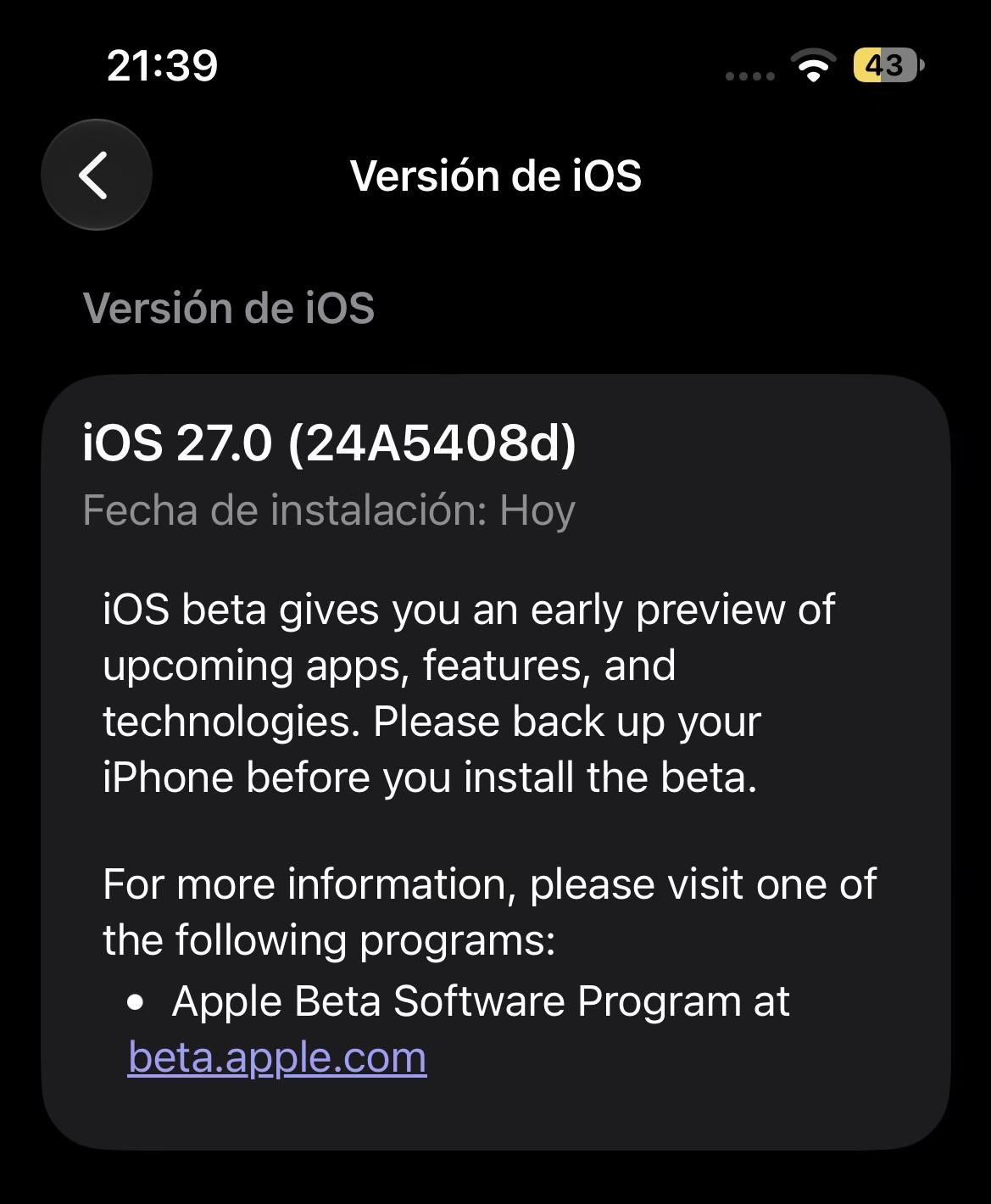
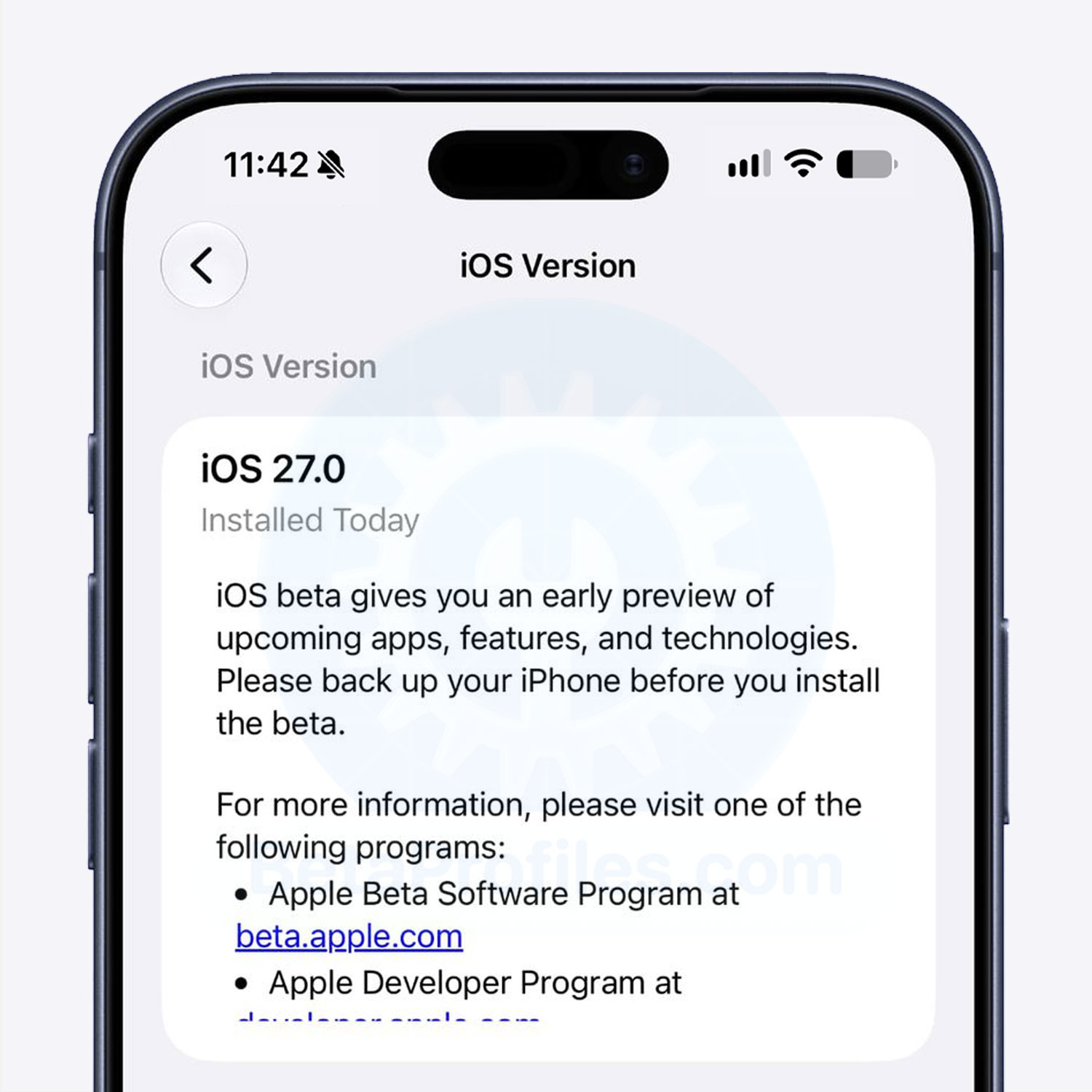
iOS 27 Beta 5 now shows the date when your current iOS version was installed. You can find it under Settings > General > About > iOS Version.
Thanks to @javisx
Search
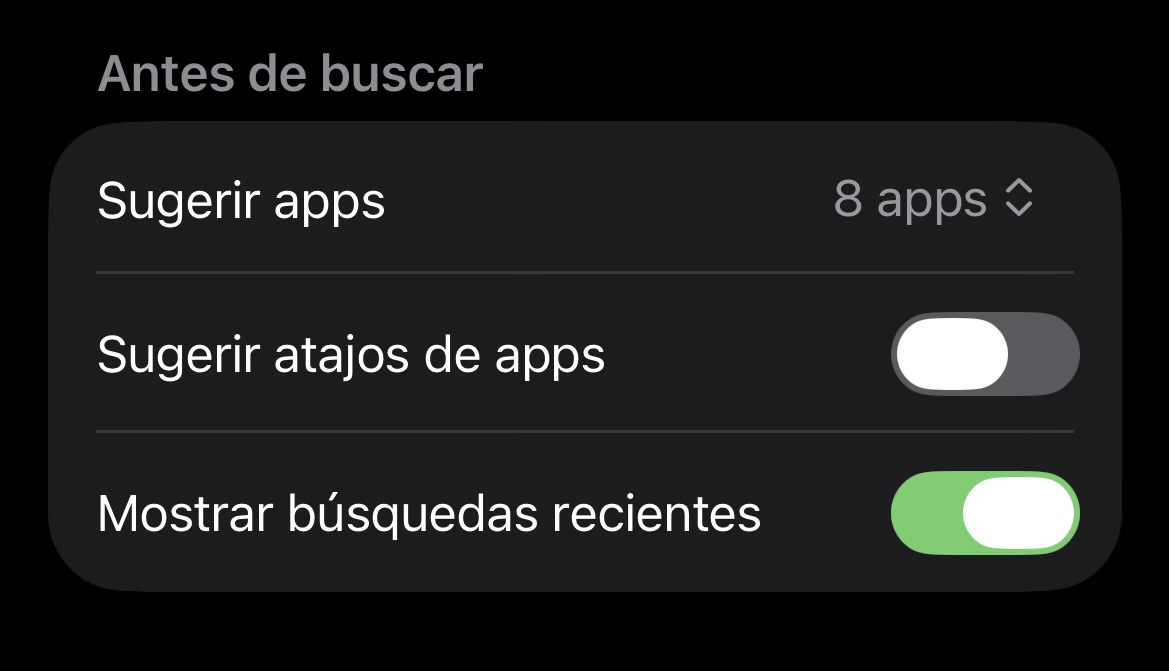
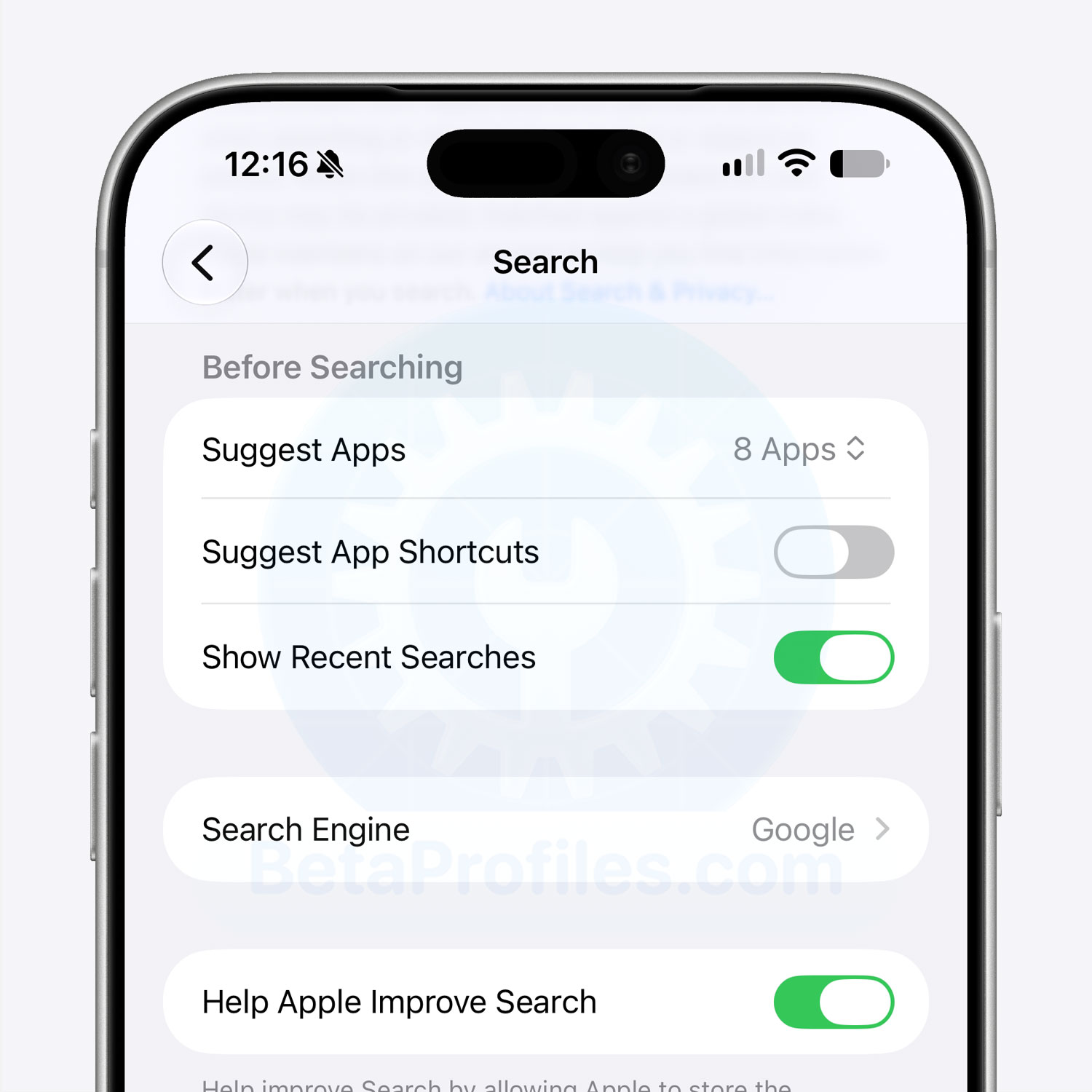
There’s a new Before Searching section under Settings > Search. It includes a Suggest Apps option that lets you choose whether apps should appear when you open Spotlight, and whether to show 4 or 8 apps.
There’s also a new Suggest App Shortcuts toggle for showing app shortcuts in Spotlight.
Thanks to @javisx
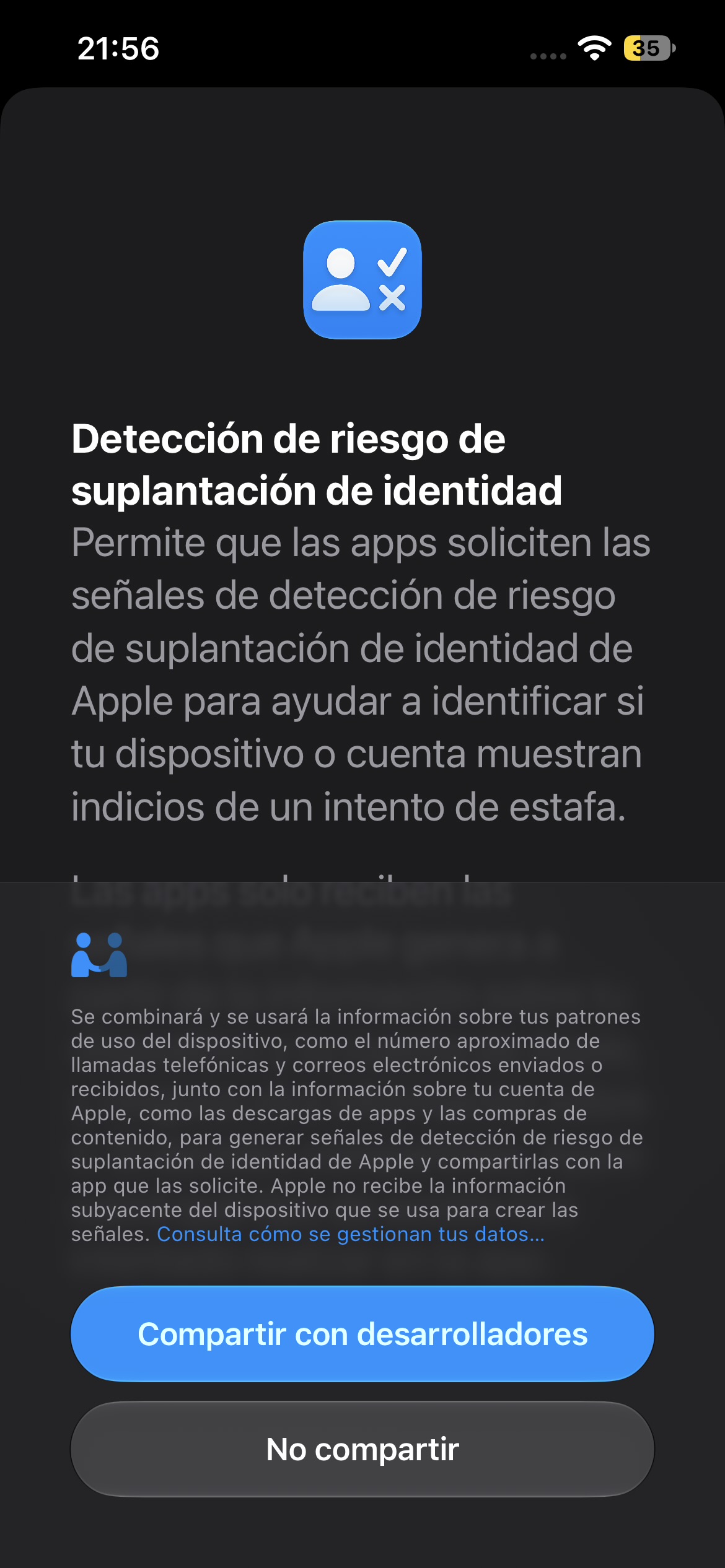
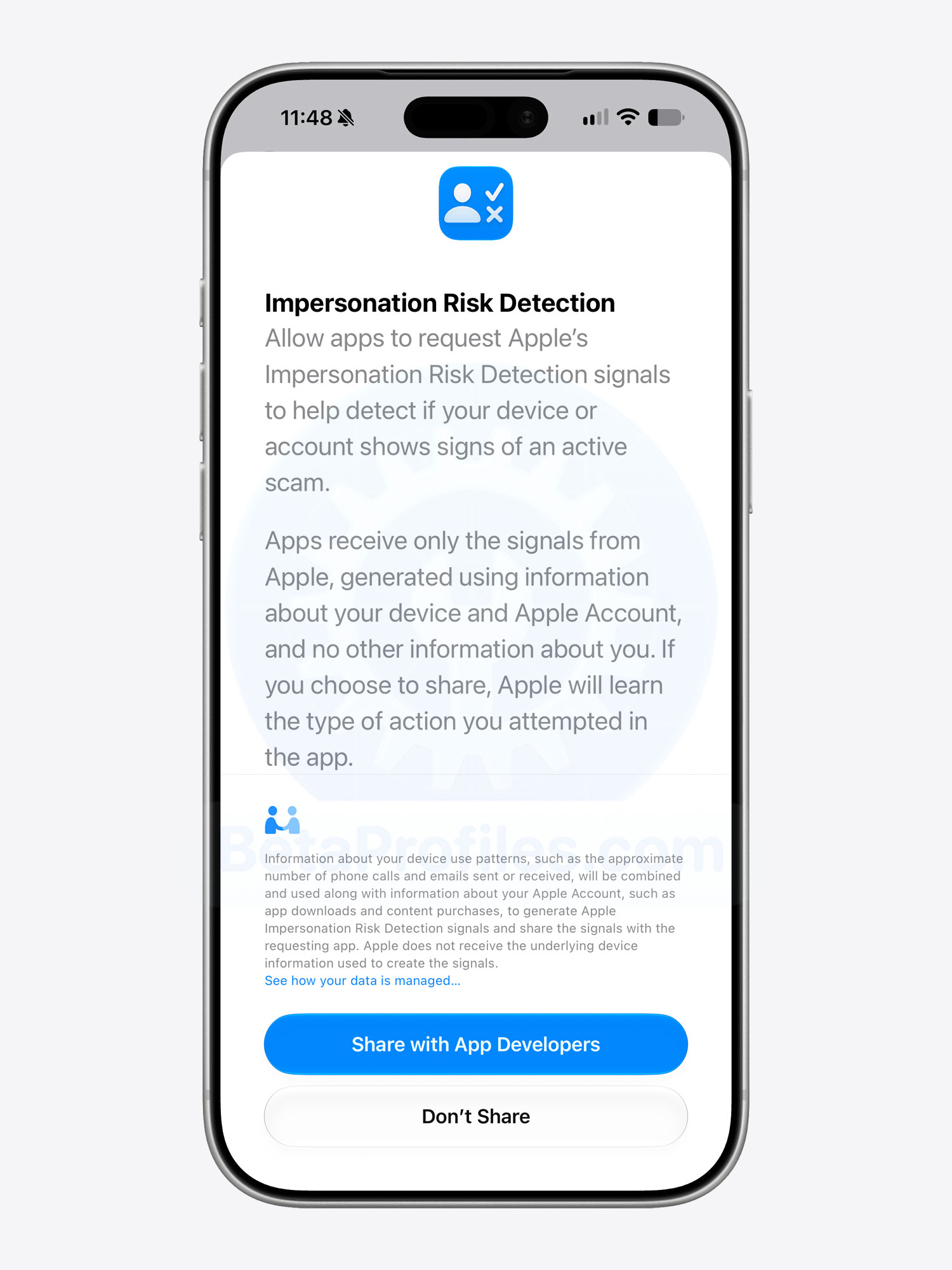
Impersonation Risk Detection
When you activate impersonation risk detection for the first time, a screen is displayed explaining how the new feature works.
Thanks to @javisx
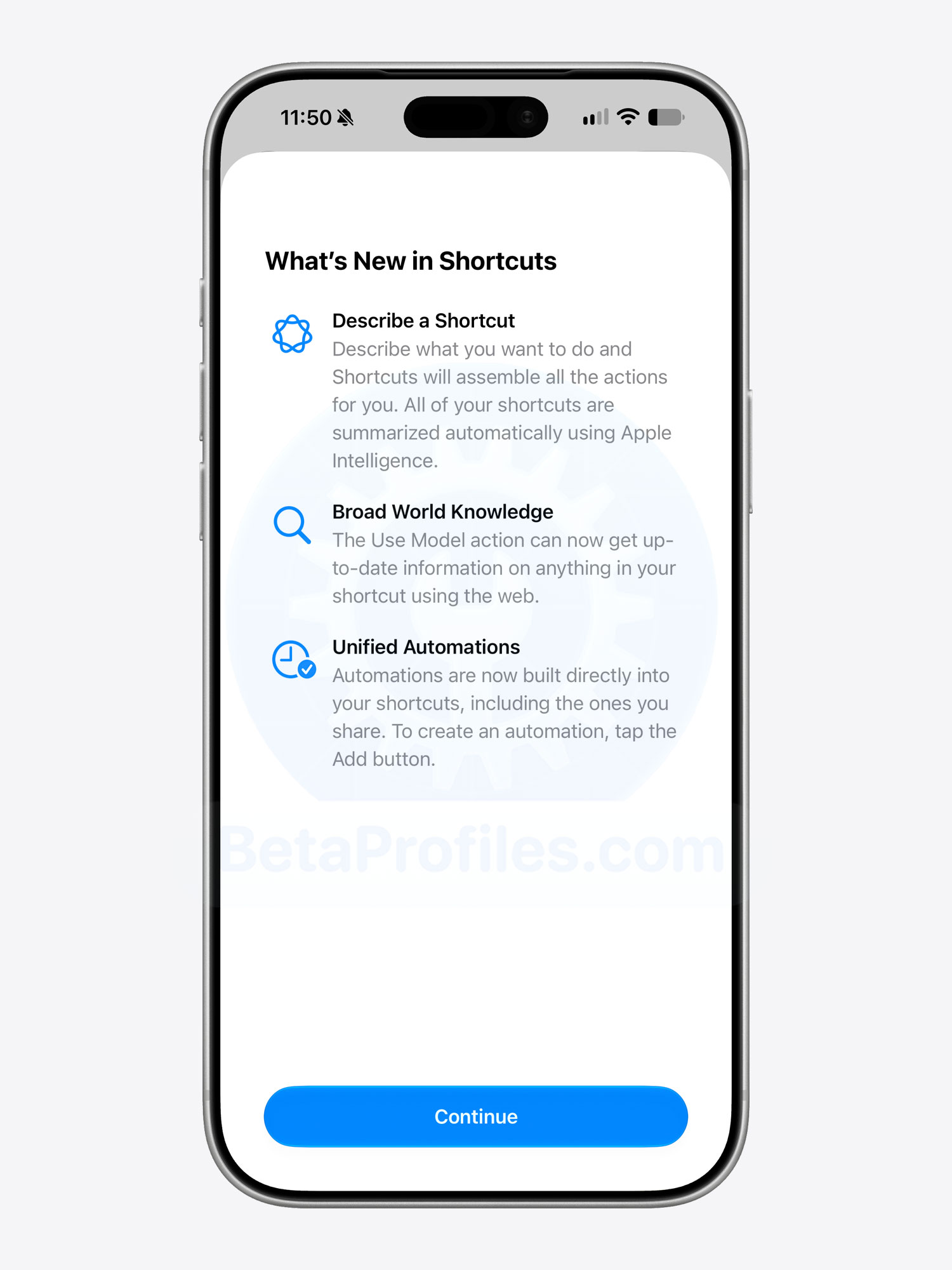
Shortcuts
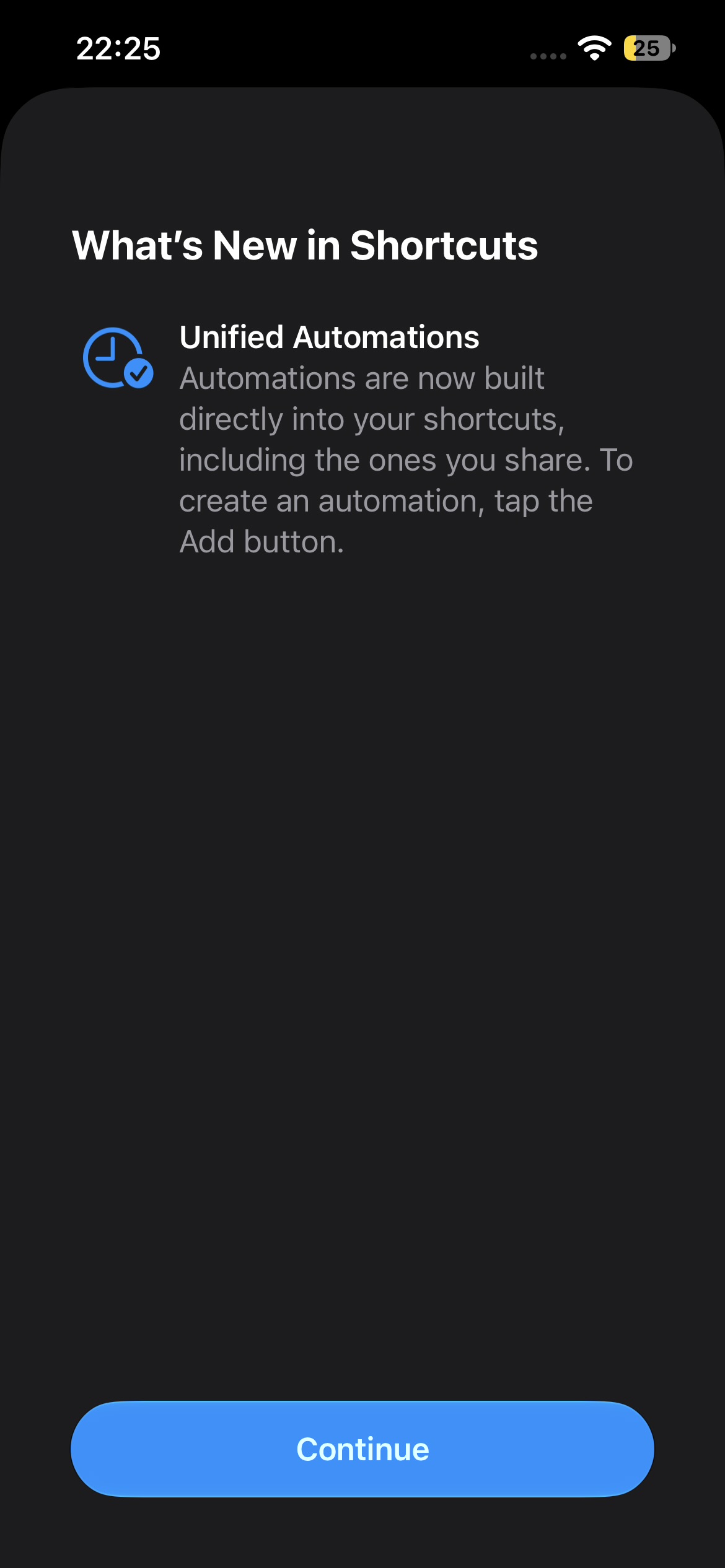
A new “What’s New” splash screen appears the first time you open Shortcuts. It highlights the following new features:
- Describe a Shortcut: Describe what you want to do and Shortcuts will assemble all the actions for you. All of your shortcuts are summarized automatically using Apple Intelligence.
- Broad World Knowledge: The Use Model action can now get up-to-date information on anything in your shortcut using the web.
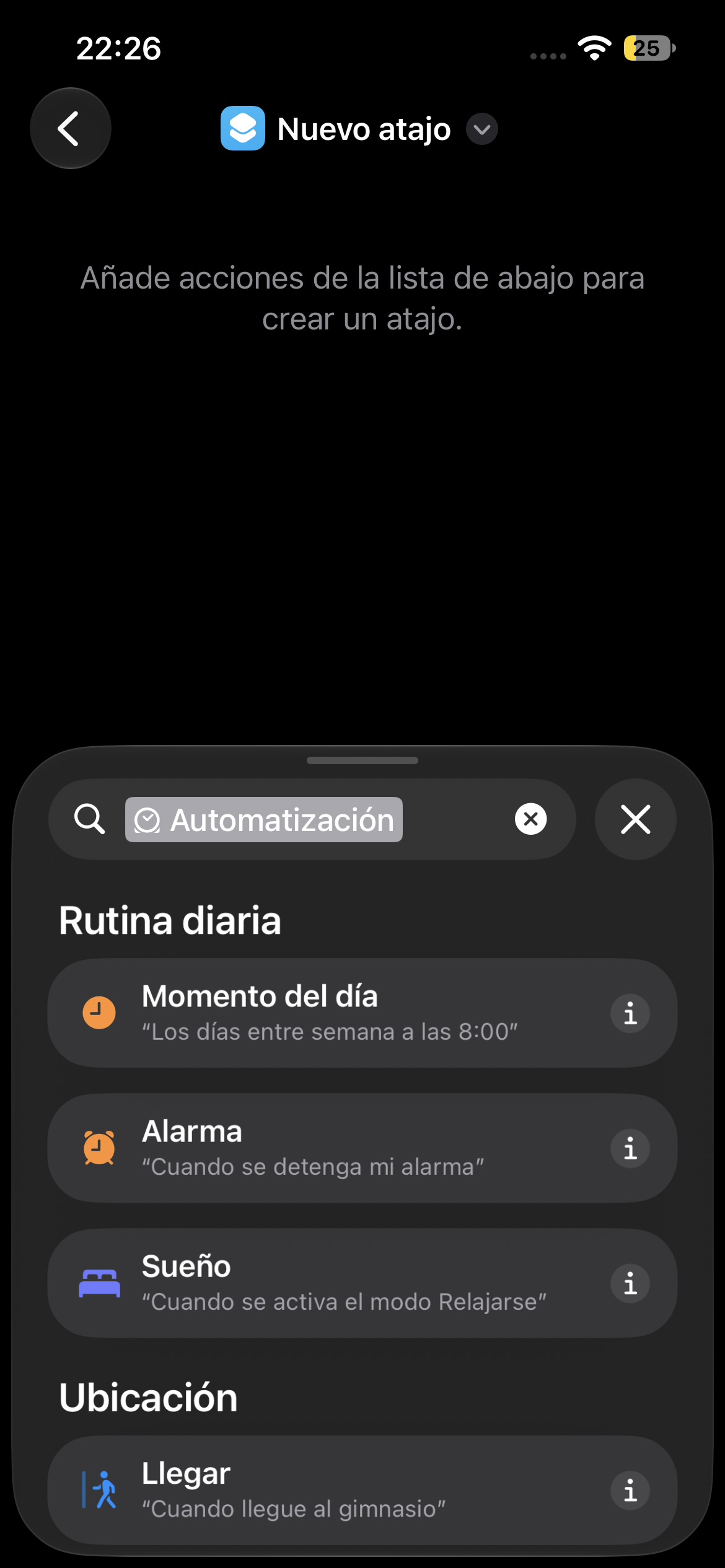
- Unified Automations: Automations are now built directly into your shortcuts, including the ones you share. To create an automation, tap the Add button.
5G+
5G+ is now available in Spain.
You can check if your carrier supports 5G+ here.
Thanks to @javisx
Apple Reference Image
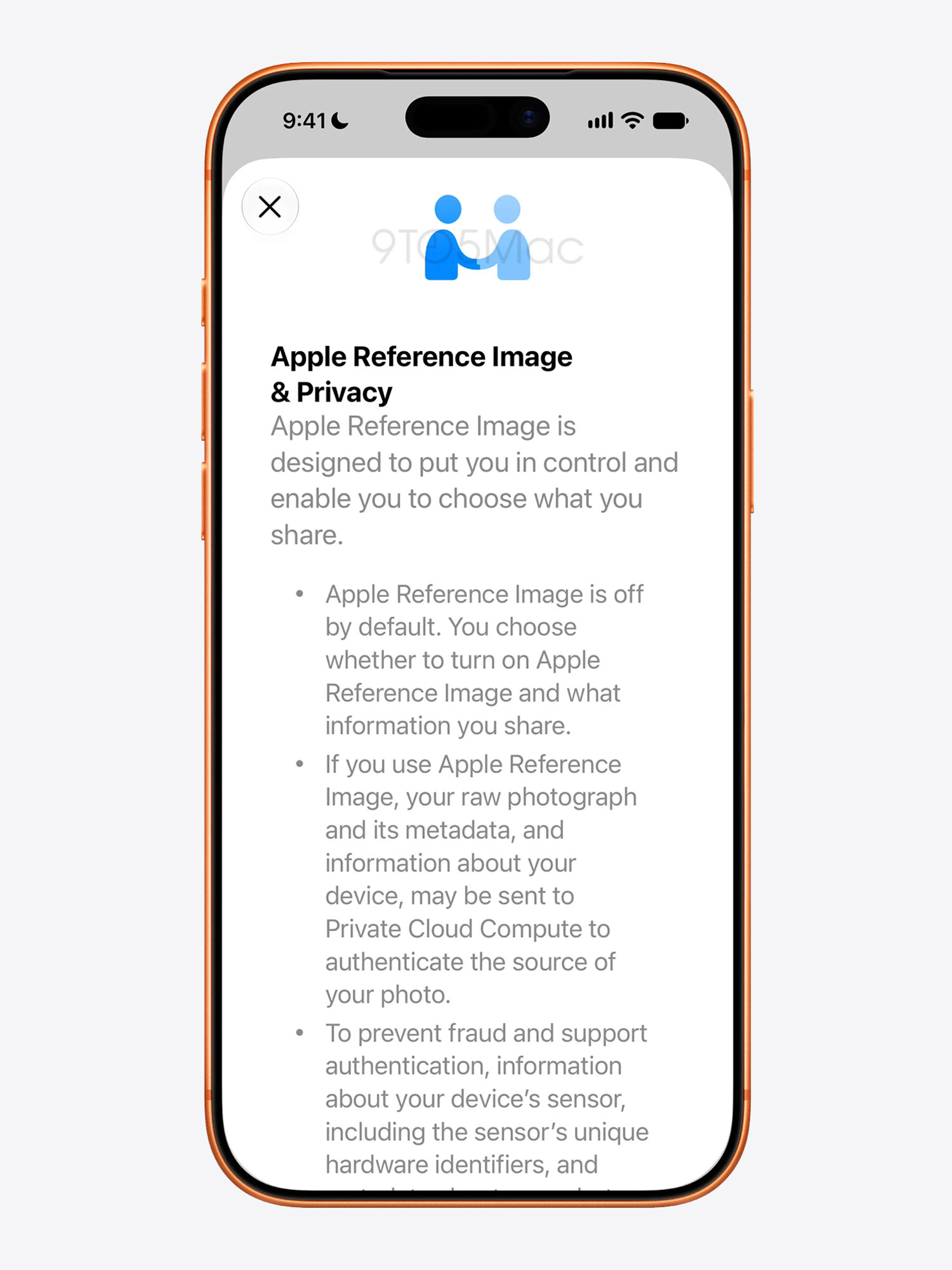
9to5Mac found references in the iOS 27 Beta 5 code to a privacy splash screen that appears when activating Apple’s Reference Image feature (screenshot below).
The feature is still in development, so the setting isn’t currently available. If Apple eventually rolls it out, you should be able to find it under Settings > Camera > Reference Image, then tap Reference Mode.
The new Reference Mode in the Camera app essentially adds provenance data to an image’s metadata. This could provide hardware-based evidence that a photo was captured using the iPhone’s camera sensor rather than generated by AI.
Status Bar
When opening Control Center, the 5G indicator no longer appears in the status bar when Wi-Fi is enabled.
The 5G indicator appearing alongside Wi-Fi in the status bar was first introduced in iOS 26 Beta 3.
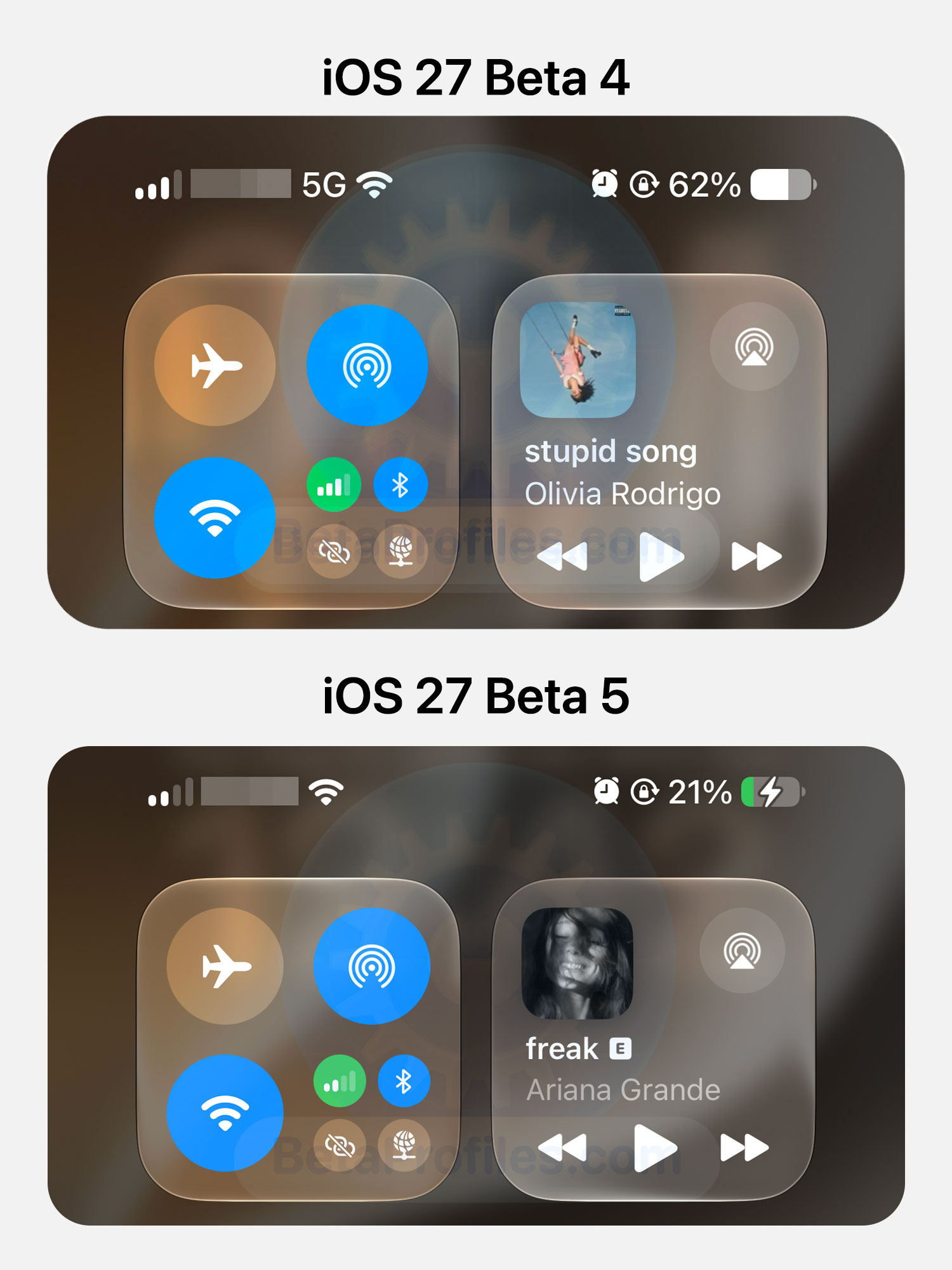
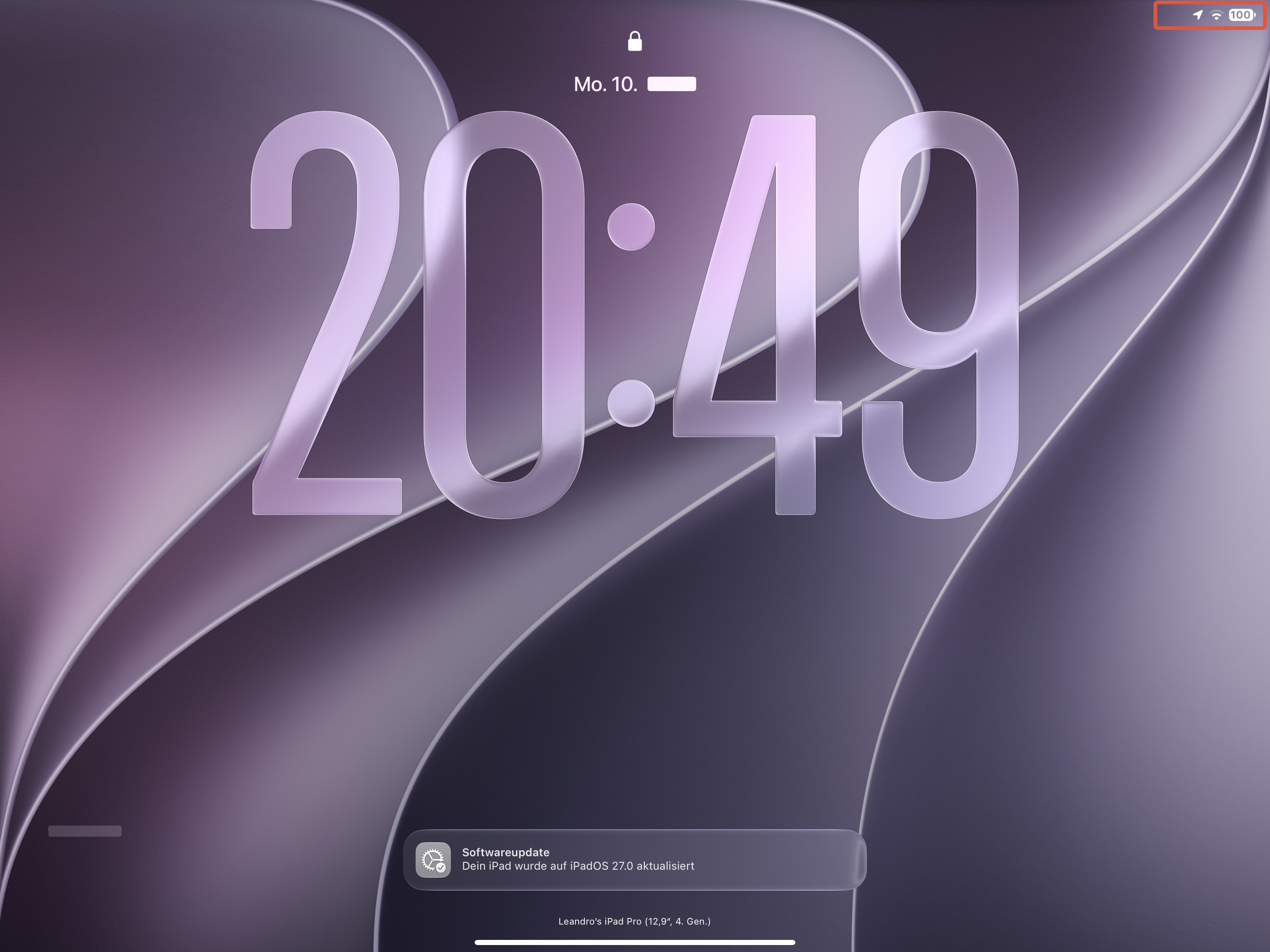
The cellular signal, Wi-Fi, and battery icons in the status bar have also been made slightly larger.
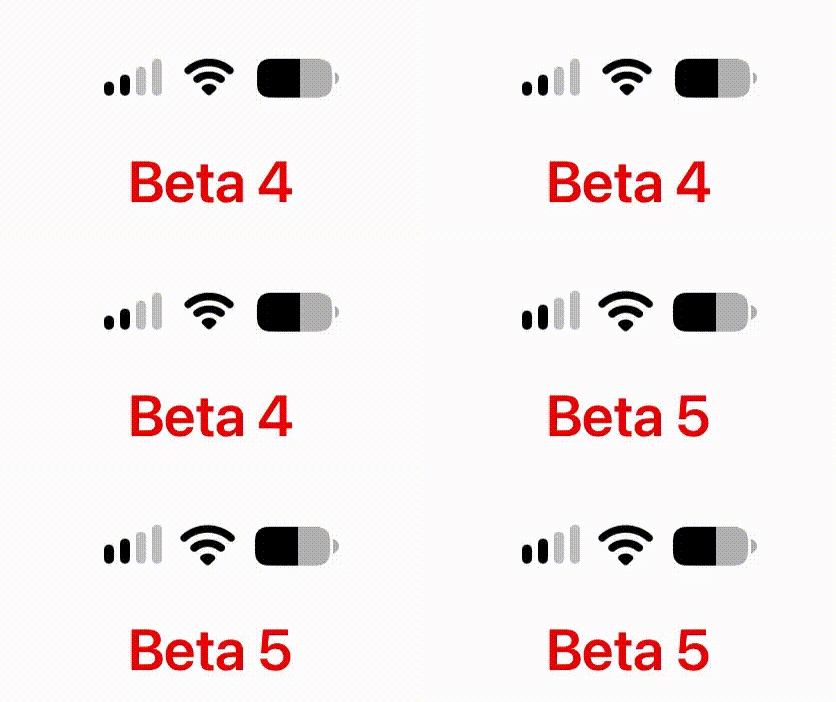
Image credit @Liandrium on X
Liquid Glass
iOS 27 added a Liquid Glass slider that lets you adjust it from Ultra Clear to Fully Tinted. Beta 5 makes the Ultra Clear setting slightly more transparent compared to earlier betas.
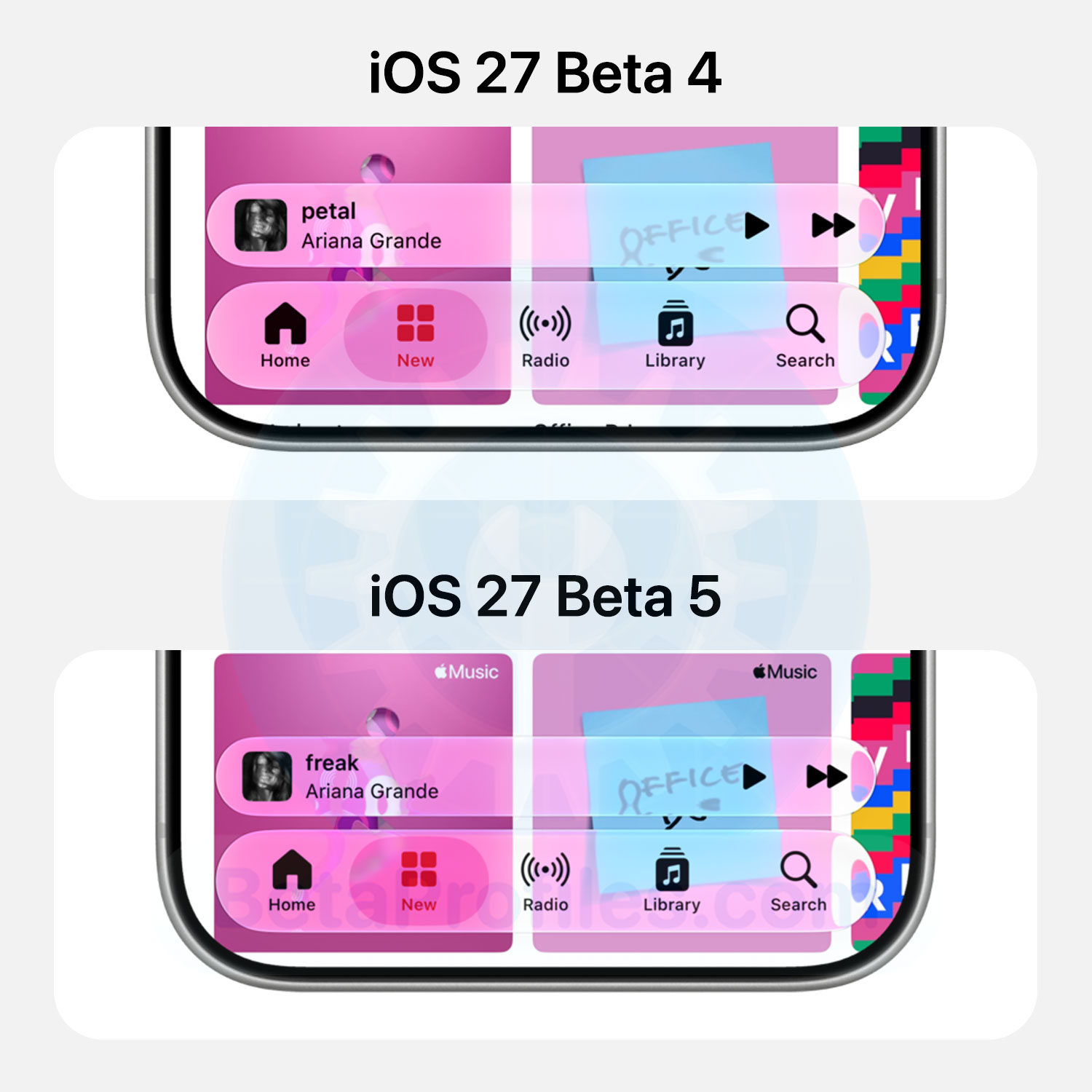
https://x.com/BetaProfiles/status/2087209130910249252
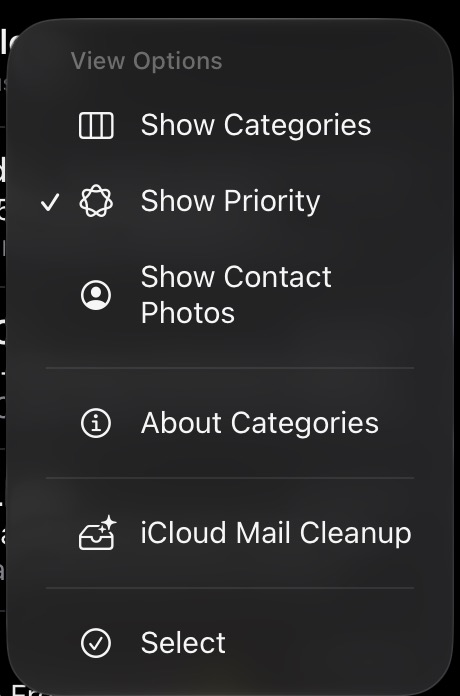
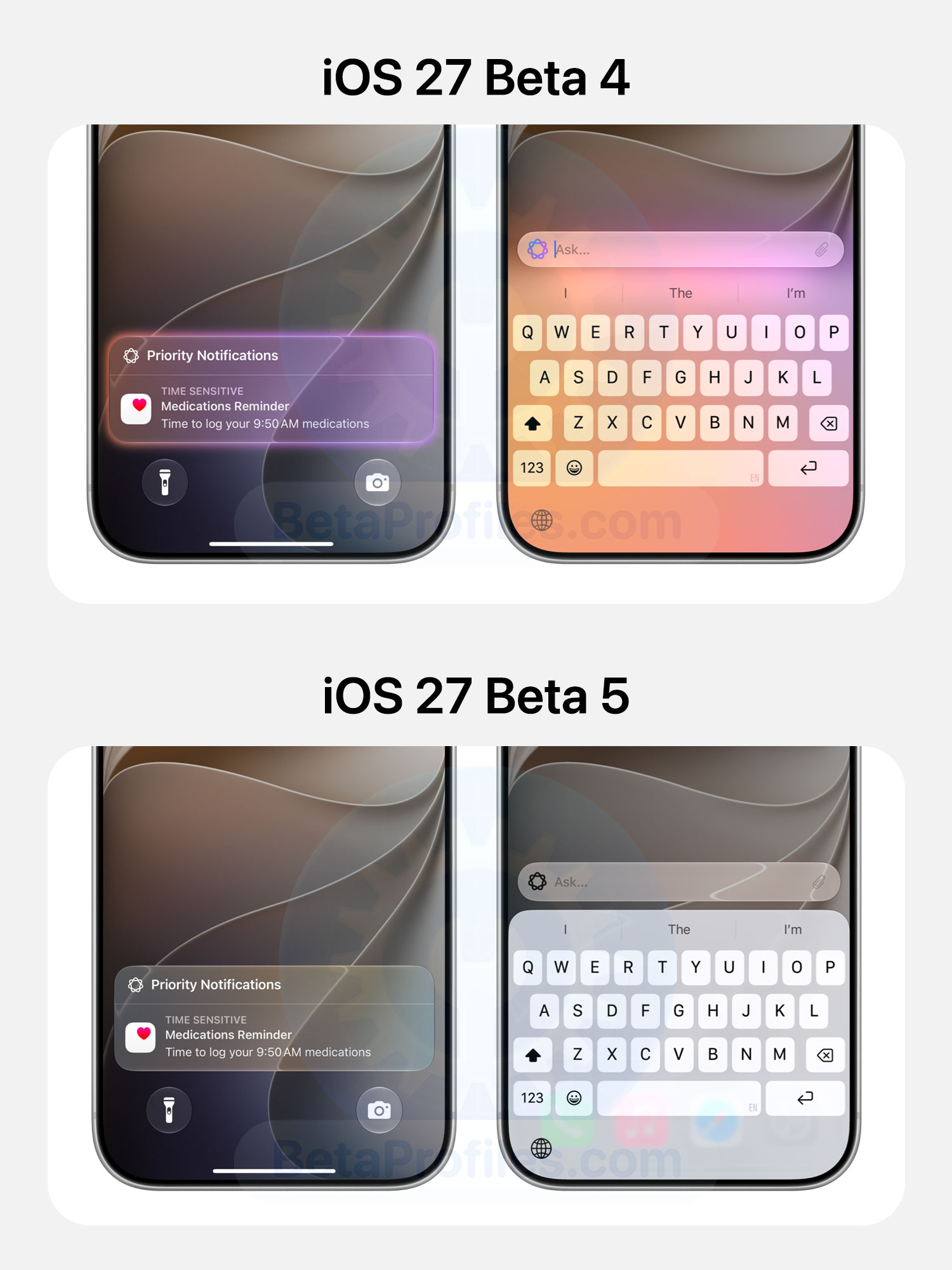
Priority Notification
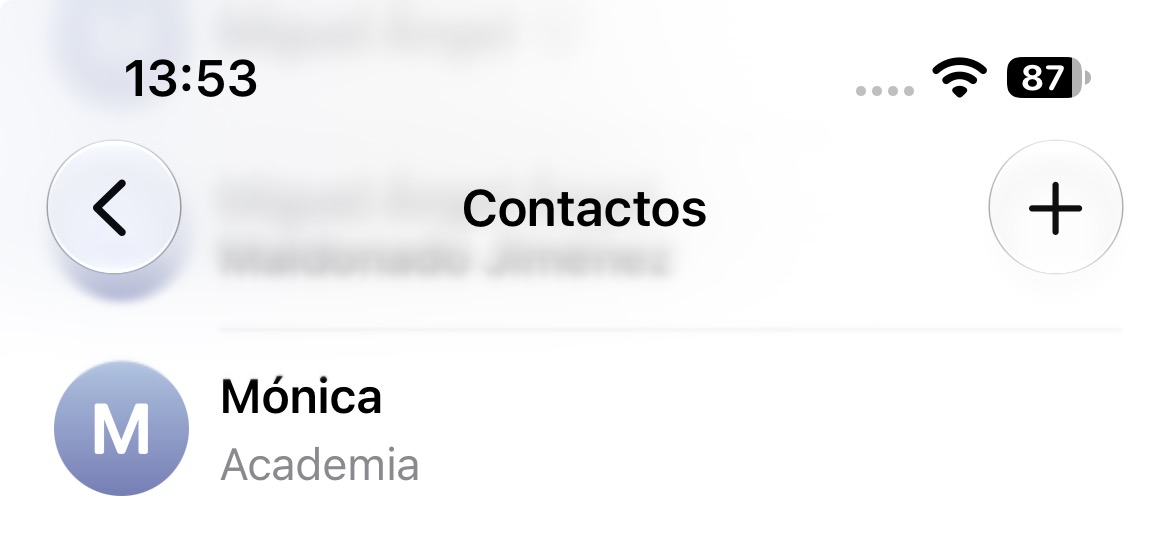
Contacts Improvements
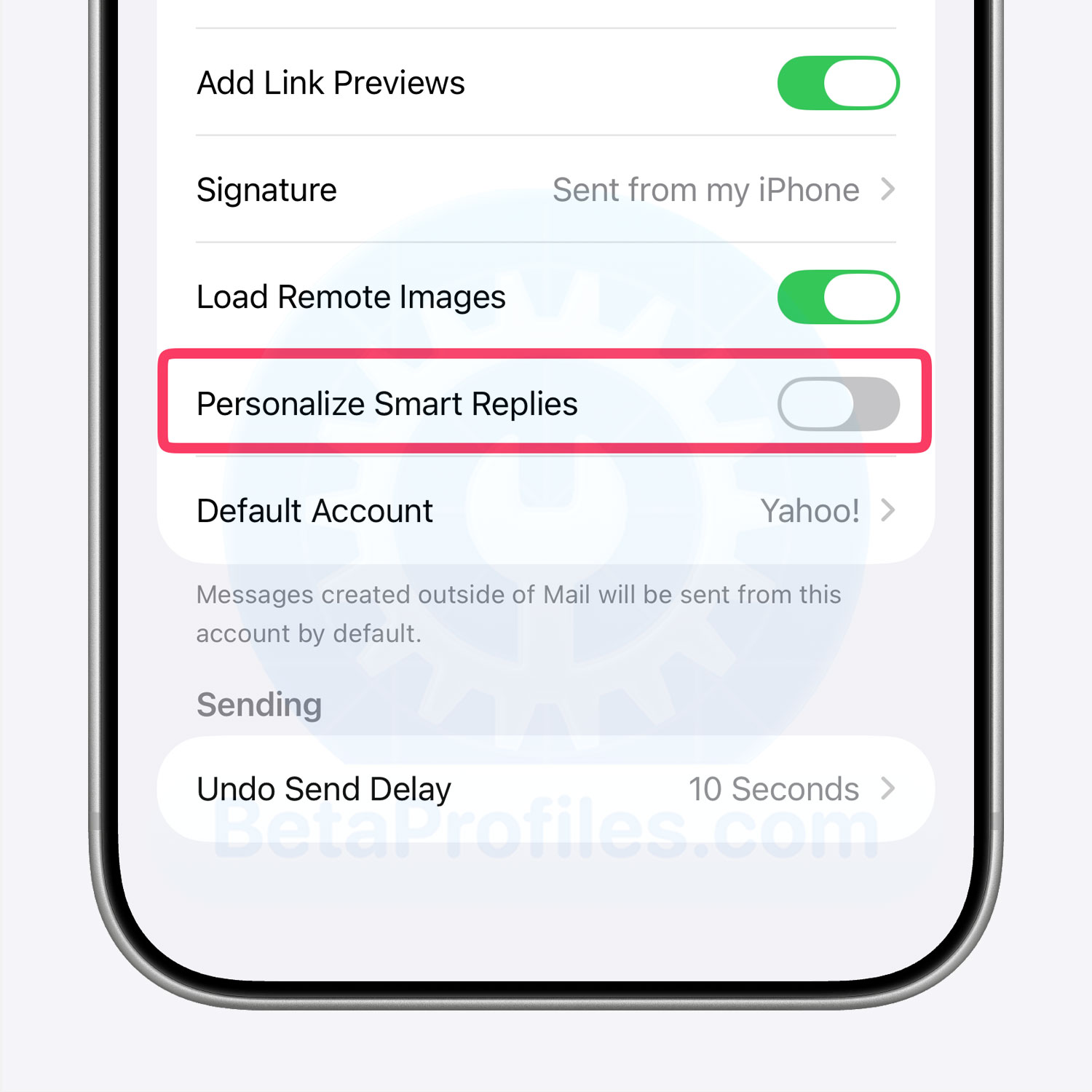
Battery
https://x.com/creativeaarush/status/2086896295369904637?s=20
App Icon Flickering Fix
When you close an app and return to the Home Screen, the specular highlights around the app icon used to flicker. This bug has been around since iOS 26 and has been reported by many users. It has finally been fixed in iOS 27 Beta 5.
Apple partially fixed this bug in Beta 3, but only for Dark mode. Beta 5 now fixes it in both Clear and Tinted modes.
https://x.com/BetaProfiles/status/2087230370249146834
Apple Intelligence Gradient
The colorful gradient used for Apple Intelligence features has been gradually disappearing since iOS 27 Beta 1, when Apple stopped using it as a visual indicator for Apple Intelligence.
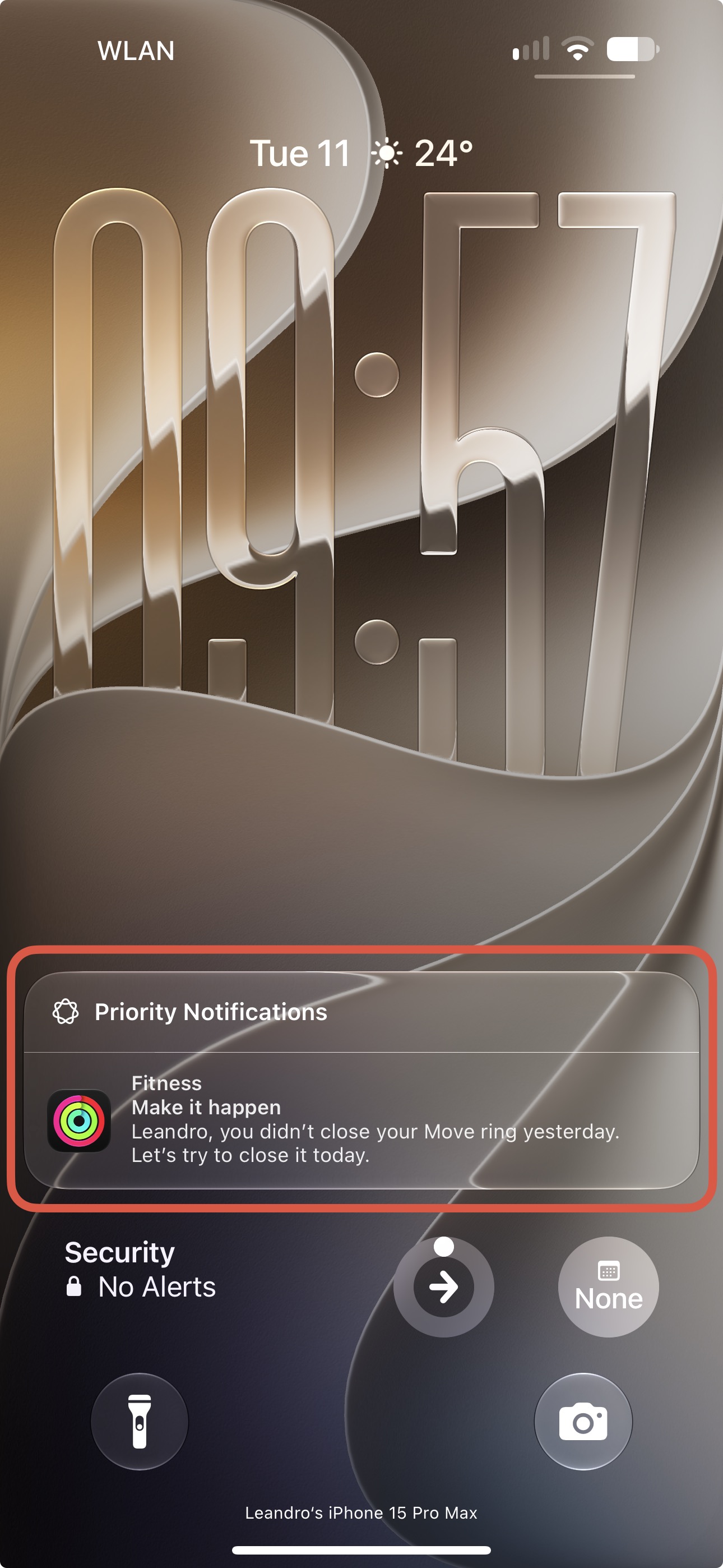
In Beta 5, Apple has removed the gradient from Priority Notifications and from the keyboard when using the shortcut with an AI model.
The gradient hasn’t been completely removed, though. You can still see it in a few other places in iOS 27 Beta 5, such as when editing photos with AI Tools and in AI-powered summarization features.
Thanks to @KingDando
I’ll keep adding more iOS 27 Beta 5 changes and new features here as I discover them. Stay tuned and follow @BetaProfiles on X or Threads!