I remember a similar method was used to enable the new Siri UI on devices that didn’t support Apple Intelligence during the iOS 18.1 beta. Apple patched it pretty quickly, though.
Over the past few years, Apple has significantly hardened iOS against jailbreaks. Blocking tools like Nugget shows they’re still actively closing off ways for third-party software to modify or interact with the system in unintended ways.
It’s kind of nostalgic, actually. Years ago, the jailbreak community was incredibly active. These days it’s much quieter, but at the same time iOS has become far more customizable than it used to be, so I guess that has changed the landscape quite a bit.
That was probably me experimenting with my iPhone 12 Pro. It did work some weeks and then Apple Intelligence was gone . (But the charging limit stayed).
But even after the patch for Mobilegestalt-Features it was pretty useful.
If you look on my lockscreen screenshots (iPhone and iPad) you notice a footnote I added. And after the update to iOS 27 there’s no option to remove it.
Might be a problem if I get a new iPhone, because it’s in the iCloud Backup included. (Then it’s no longer a 15 Pro Max and the footnote is wrong…)
I also found a new bug in the Wallet App:
Cards which were deleted in previous beta versions reappeared for no reason.
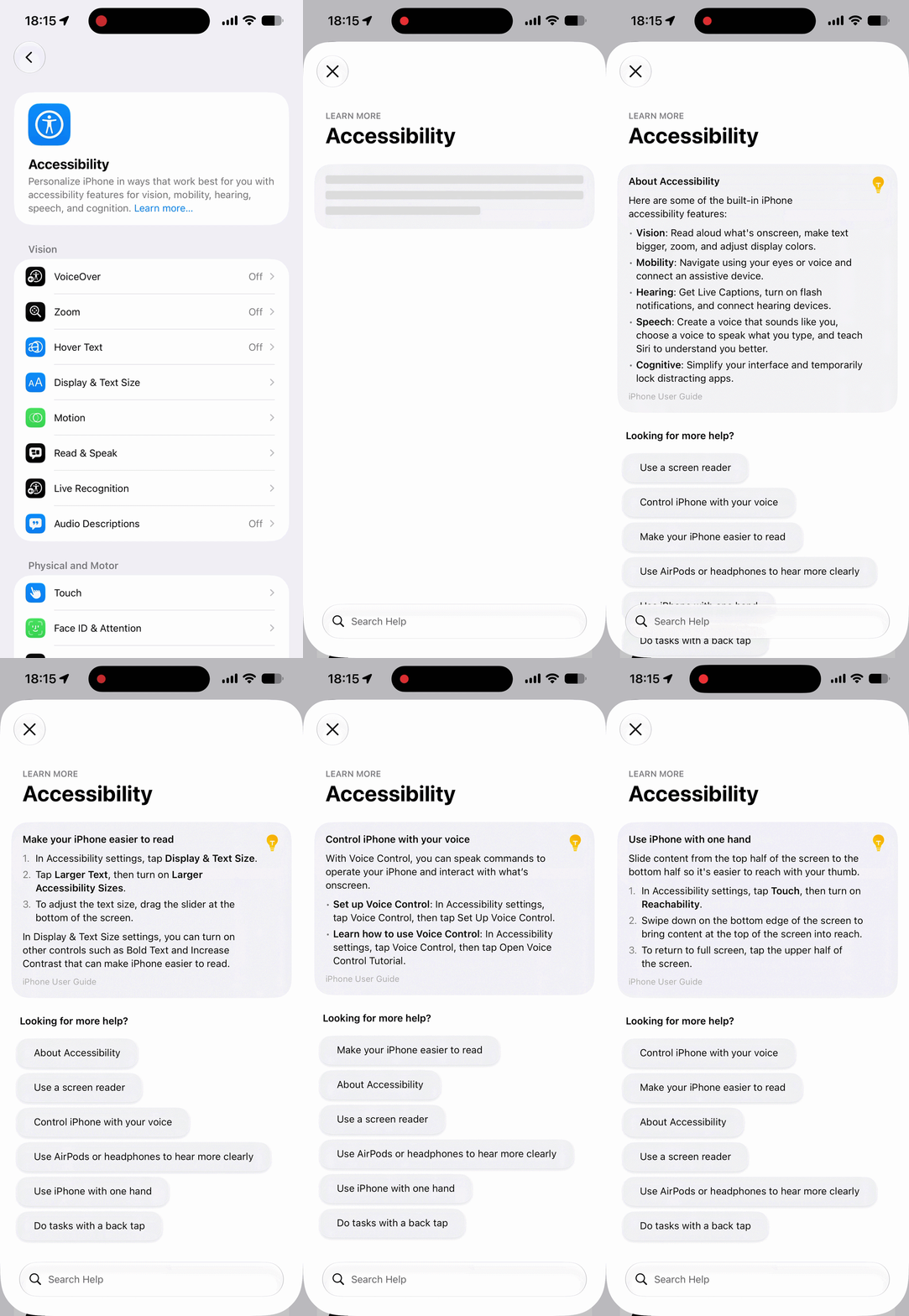
Yeah, that’s generated by Apple Intelligence. Devices that don’t support Apple Intelligence still show the same UI as iOS 26. I reported this change back when iOS 27 beta 1 was released.
I also have a custom animated wallpaper that I enabled using Nugget, and it’s still working to this day. I assumed it was restored through an iTunes/Finder backup. I didn’t realize iCloud backups might preserve those kinds of modifications as well.
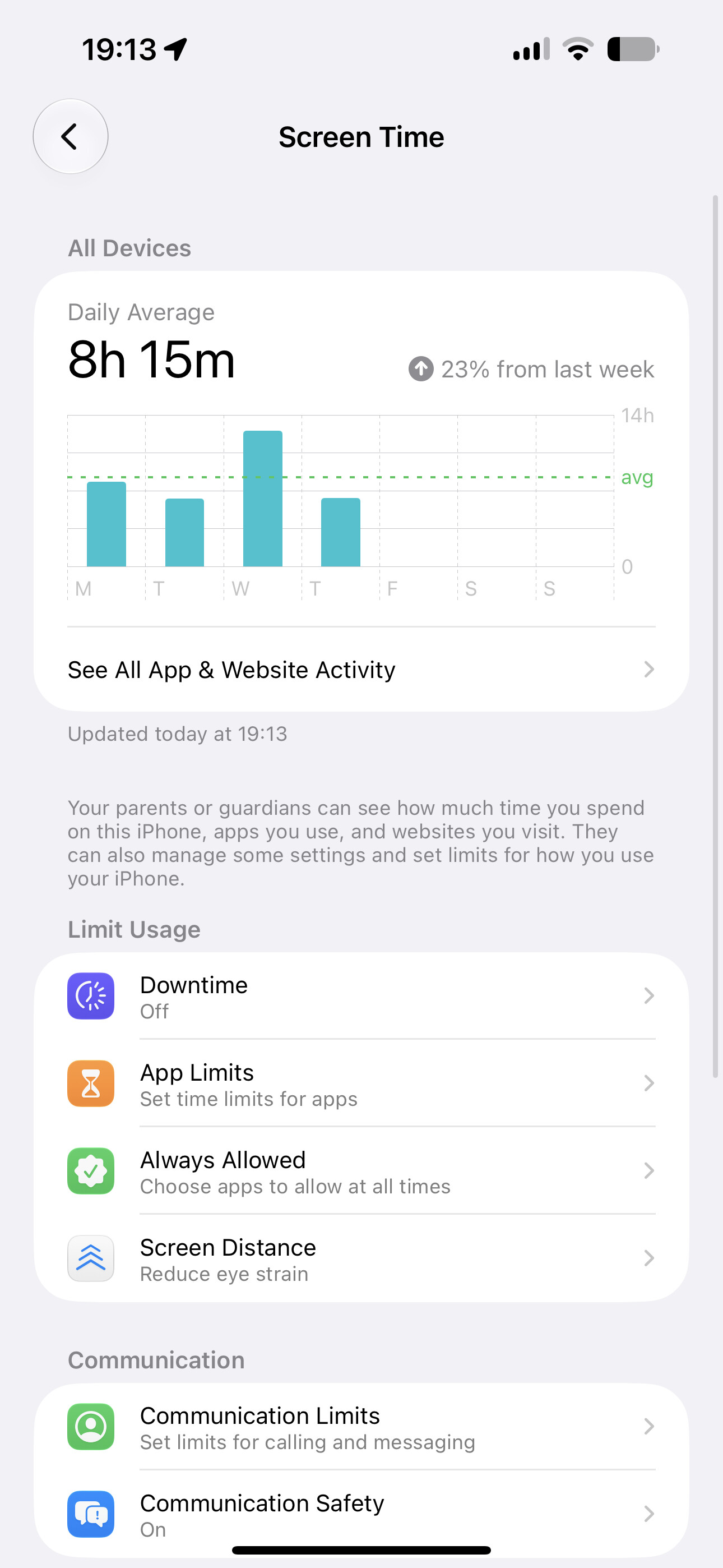
Wait, was the new Screen Time already added in Beta 1? I completely missed that feature. Maybe it’ll make a comeback in Beta 4 or 5, around the time the iOS 27 public beta is released.
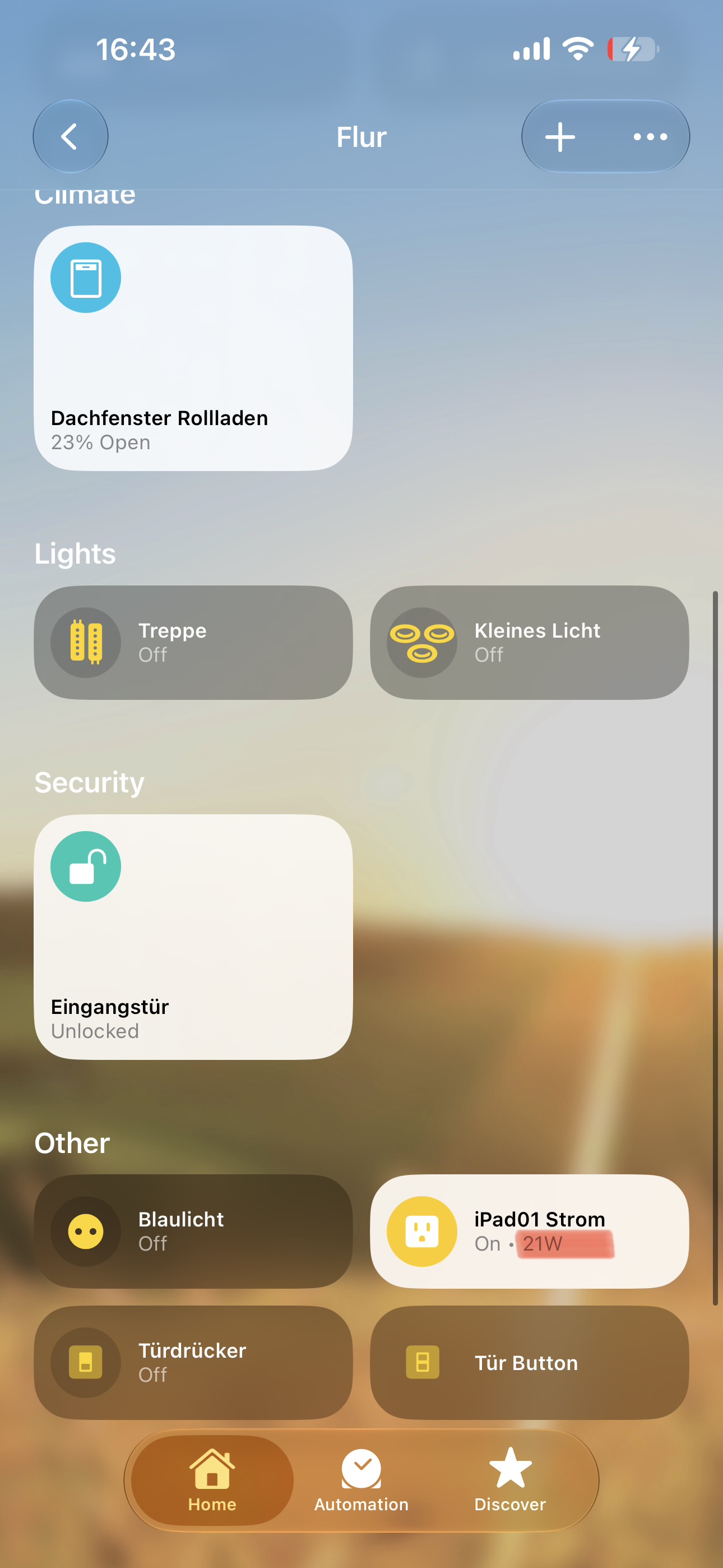
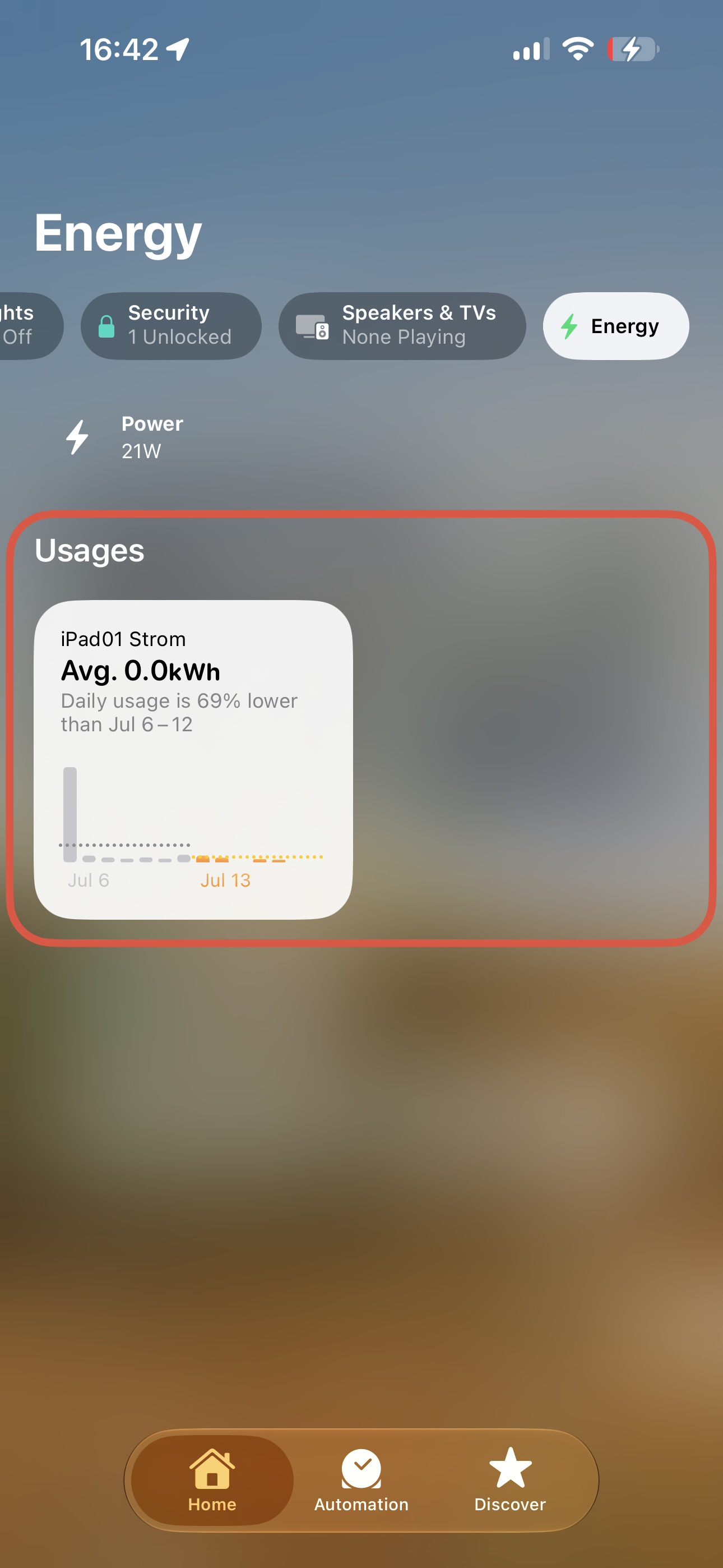
Apple changed the measurement unit from “kW” to “W” giving, which is easier to read and much more comfortable.
This time, it really works and it’s a live status.
Not like in previous beta versions, where it showed 0.00 kW and took a long time to update.
If you want you can use my images for your post update.
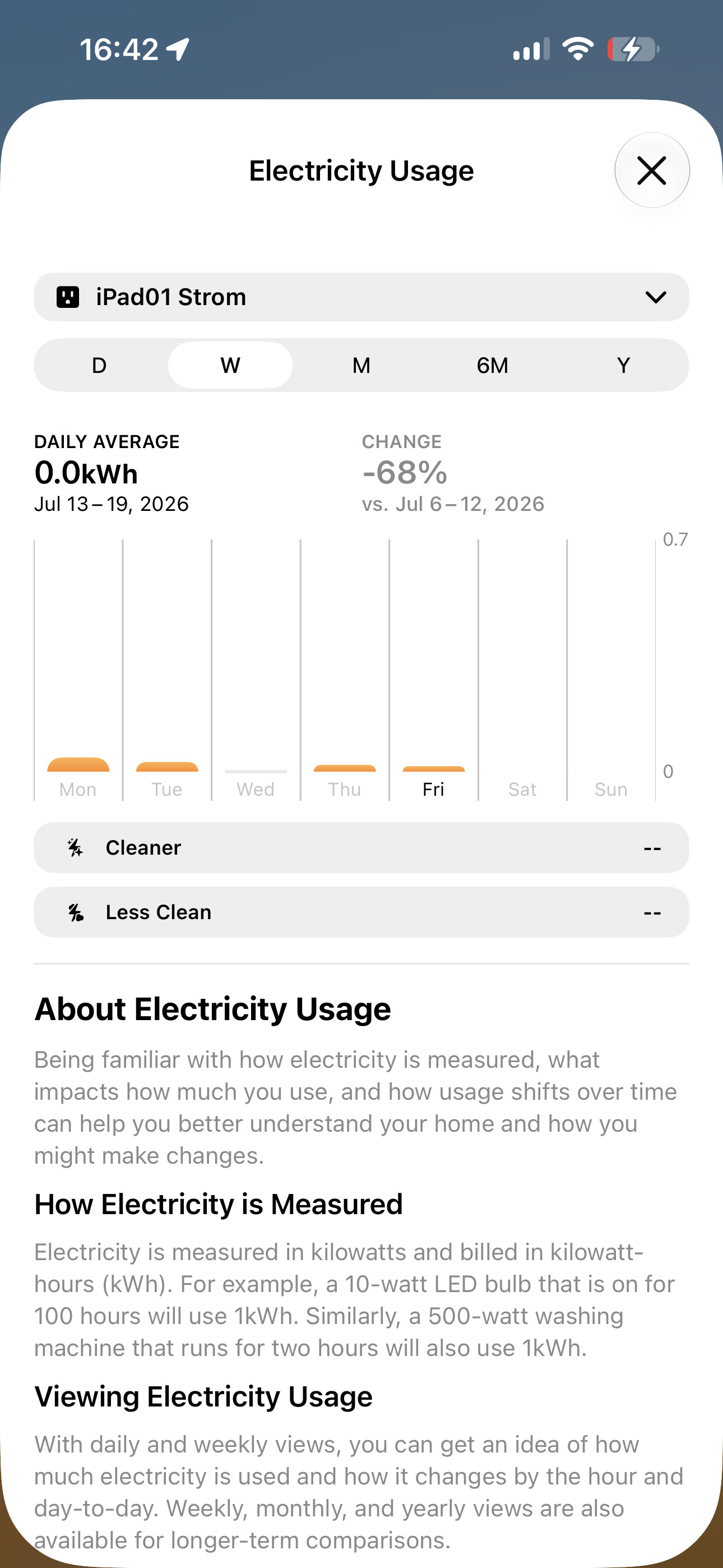
I use the IKEA Grillplats. It’s very cheap and really reliable. And with Matter-over-Thread it’s a really good smart plug. https://www.ikea.com/de/de/p/grillplats-steckdose-smart-60604238/
I have some more devices but they don’t support energy consumption or are connected to my Home Assistant instead of HomeKit.
Thanks! I’ve been wanting to get a HomeKit smart plug too. My current ones can track power consumption, but I have to use a separate app instead of the Home app, which is kind of annoying
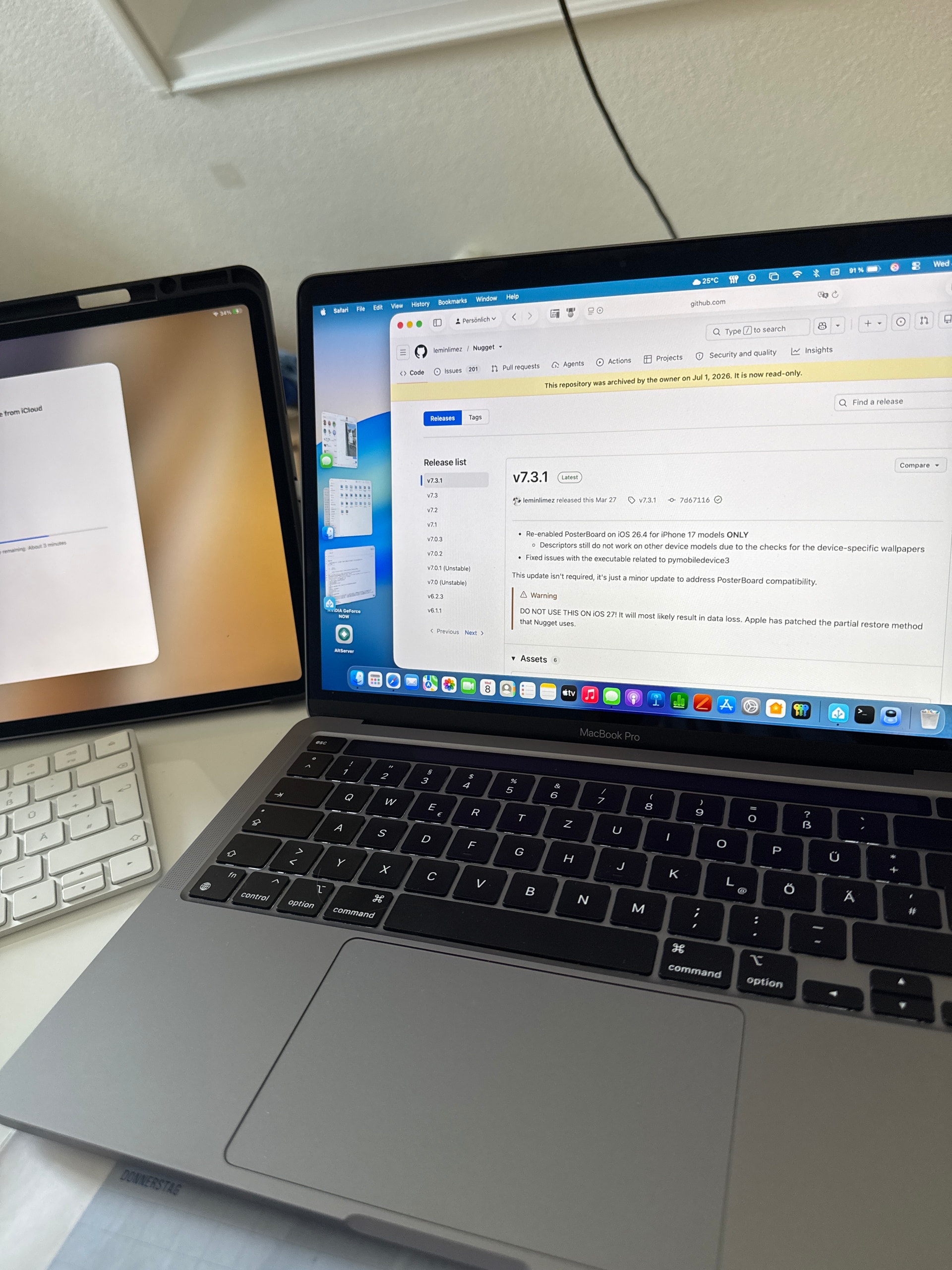

. So I had to reset it and restore a backup from iCloud…

 . (But the charging limit stayed).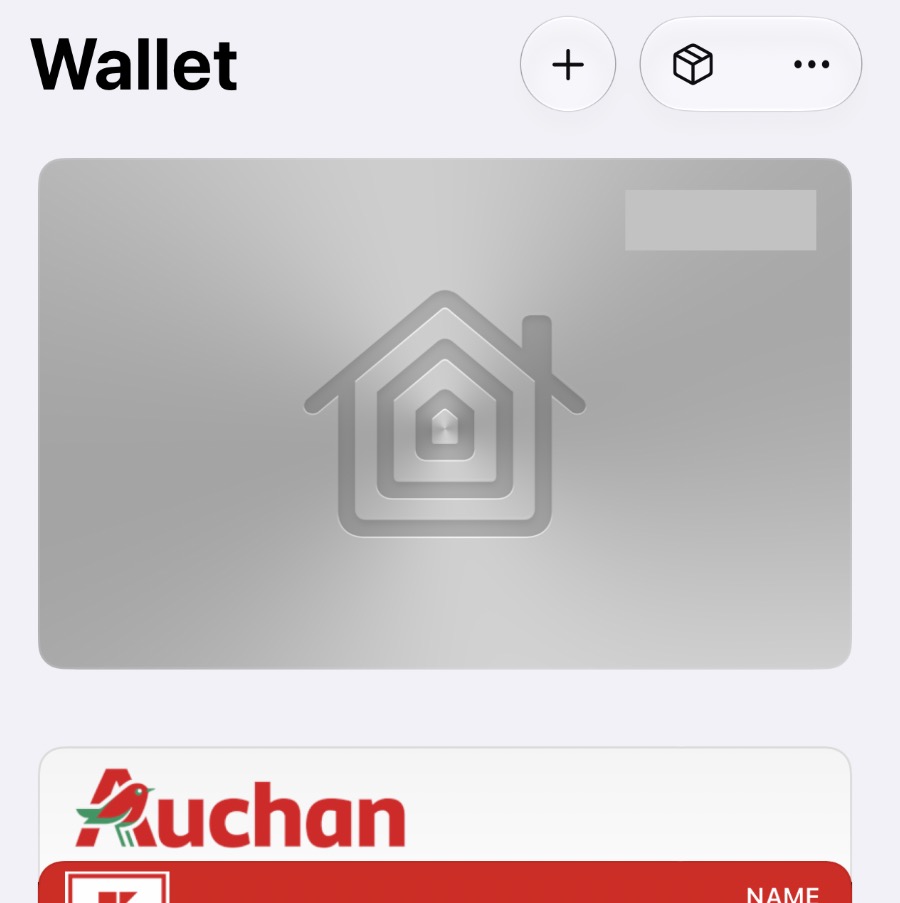
 :
:
 near a power consumption.