Then Spain got lucky with Liquid Glass..
3 Likes
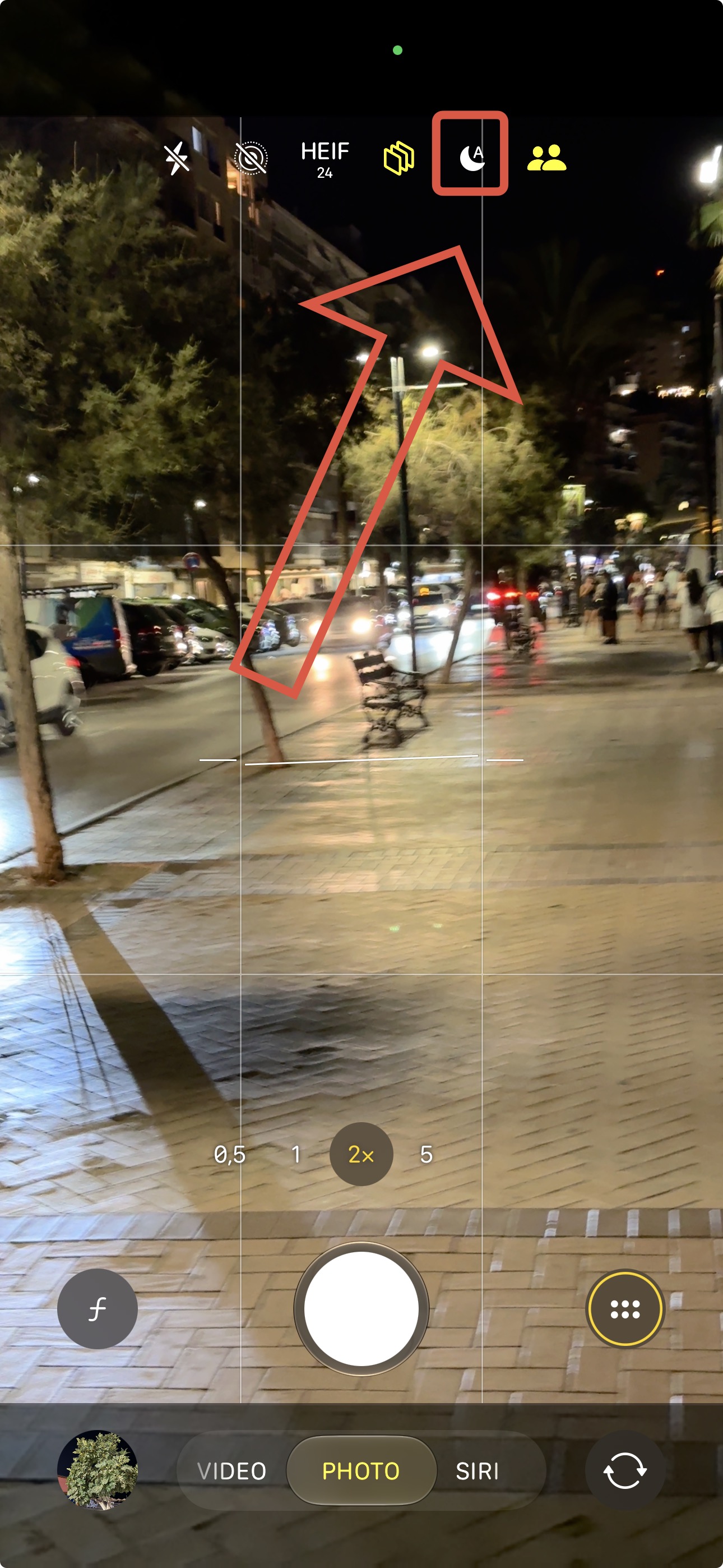
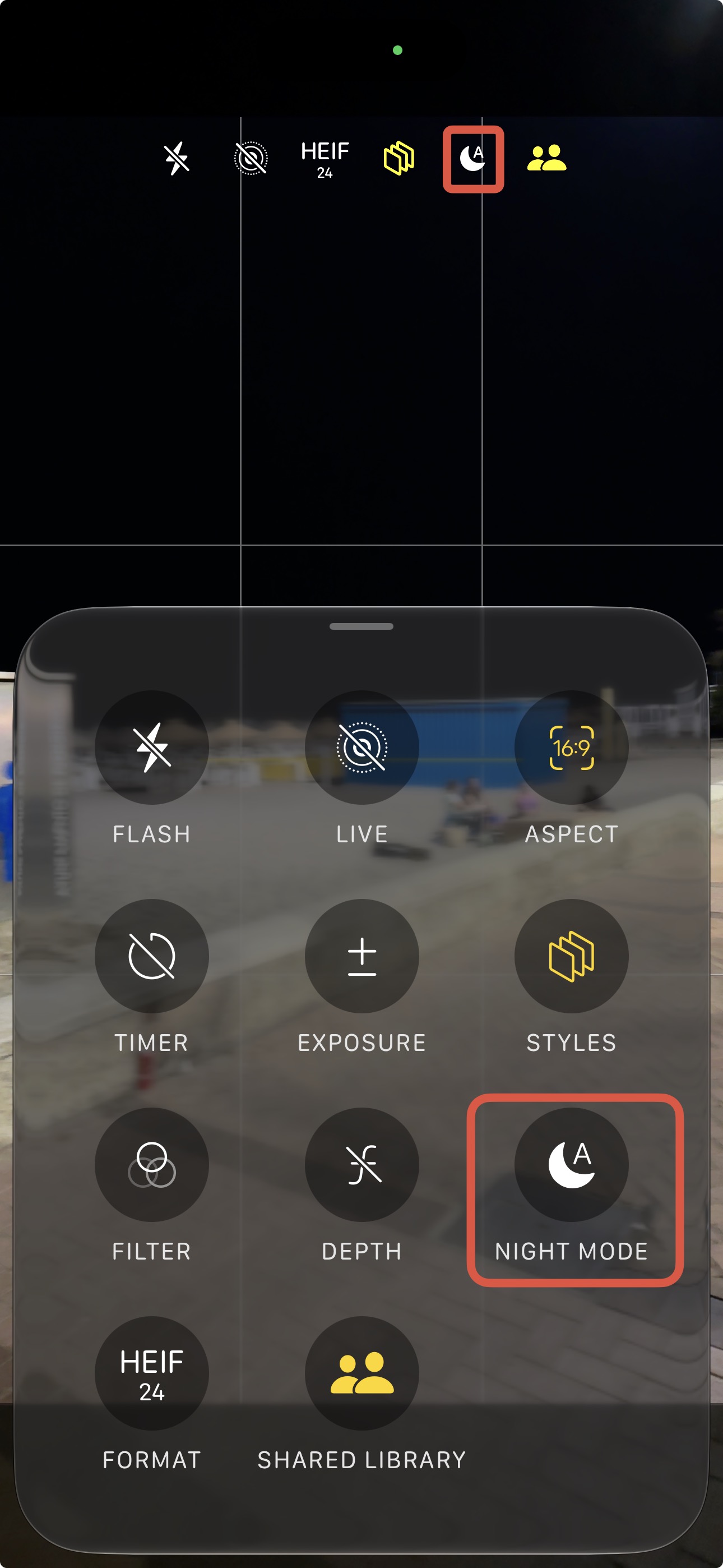
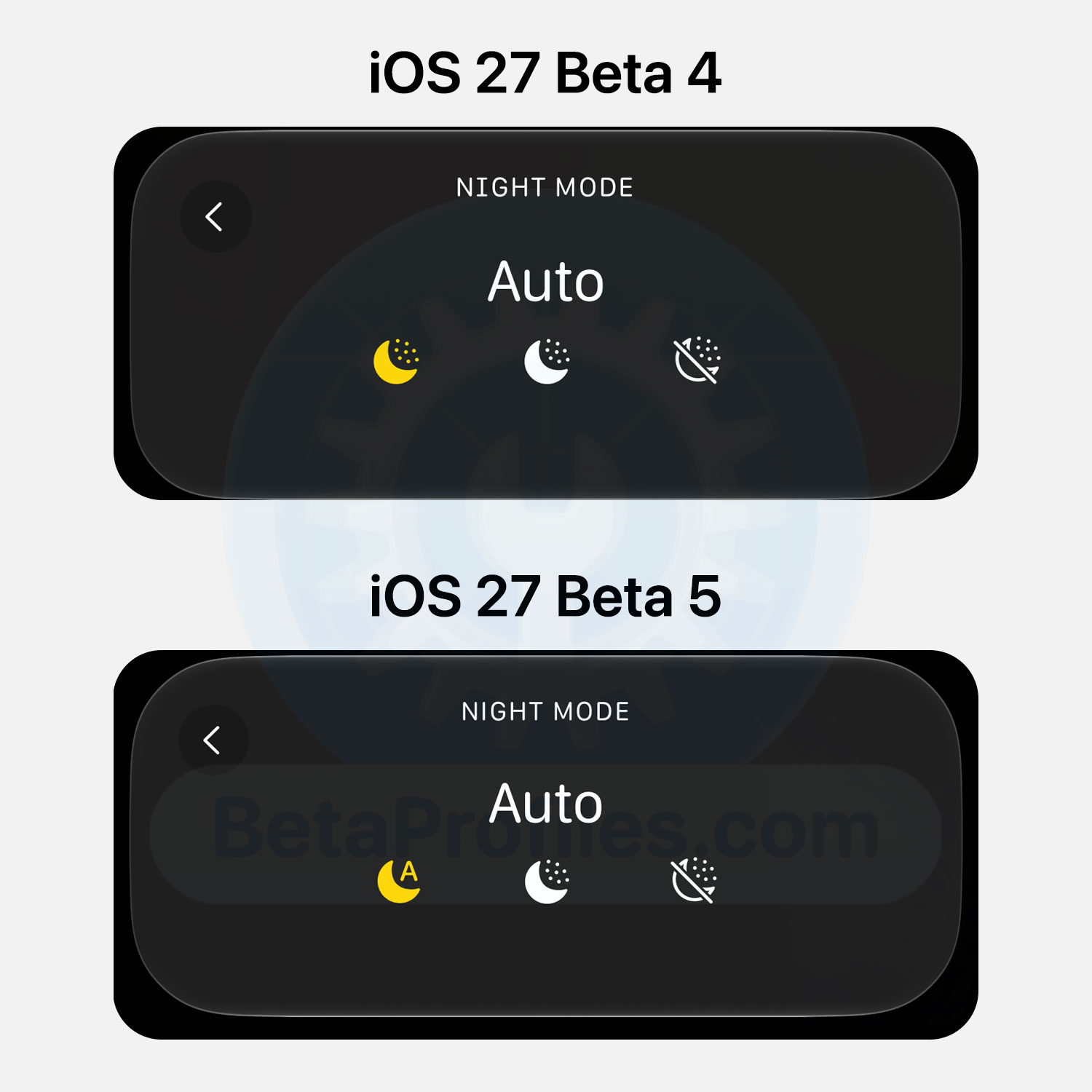
I think Apple changed a small detail in the camera app. Please correct me if I’m wrong but i think there is a new “A” for Auto(matic)
4 Likes
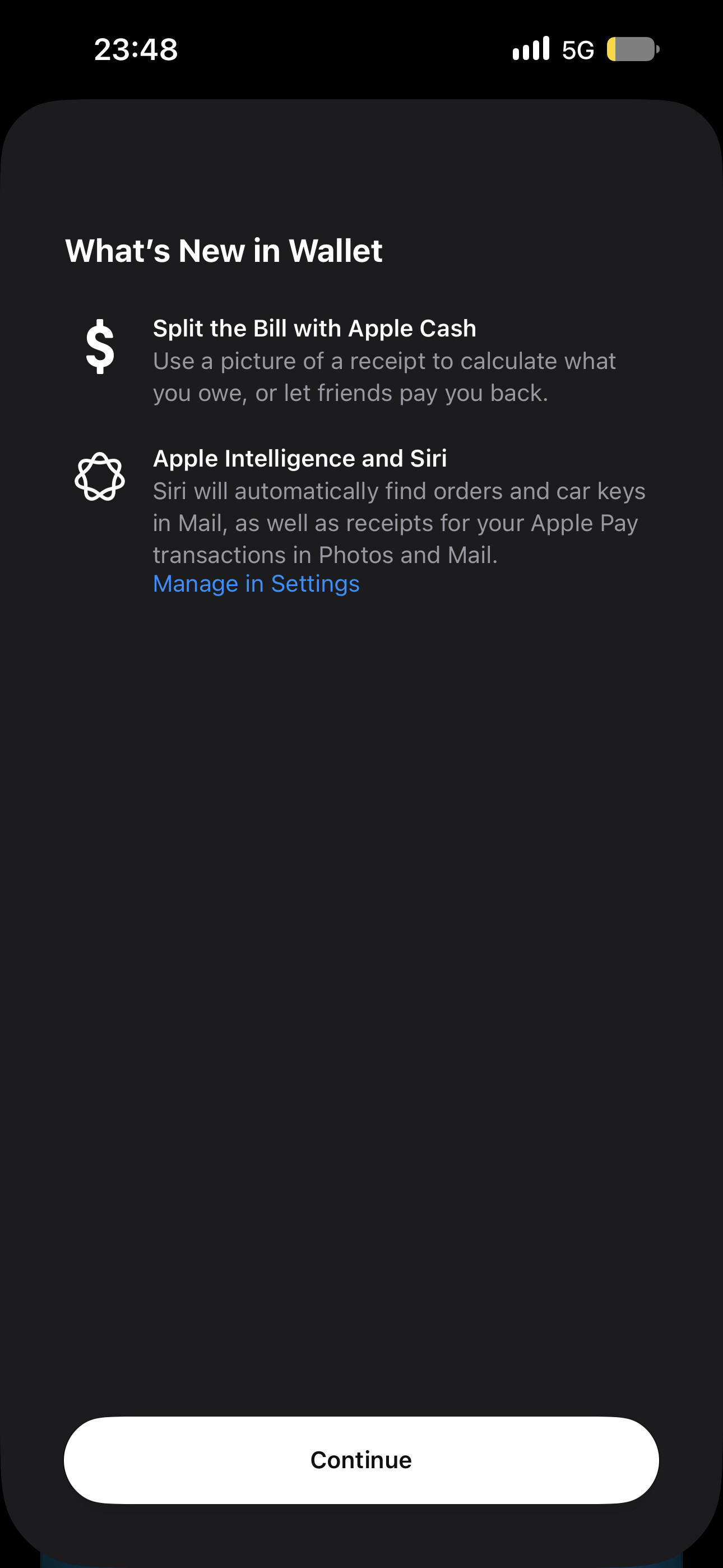
On my device running iOS 26.6, the Discover option also appears in Wallet. I suspect it was added server-side rather than through an iOS update.
3 Likes
Apple Home notifications got an update (for all devices). It now shows the room name after your house name, if a device state (like locks, covers, security systems,…) changes.


3 Likes
Not a good change, when you ask me.. I liked the colorful design for Apple Intelligence.
2 Likes
Found a bug:
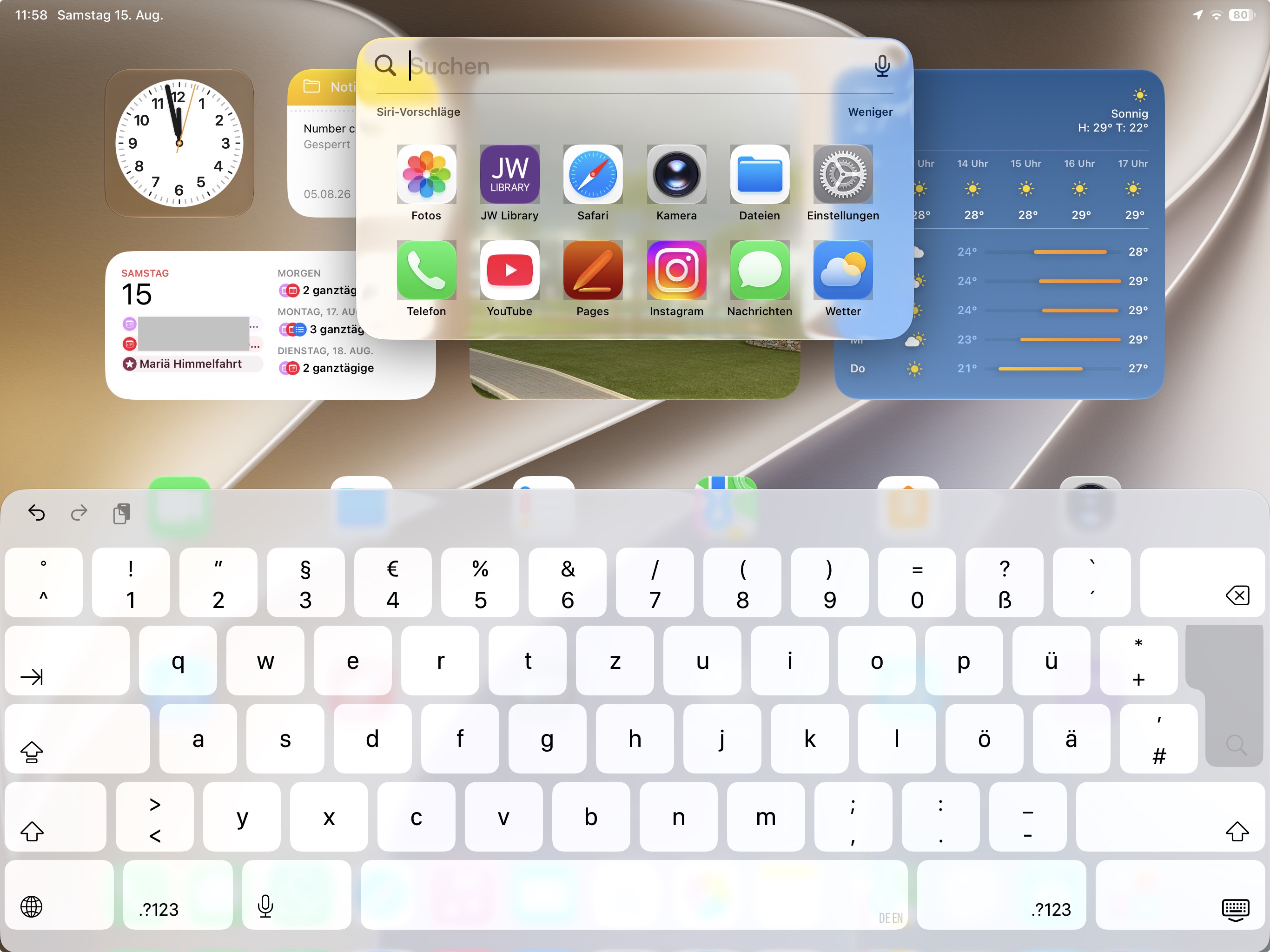
Apple Home got another update for the Apple Intelligence Summarizes:
There is a new info text field:
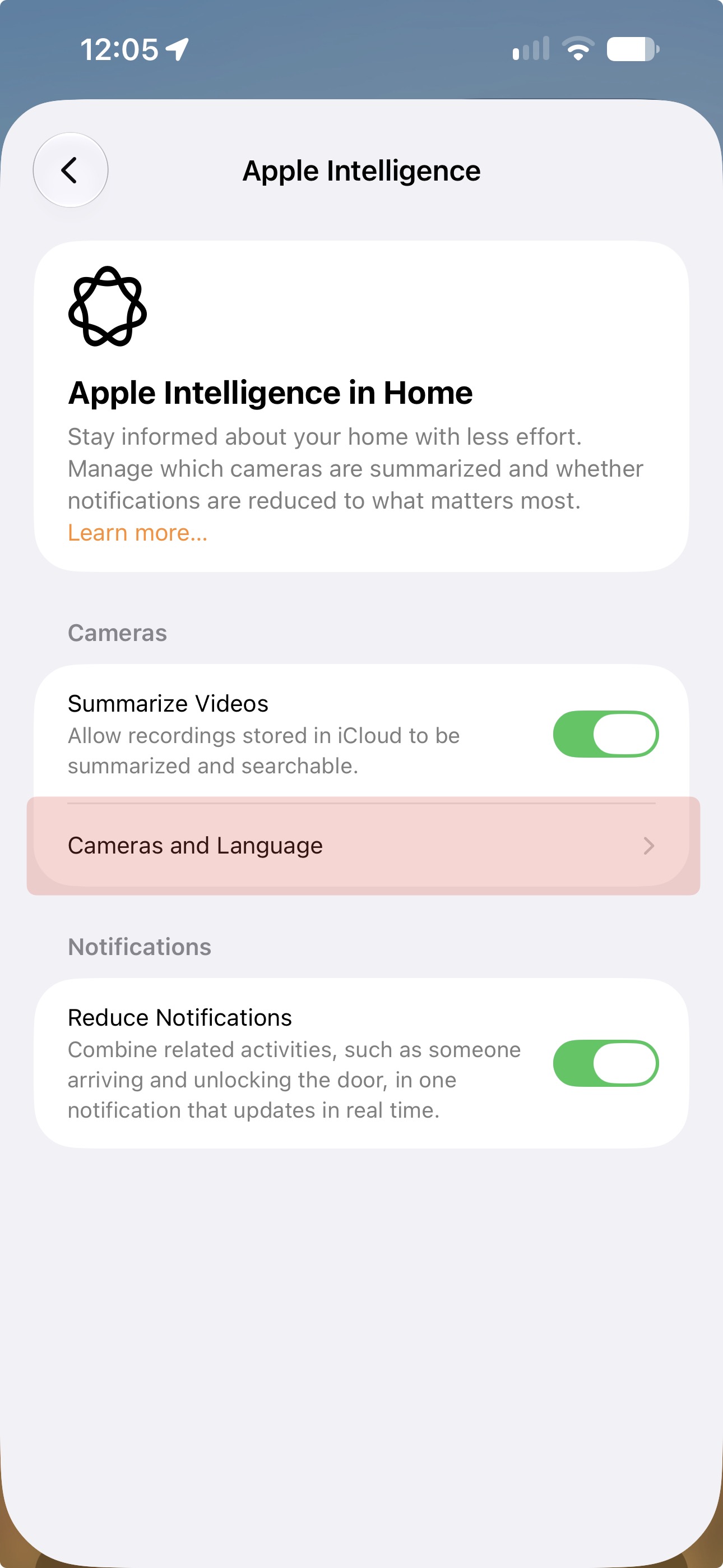
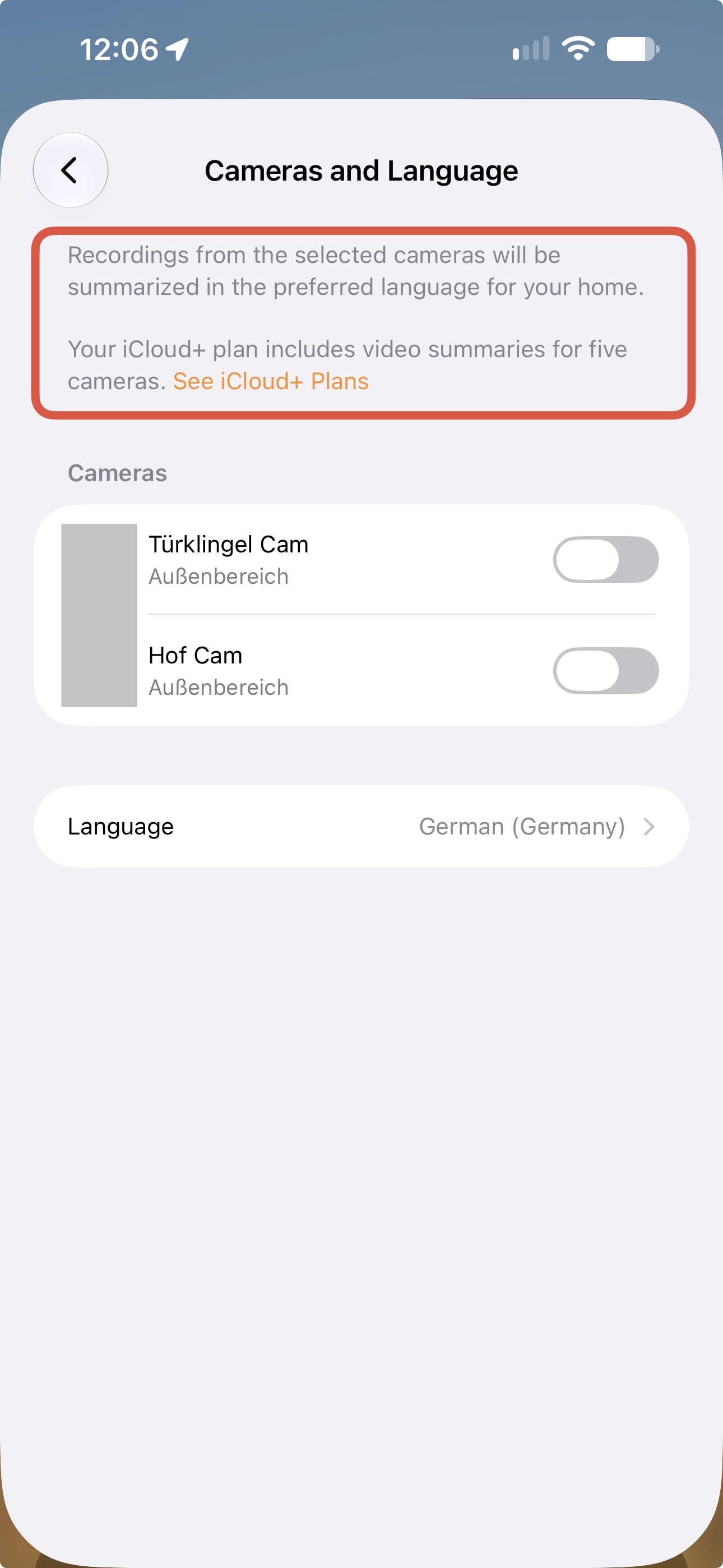
When clicking on the “See iCloud+ Plans”, it shows an limit error (which is a lie).
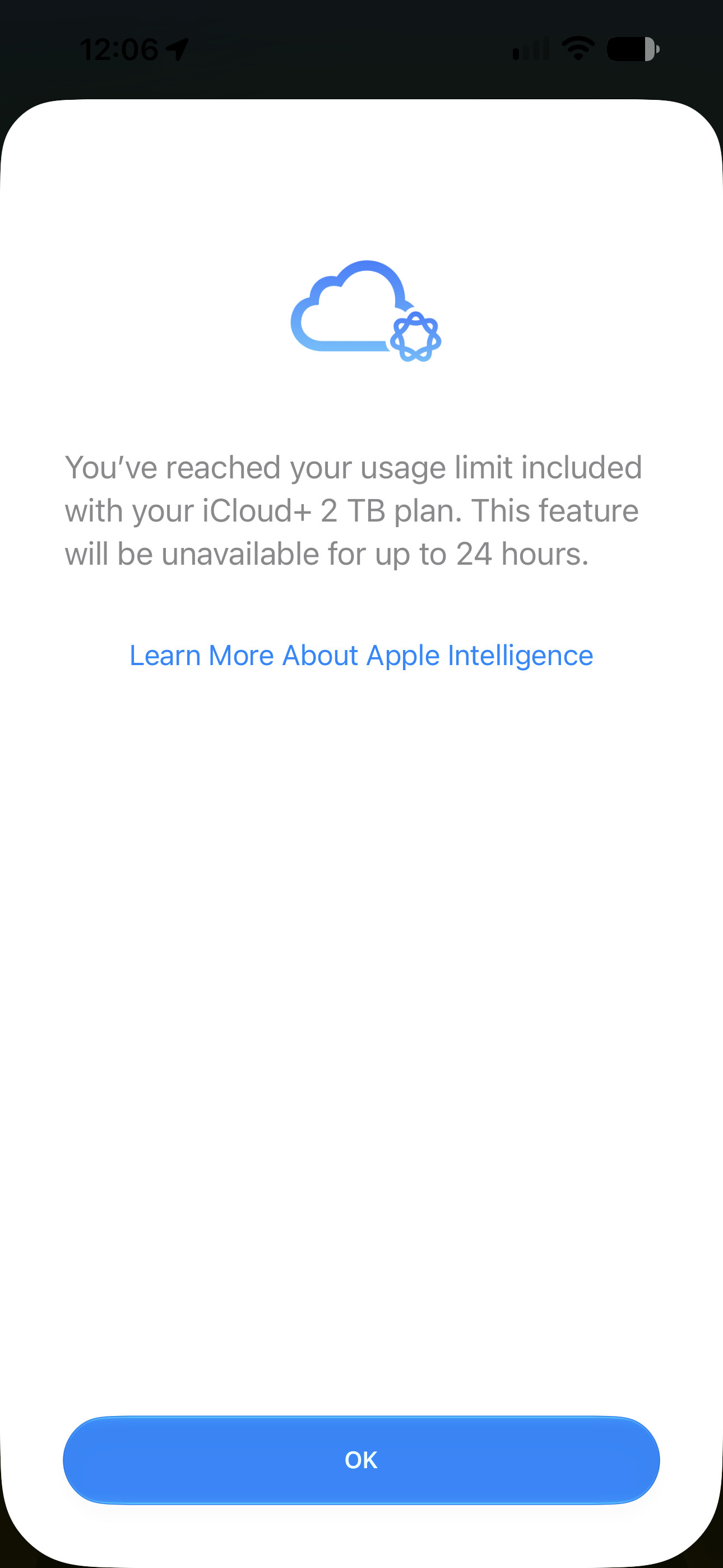
I think it’s new in this beta, but I can’t tell.
2 Likes
I also think the colorful gradient looked better and made Apple Intelligence features easier to recognize, but Apple got rid of it way too soon.
Mine doesn’t even show any results in Spotlight Search 
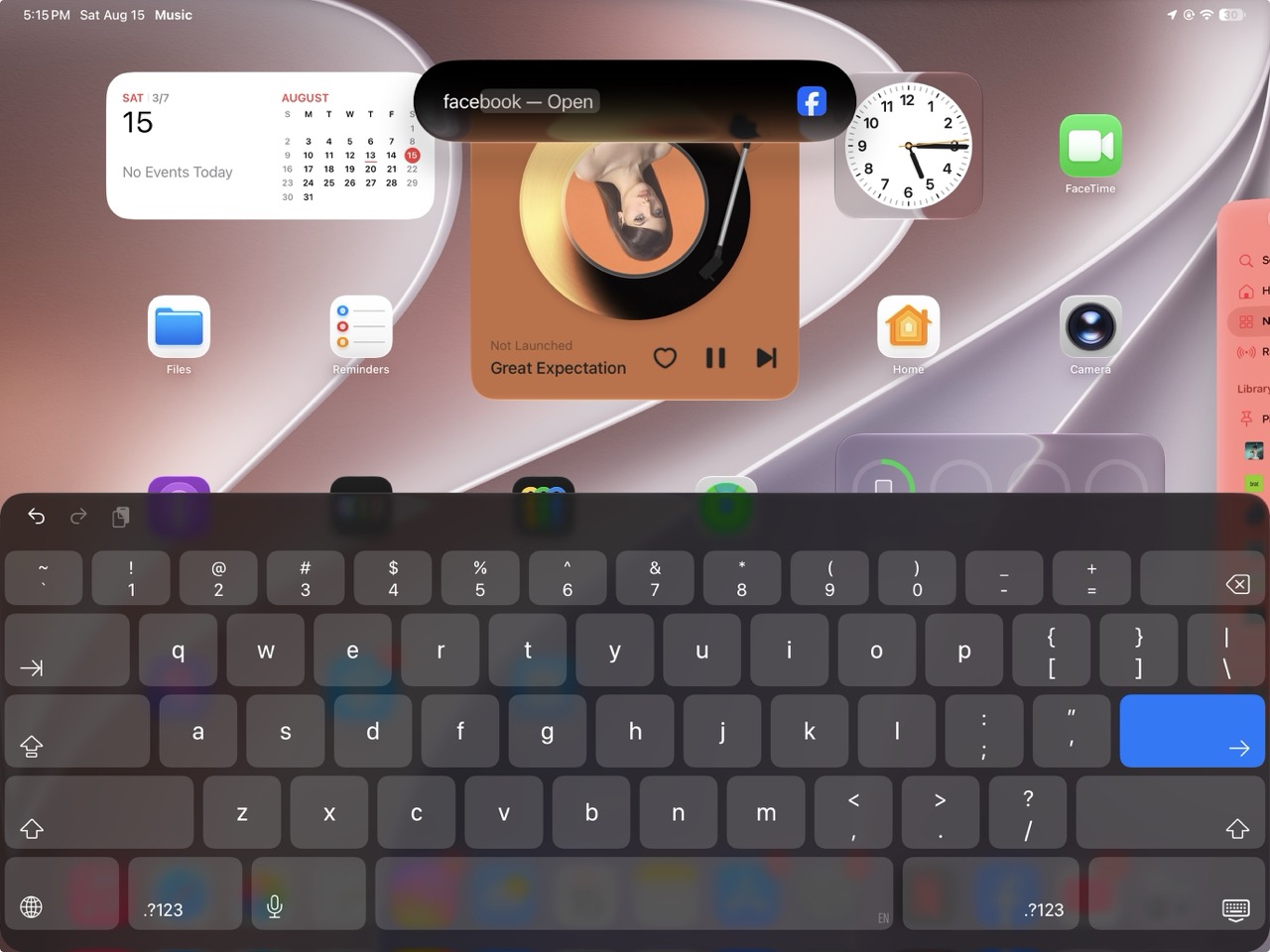
Yeah, these were just added in Beta 5.
I have the 2TB iCloud+ plan, but I don’t have that many cameras to really make use of this feature 
1 Like
But you have an iPad with Apple Intelligence Support. My iPad Pro (3. Gen, 13") doesn’t have Apple Intelligence.
Me too.. just two cameras.
Hopefully they re-add it in Beta 6 
1 Like
Apple changed another hidden thing:
In iOS 27 Beta 1 (?) Apple removed the need to hold the power button to start your iPhone (after a shutdown). A single-tap on your Power Button and ~3s later, the Logo appears, and your iPhone starts.
Now in Beta 5 apple changed it again. A single-tap on the power button is no longer enough to start your iPhone. You have to hold your power button for ~3s again until the Logo appears.
1 Like
I think it was a bug in Developer Beta 4.
A similar issue occurred during the beta testing of previous versions, and it also reverted to normal.
I believe it has been resolved this time as well.
The problem is that this behavior has become permanent on watchOS.
The Watch turns on with just a single press of the power button. It’s very inconvenient.
In addition, with the changes to the app switcher, I can’t find a way to close apps.
Translated with DeepL.com (free version)
1 Like
2 Likes