Apple has released iOS 27.2 beta 2 to developers today, continuing to polish the update with a handful of improvements and bug fixes. Let’s take a look at what’s new so far.
In case you missed it, here’s everything added in beta 1: What’s New in iOS 27.2 Beta 1
iOS 27.2 Developer Beta 2
Build: 24B5089g
Released: September 21, 2026
Bug Fixes 
-
Many users reported being unable to download new apps or previously downloaded apps from the App Store on iOS 27.2 beta 1 and iPadOS 27.2 beta 1. This issue has been fixed in beta 2.
-
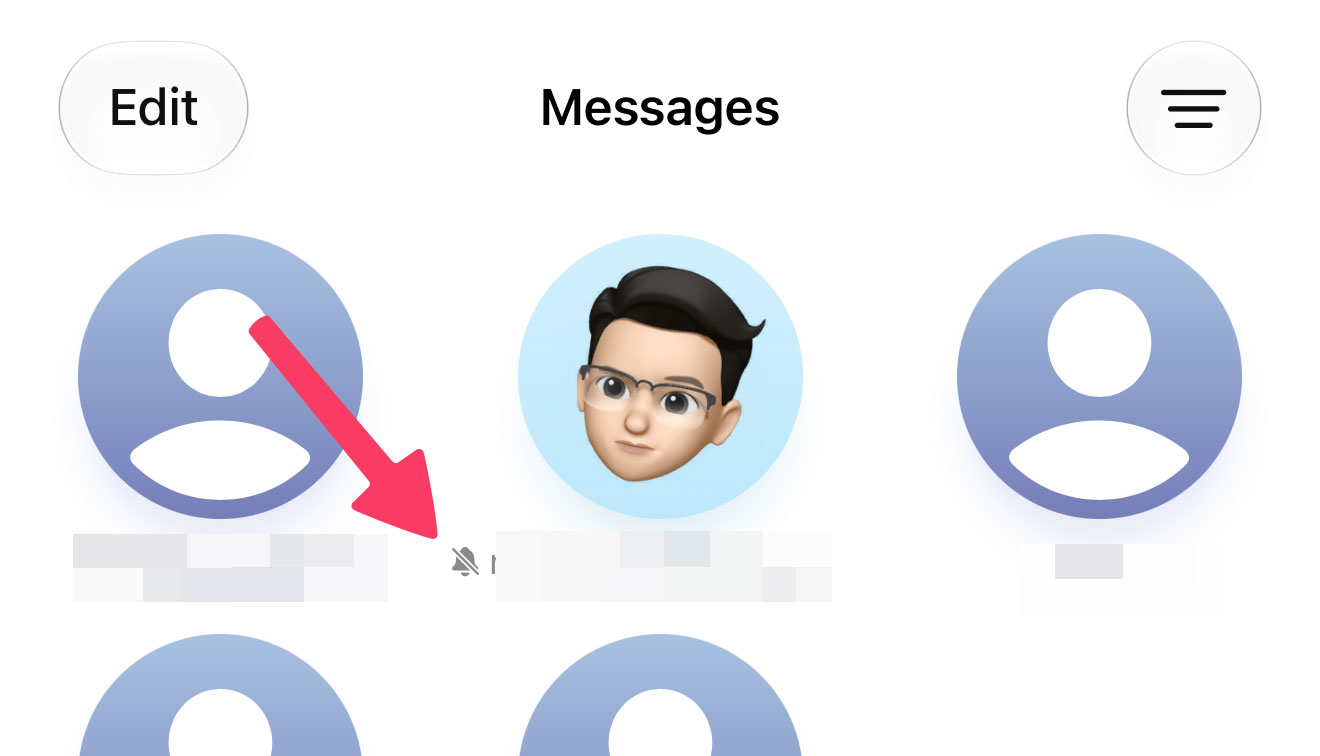
The “Hide Alerts” icon for pinned conversations in the Messages app has returned.
-
The Wi-Fi signal strength being displayed in reverse order in the Wi-Fi network list in Control Center has been fixed.
Status Bar
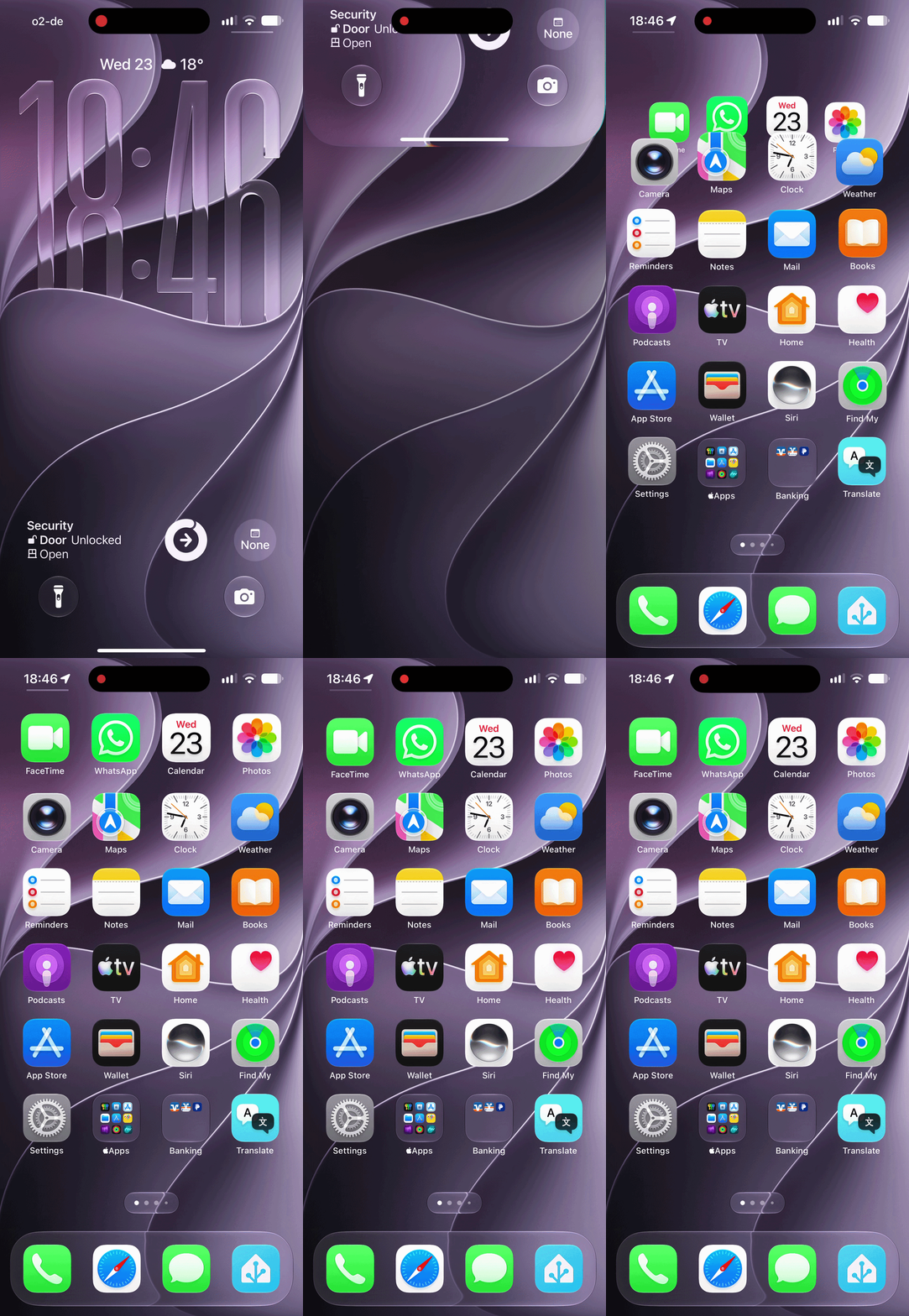
The status bar icons and clock are smaller again, just like they were in iOS 26 and the earlier iOS 27 betas. They had been slightly larger since iOS 27 RC.
https://x.com/BetaProfiles/status/2102399679376019926
Restrict Motion Data
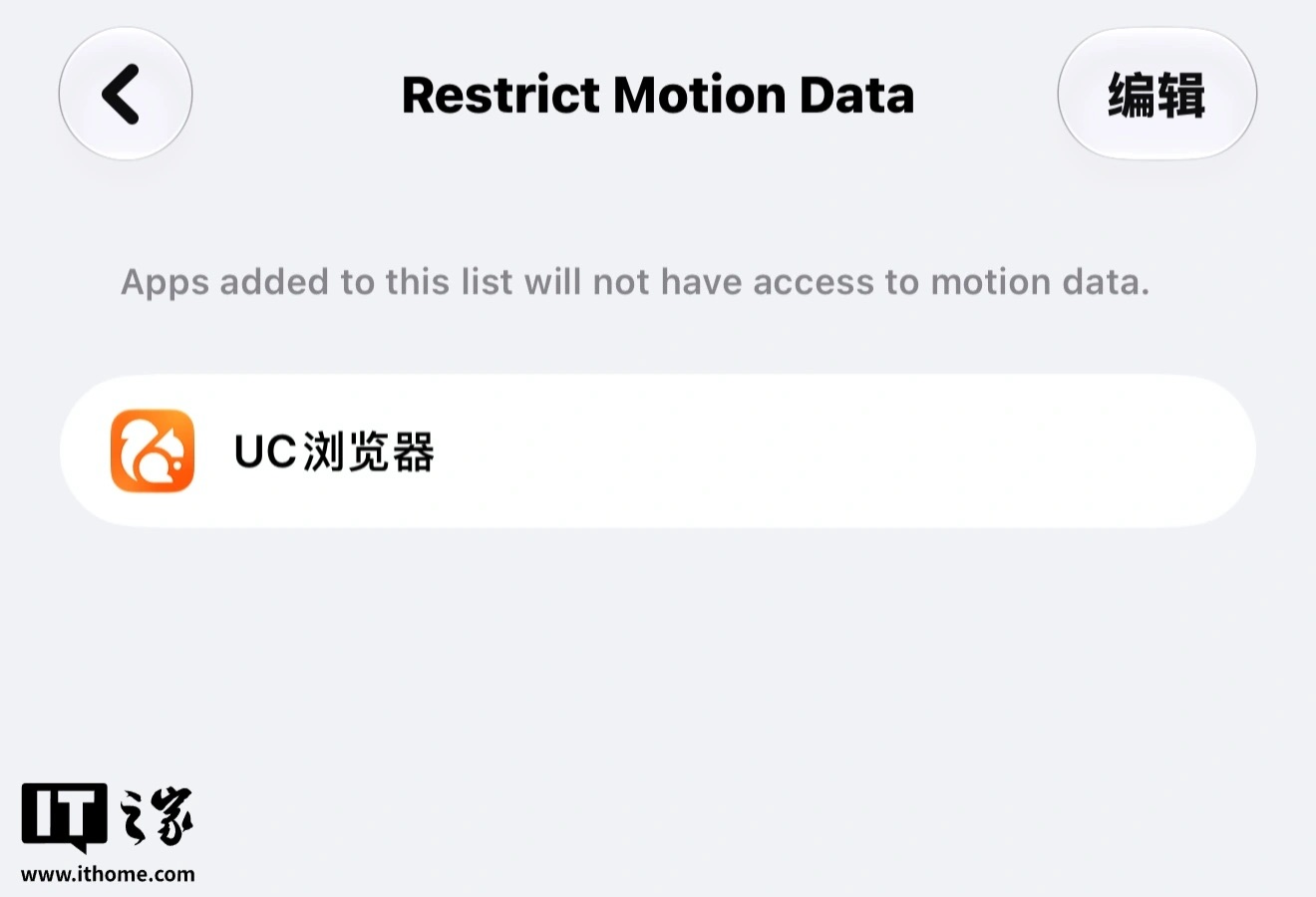
According to IThome (via MacRumors), users in China have spotted a new Restrict Motion Data option under Settings > Privacy & Security > Motion & Fitness. Adding an app to the list blocks its access to accelerometer and gyroscope data.
Apple hasn’t explained what the option is for, though some speculate it’s meant to stop apps from triggering shake to open ad redirects, a common annoyance in China.
The setting only shows up for App Store accounts registered in mainland China.
Code Discoveries
Other than the small tweaks above, this update doesn’t seem to bring any other visual changes, apart from a few code level findings spotted by @aaronp613.
- “Overwrite Storage” has been renamed to “Extended Erase.” This option was already present in beta 1.
- iOS 27.2 beta 2 is preparing a demo mode for “HomePad,” the rumored HomePod-like smart speaker with a display.
https://x.com/aaronp613/status/2102105007977861137
https://x.com/aaronp613/status/2102108085208621313
There are also a few code changes that haven’t been enabled in iOS 27.2 beta yet and that I hadn’t reported previously:
- A countdown timer for upcoming albums on Apple Music.
- The “Describe a Shortcut” feature in the Shortcuts app will expand to support third-party apps. It currently only supports actions developed by Apple.
https://x.com/itspdfu/status/2101344565630587088
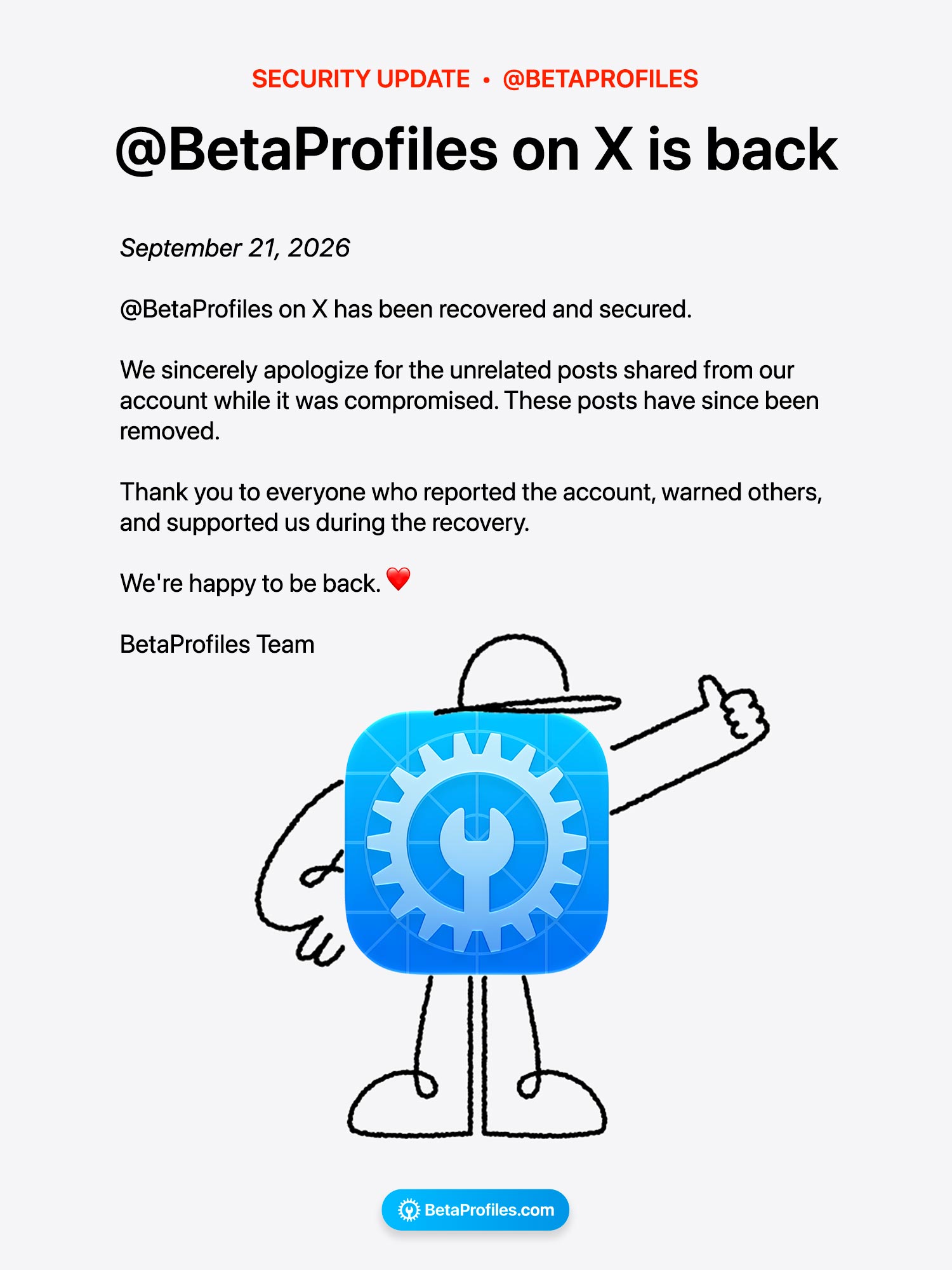
One more piece of good news: my @BetaProfiles account on X is finally back after being compromised for a week. 
You can follow me there again to keep up with the latest iOS 27 news and updates!
I’ll keep adding more iOS 27.2 Beta 2 changes and new features here as I discover them. Stay tuned and follow @BetaProfiles on X or Threads!