Apple has just released iOS 26.1 beta 4. Looks like we’re about to get the RC update next week. In this update, Apple has added a new toggle that lets you control the transparency of Liquid Glass.
In case you missed it, here are the features included in iOS 26.1 Beta 3 →
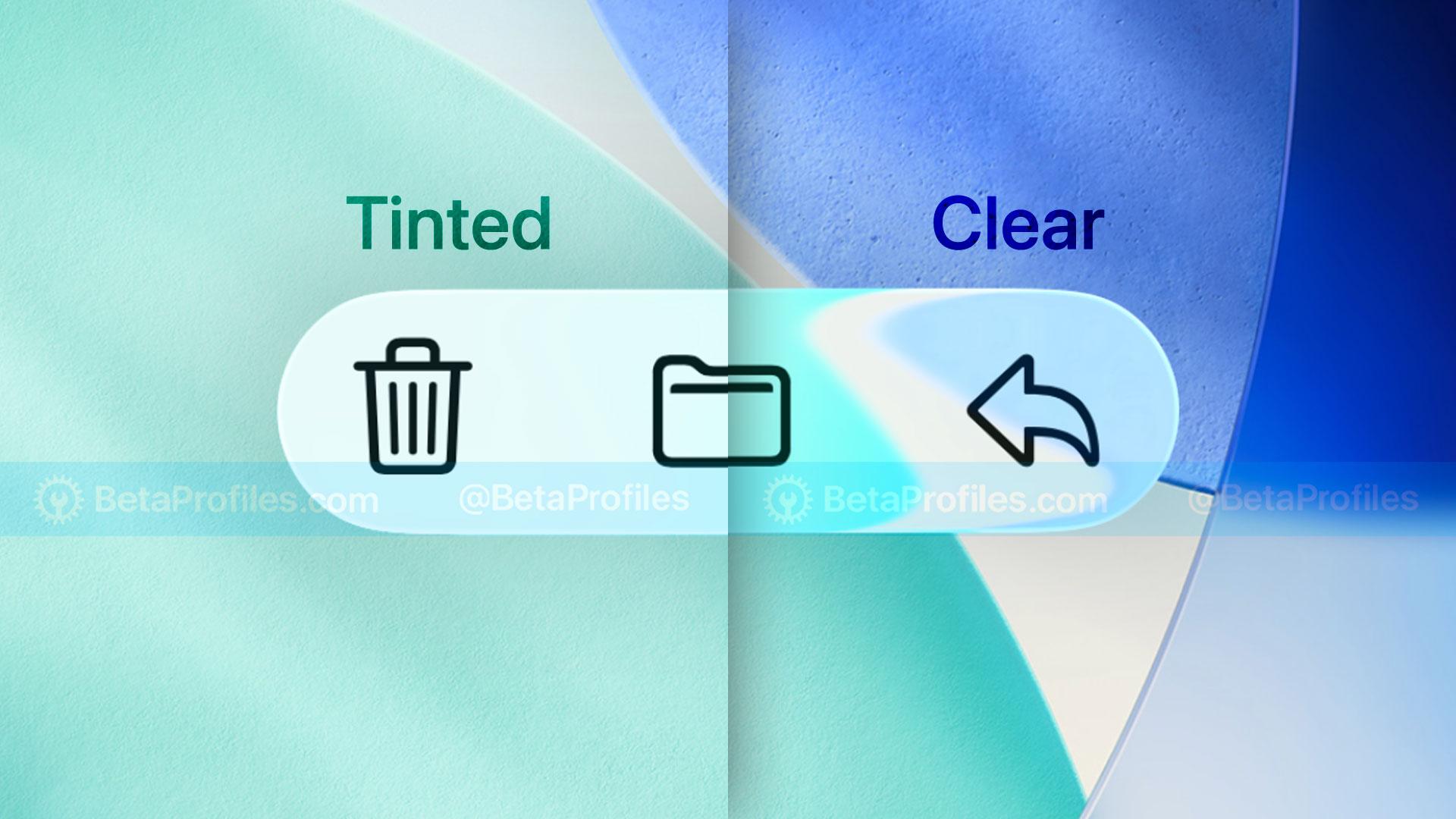
Liquid Glass Customization
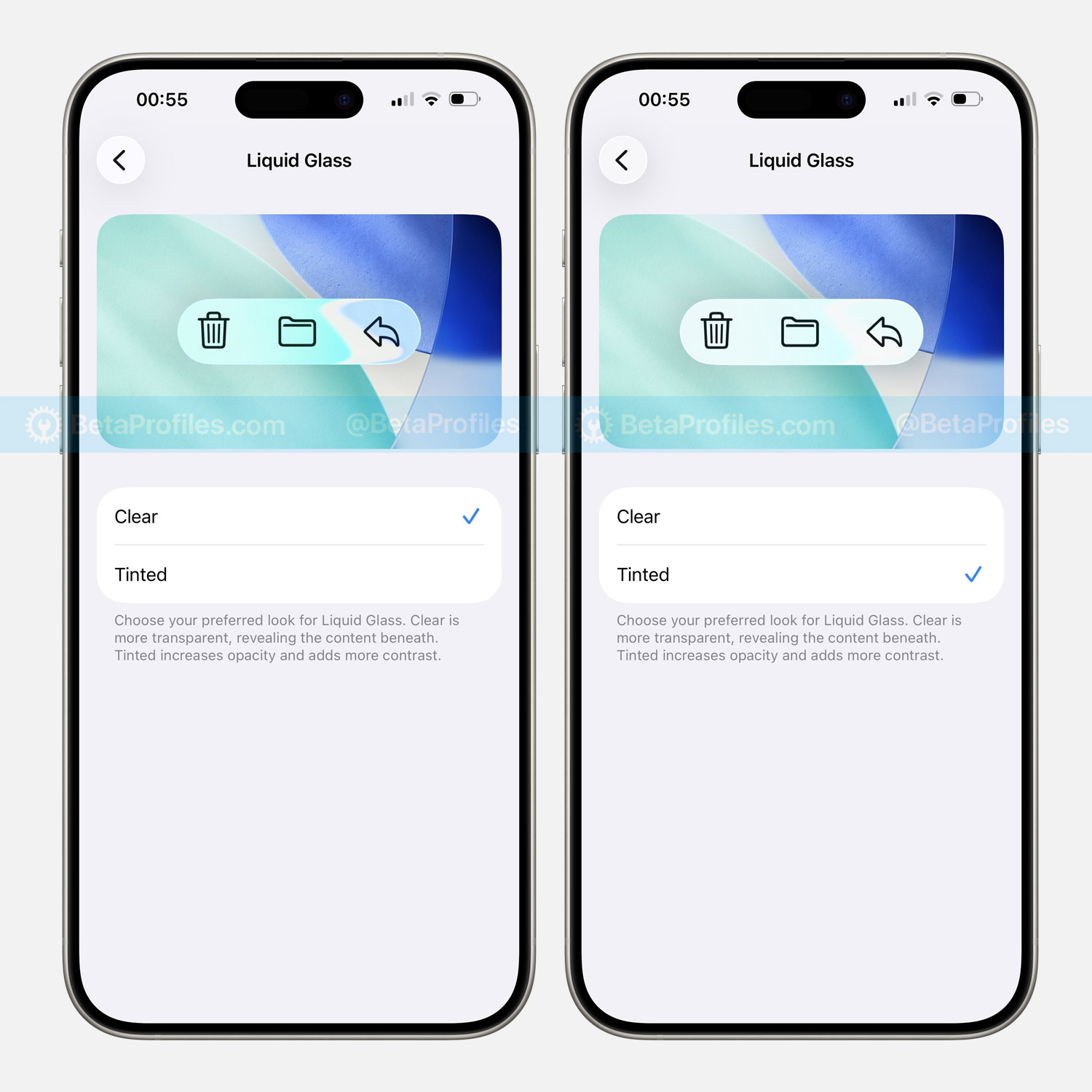
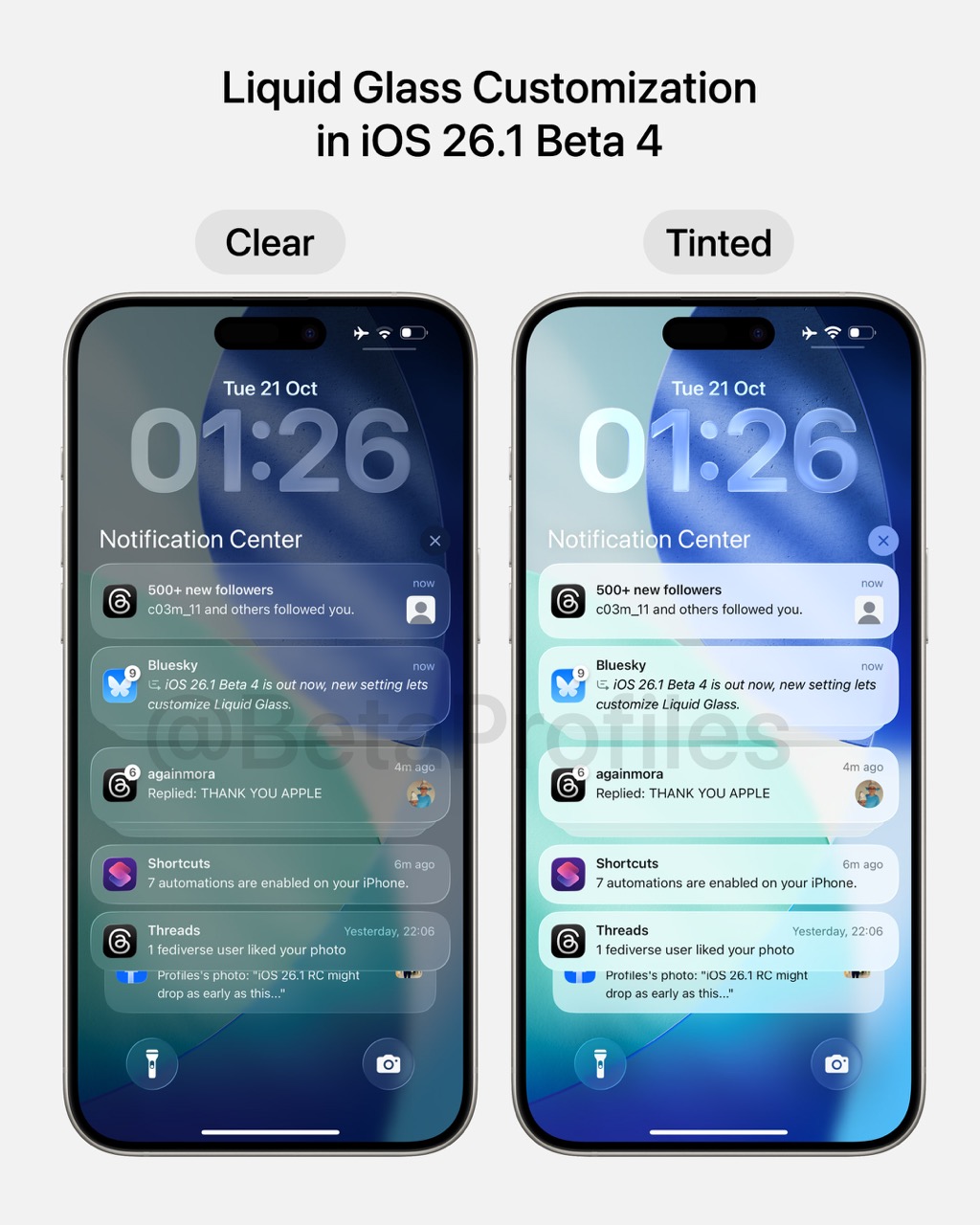
iOS 26.1 Beta 4 adds a new setting that lets you customize Liquid Glass, including a Clear option with a more transparent background (similar to what’s currently in iOS 26.0) and a Tinted option that increases opacity and contrast.
You can find this setting under Settings → Display & Brightness → Liquid Glass, available on iOS 26.1, iPadOS 26.1, and macOS 26.1.
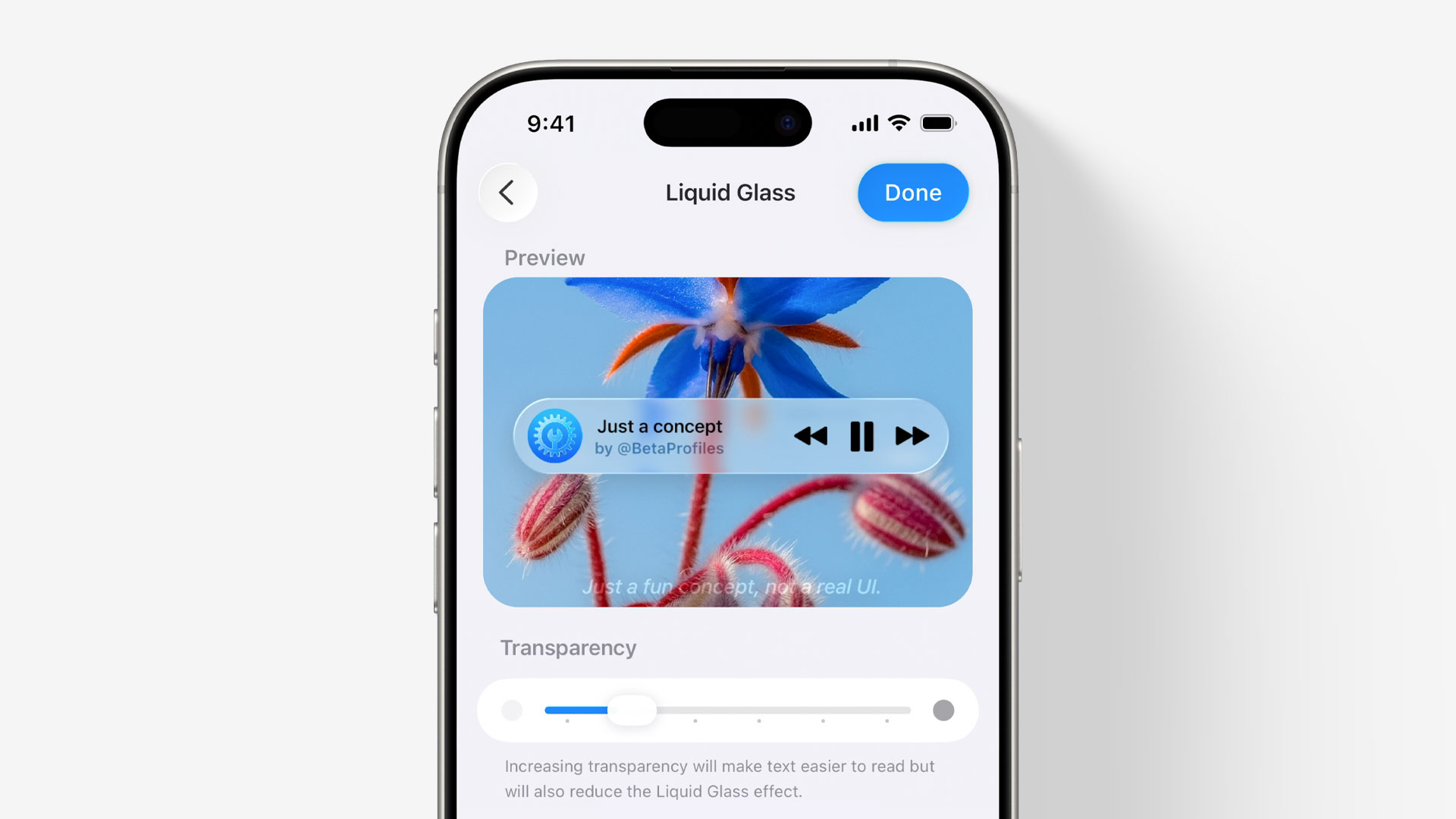
That’s quite a coincidence. Back in July, I had the idea of adding a slider to adjust the transparency of Liquid Glass based on each user’s preference. My concept offered more flexibility with six different transparency levels, while iOS 26.1 Beta 4 only provides two options: Clear and Tinted.
Settings
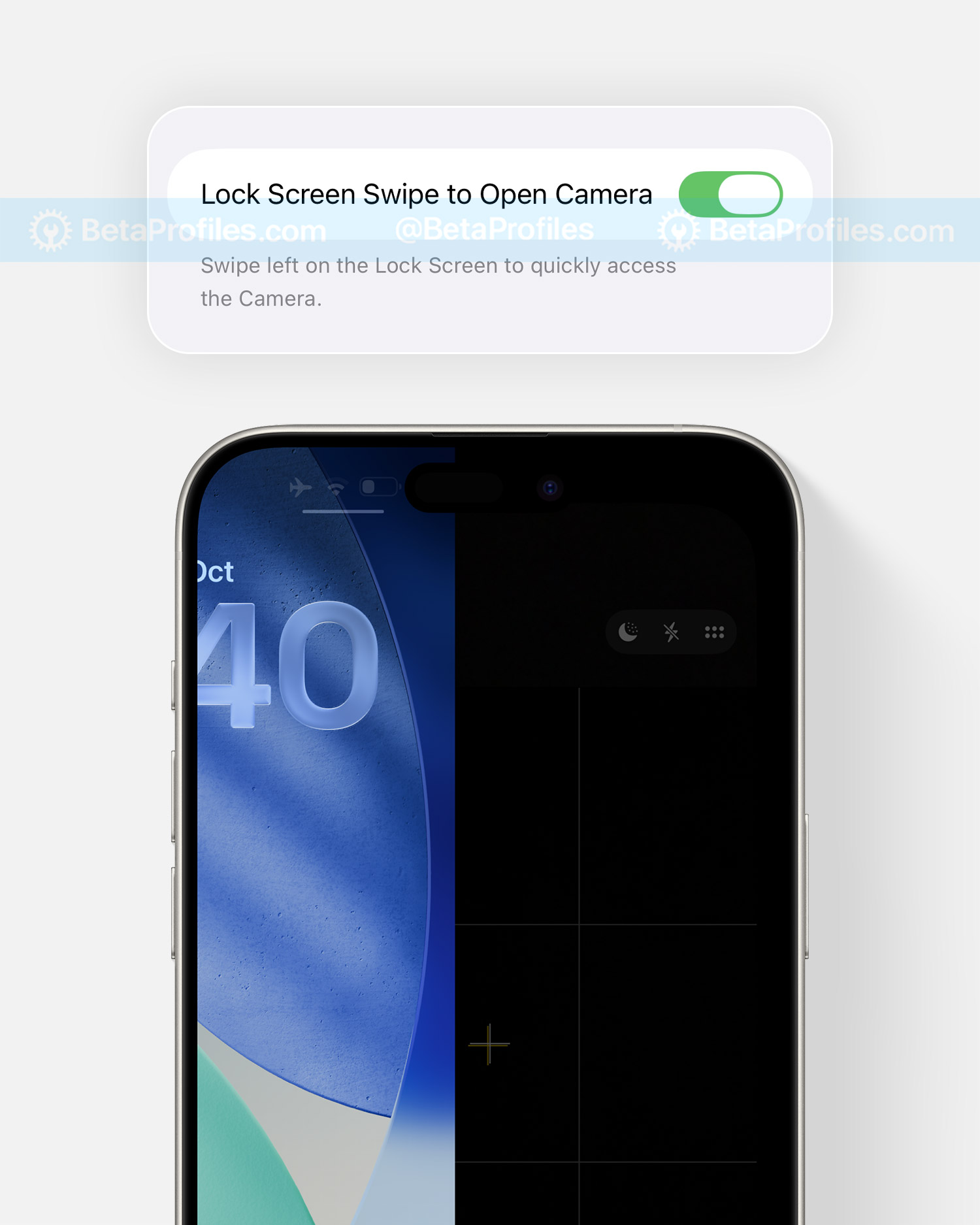
There’s a new “Lock Screen Swipe to Open Camera” option under Settings → Camera, which lets you disable the swipe gesture for quickly opening the camera from the Lock Screen — helping prevent accidental activations and unwanted photos.
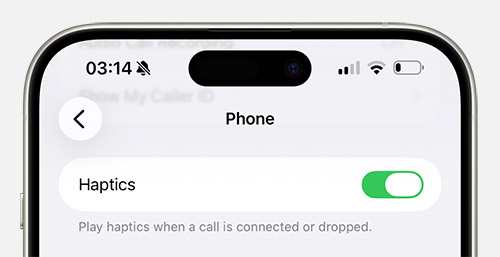
In Settings → Apps → Phone, there’s a new Haptics option that allows you to disable haptic feedback when a call is connected or dropped.
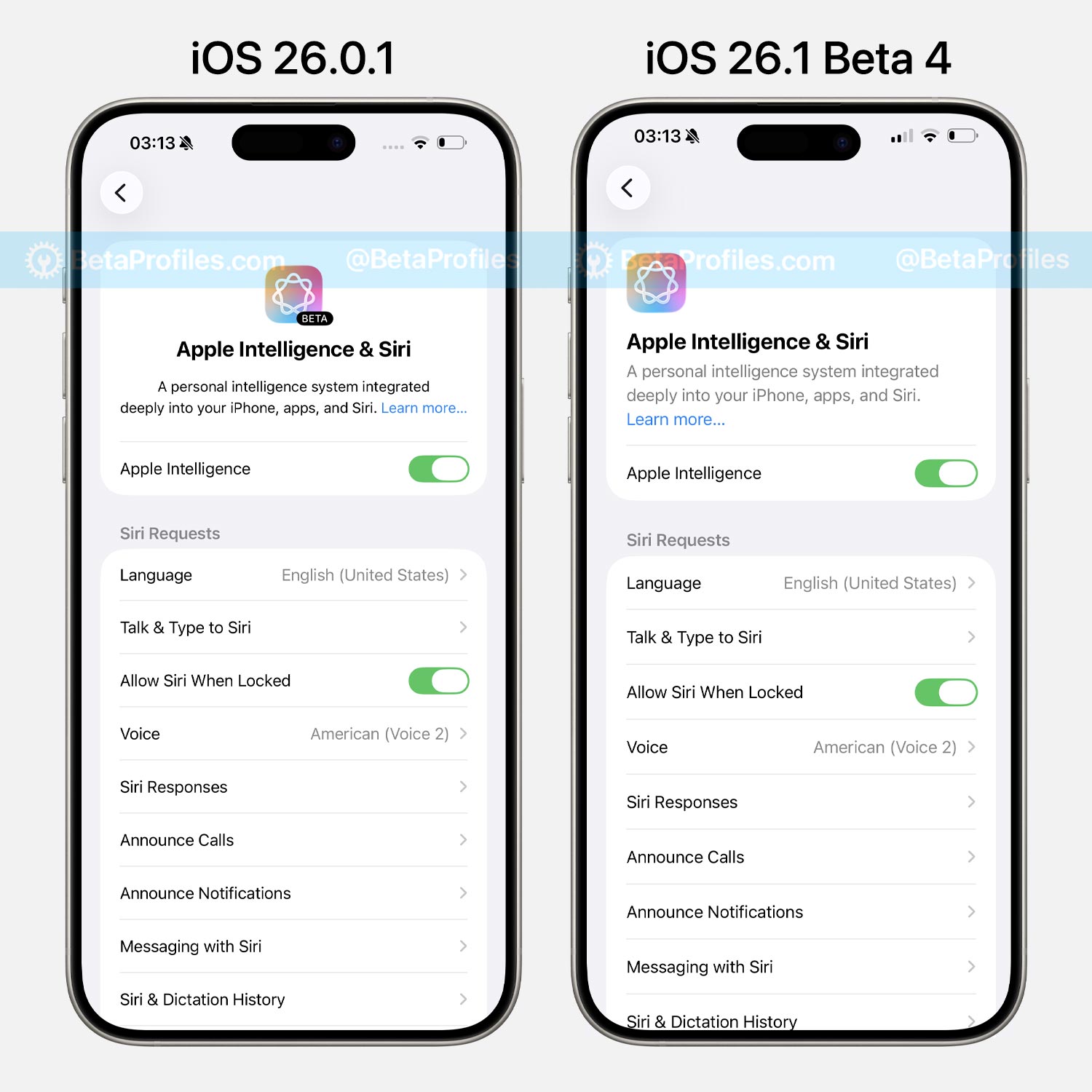
The Apple Intelligence & Siri settings have also been right-aligned, matching other settings introduced in iOS 26.1 Beta 2. Additionally, the “BETA” label has been removed from the Apple Intelligence logo, suggesting that the AI features may now be finalized and out of beta.
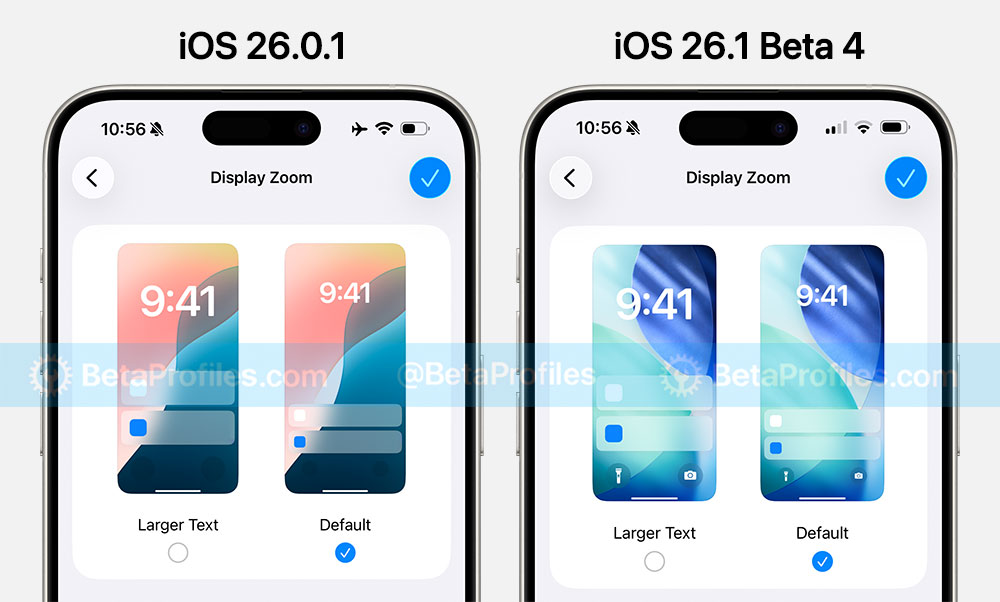
The Display Zoom settings under Settings → Display & Brightness have been updated with the iOS 26 wallpaper.
Safari
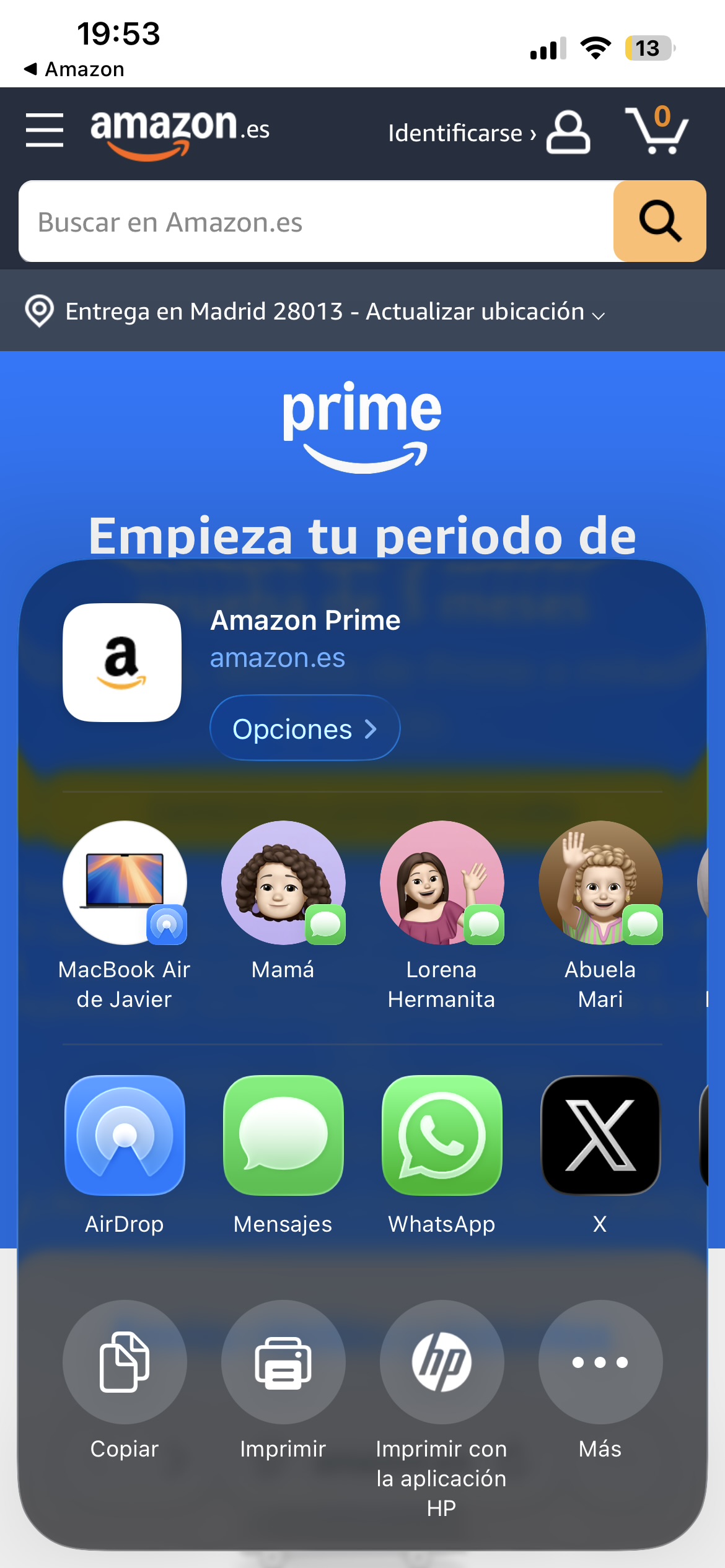
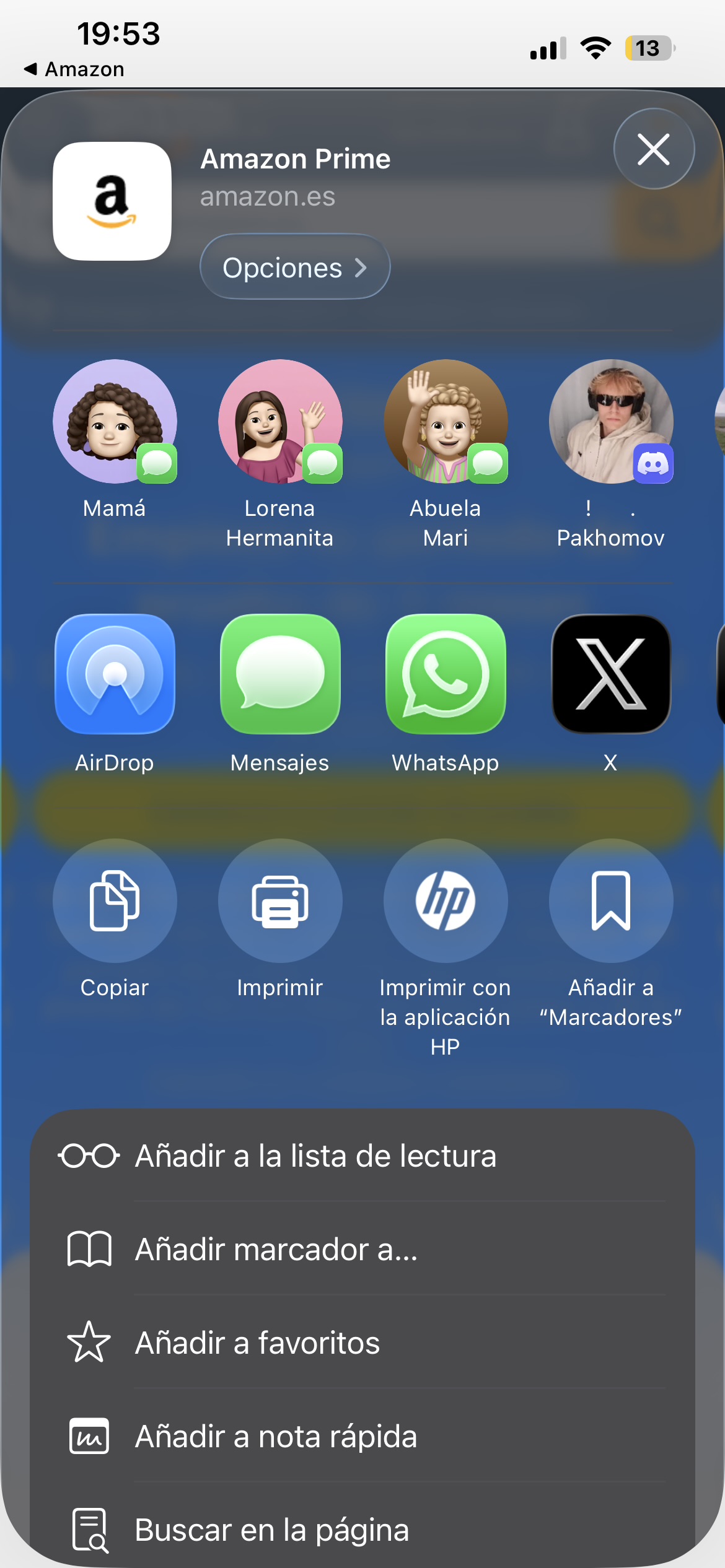
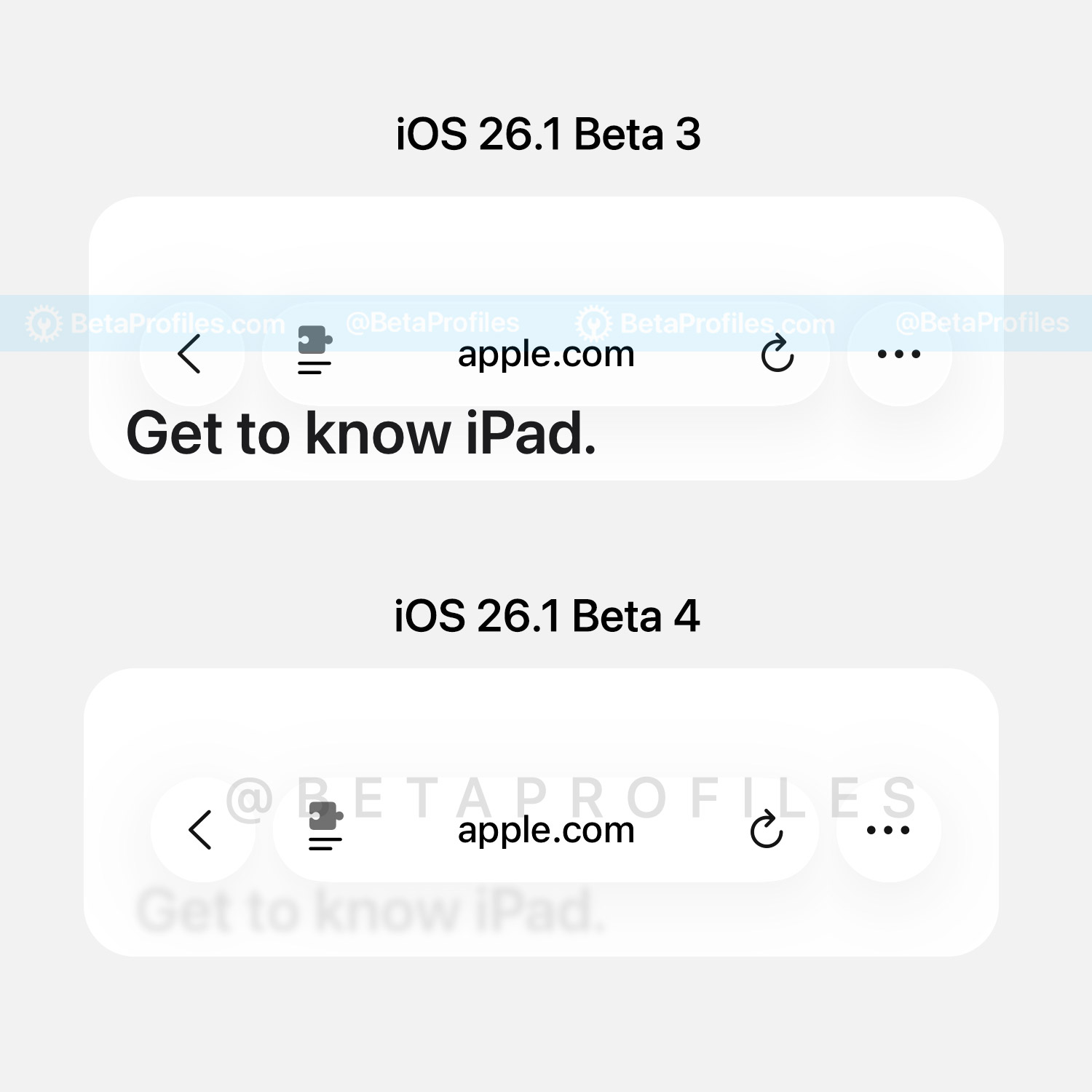
The Address Bar in Safari now has an added blur layer underneath. In the example below, notice how the text “Get to know iPad” is blurred in iOS 26.1 Beta 4, whereas it remained clearly visible in Beta 3.
Liquid Glass
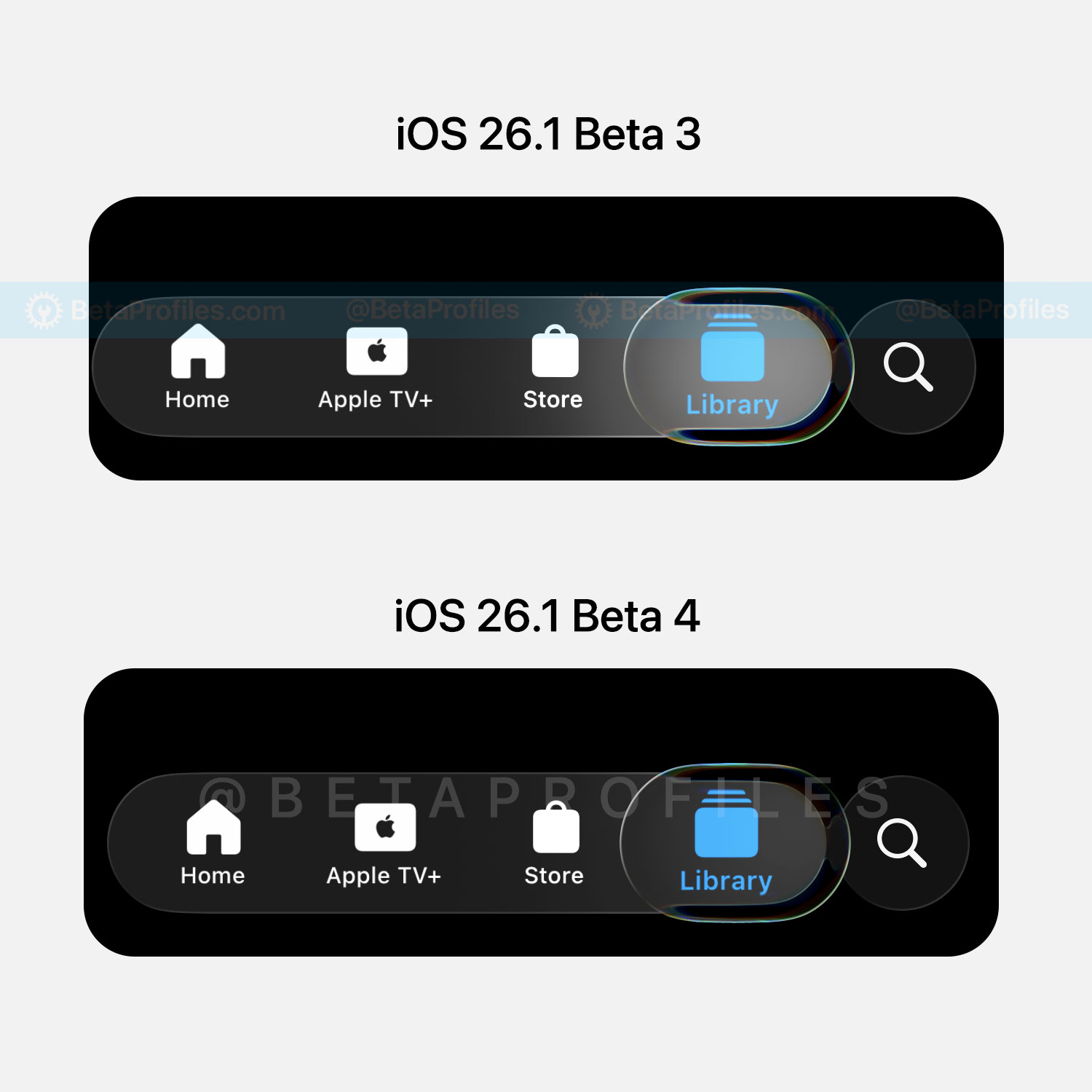
iOS 26.1 Beta 4 reduces the glow effect when interacting with Liquid Glass elements, such as tapping items in the tab bar, search bar, or text fields. It now appears far less bright compared to iOS 26.0 and earlier betas of iOS 26.1.
Wallpaper Customization
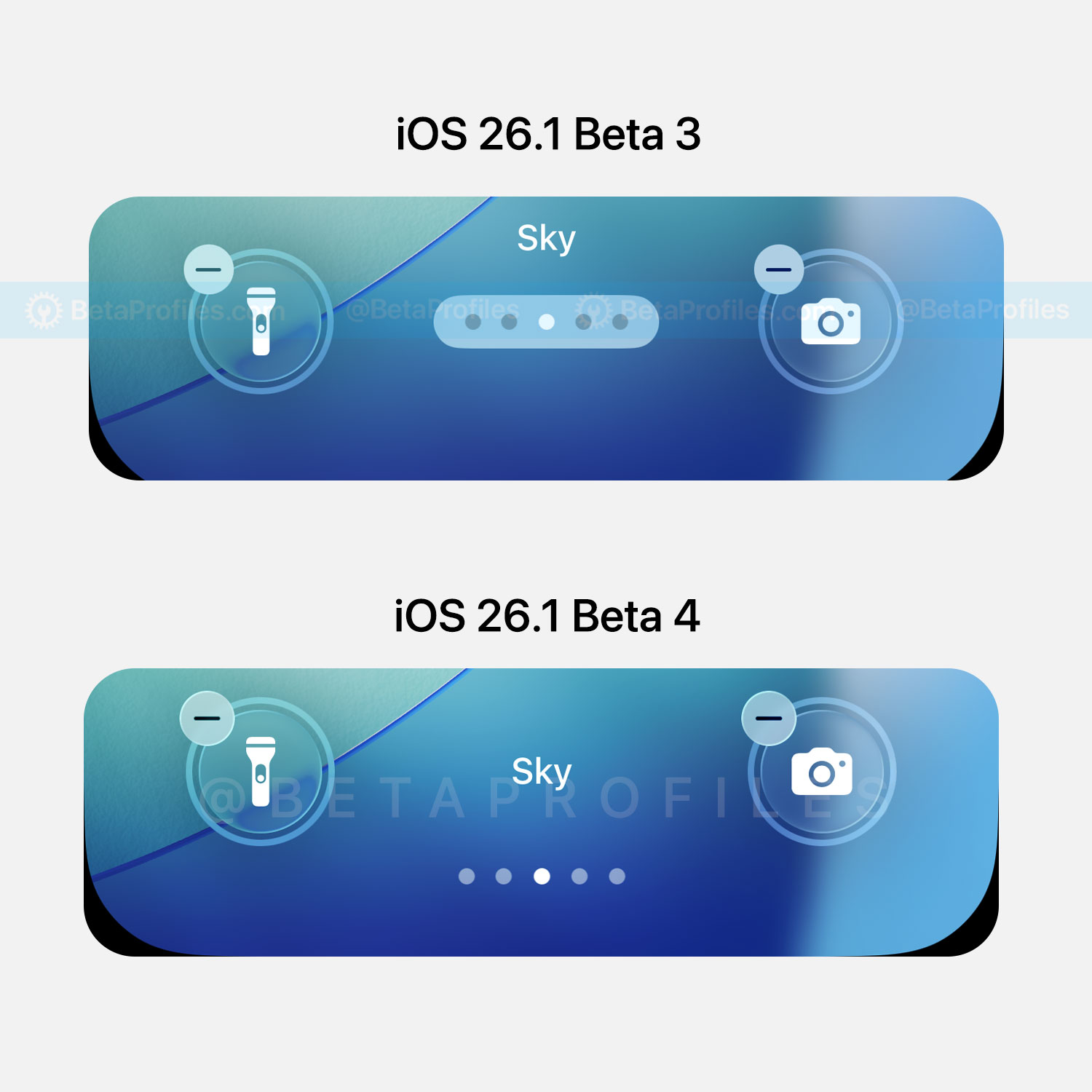
When customizing wallpapers with multiple color variants or applying a color filter to the Lock Screen wallpaper, the page indicator dots no longer have a background and have been slightly moved downward.
Notification Summary
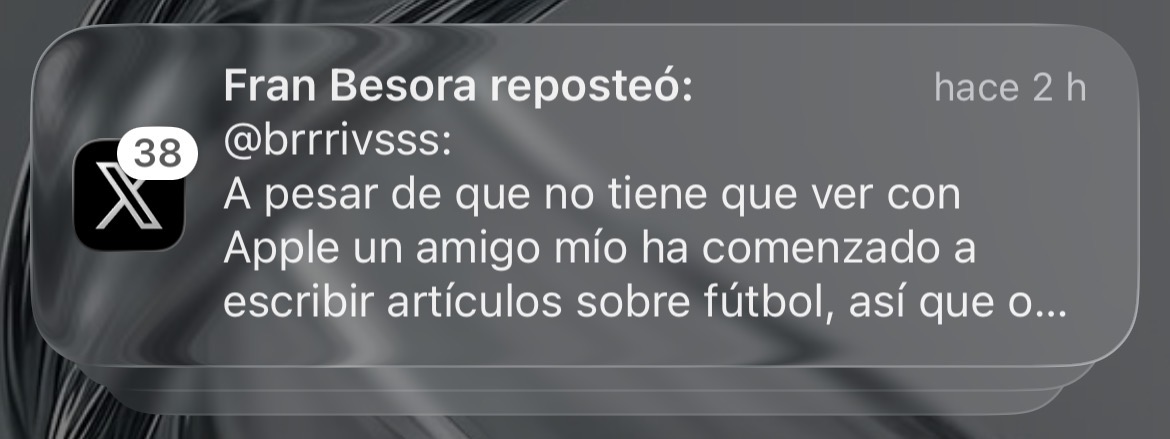
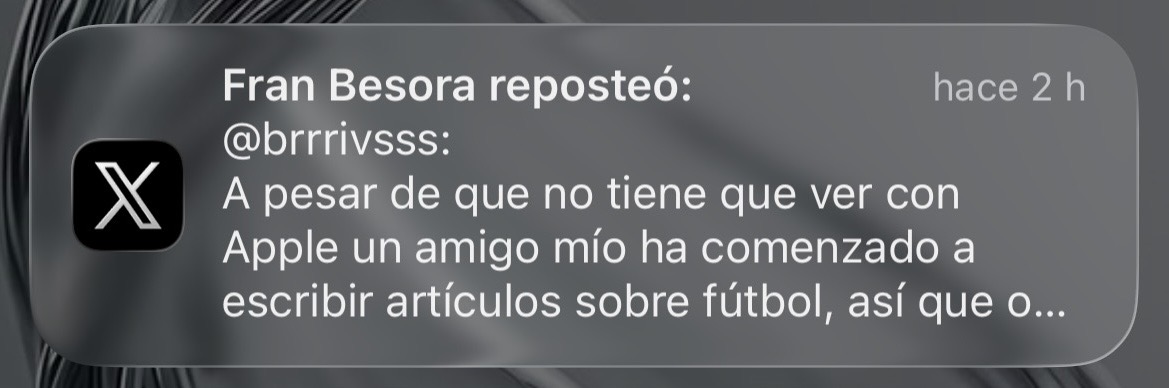
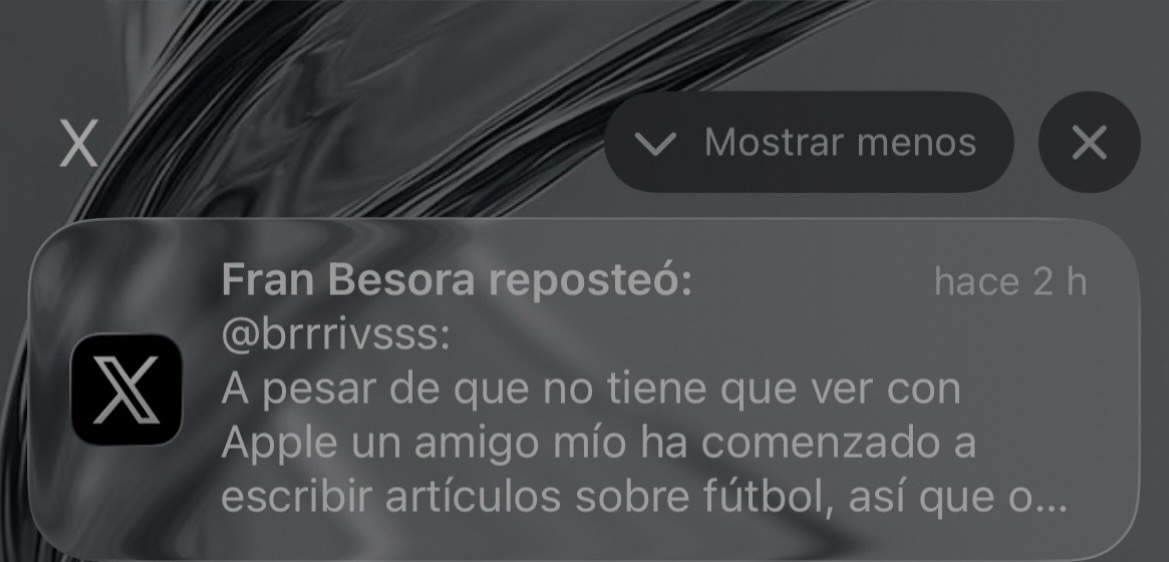
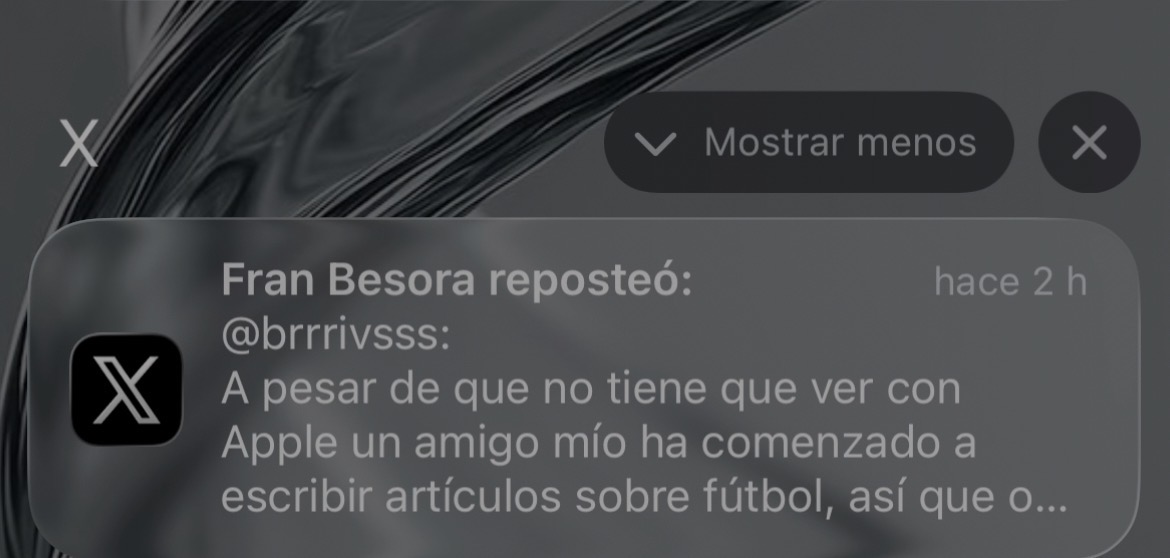
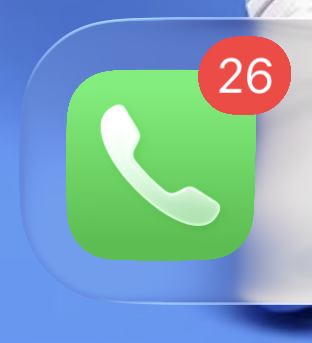
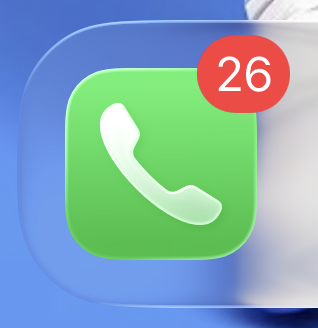
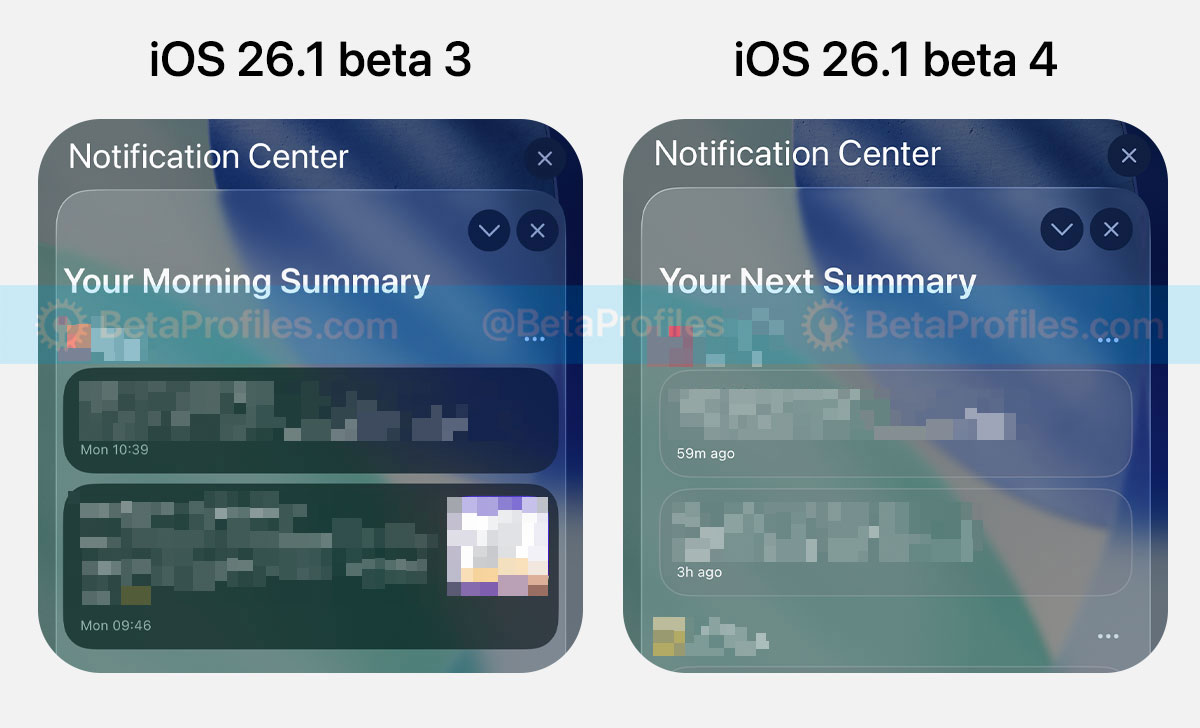
Notification Summary now uses Liquid Glass with a lighter notification background. Previously, it appeared darker and more like a blurred dark mode effect.
Thanks to @user140
Bug Fixes
- AutoMix via AirPlay feels smoother now.
- iOS 26.1 Beta 4 also fixes a bug that has existed since iOS 26.0, where app icon borders would briefly disappear after swiping back to the Home Screen.
https://x.com/BetaProfiles/status/1980365760422899936
I’ll keep adding more iOS 26.1 Beta 4 changes and new features here as I discover them. Stay tuned and follow @BetaProfiles on X or Threads!