Alongside all the new hardware announcements, Apple today released iOS 27 RC (Release Candidate) to developers, with the official public release scheduled for Monday, September 14. This update brings a few Camera app changes and a fun easter egg.

iOS 27 RC
Build: 24A435
Released: September 9, 2026
Dogcow Easter Egg
If you scroll to the bottom of the preview section in Liquid Glass settings and keep scrolling, you’ll see a Dogcow appear, along with the word “Moof!” in the search field.

FYI: Dogcow is a well-known graphic mascot created by Apple in the 1980s to demonstrate page layout. Its signature sound is “Moof!”, a combination of a cow’s moo and a dog’s bark.
Customizable Camera Controls
iOS 27 RC adds the ability to customize the camera controls that appear along the top edge of the viewfinder in the Camera app.
To customize them, tap the shooting mode name to open the controls tray, then tap the “Edit” button in the top-left corner. Select the camera controls you want to appear, and you can also press and hold a control and drag it to change its position.

Styles Menu in the Camera App
The Styles menu has been redesigned. You can now swipe through style filters in the tray at the bottom of the screen, making it possible to see more filters at once. Previously, you had to swipe through the viewfinder to browse the available filters.
There’s also a Customize button that lets you adjust the filter effects.

https://x.com/BetaProfiles/status/2098433542116221354
Remote App
X user @itspdfu discovered code in iOS 27 RC pointing to two hidden features in the TV Remote app: an App Launcher for opening apps on your Apple TV and Top Shelf content (accessible by swiping down from the top edge) from a selected app on your Apple TV, with Continue Watching as a fallback option.
Note that these features are hidden in iOS 27 RC, but they could be enabled in the official release or a future software update.
https://x.com/itspdfu/status/2097817121321308547
Status Bar
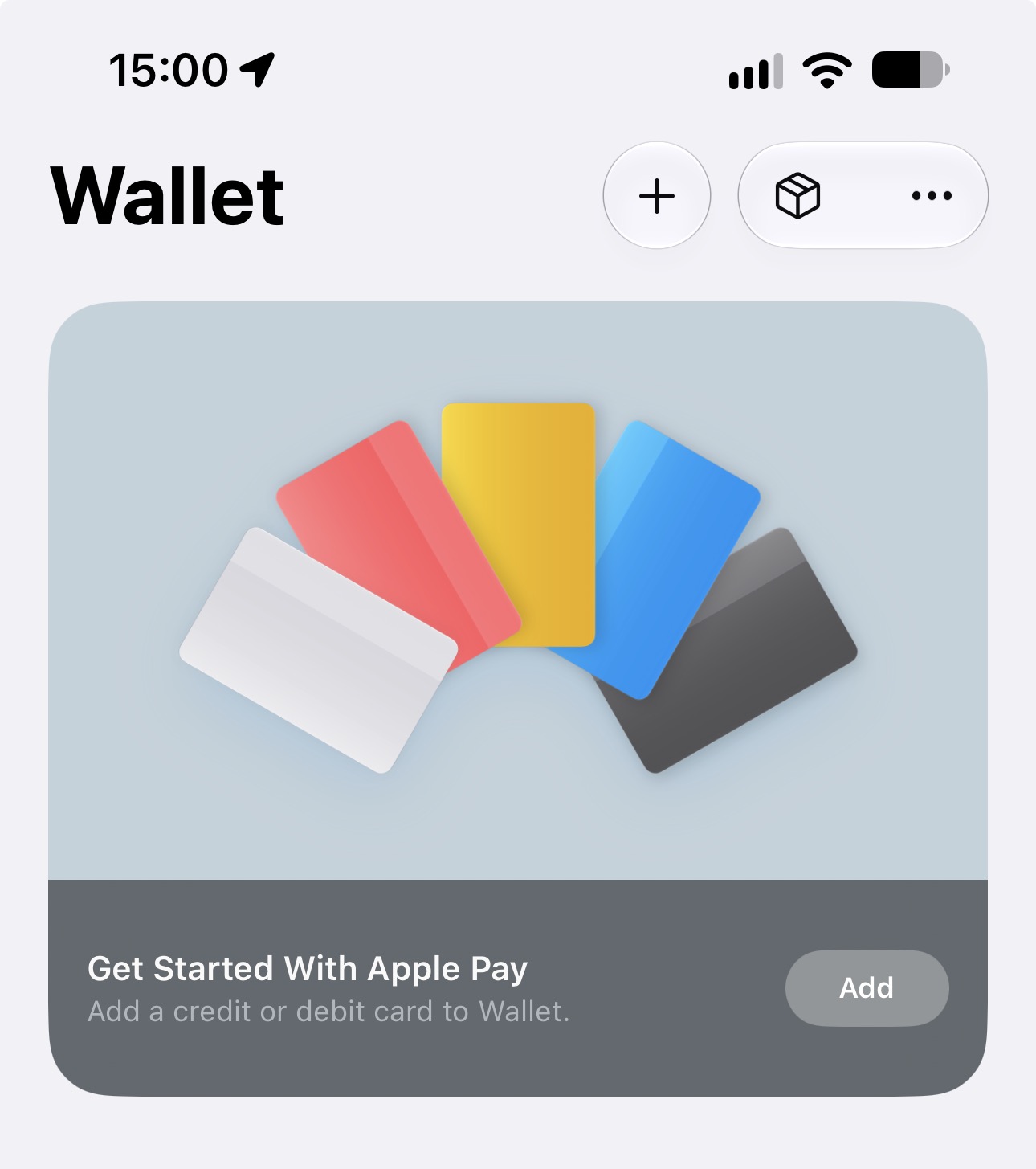
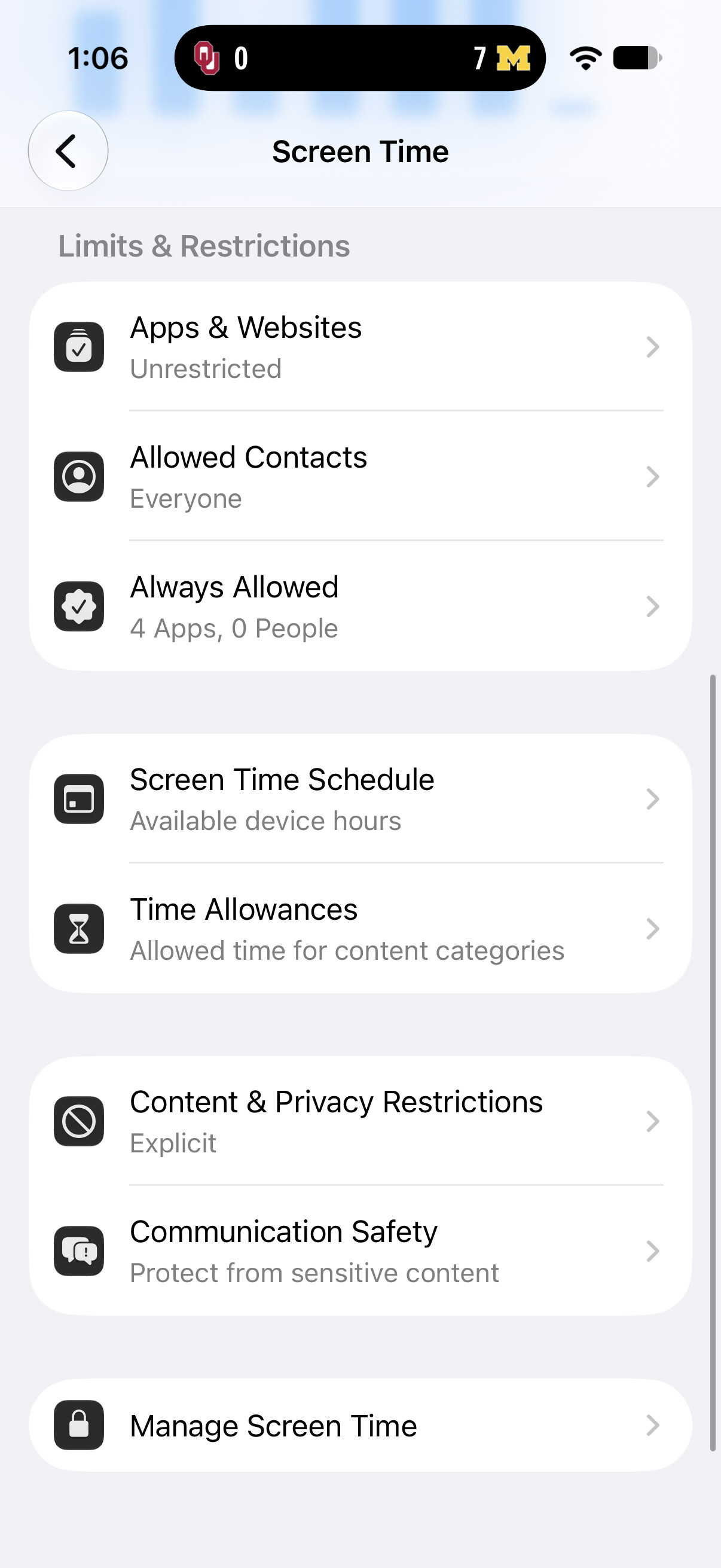
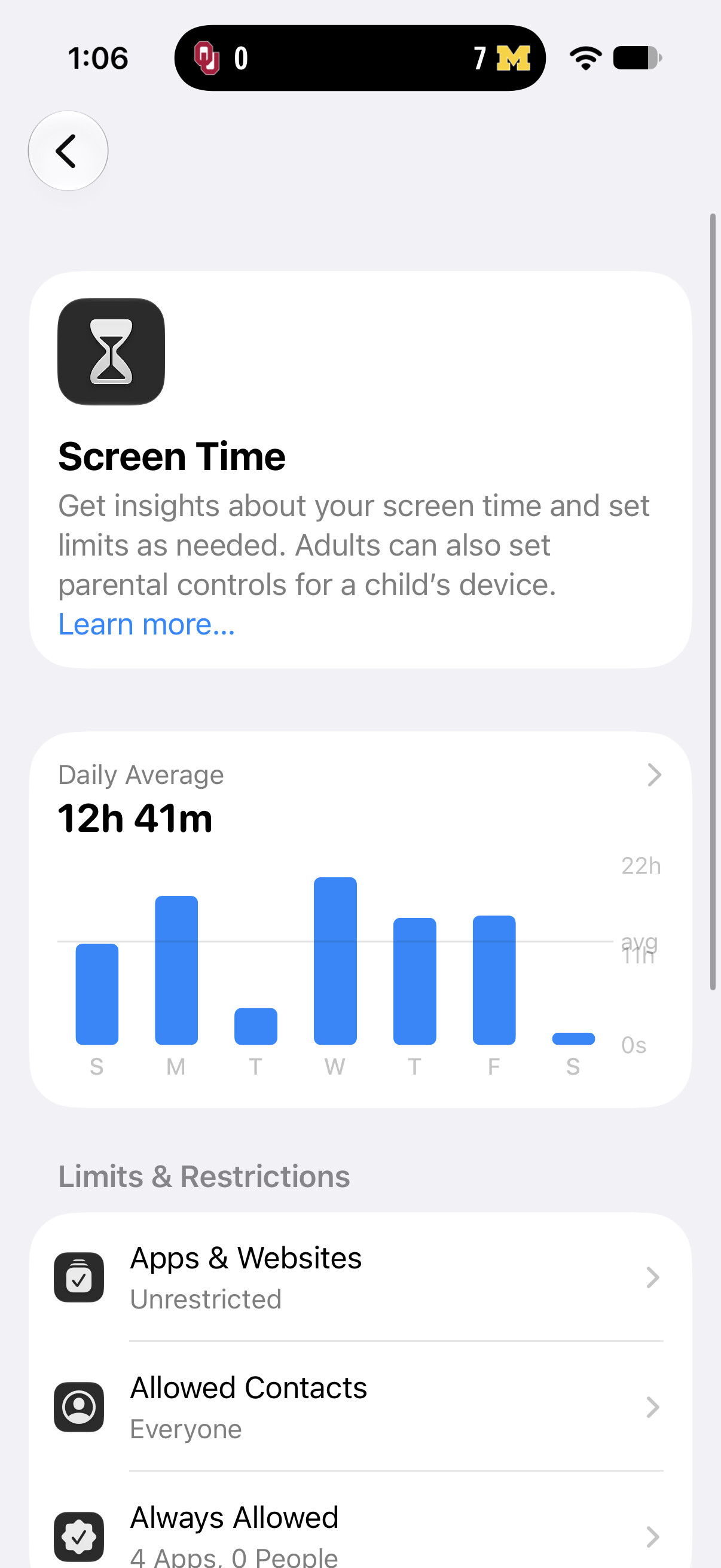
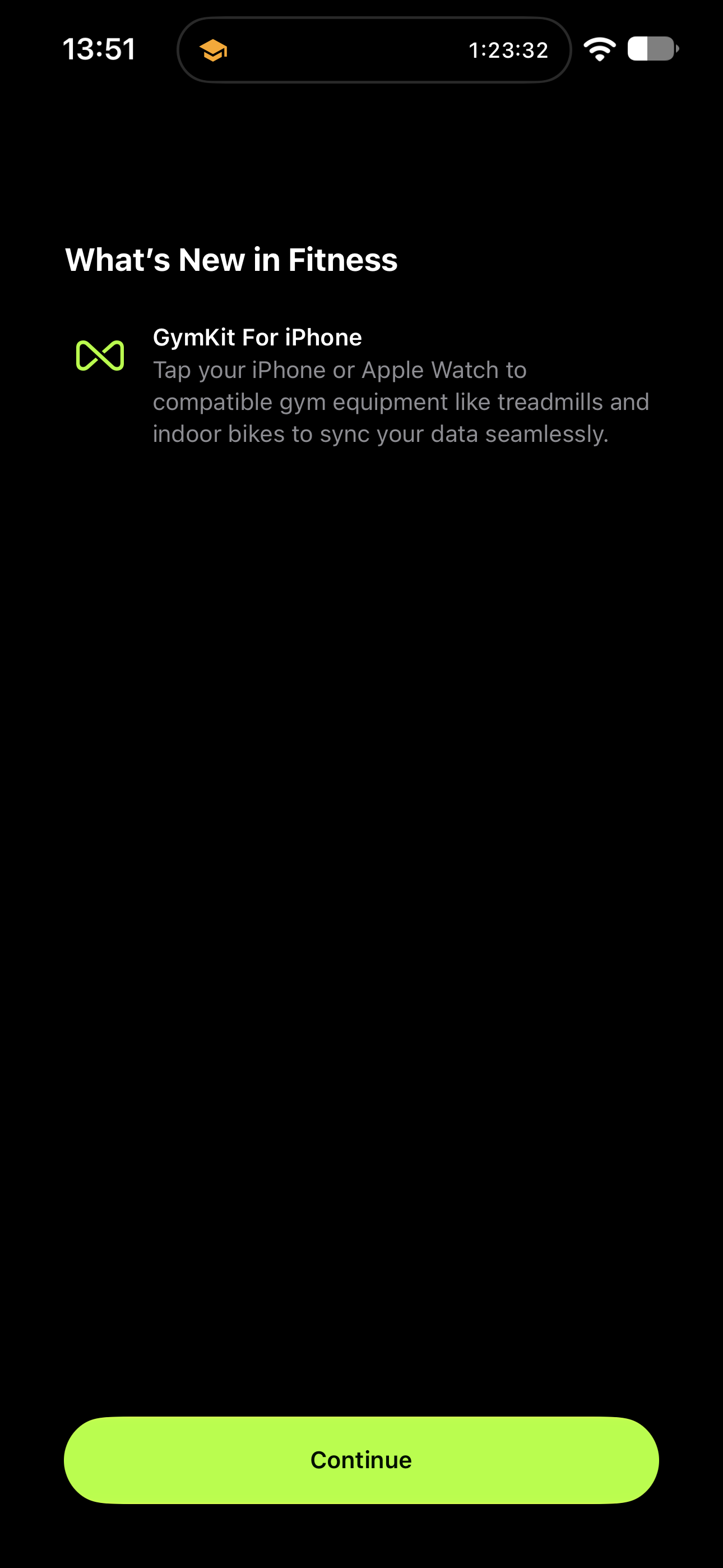
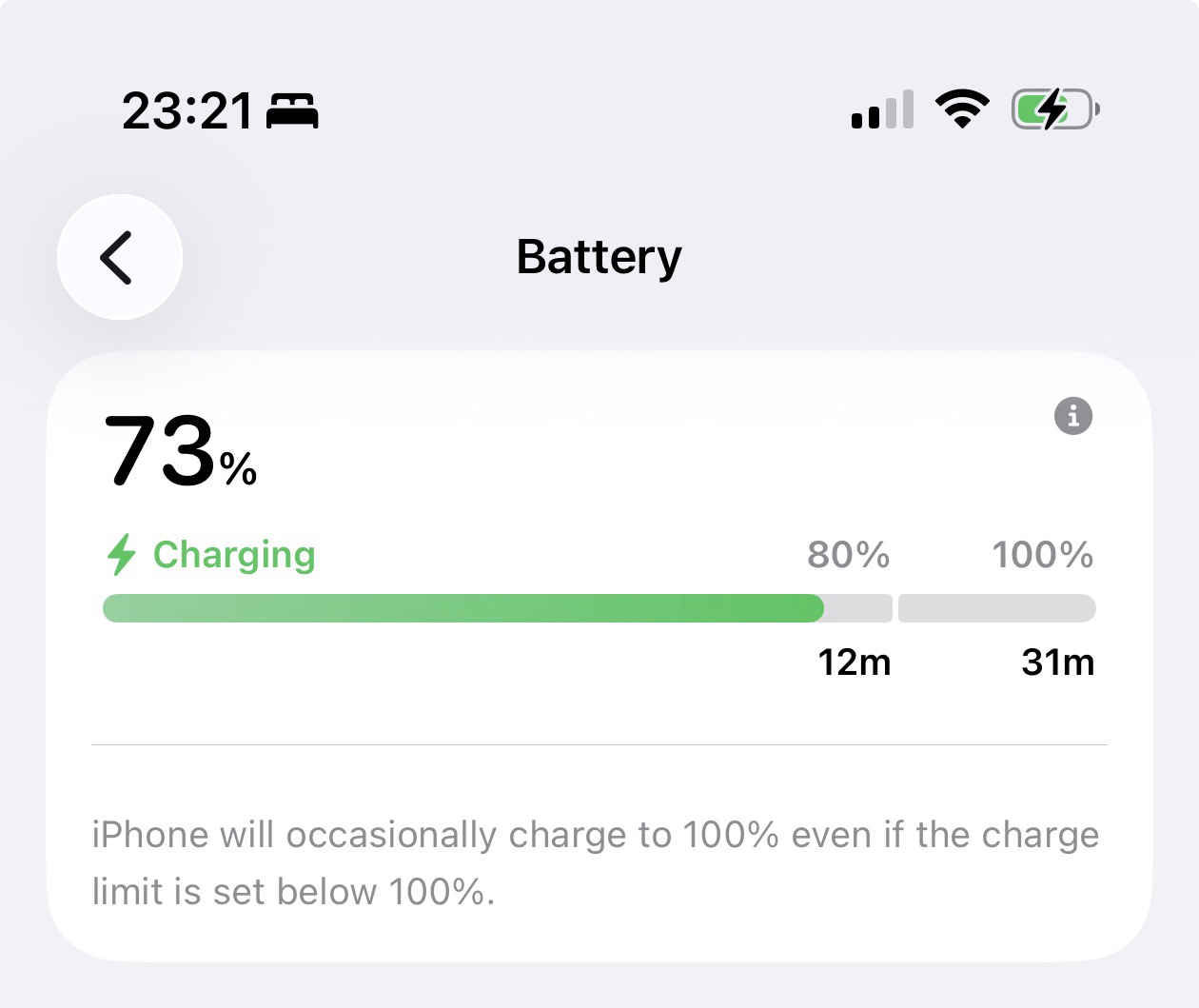
The status bar icons and clock look a bit bigger than in previous betas.
https://x.com/BetaProfiles/status/2098023583650136147
If you spot any changes you believe are new in iOS 27 RC, feel free to share them in the comments below 
I’ll keep adding more iOS 27 RC changes and new features here as I discover them. Stay tuned and follow @BetaProfiles on X or Threads!