I compared them side by side, but I don’t see any difference from 26.3.
iOS 26.4 shows who’s using your personal hotspot:
1 Like
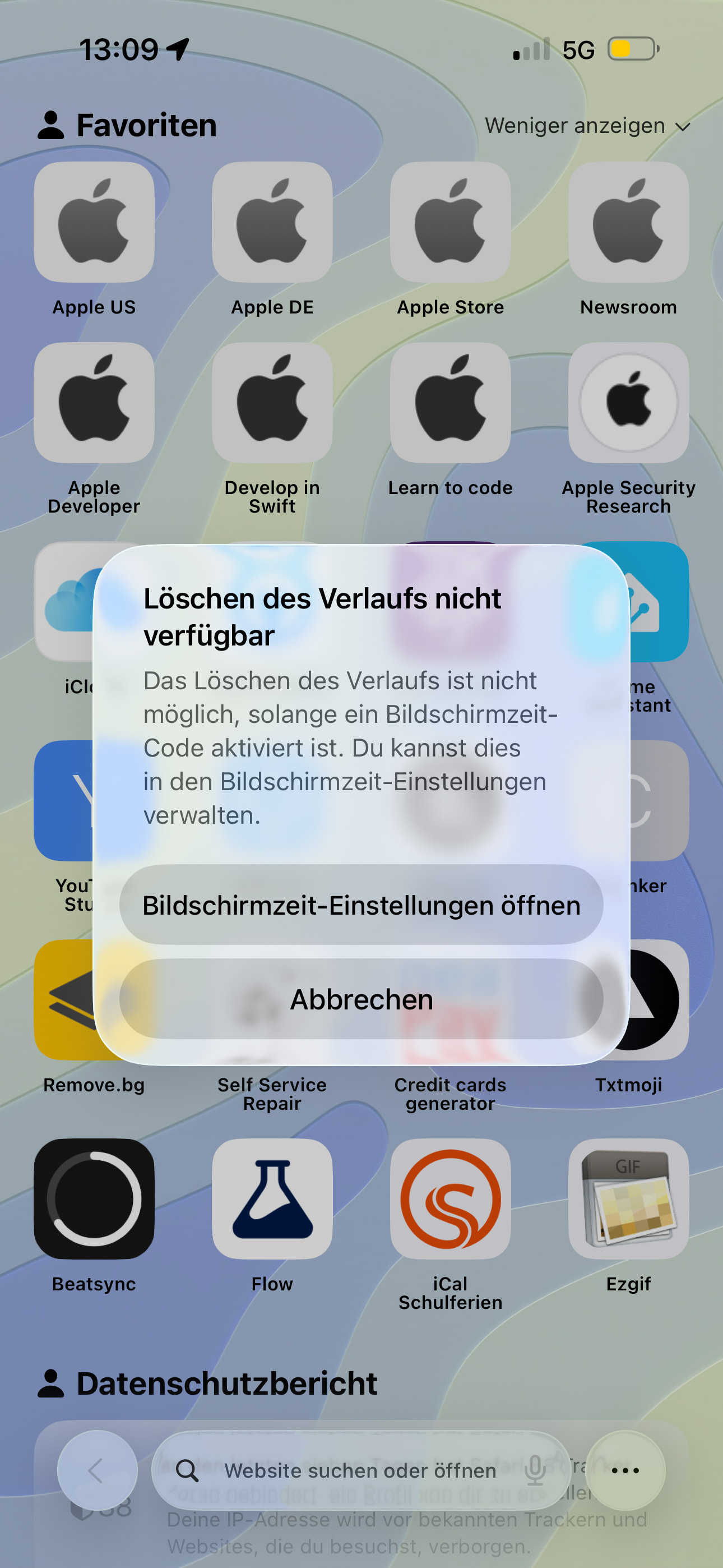
There is an another change:
The search history can no longer be deleted if an active Screen Time Passcode is set.
1 Like
Apple has also reached out to developers of CarPlay Apps for two different things. The first thing is CarPlay with AirPlay for streaming services so this will be a feature / not sure if this already works, haven’t had the time to test it yet. And the other one is a new type of CarPlay app called Voice-Based Conversational. Which is intended for ChatGPT, Gemini, Grok and more, to have their voice modes accessible through CarPlay.
2 Likes
Thanks for your reports, I’ve added it to the first post.
1 Like
What do you mean exactly?
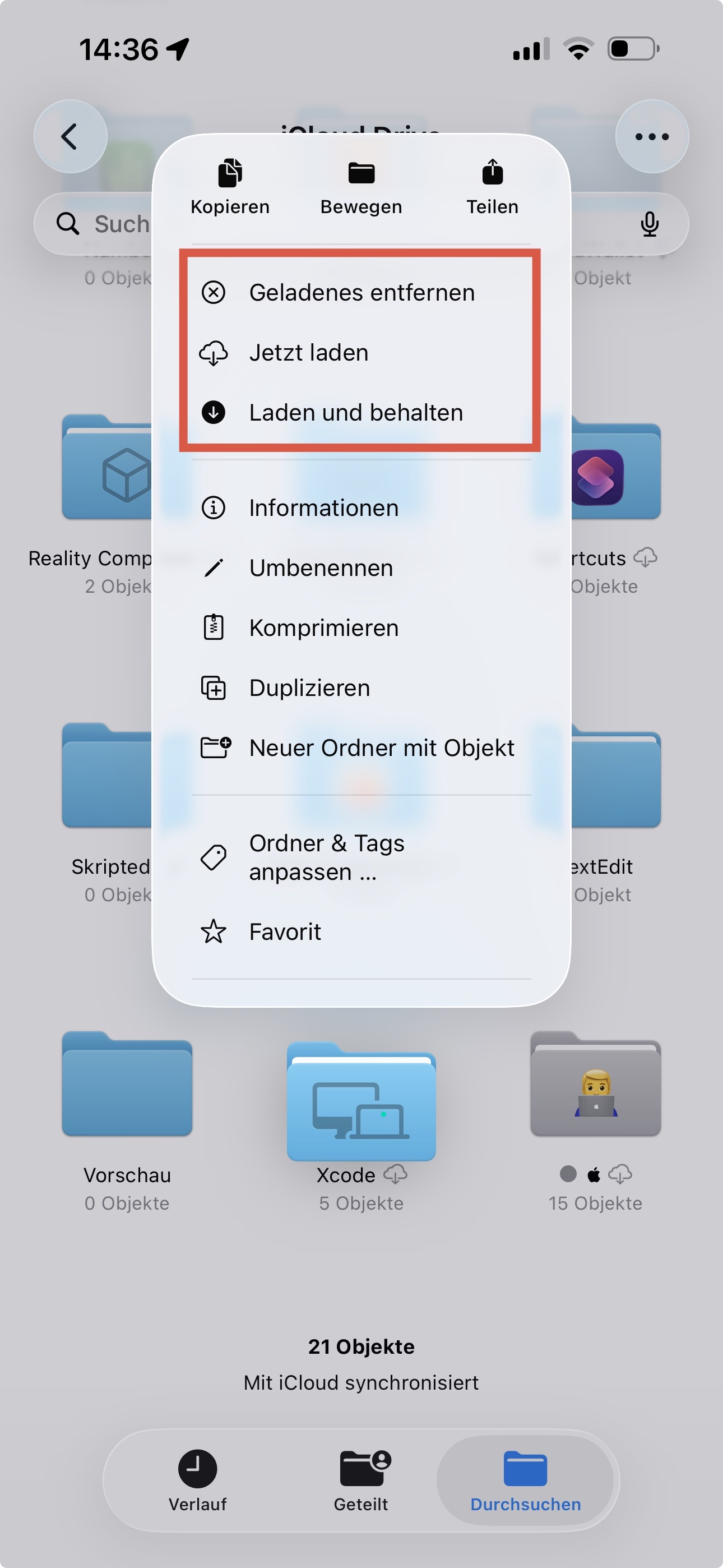
It’s also a bit different from the WhatsApp bar and there’s also the option to add another number.
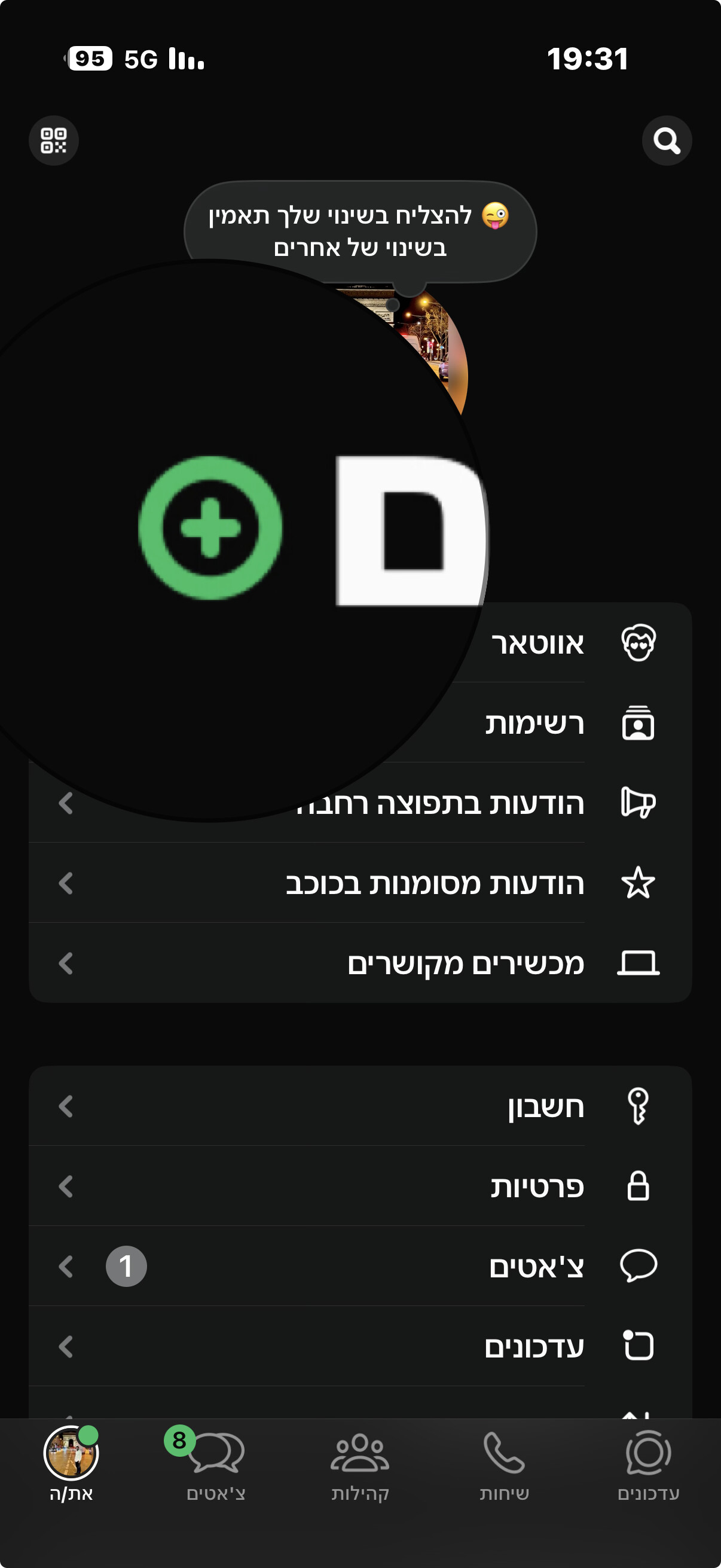
In my WhatsApp Version it’s currently unavailable, but I think it’s coming soon.
I checked, and there are no changes to the English in iOS 26.4 Beta.
1 Like
Files in the file app take on the hue of the home screen apps
That’s not new.
I just hope they improve the Contacts app, it’s so weird. There’s no animation when you edit a contact, and there’s no way to disable the automatic background thing
1 Like
I think they should merge Contacts and Phone and focus on a single app instead.
1 Like
This update has again brought along the constantly increasing system data bug. The other day I had to factory reset my device due to 145 GB of system data, my phone was completely unusable. Apps would crash, icons wouldn’t load, search was broken. Even after a couple days since the reset, my system data is already 67 GB and growing.
In the past when I had a 14 Pro Max, the solution was to go to ProRes Log mode in the camera app and click “Free Resources”. But on the Air, ProRes Log is not available and therefore this fix is not possible on the Air.
1 Like
Several people have reported that this issue has been fixed in iOS 26.4 Beta 2, so you might want to update and see if it resolves it for you.