Apple today released the first beta of iOS 26.3 to developers. This could be the last beta update of the year ahead of the holiday break, with Beta 2 possibly arriving next month. Below is what’s new in iOS 26.3 Beta 1.
iOS 26.3 Developer Beta 1
Build: 23D5089e
Released: December 15, 2025
As mentioned above, please note that iOS 26.3 Beta 1 was released ahead of the holiday break, so there may not be another update until the new year, as past releases suggest. Therefore, you may want to consider staying on iOS 26.2 if this is your primary daily-use device.
Apple also tends to add very few new features in X.3 Beta 1 updates to minimize bugs on users’ devices, since Apple’s software engineers are clearly unable to address issues during the holiday break.
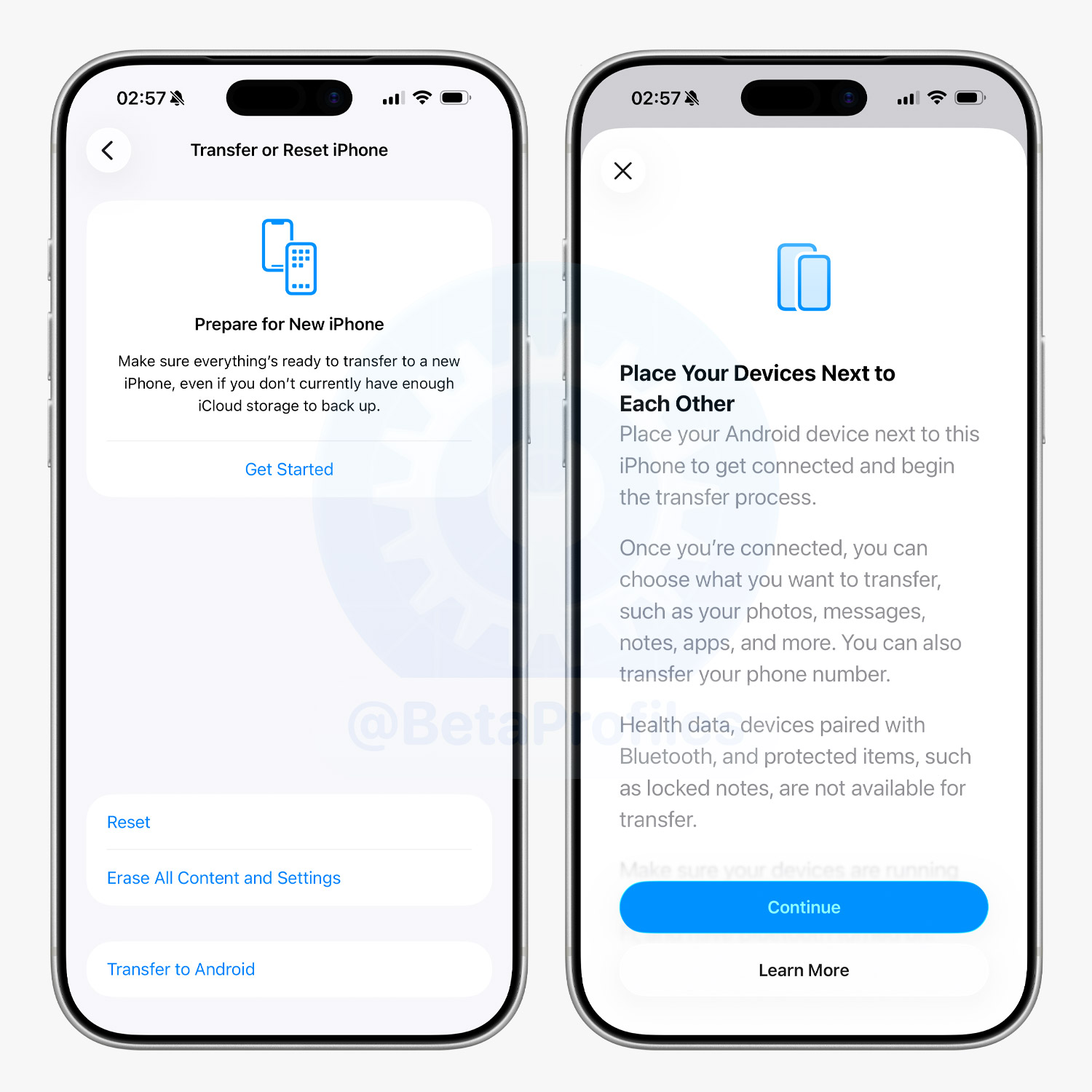
Transfer to Android
iOS 26.3 Beta 1 adds a ‘Transfer to Android’ option, making it easier to move data from an iPhone to an Android device without needing to download a separate app, as was previously required.
Google is also said to have added a similar feature in Android Canary 2512, allowing Android users to more easily transfer data to iOS.
Notification Forwarding
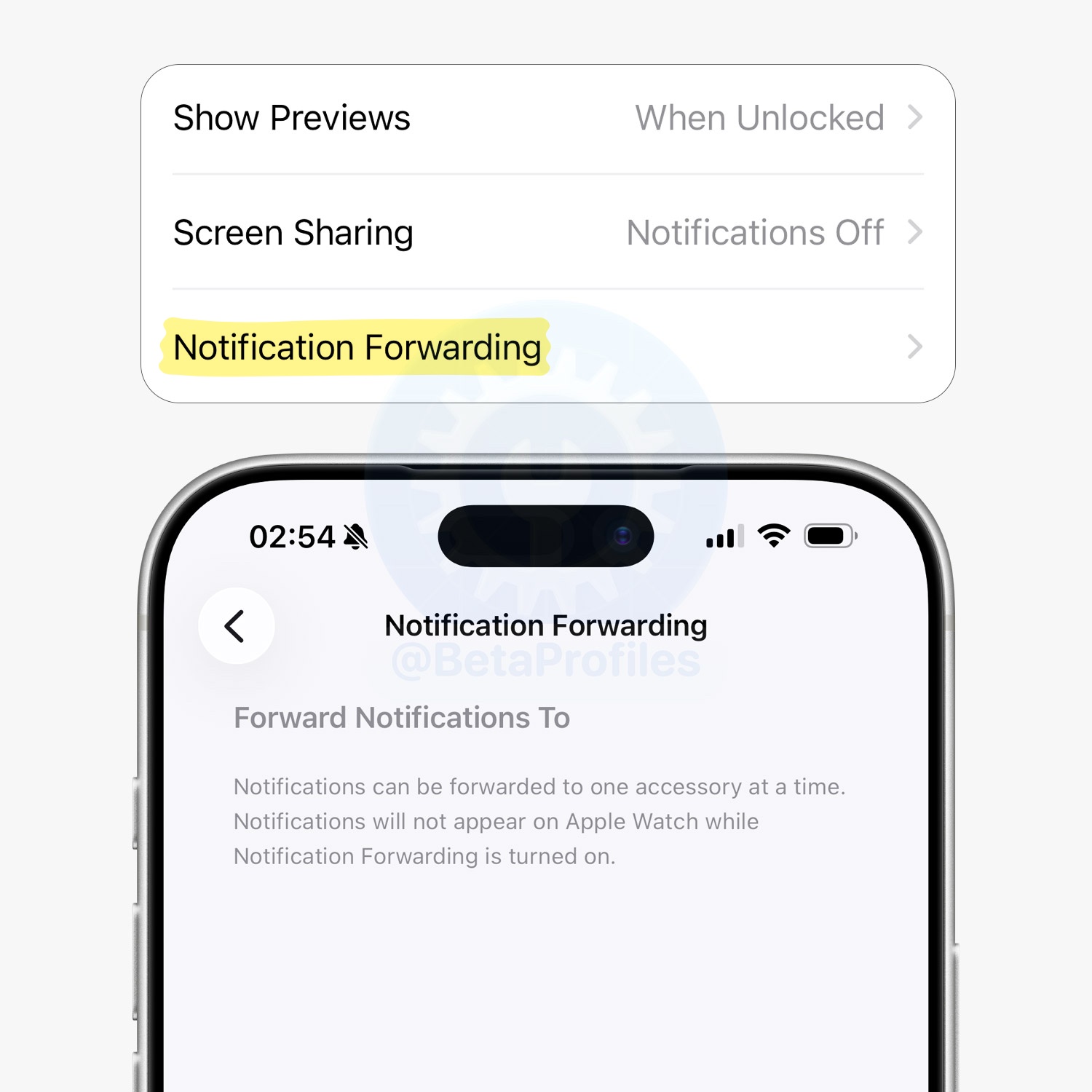
There is a new ‘Notification Forwarding’ option in Settings → Notifications that allows notifications from the iPhone to be forwarded to third-party wearable devices.
Apple says notifications can only be forwarded to one device at a time, so when this feature is enabled, the Apple Watch will no longer receive or display notifications.
Weather & Astronomy Wallpapers
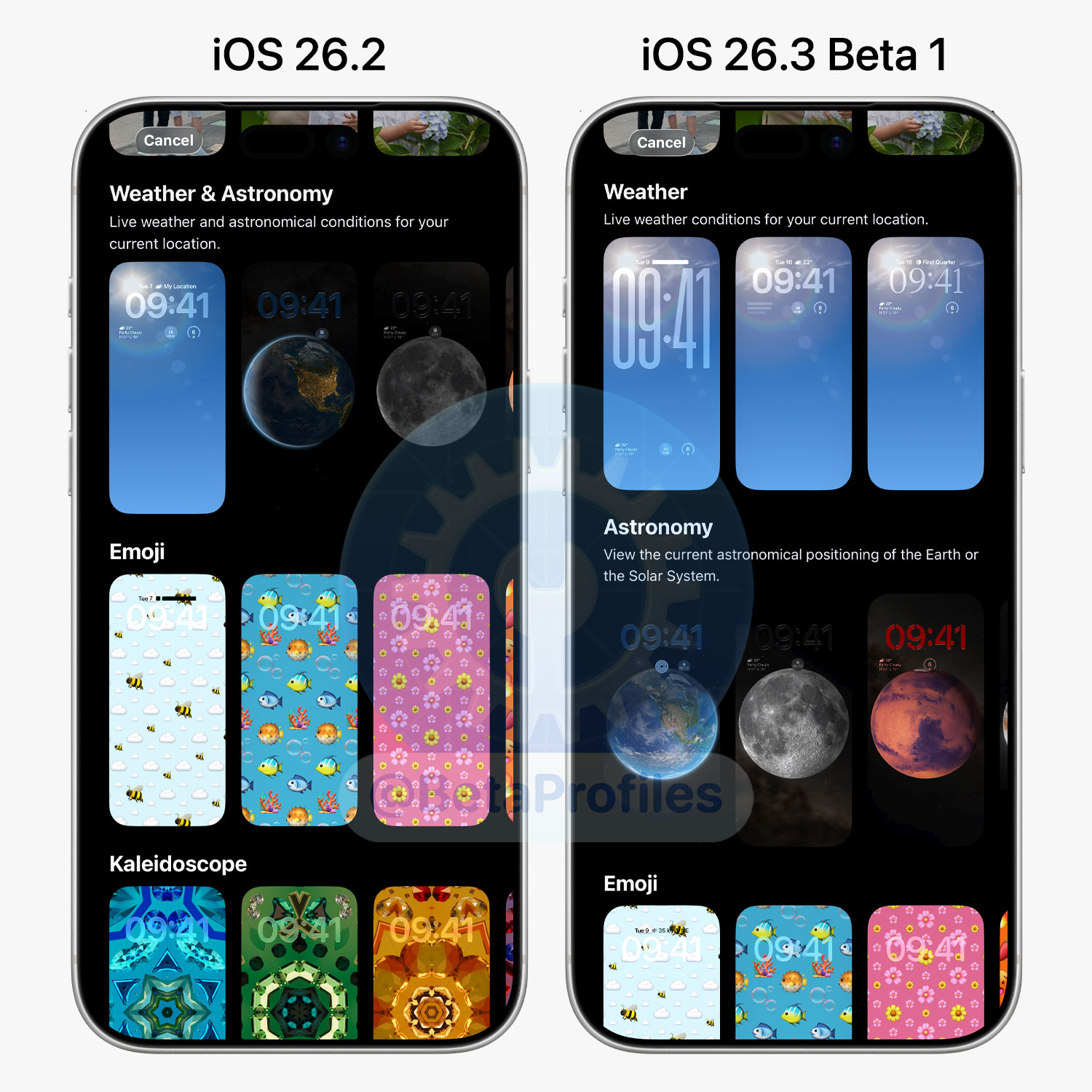
The Weather and Astronomy wallpapers have now been split into two separate sections; they were previously grouped together.
There are three Weather wallpapers shown with different widget and font combinations, and no new wallpapers have been added.
I’ll keep adding more iOS 26.3 Beta 1 changes and new features here as I discover them. Stay tuned and follow @BetaProfiles on X or Threads!

 )
)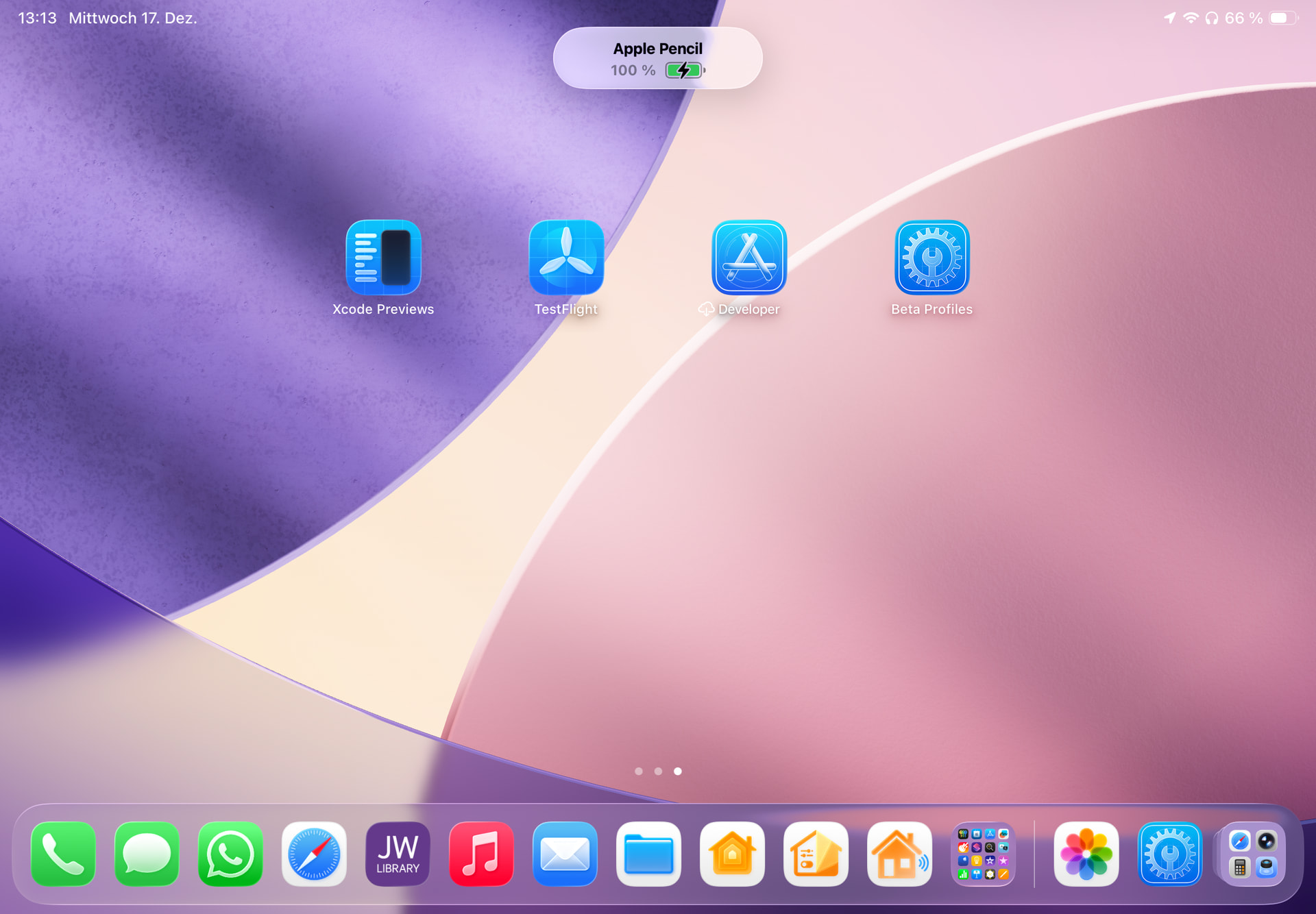
 . I recently updated the icon to support Light, Dark, Tinted, and Clear modes in iOS 26, but it’s quite different from the one you’re using now, which was inspired by the Apple Developer app. Feel free to add the new icon and see if you like it. If not, you can just remove it and keep the current one (I like that one a lot too).
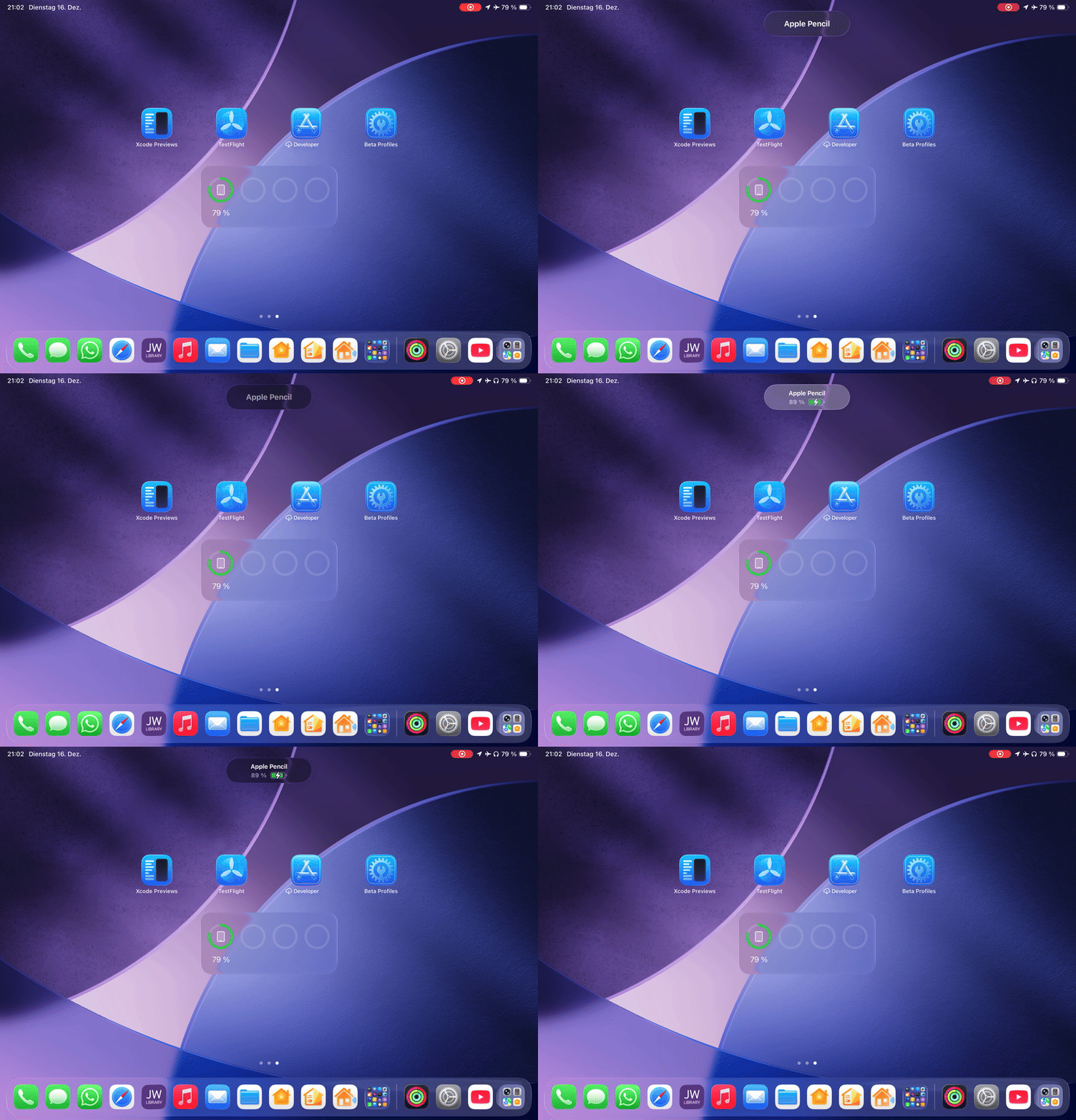
 . This means an Restart helps.