When Apple rolls out a new software update, most people immediately look for the new features it includes and what version number it carries, like iOS 26 or iOS 26.2. But many users completely overlook the build number. Does it actually have any meaning, or is it just a random string of characters Apple puts together? In this post, let’s take a closer look at what a build number really is.
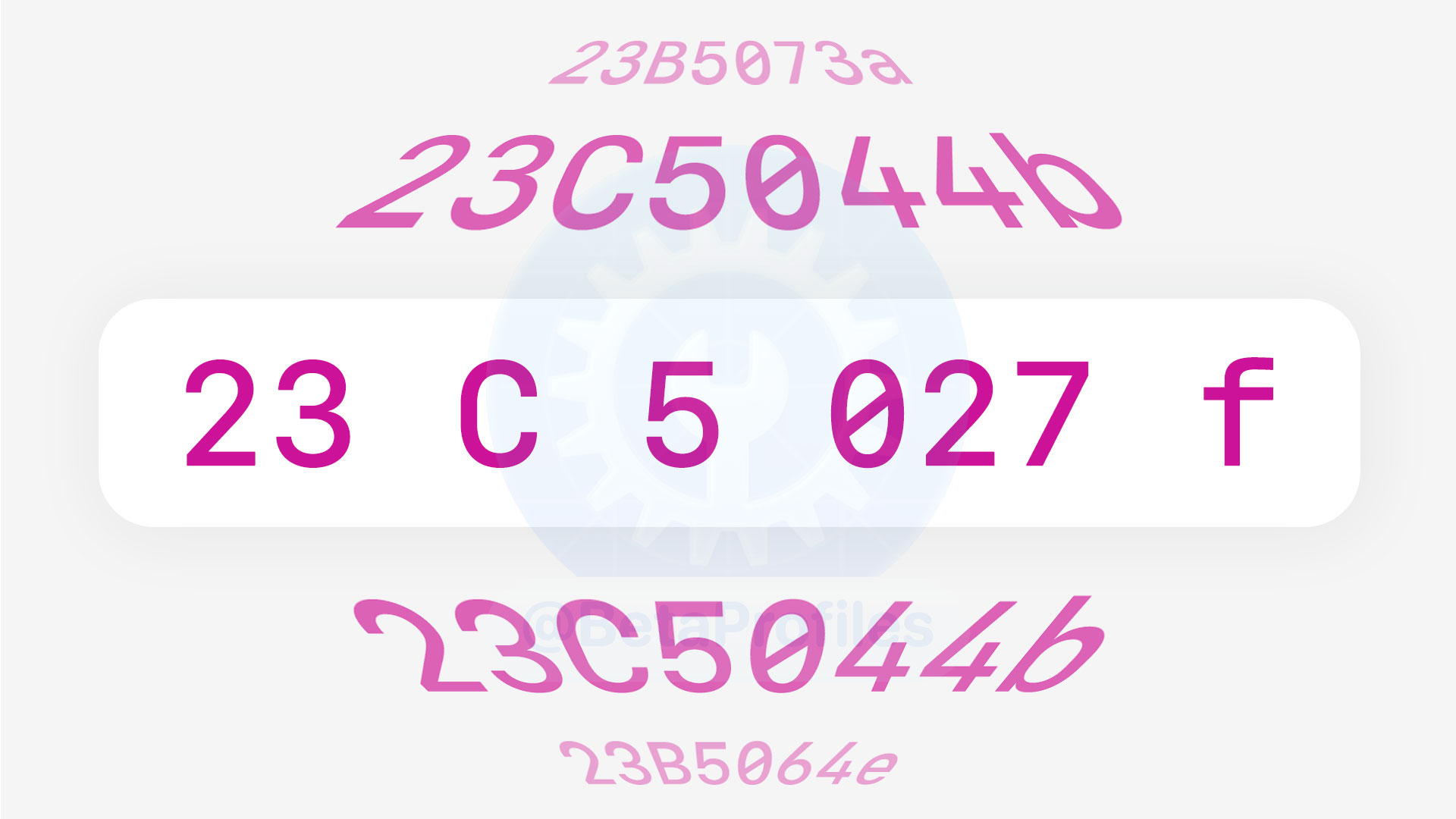
What is a build number?
A build number is a mix of letters and numbers that comes along with a software update.
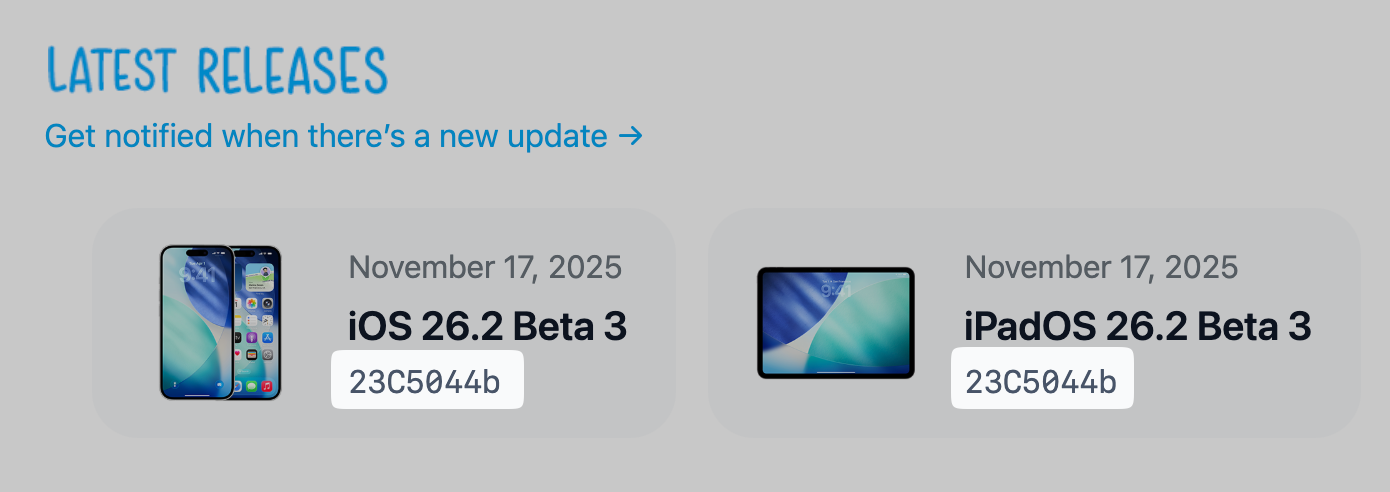
For example, “iOS 26.2 Beta 1” is the version name most people remember. Meanwhile, 23C5027f is the build number, which is something developers pay more attention to. You can think of it like your name compared to the ID number printed on your identification card.
Each build number is unique to a specific OS release. In the example above, 23C5027f belongs only to iOS 26.2 Beta 1, and no future iOS update will ever reuse that same build number.
So what do these letters and numbers actually represent? And does Apple follow any rules when creating build numbers for their updates?
The answer is yes.
Decoding the Build Number
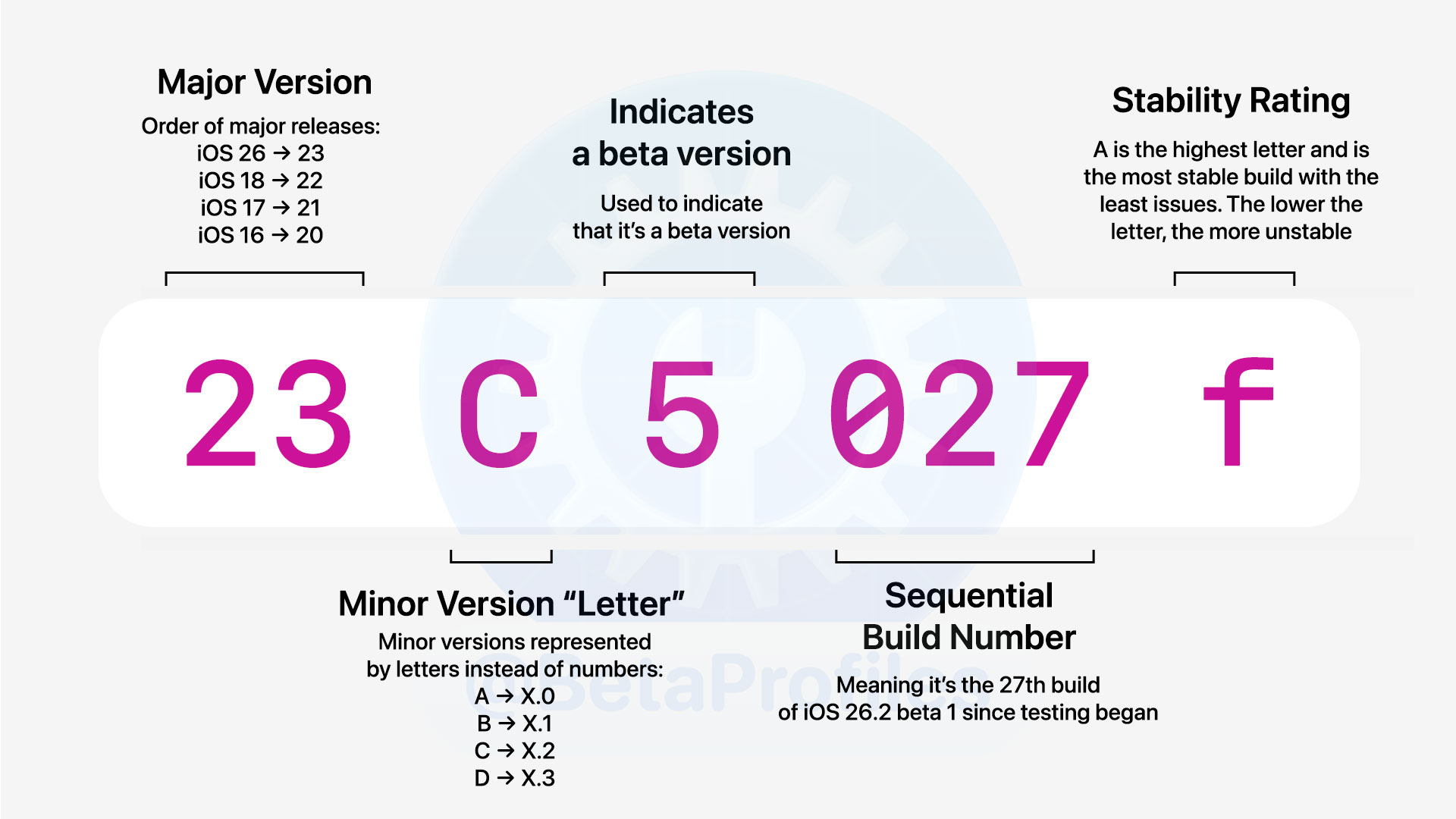
I’ll keep using iOS 26.2 Beta 1 23C5027f as the example. To make it easier to understand, let’s break it down into parts like this: 23 – C – 5 – 027 – f. I’ll explain each part below.
First, the number “23” at the beginning
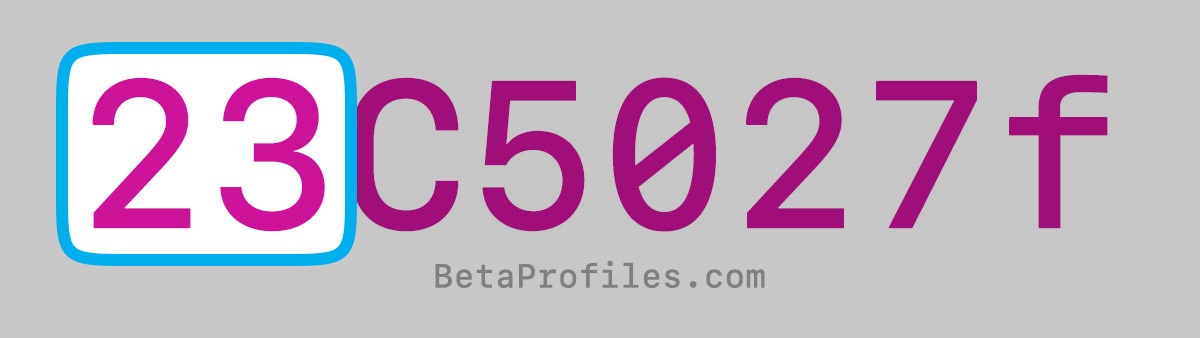
This number corresponds to the major iOS version. You might be wondering why Apple uses “23” instead of “26” (because we are currently on iOS 26). Let’s go back to the early days of iOS to see what’s going on.
iPhone OS 1.0 launched with the first iPhone in 2007, and its build number was 1A543a. In the following updates, Apple used naming patterns like these:

| Version | Build |
|---|---|
| 1.0 | 1A543a |
| 1.0.1 | 1C25 |
| 1.0.2 | 1C28 |
| 1.1.1 | 3A109a |
| 1.1.2 | 3B48b |
| 1.1.3 | 4A93 |
| 1.1.4 | 4A102 |
You can see that Apple kept changing the first number in the build numbers for iPhone OS 1, from 1A to 1C, then 3A and 4A. My guess is that the naming convention for build numbers wasn’t fully established at that time.
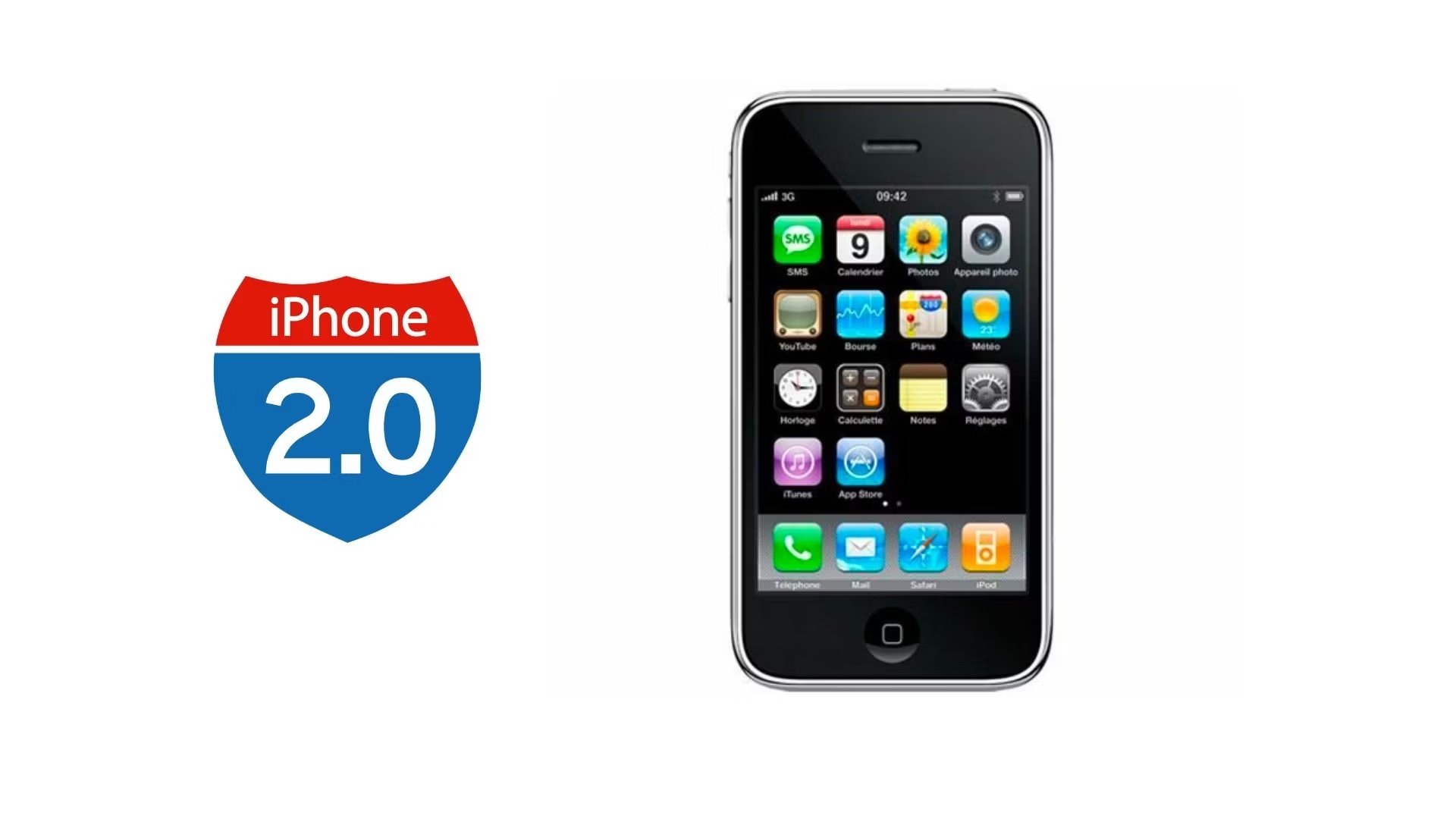
When iPhone OS 2 came out, all of its updates started with the number 5:
| Version | Build |
|---|---|
| 2.0 | 5A347 |
| 2.0.1 | 5B108 |
| 2.0.2 | 5C1 |
| 2.1 | 5F136 |
| 2.2 | 5G77 |
| 2.2.1 | 5H11 |
It looked a bit more consistent, and a clear pattern began to appear. But when iPhone OS 3 was released, the number jumped from 5 to 7. I have no idea what happened to number 6.
From that point onward, Apple increased this number by one for each major release all the way up to iOS 18. This means the first digit of the build number was always four times the iOS version number.
| iOS Version | Build start with |
|---|---|
| 3.x | 7… |
| 4.x | 8… |
| 5.x | 9… |
| 6.x | 10… |
| 7.x | 11… |
| 8.x | 12… |
| 9.x | 13… |
| 10.x | 14… |
| 11.x | 15… |
| 12.x | 16… |
| 13.x | 17… |
| 14.x | 18… |
| 15.x | 19… |
| 16.x | 20… |
| 17.x | 21… |
| 18.x | 22… |
| 26.x | 23… |
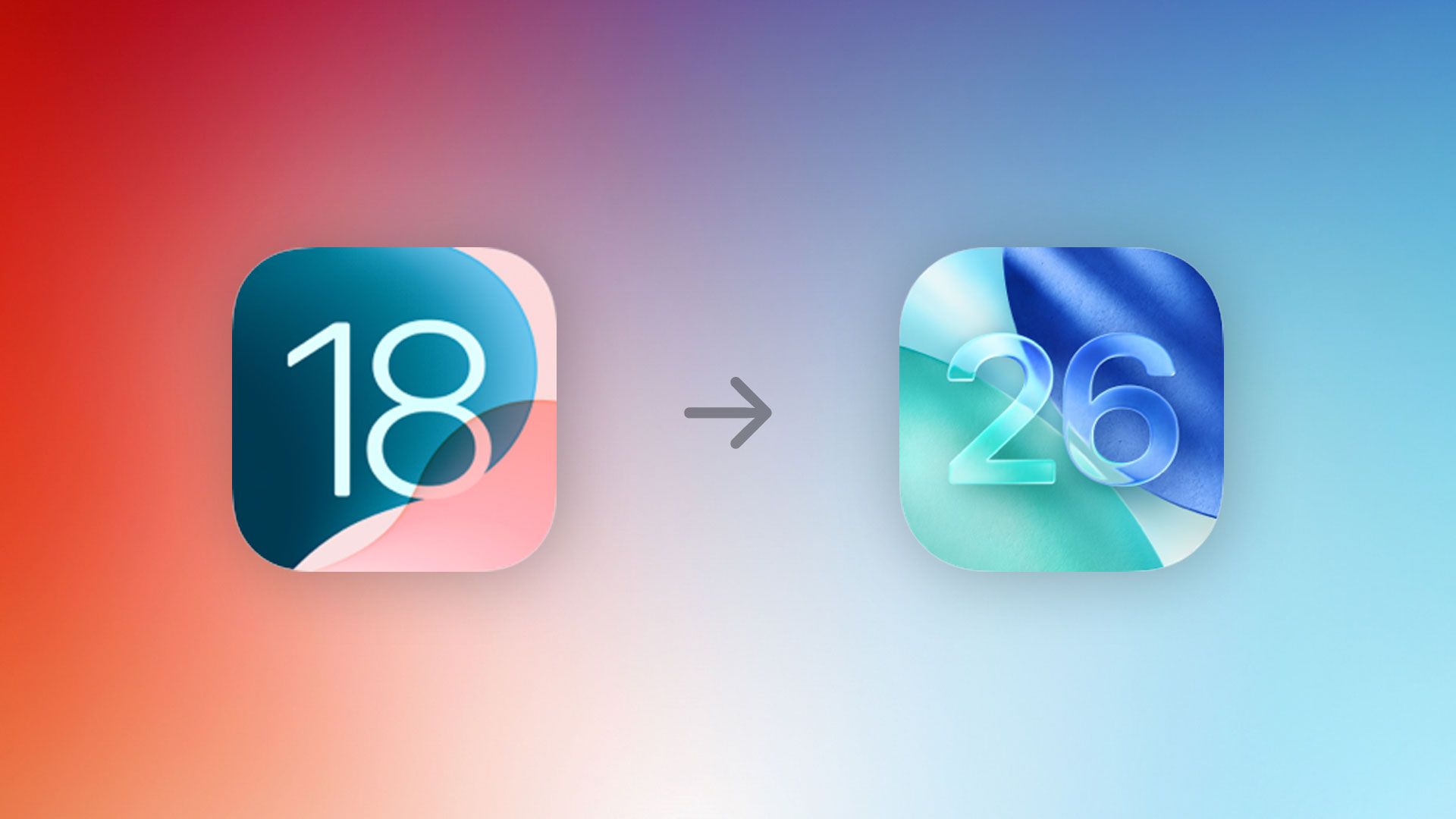
That pattern shifted slightly when Apple jumped from iOS 18 to iOS 26. They switched to using the release year as the version number to unify all their operating systems, but the build-number convention continued unchanged. So from now on, the first number in the build will be three less than the iOS version number.
The letter “C”
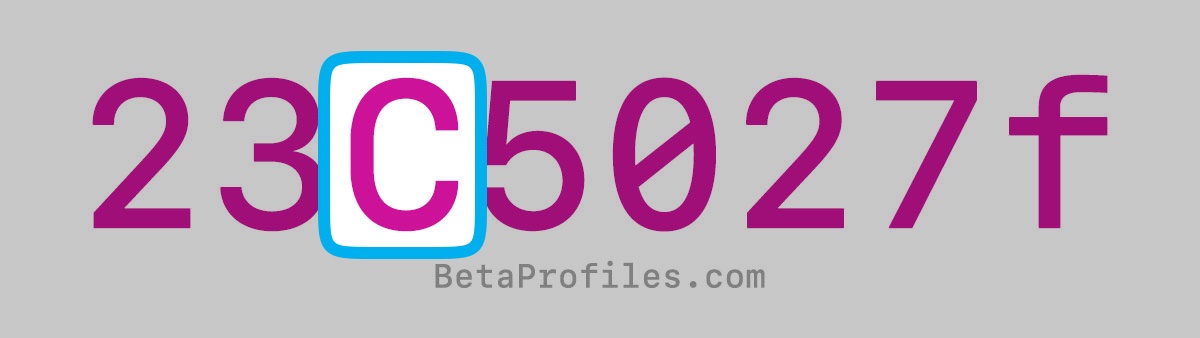
The capital letter C corresponds to the X in version 26.X. For example, 26.0 maps to the letter A, iOS 26.1 becomes B, iOS 26.2 becomes C, and so on.
Apple usually releases updates up to x.7, which would reach the letter H, and occasionally even I, though that’s rare.
These letters are also used for other operating systems:
- tvOS (J, K, L, M)
- visionOS (M, N, O)
- watchOS (R, S, T, U)
The number “5”
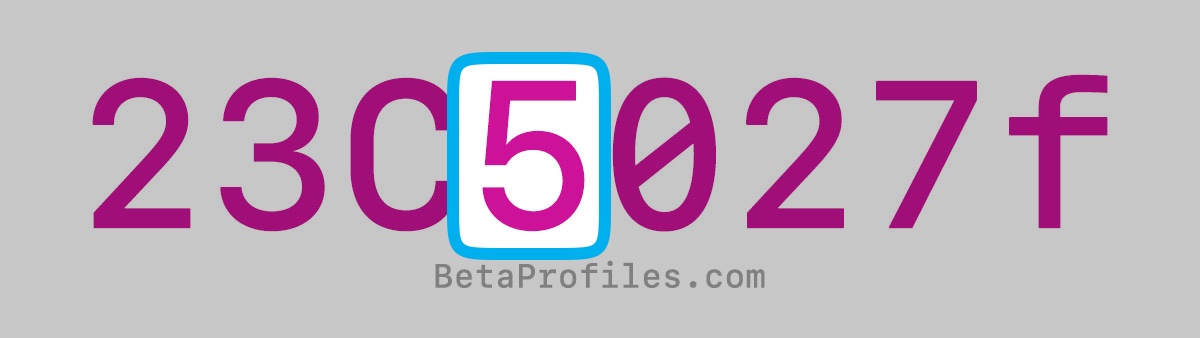
The number 5 indicates that this is a beta version (including both Developer Beta and Public Beta).
Official releases and Release Candidate (RC) builds do not contain the number 5.
The number “027”
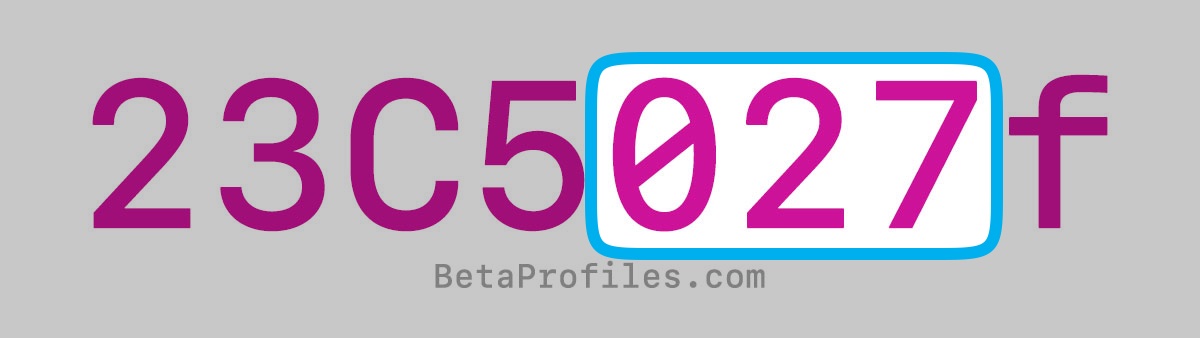
According to former Apple engineer Paul Suh, this number represents the internal build revision. It increases whenever there is any change during the development of that particular iOS version.
For example, when iOS 26.2 Beta 1 was released, engineers labeled it 027. In Beta 2, the number went up to 033, and in Beta 3 it increased to 044, and so on until the final release.
This number resets back to 0 and starts over again in the next update.
Finally, the lowercase “f”
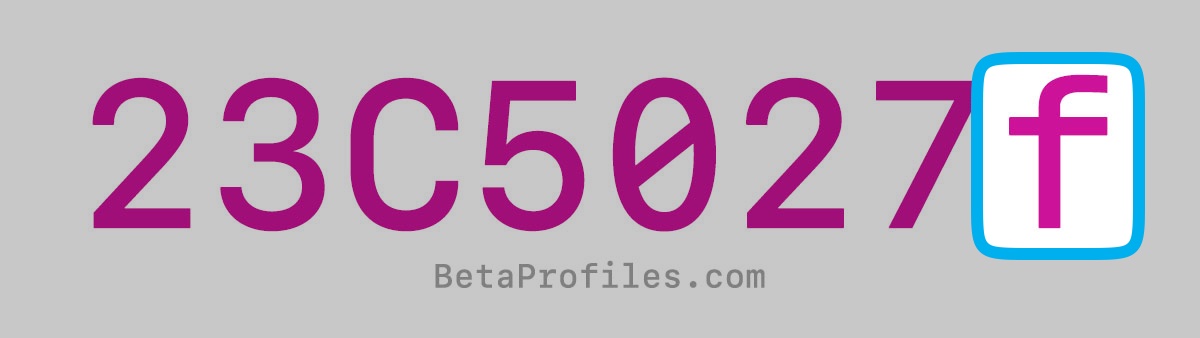
Lowercase letters at the end, like f, only appear in beta versions. They’re considered Apple’s stability indicator for a build. The closer the letter is to “a,” the more stable the build is, with fewer issues. Lower letters indicate less stability.
As the official release approaches, the build will typically end with the letter “a.” For example, iOS 18.4 Beta 4 had the build number 22E5232a (ending with “a”), which usually indicates that the next build will be the Release Candidate, with the final public release coming roughly a week after.
Official releases and Release Candidate (RC)
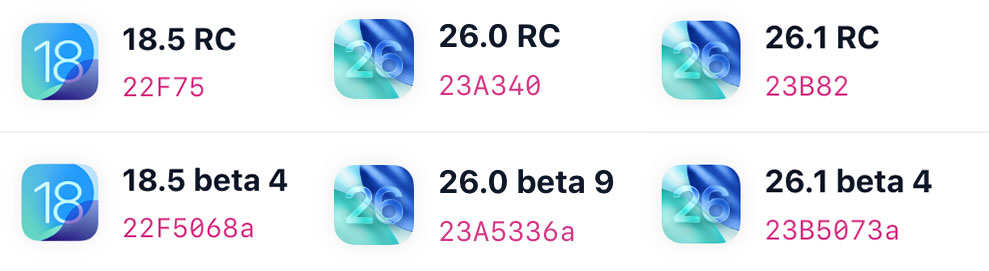
When an RC or an official release becomes available, the build number gets shortened. For example, iOS 26.1 Beta 4 had the build 23B5073a, the RC build was 23B82, and the final release was 23B85.
At this stage, the build number contains only the major version (23), the minor version letter (B for .1), and the build revision (82 or 85).
Beta of the Beta
Everyone knows that “Beta” usually means a test version. Apple even has multiple beta channels such as Developer Beta, Public Beta, and AppleSeed Beta (invite only).
But inside Apple, where software engineers test new builds very early on, there’s another stage that could be considered the true “Alpha”. You can think of it as the beta of the beta.
The Alpha stage is definitely less stable and contains far more bugs than the public Beta builds. It’s used only for internal evaluation before anything is released to beta testers.
These internal builds are also restricted to Apple employees’ devices and must be tightly secured to avoid leaking new features or design changes. This is why we rarely see UI screenshots or upcoming iOS features leak online (aside from the infamous iOS 26 leak).
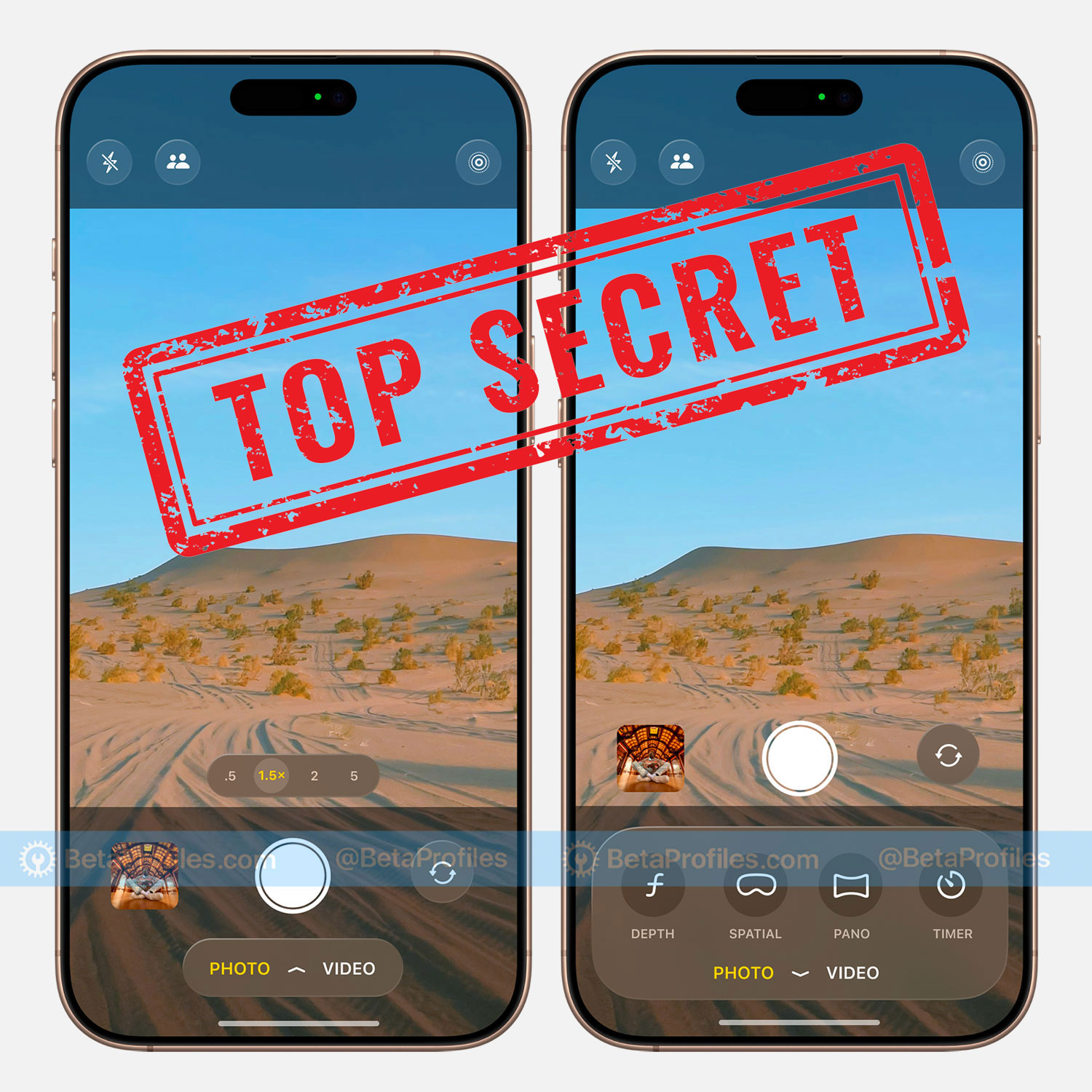
Alpha builds are also pushed out much faster than beta builds. Sometimes engineers get one build per day, or even several in a single day. The build-number system is essential here because it lets Apple engineers track feedback and fix critical issues quickly.
It wouldn’t be practical to apply the normal beta labels like “iOS XX Beta X” during this stage. Otherwise, we’d end up with something like:
- iOS 26.2 Beta 15
- iOS 26.2 Beta 23
- iOS 26.2 Beta 30
For regular users, seeing dozens of beta versions would be confusing. For software engineers, this kind of “simple and straightforward” naming would actually be a nightmare.
Same version, different build numbers
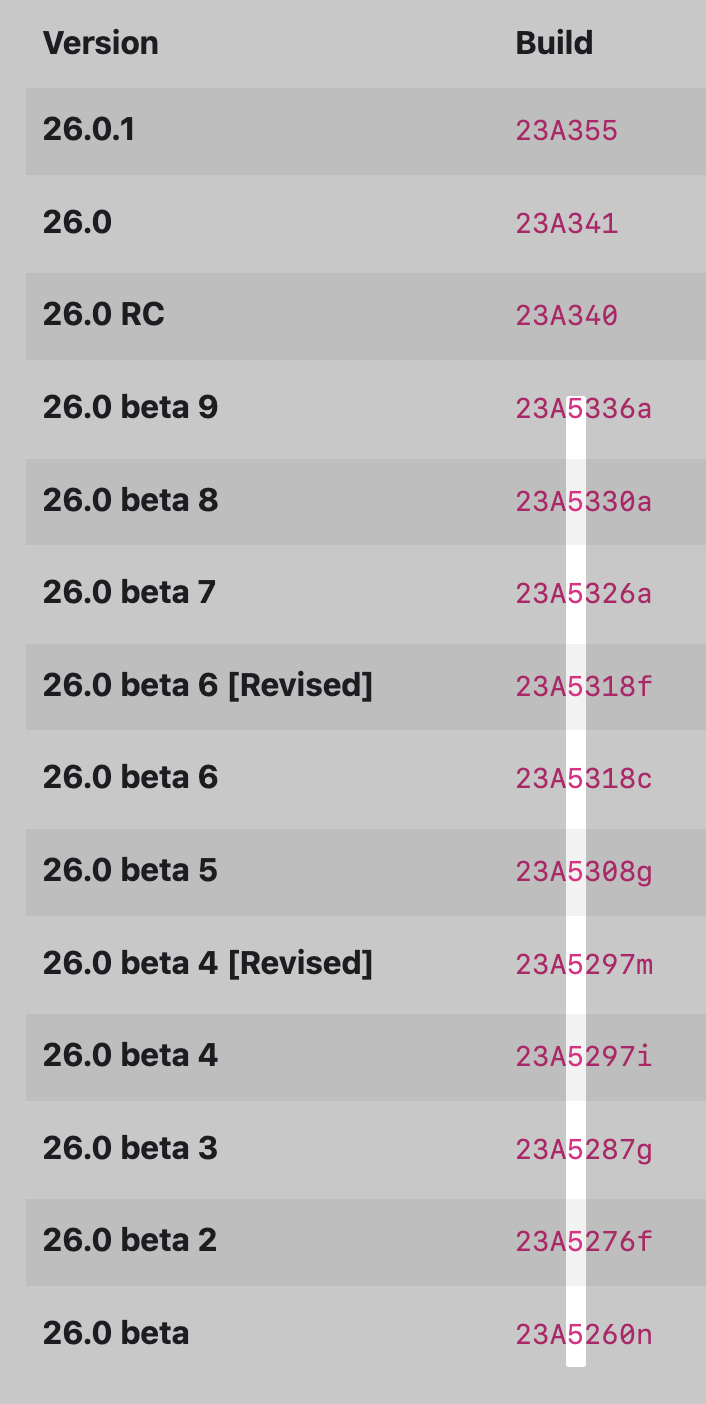
Sometimes Apple re-releases the same version with a different build number. For example, the original iOS 26.0 Beta 4 had build number 23A5297i, but two days later Apple released another iOS 26.0 Beta 4 with a new build number, 23A5297m. In cases like this, the build number makes it easy to tell them apart.
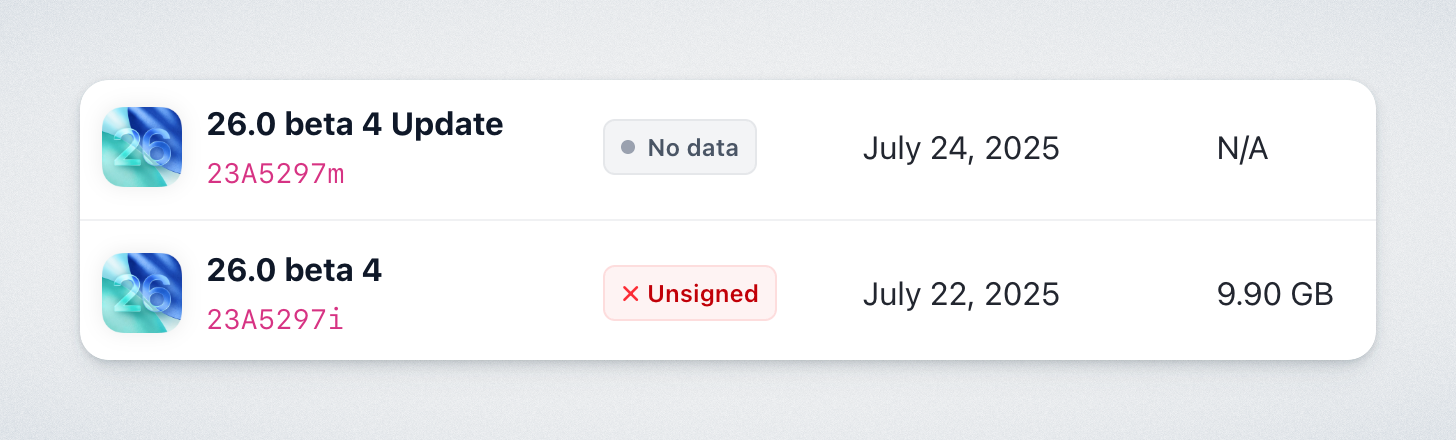
However, this doesn’t happen often. Apple typically does this only to fix an issue affecting specific device models.
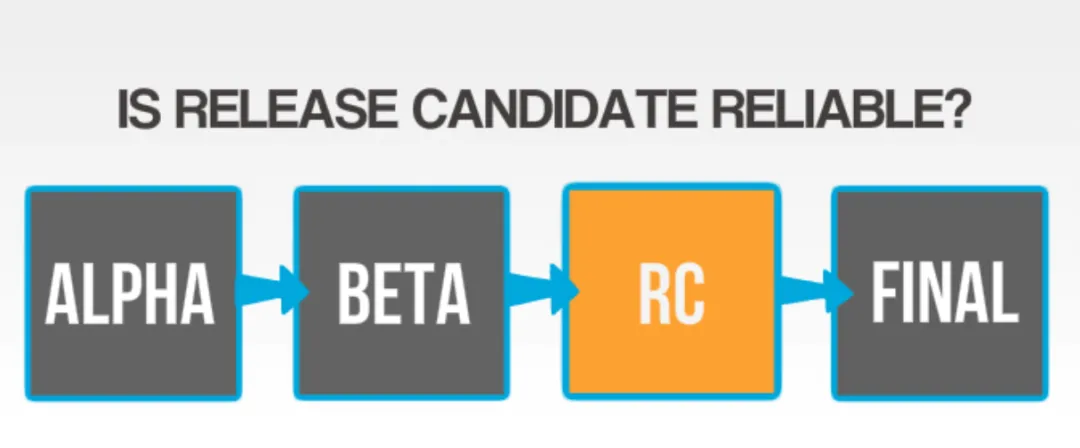
What are GM and RC?
Both GM and RC refer to the final stage of a software update during the beta cycle, which can be released to the public if no major issues remain.
- GM = Golden Master
- RC = Release Candidate
Starting with iOS 14.2, Apple switched to the term RC to match industry standards.
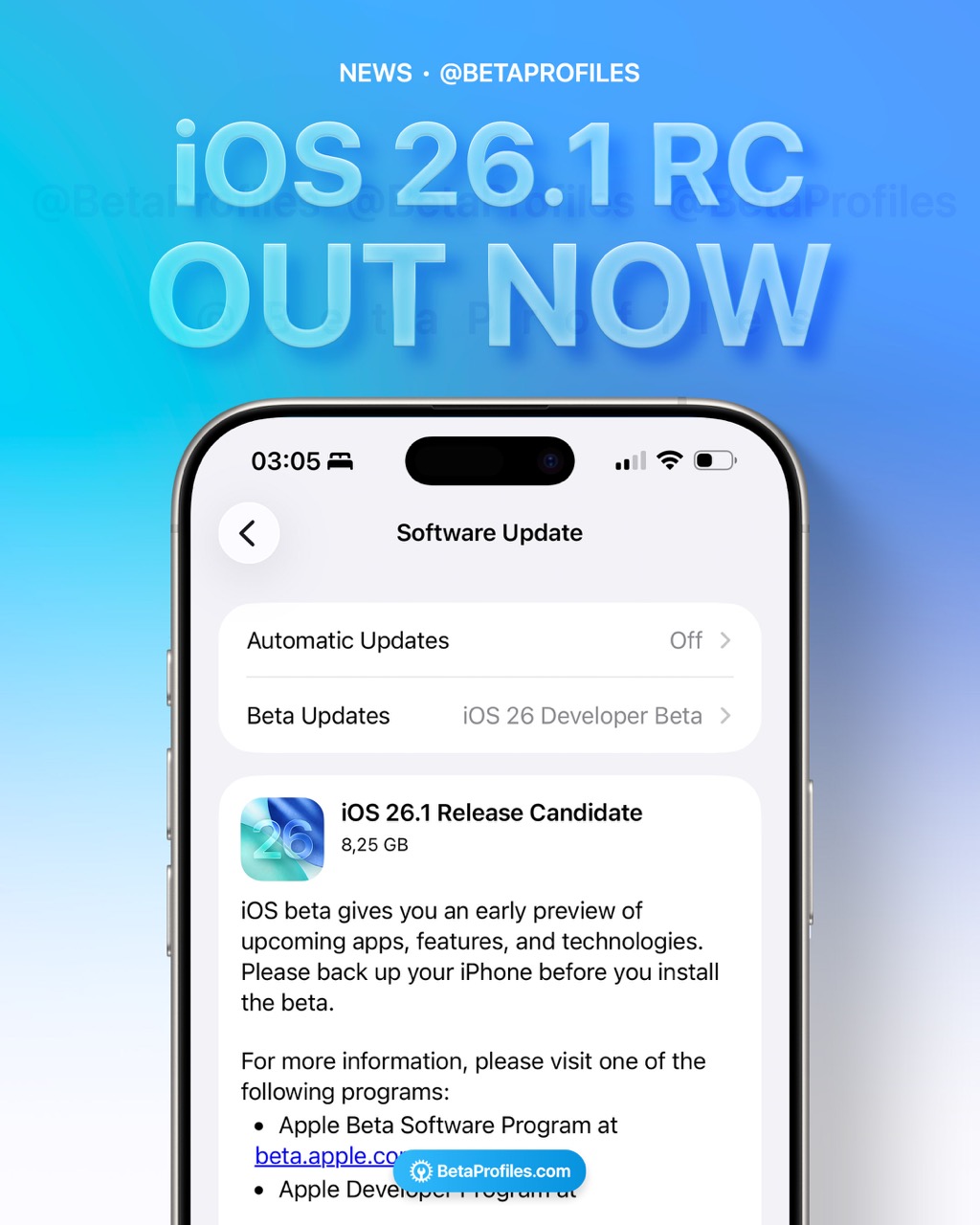
Even though an RC is usually the last build before the official release, there are exceptions. For example, iOS 18.4 had RC 1 (22E239) and RC 2 (22E240). So nothing is guaranteed.
Final Thoughts
For most beta users, I don’t expect many people to pay close attention to build numbers the way developers or Apple engineers do. But understanding how Apple creates these numbers gives us a small glimpse into the development process behind iOS.
Ever since Apple removed beta profiles, I’ve tried to focus on providing more meaningful content, like the weekly “What’s New” posts I share on this forum whenever a new beta comes out. What started as a small hobby during my free time has slowly grown into something that many people appreciate, which gives me the motivation to keep going.
I hope you’ll continue to support this work. I’m also on X (@BetaProfiles), Threads, Instagram, TikTok, Bluesky, and Facebook. Feel free to follow me on your favorite platform so you won’t miss any new updates from Beta Profiles.
Credits
This post is adapted from iBeta Early Bird. If you’re interested, you can read the Chinese version there. Thanks to iBeta!
 Outstanding work.
 Powered by Lechuga’s Lab™
 Lechuga’s Team™ - Always operational