After updating to macOS 27 beta, Siri AI requires you to join a waitlist, and it can sometimes take hours for Siri to be fully activated on your Mac. There’s a simple way to bypass this wait.
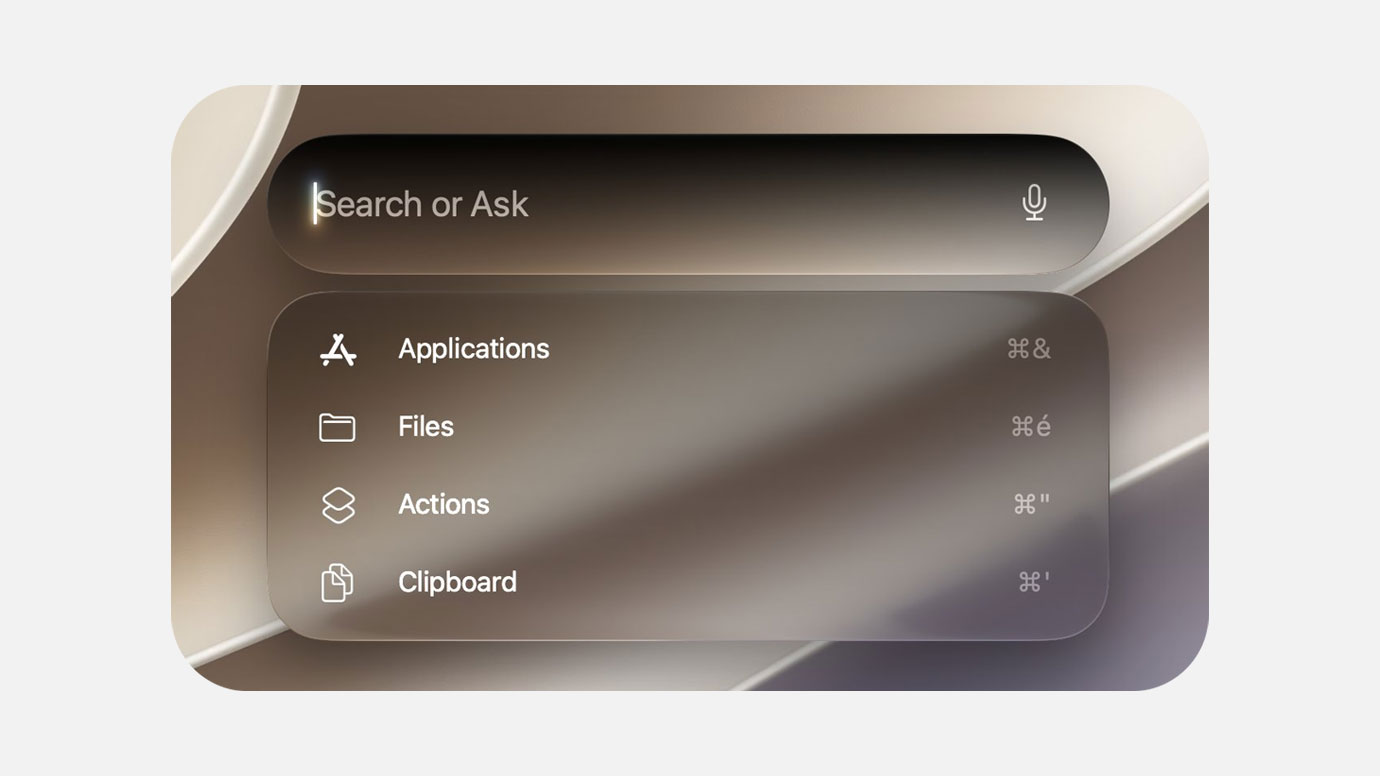
Here’s how to bypass the Siri AI waitlist without disabling SIP:
- Open Terminal on your Mac.
- Copy and paste the command below into Terminal and press return.
sudo defaults write "/Library/Preferences/FeatureFlags/Domain/GenerativeModels.plist" "EnhancedSiriWaitlist" -dict-add Enabled -bool NO - Restart your Mac to apply the change.
That’s it. No more waiting around to use Siri AI on your Mac.
Thanks to @stephancasas for sharing this tip.